Best Standing Desk Timer Apps: 6 Movement Reminders
Compare six standing and movement timer options for Windows, macOS, Linux and phones, including open-source tools, privacy considerations and realistic schedules.
What to know first
- A visible plan reduces the cost of deciding what comes next.
- Protect a small number of focused work blocks.
- A consistent shutdown ritual keeps work from filling the evening.
The best standing desk timer is the reminder you notice without obeying blindly. Stretchly is a strong free cross-platform option, Workrave offers more structured limits on Windows and Linux, Time Out integrates well with macOS, and BreakTimer provides a simpler open-source schedule. A phone or operating-system timer is often enough.
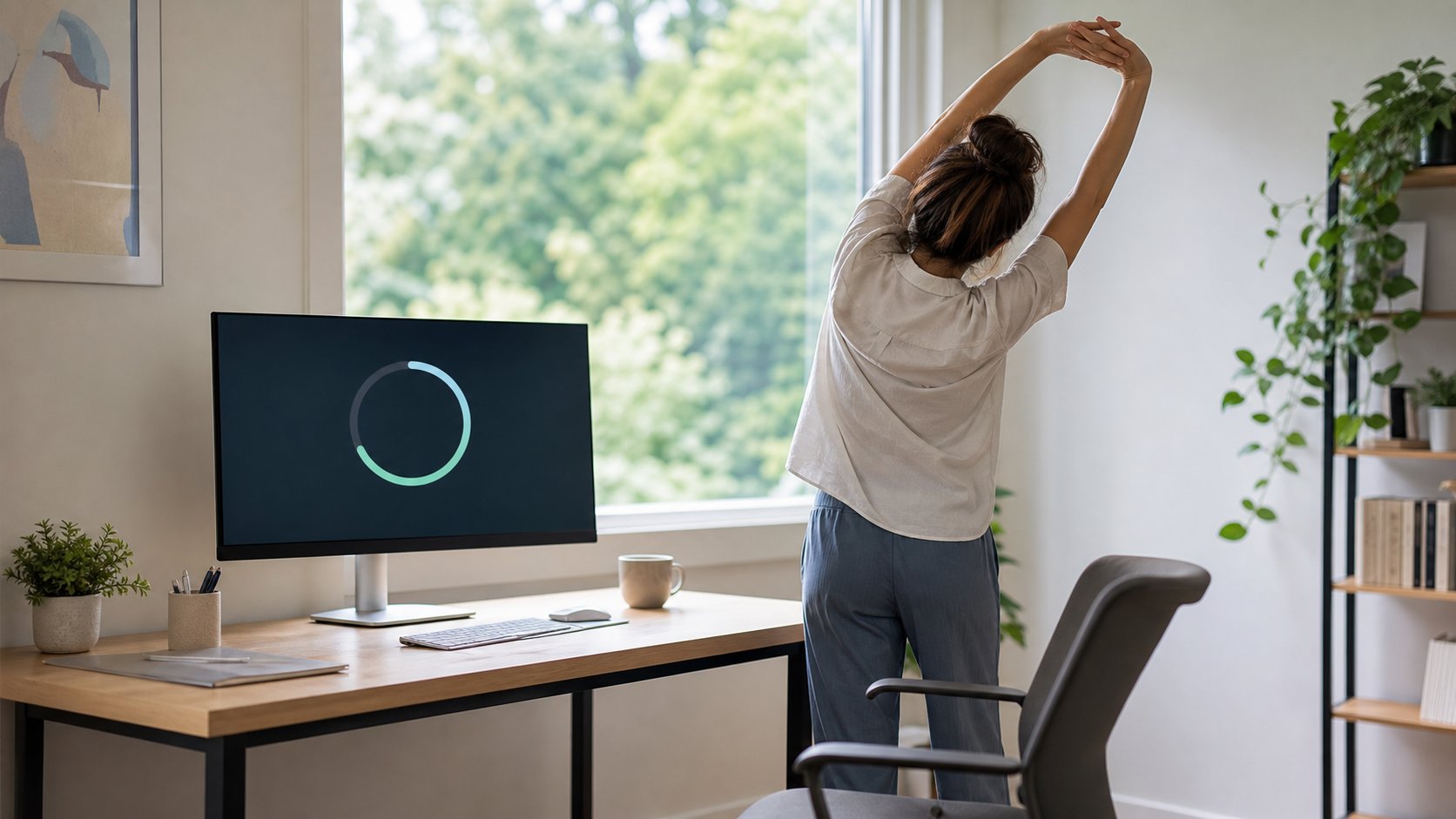
Use reminders to change position, look away or walk—not to replace sitting with an equal amount of static standing.
Download the Movement Break Schedule CSV
Quick picks
| Use case | Timer option | Platforms |
|---|---|---|
| Best free cross-platform app | Stretchly | Windows, macOS, Linux |
| Best structured RSI-style reminder | Workrave | Windows, Linux |
| Best Mac-focused timer | Time Out | macOS |
| Best simple open-source timer | BreakTimer | Windows, macOS, Linux |
| Best no-install option | System or phone timer | Most devices |
| Best for task-based intervals | Existing Pomodoro timer | Most devices |
Availability, signing requirements and operating-system support can change. Download software from official project pages and follow employer policy.
What a movement timer should do
A useful reminder should:
- Support short and long intervals
- Detect or account for natural breaks
- Pause during presentations or meetings
- Provide a quiet notification option
- Allow postponement without unlimited dismissal
- Work without unnecessary account creation
- Store little or no sensitive activity data
- Be easy to disable outside working hours
It should not shame the user, diagnose a condition or demand unsafe movement.
1. Stretchly: best free cross-platform option
Stretchly is an open-source desktop application that schedules short and long breaks. It monitors idle time, can pause during Do Not Disturb and allows interval and notification customization.
Best for: people using Windows, macOS and Linux who want one consistent tool.
Strengths: open source, configurable, no subscription and active community project.
Trade-offs: an Electron application uses more resources than a simple system timer, and installation on managed devices may be restricted.
Use the official Stretchly repository for current releases and security information.
2. Workrave: best structured reminder
Workrave provides microbreaks, rest breaks and a daily usage limit. It can respond to keyboard and mouse activity rather than only wall-clock time.
Best for: Windows and Linux users who want stricter, layered reminders.
Strengths: open source, mature scheduling and distinct microbreak and rest-break concepts.
Trade-offs: interface and platform support may feel less current than newer tools. Exercise prompts are generic and not medical prescriptions.
Check Workrave’s official site for supported builds.
3. Time Out: best Mac-focused timer
Time Out schedules “normal” and “micro” breaks and can detect natural pauses. The core application is available for macOS, with optional supporter features.
Best for: Mac users who want a native-focused utility and detailed scheduling.
Strengths: two break scales, visual customization and Mac integration.
Trade-offs: macOS only, and some advanced features depend on the current purchase model.
Verify OS requirements on the Time Out product page, especially when using an older Mac.
4. BreakTimer: best simple open-source schedule
BreakTimer is a lightweight break-reminder project with configurable schedules, working hours, idle detection and notifications.
Best for: people who want fewer health claims and a straightforward timer.
Strengths: cross-platform and open source.
Trade-offs: a smaller project can have slower releases or less enterprise support than commercial software.
Review the official BreakTimer site and source before installation.
5. Built-in timer: best no-install option
Use the operating system’s clock, phone timer, smartwatch or calendar notifications.
Best for: managed work devices, simple schedules and privacy.
Strengths: no additional software, familiar controls and low setup cost.
Trade-offs: no idle detection, easy dismissal and limited distinction between natural and prompted breaks.
Set repeating alarms only during working hours. Choose a quiet cue during calls.
6. Pomodoro timer: best task-based option
A Pomodoro timer can pair focused work with a short position change every 25–50 minutes.
Best for: people who already use timed task blocks.
Strengths: connects movement to a workflow boundary.
Trade-offs: rigid intervals can interrupt deep work or create too many alerts.
The Pomodoro guide explains 25/5, 45/10 and shorter adaptations.
Standing is not the only break
A timer labeled “stand” can encourage static standing as a target. Rotate among:
- Look farther away
- Stand briefly
- Sit with different support
- Walk to another room
- Refill water
- Change task
- Relax the hands
- Step outside where safe
NIOSH’s prolonged-standing review identifies dynamic movement as more useful than simply standing in one place for long periods.
Choose an interval
There is no universal sit-stand ratio.
Gentle starting schedule
- Every 25–30 minutes: look away and release input devices for 20–60 seconds
- Every 45–60 minutes: change position for 3–5 minutes
- Every 90–120 minutes: take a longer break away from the desk where work permits
Adapt for disability, health, role and clinical advice. Do not stand on command when dizzy, fatigued or unsafe.
Match reminders to the work
Writing or coding
Use a pre-break warning and let the reminder occur at a sentence, test or commit boundary.
Meetings
Stand only when camera, audio, privacy and task permit. Walking during a confidential or decision-heavy call can reduce attention.
Support work
Coordinate coverage. Use microbreaks that do not abandon a live queue.
Creative work
Use longer intervals if short alerts repeatedly break useful concentration.
Caregiving
Count natural movement. Do not add alerts to an already fragmented period.
Idle detection
An app that recognizes five minutes away from the keyboard should normally reset or delay the next break. Otherwise, the worker returns from a walk to an immediate reminder.
Check what the app monitors. Idle detection should not require screenshots, keystroke content or unnecessary cloud analytics.
Privacy and security
Before installation, review:
- Data collected
- Local vs cloud storage
- Account requirement
- Analytics controls
- Auto-update source
- Code signing
- Accessibility permissions
- Employer approval
- Uninstall process
An open-source license does not automatically prove a binary is safe. Download from the official source and keep it updated.
Avoid alert fatigue
Too many reminders become invisible.
Improve adherence by:
- Starting with one interval
- Using a subtle sound or visual cue
- Disabling motivational text
- Allowing one intentional postponement
- Pausing during meetings
- Turning alerts off after work
- Reviewing weekly rather than adding more alerts
If you dismiss 90 percent of reminders, change the schedule or remove the tool.
Make the break actionable
A notification should name a small option:
Change position, look across the room or walk for two minutes.
Avoid long exercise routines that require equipment or interrupt shared work. Generic stretches may be inappropriate for an injury.
Accessibility
Check:
- Keyboard navigation
- Screen-reader labels
- Reduced motion
- Color contrast
- Sound alternatives
- Adjustable duration
- Ability to postpone safely
- Support for switch or voice control
A forced full-screen break can block assistive technology or urgent communication.
Test for one week
Day 1
Set one 50-minute position-change reminder.
Day 2
Enable a short visual-break cue.
Day 3
Review meeting interruptions.
Day 4
Test idle detection.
Day 5
Count useful breaks and dismissals.
Keep the app only if it changes behavior with acceptable interruption.
Common mistakes
Standing every time regardless of symptoms. Choose a safe change.
Installing several apps. One cue is enough.
Using alerts to intensify the day. Breaks need actual time.
Ignoring natural movement. The app should recognize it.
Forcing reminders during presentations. Use schedule awareness.
Treating the count as health data. It is a prompt, not a diagnosis.
Installing unapproved software. Follow workplace security rules.
Final recommendation
Choose Stretchly for a free cross-platform tool, Workrave for structured limits, Time Out for macOS, BreakTimer for a simpler open-source option or a built-in timer when no installation is appropriate.
Begin with one position-change reminder every 45–60 minutes and adjust from real behavior. The goal is not to obey every alert or maximize standing—it is to reduce long unbroken periods in any one position.