The Complete Ergonomic Home Office Guide
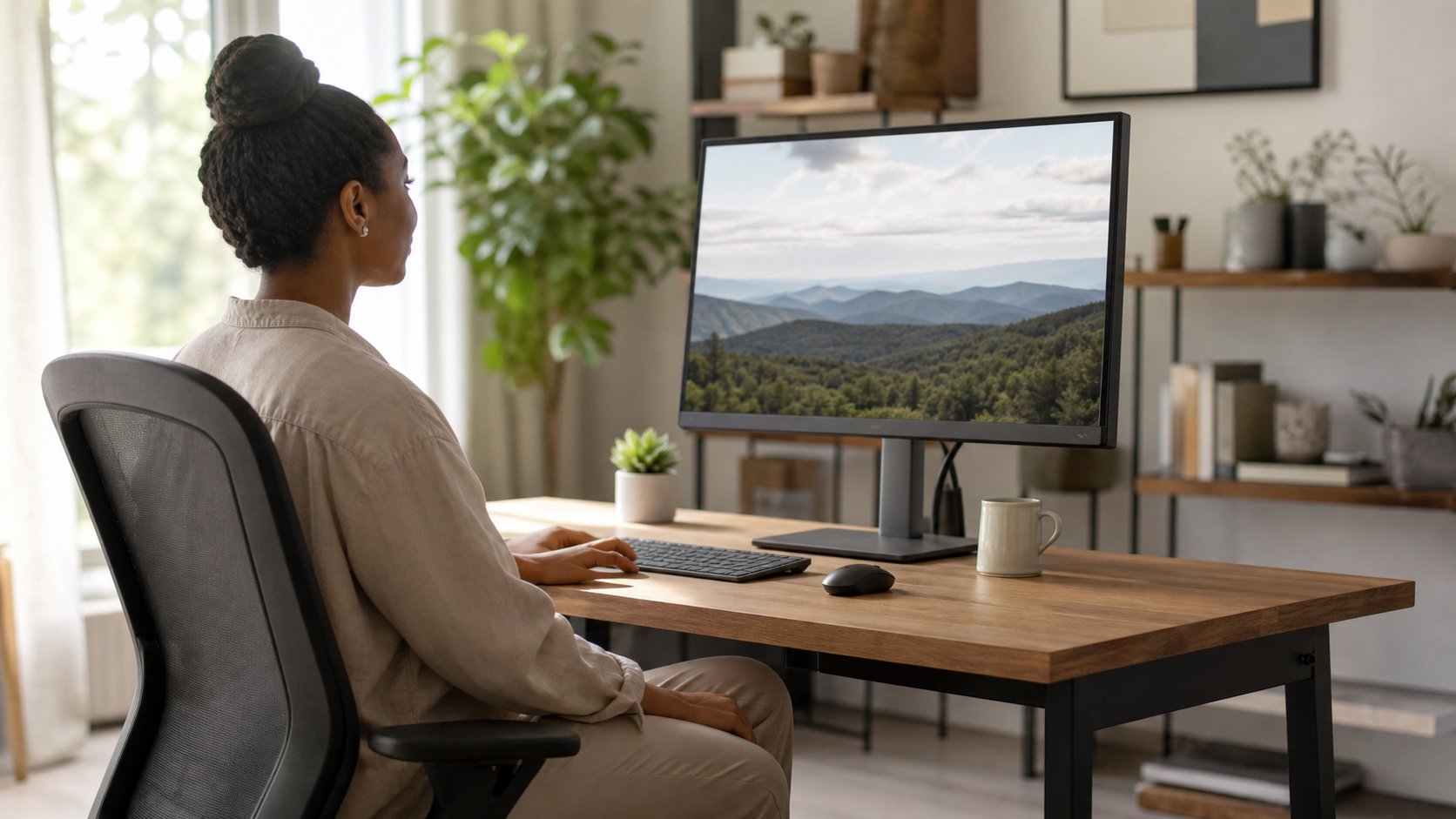
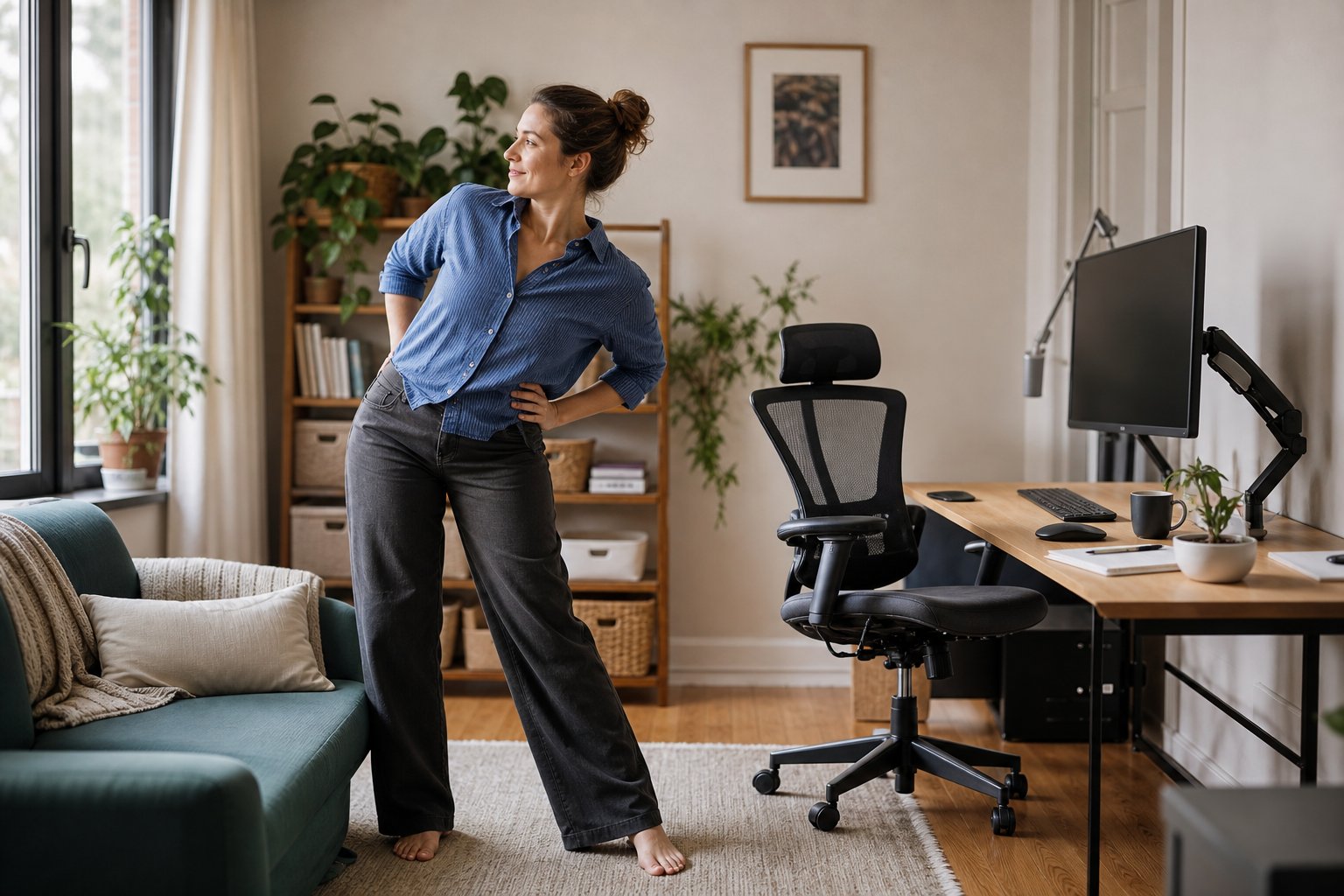
Use fit, support and movement to create a home workstation that reduces avoidable strain without chasing a single perfect posture.
Read the guideEvidence-based adjustments, equipment and habits for working with less strain and more comfort.
Use fit, support and movement to create a home workstation that reduces avoidable strain without chasing a single perfect posture.
Read the guideLearn how the 20-20-20 rule works, what it can and cannot do, and how to build distance viewing, blinking and movement into a realistic remote workday.
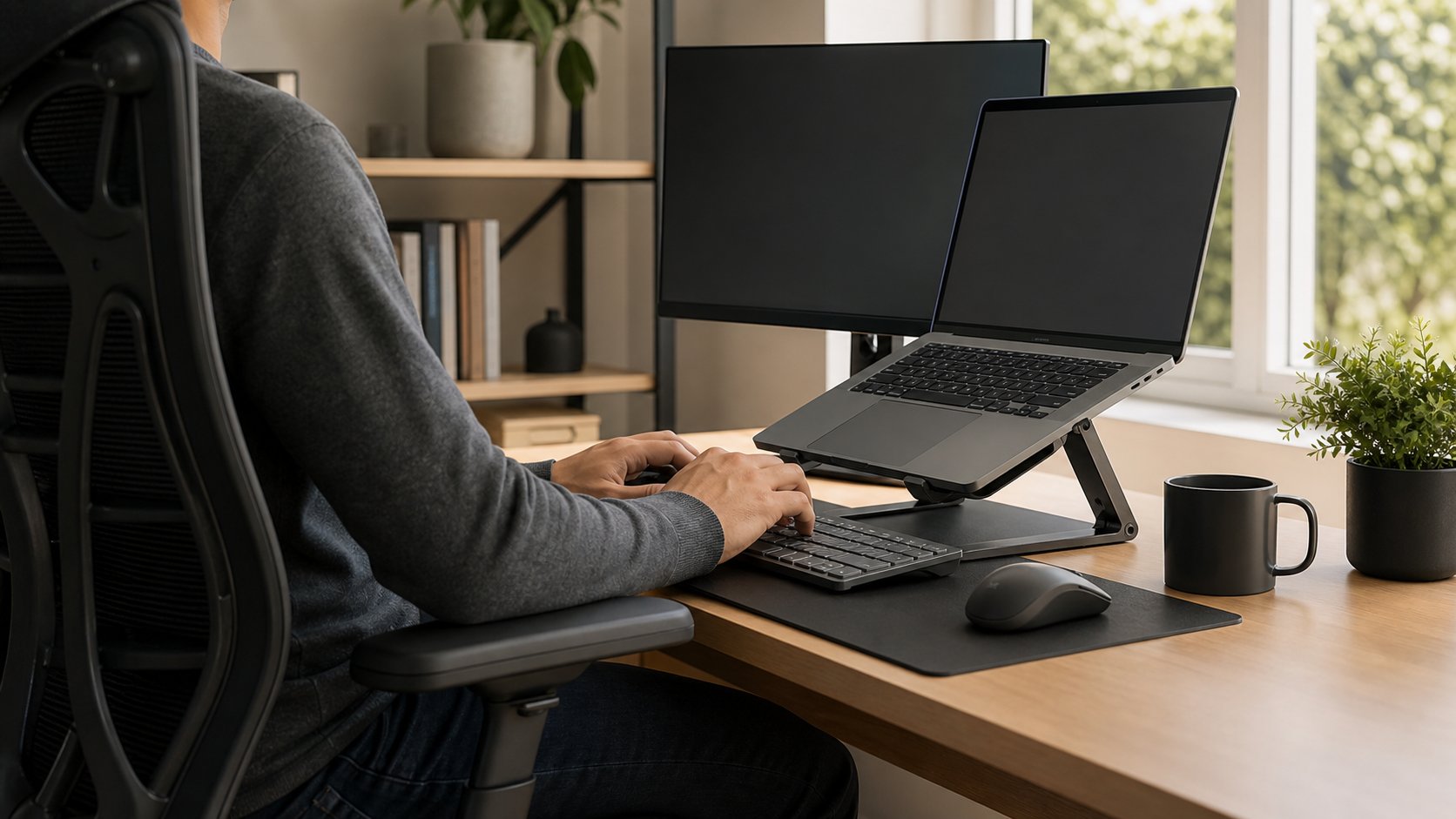
Read the guideSet up an ergonomic laptop workstation with the right screen height, separate input devices, chair support and portable options for home or travel.
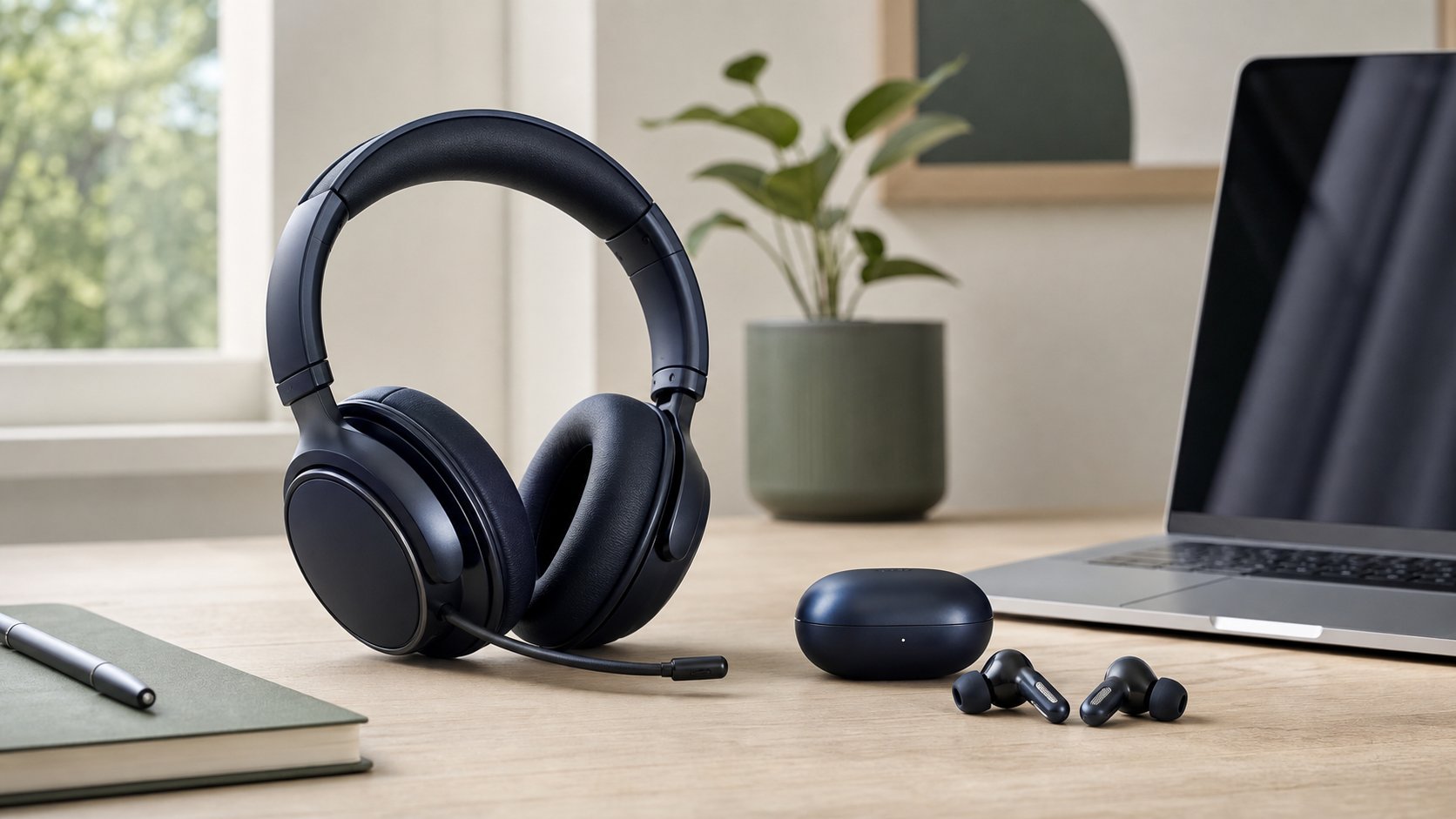
Read the guideCompare headsets and earbuds for remote work by microphone clarity, all-day comfort, battery life, hearing safety, room noise, portability and device compatibility.
Read the guideDo blue light glasses reduce digital eye strain or improve sleep? Review the evidence, marketing claims and practical alternatives for common screen discomfort.
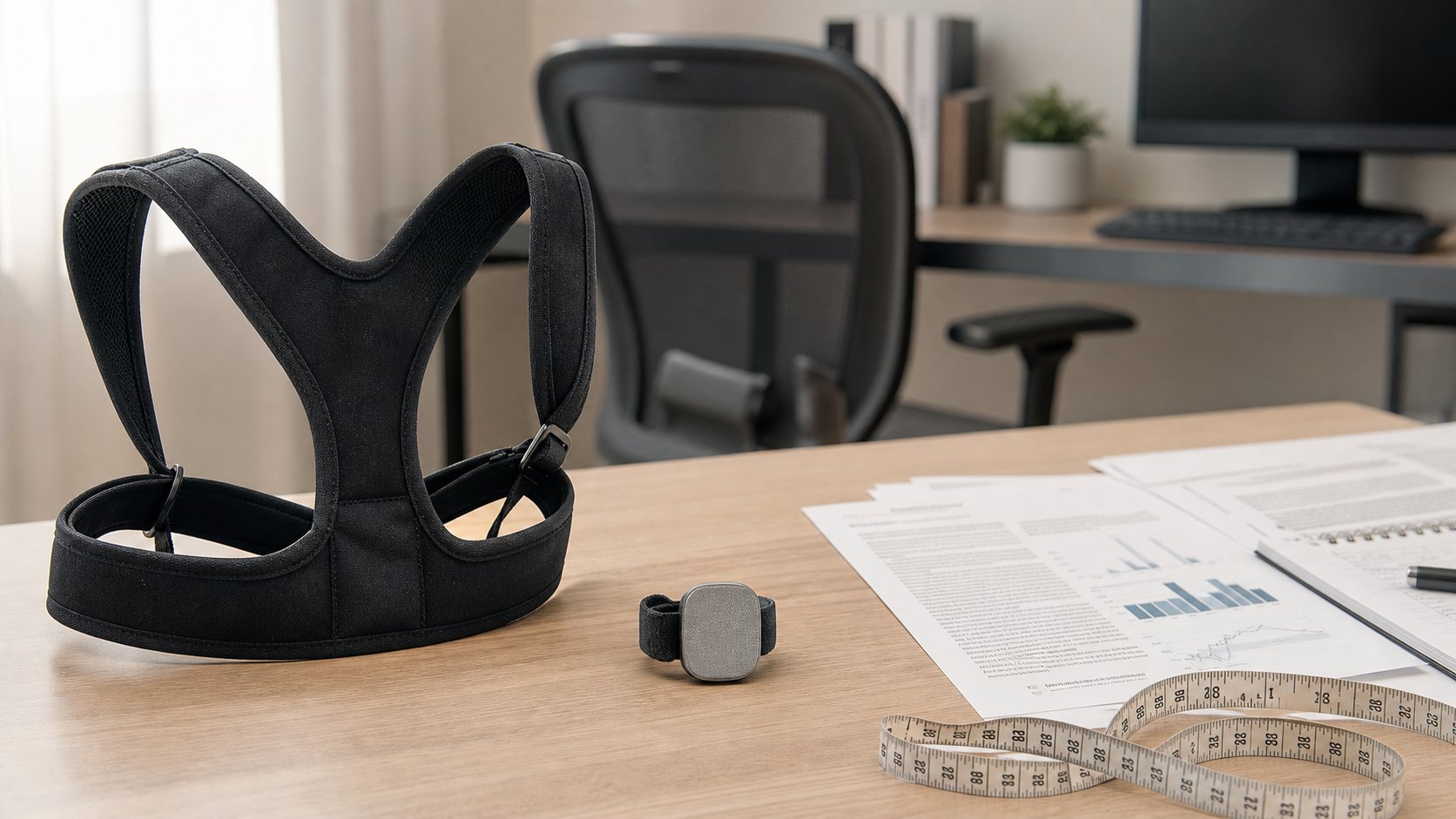
Read the guideReview evidence for posture braces, shirts and wearable sensors, including short-term feedback, uncertain lasting benefits, fit risks and better desk alternatives.
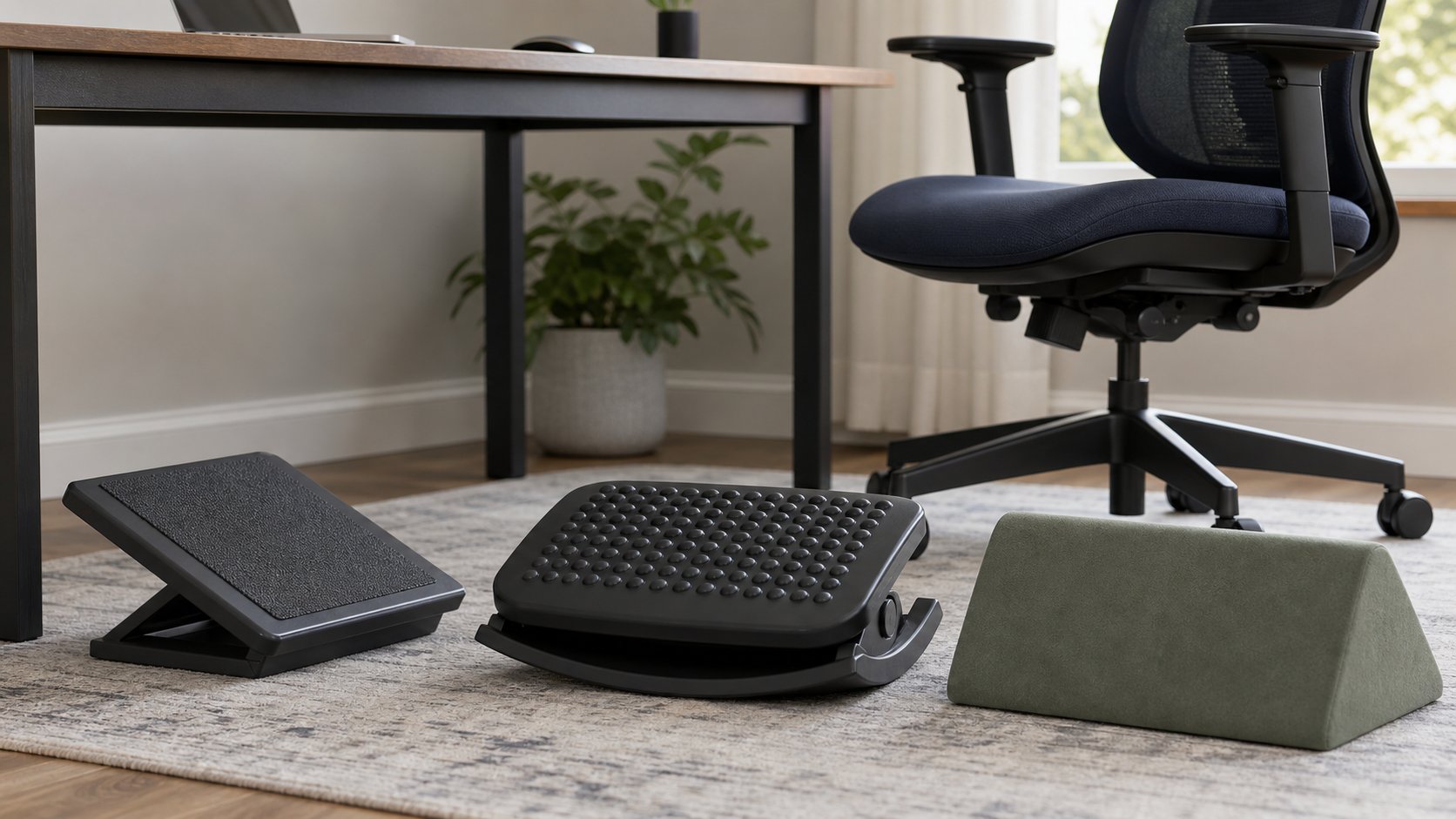
Read the guideCompare five ergonomic footrest designs by height, angle, movement, firmness and floor grip, then use a simple fit test to coordinate the footrest with your chair.
Read the guideReduce neck strain while working from home with practical changes to monitor height, laptop use, chair support, phone habits, lighting, movement and workload.
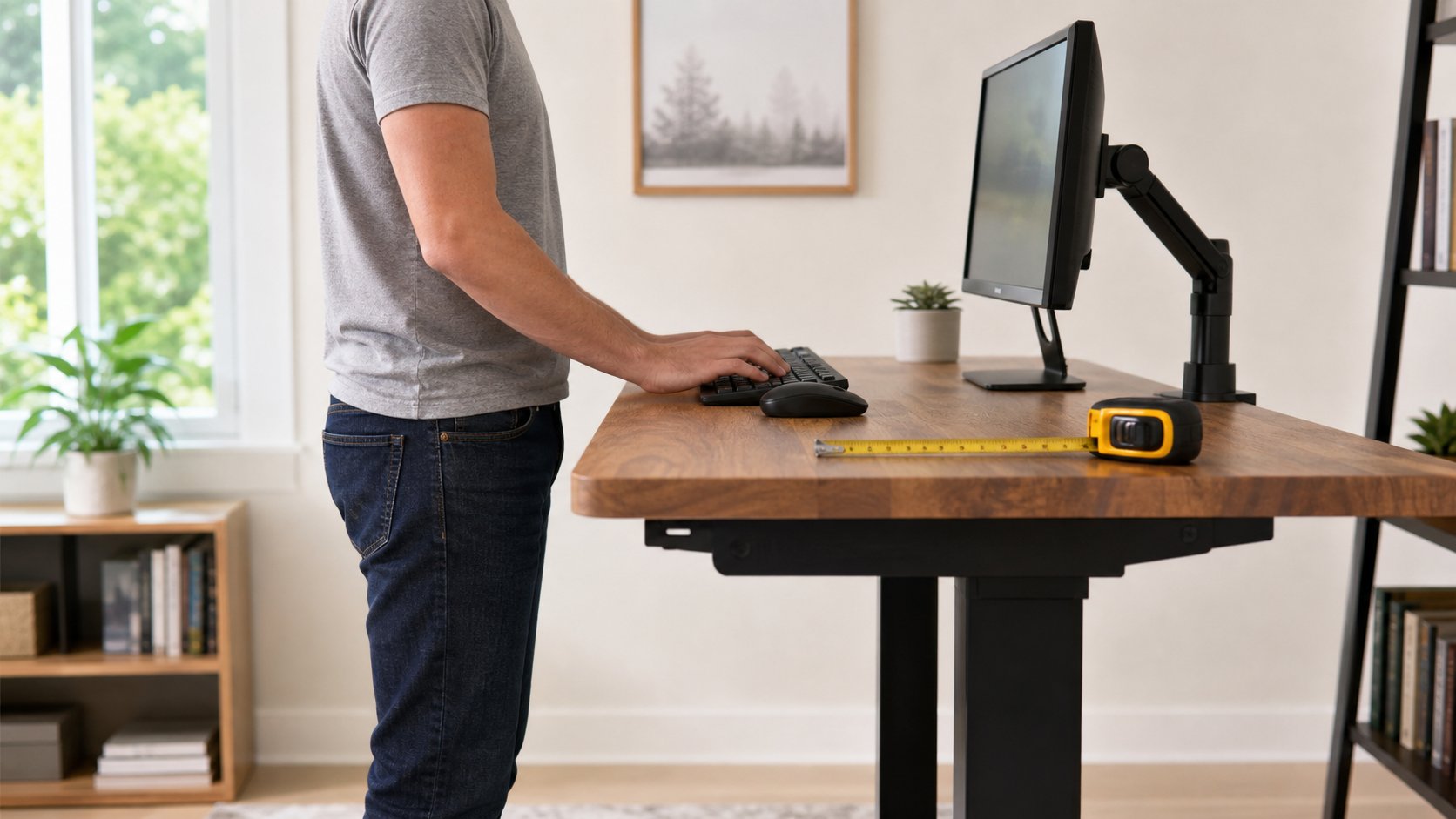
Read the guideEstimate standing desk and monitor height from your body height, then refine the setup using relaxed elbows, neutral wrists and comfortable viewing.
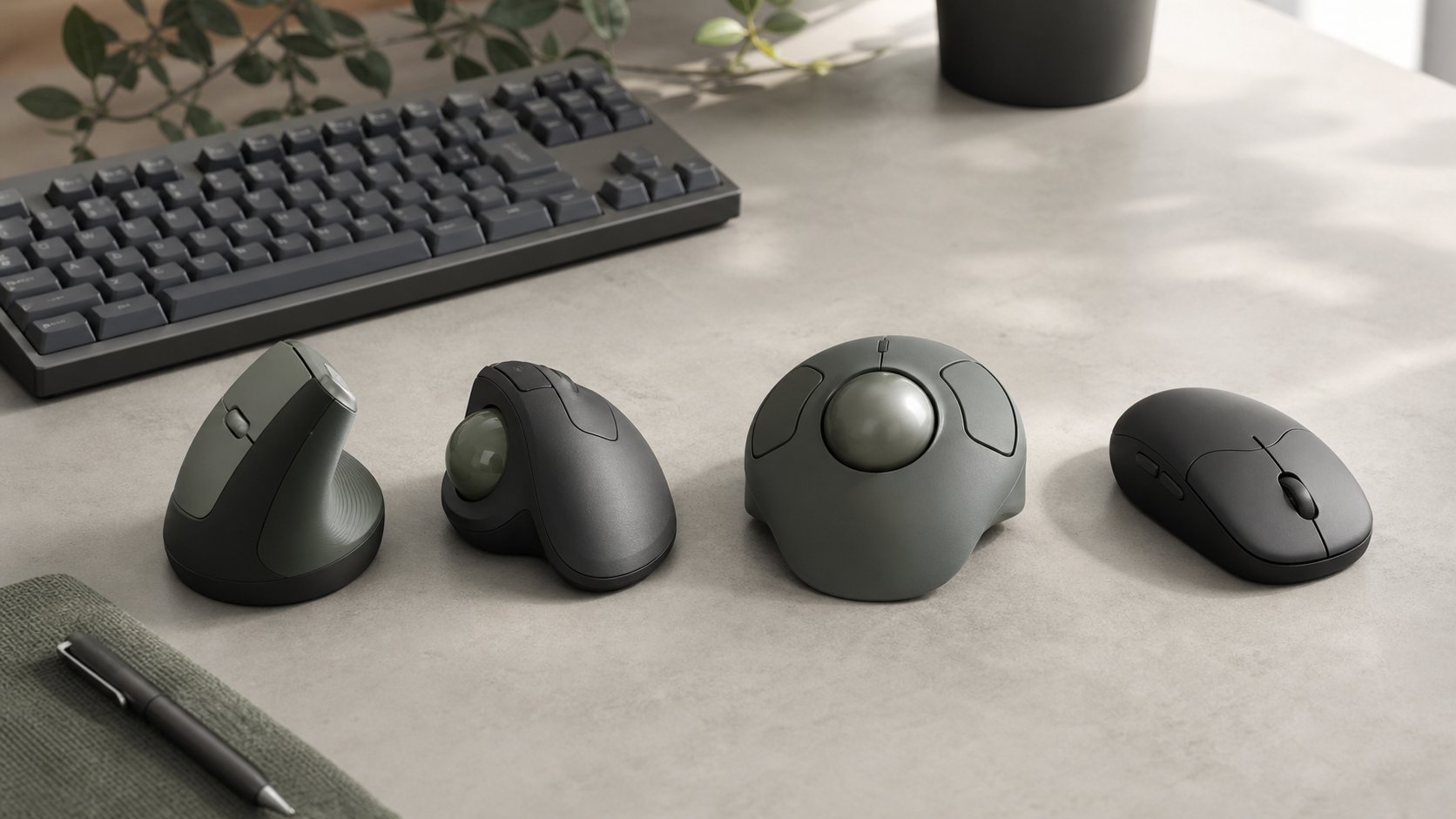
Read the guideCompare vertical mice, thumb trackballs, finger trackballs and conventional designs by hand fit, movement, precision and software, with five practical options.
Read the guideReduce digital eye strain by correcting glare, screen distance, text size, blinking and work patterns—and learn when computer-related symptoms need professional care.
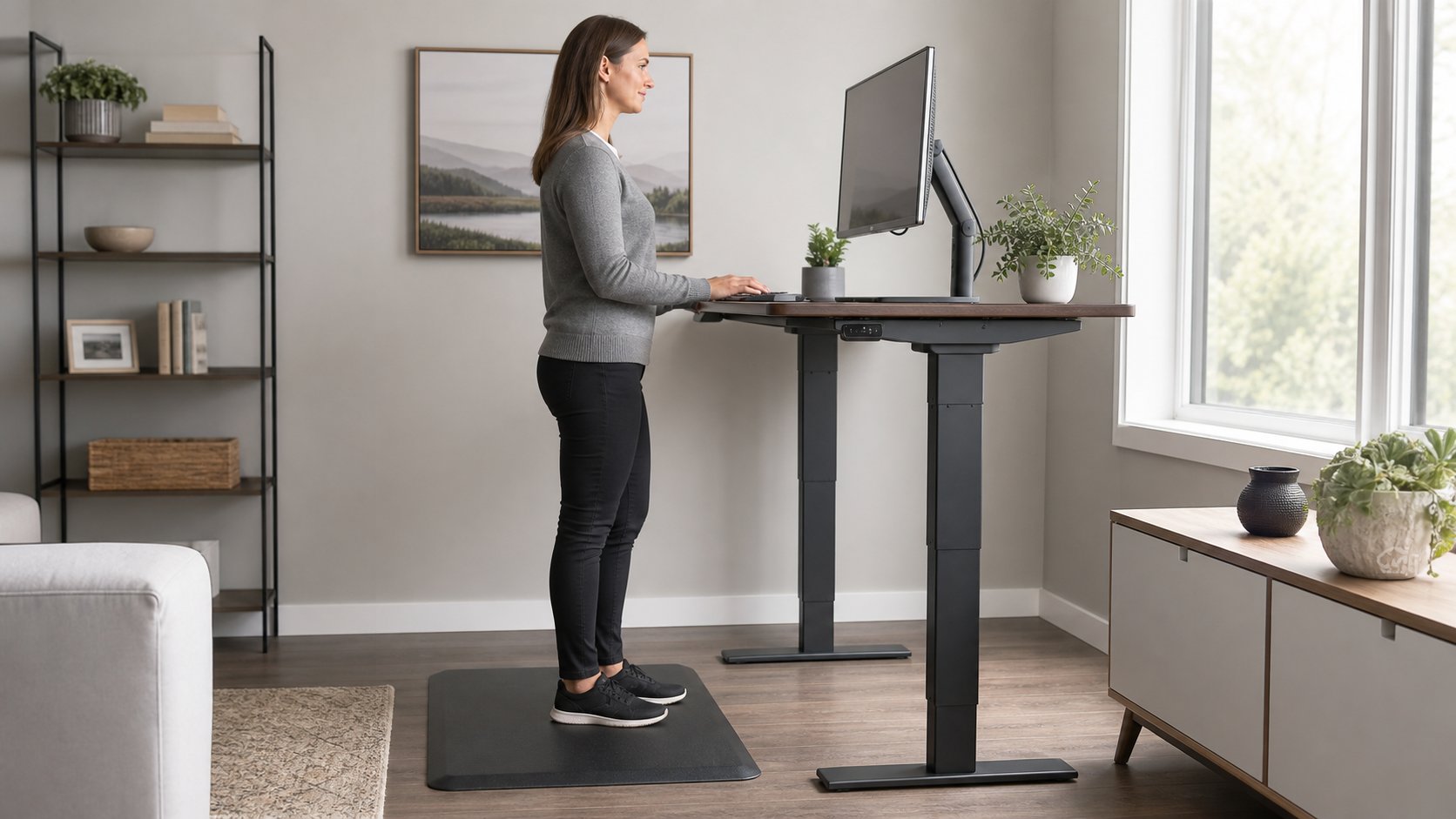
Read the guideLearn what anti-fatigue mats can and cannot do for standing work, how to choose safe firmness and edges, and why movement still matters more than standing all day.
Read the guideAddress avoidable home-office strain with ten practical changes to chair fit, desk height, monitor position, movement and workload—plus signs that need medical care.
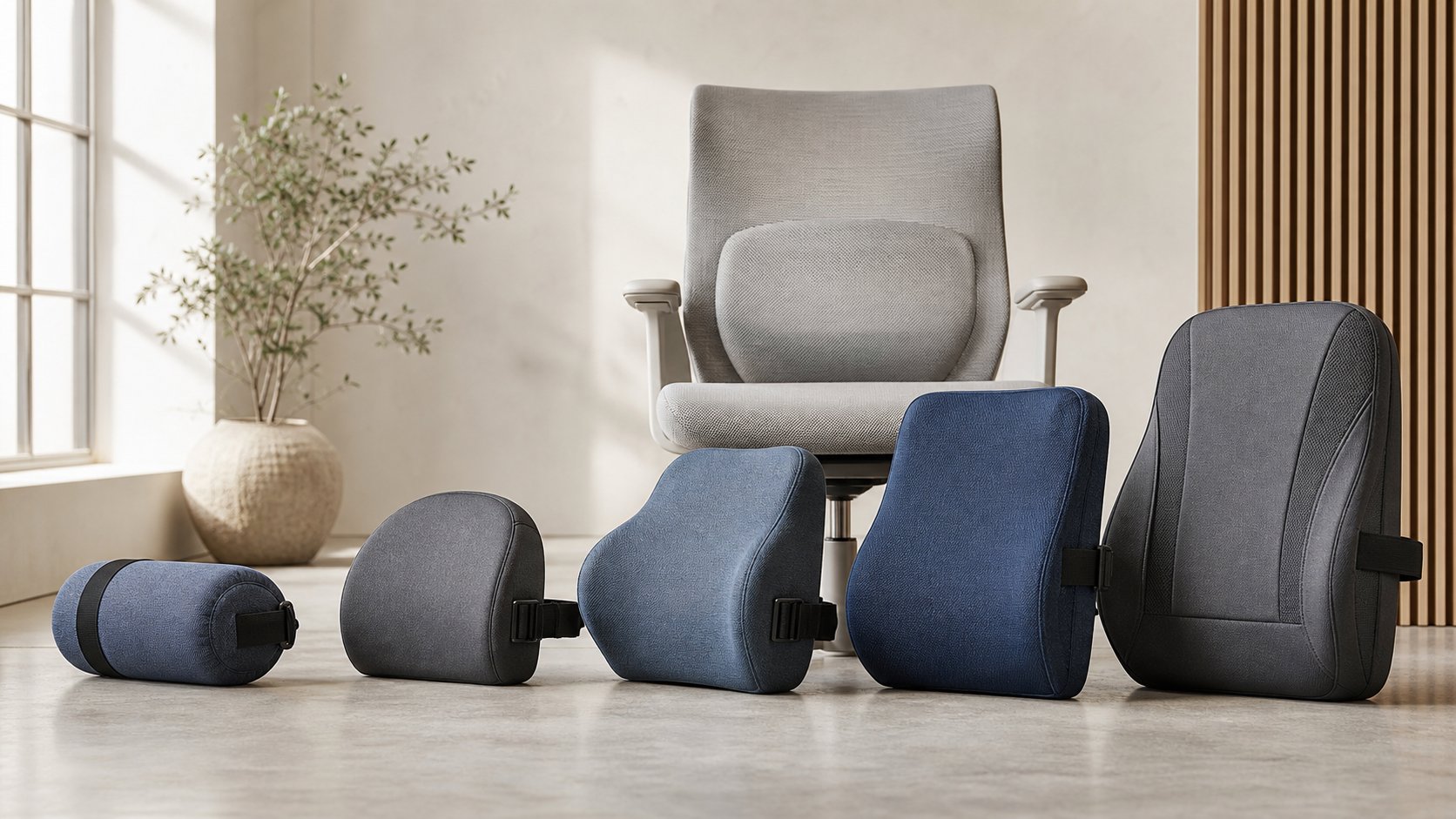
Read the guideCompare five lumbar support cushions by profile, firmness, chair fit, straps and lost seat depth, then run a five-day trial before changing the workstation.
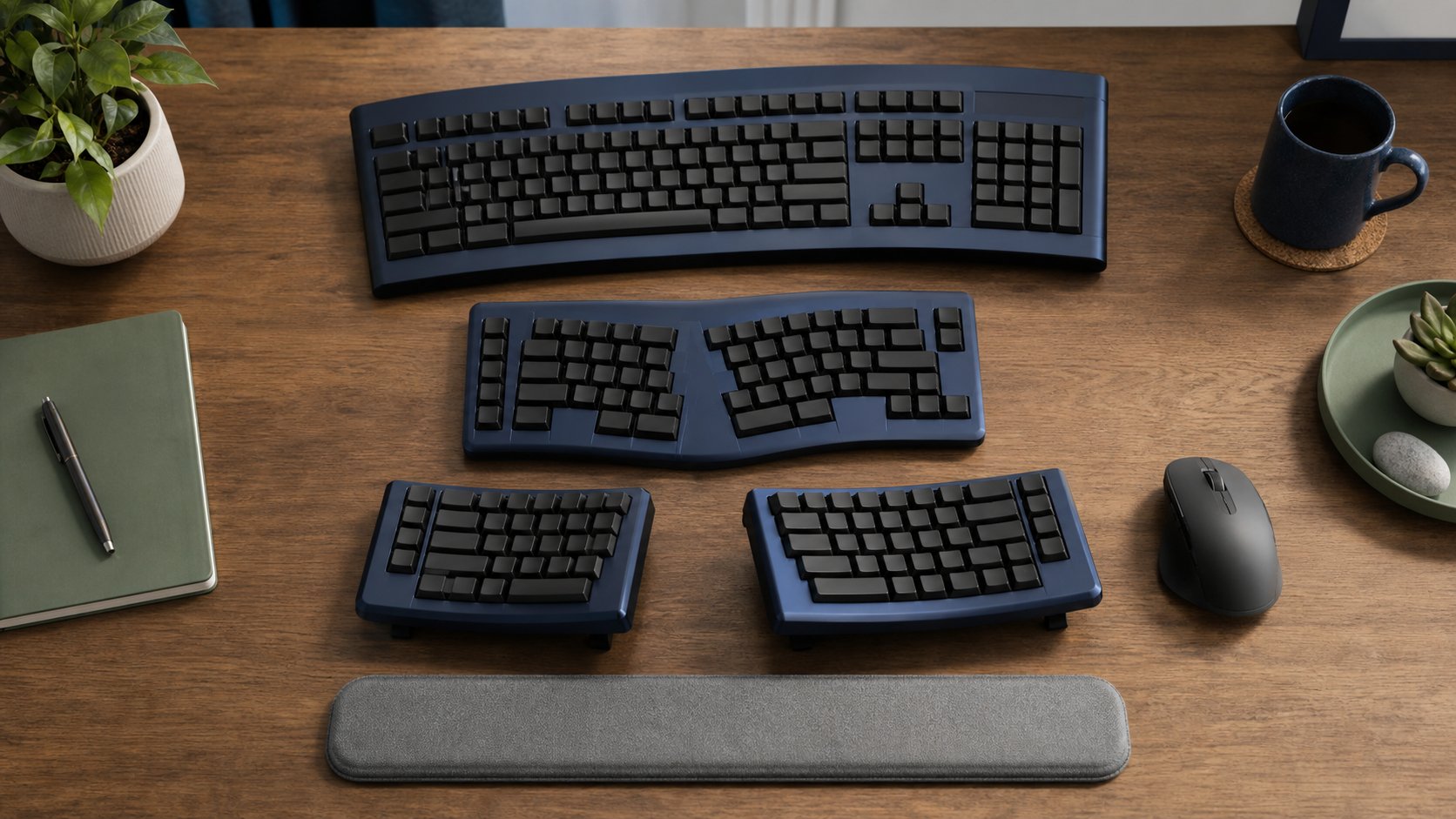
Read the guideCompare six curved, split and contoured ergonomic keyboards by separation, tenting, layout and learning curve, with a safe two-week method for changing your setup.
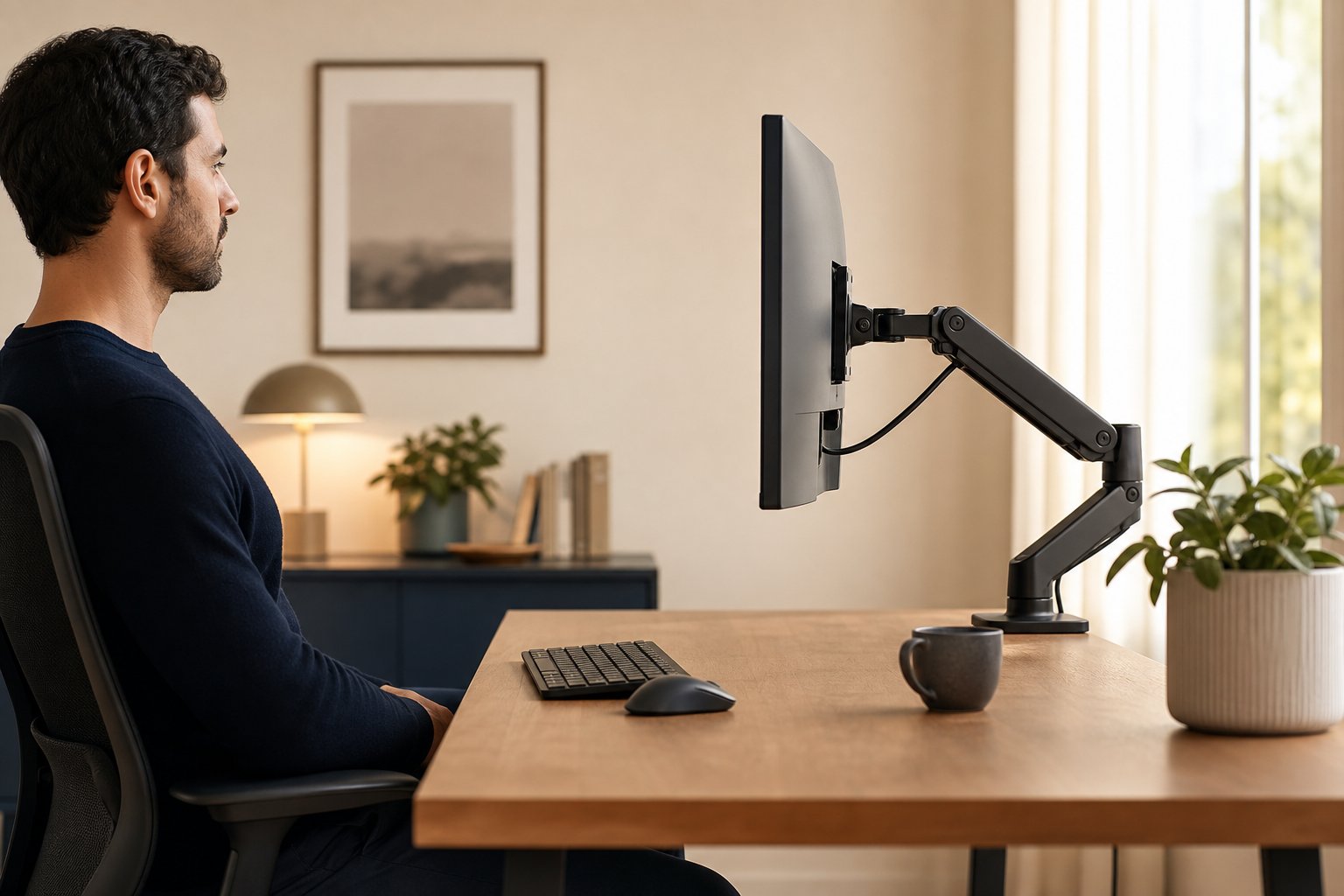
Read the guideSet monitor height, distance and angle together with a practical formula for single screens, large monitors, dual displays, laptops and progressive lenses.
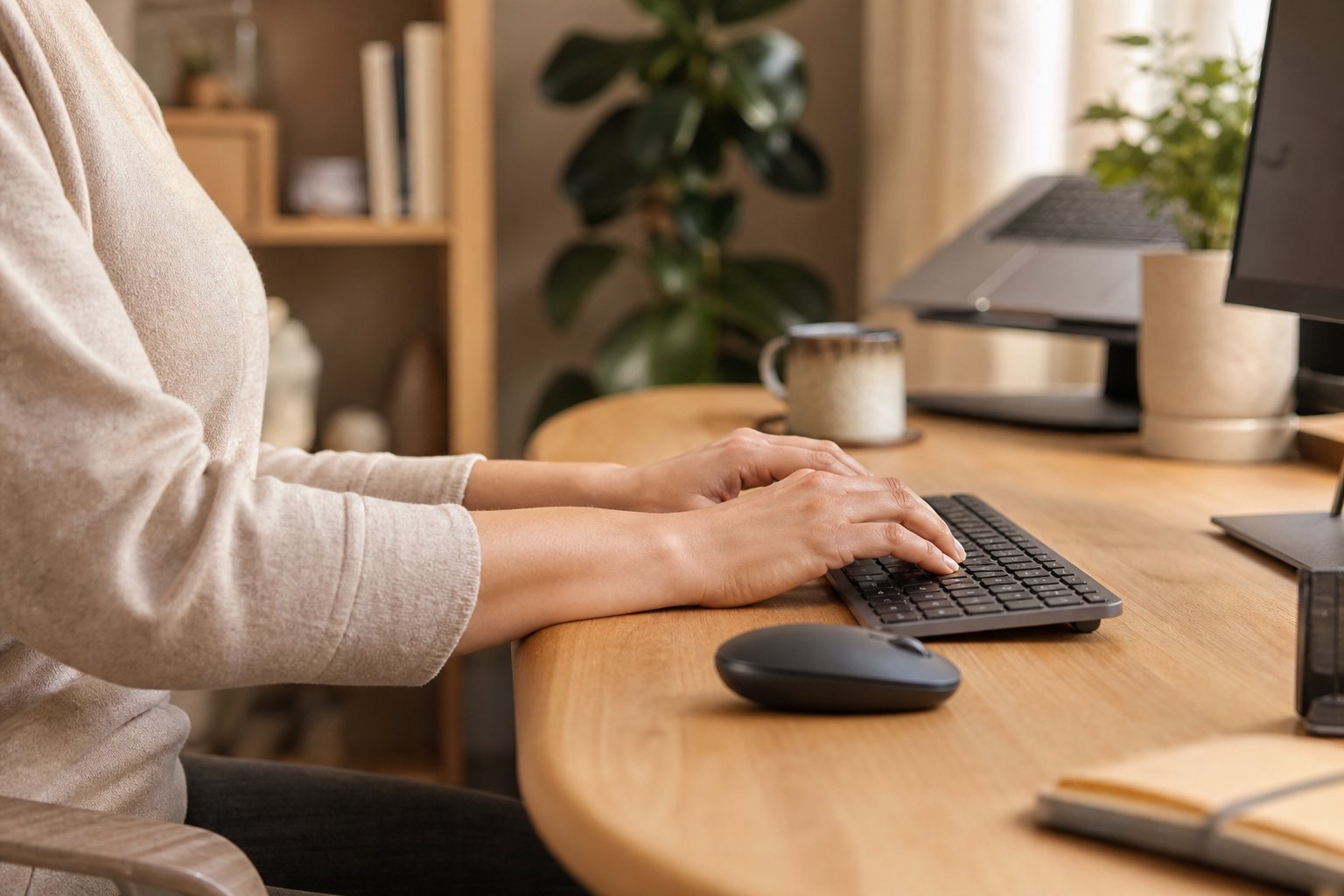
Read the guideReduce avoidable wrist strain from typing by adjusting keyboard height, mouse position, contact pressure and work patterns—and know when to seek medical care.
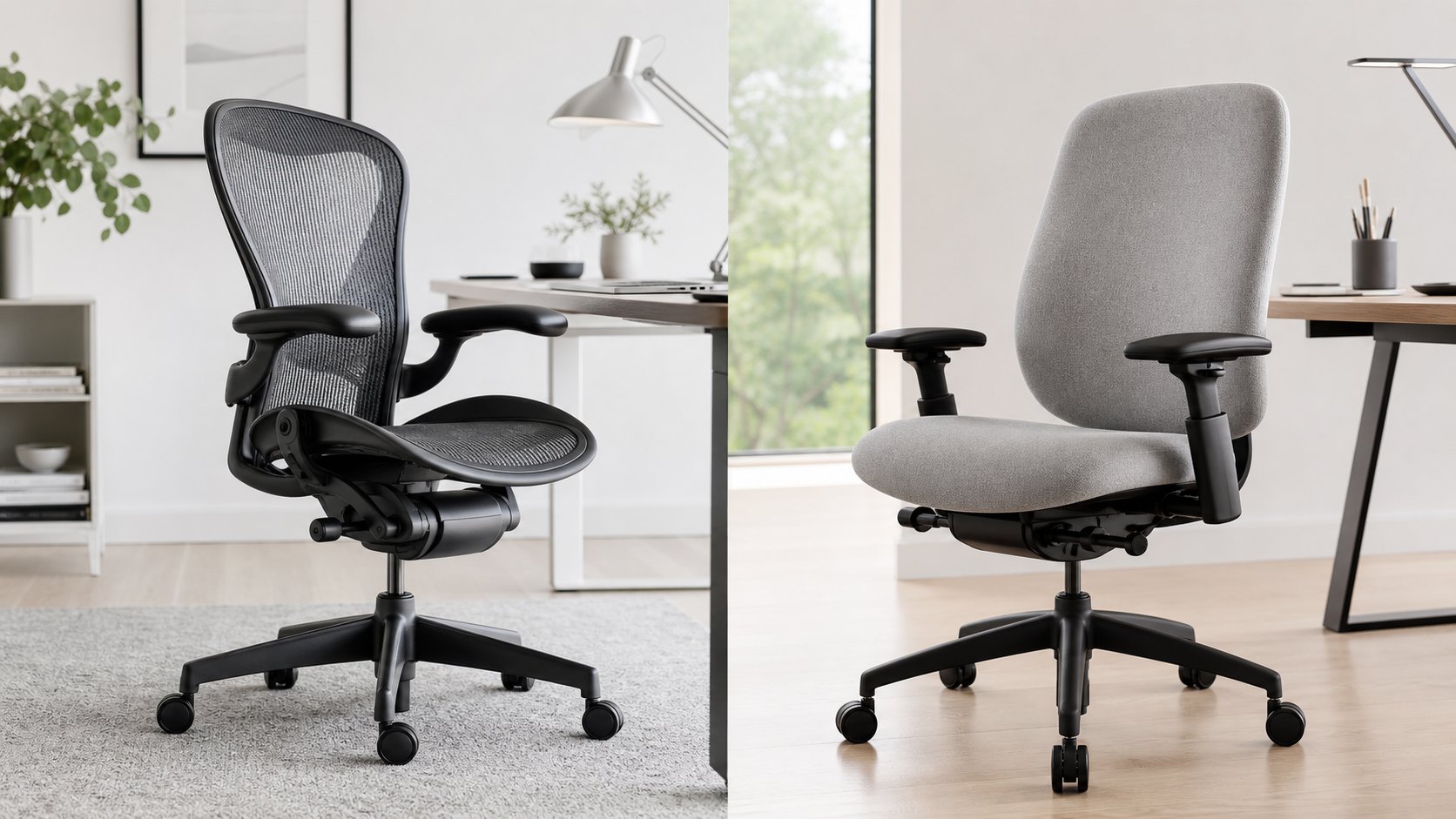
Read the guideCompare the Herman Miller Aeron and Steelcase Leap by seat feel, sizing, depth, recline, arms, lumbar controls, warranty and used-chair inspection points.
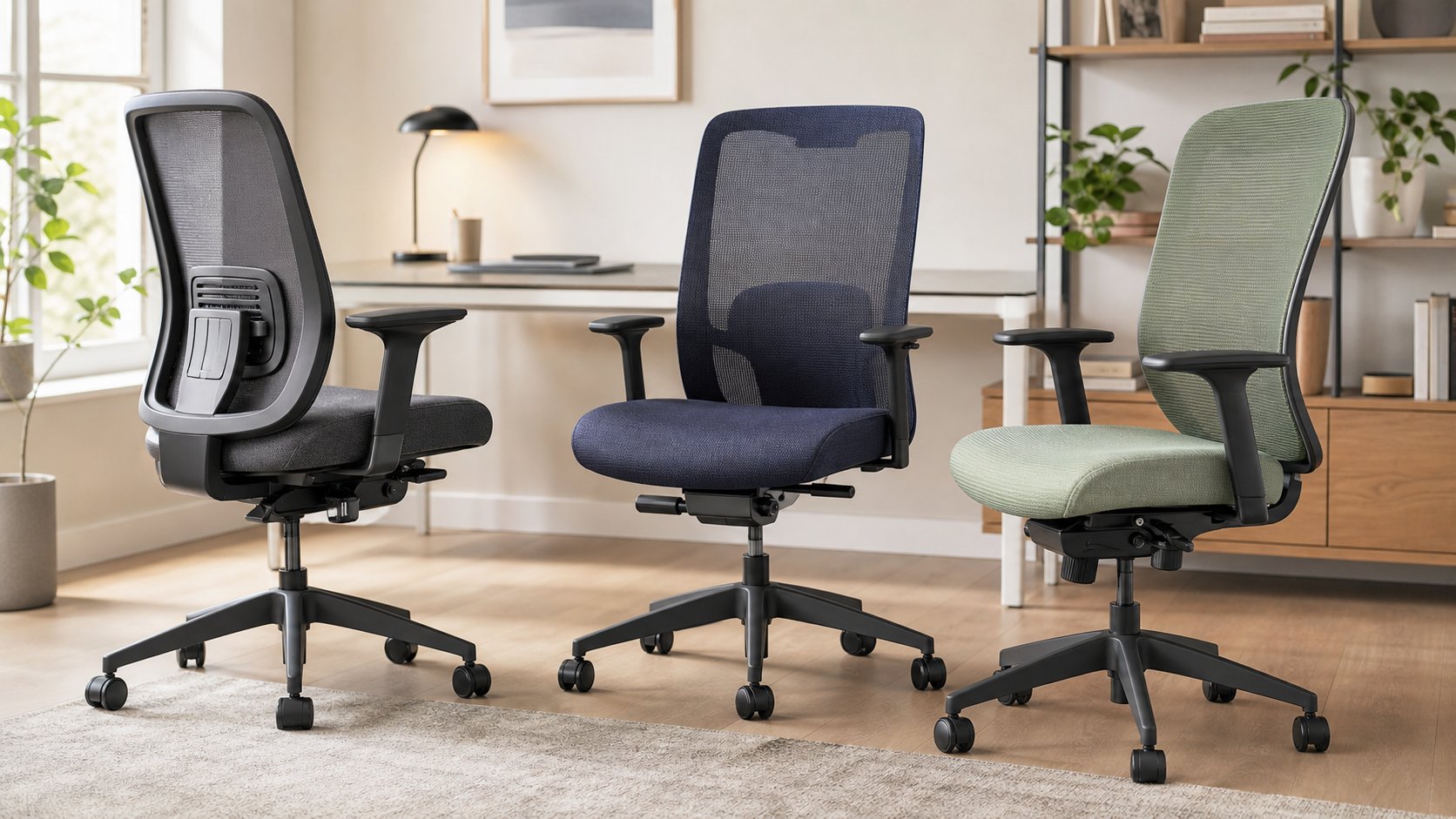
Read the guideCompare six office chairs commonly sold below $500 by seat range, lumbar support, arm adjustment and warranty, then use a fit-first checklist before ordering.
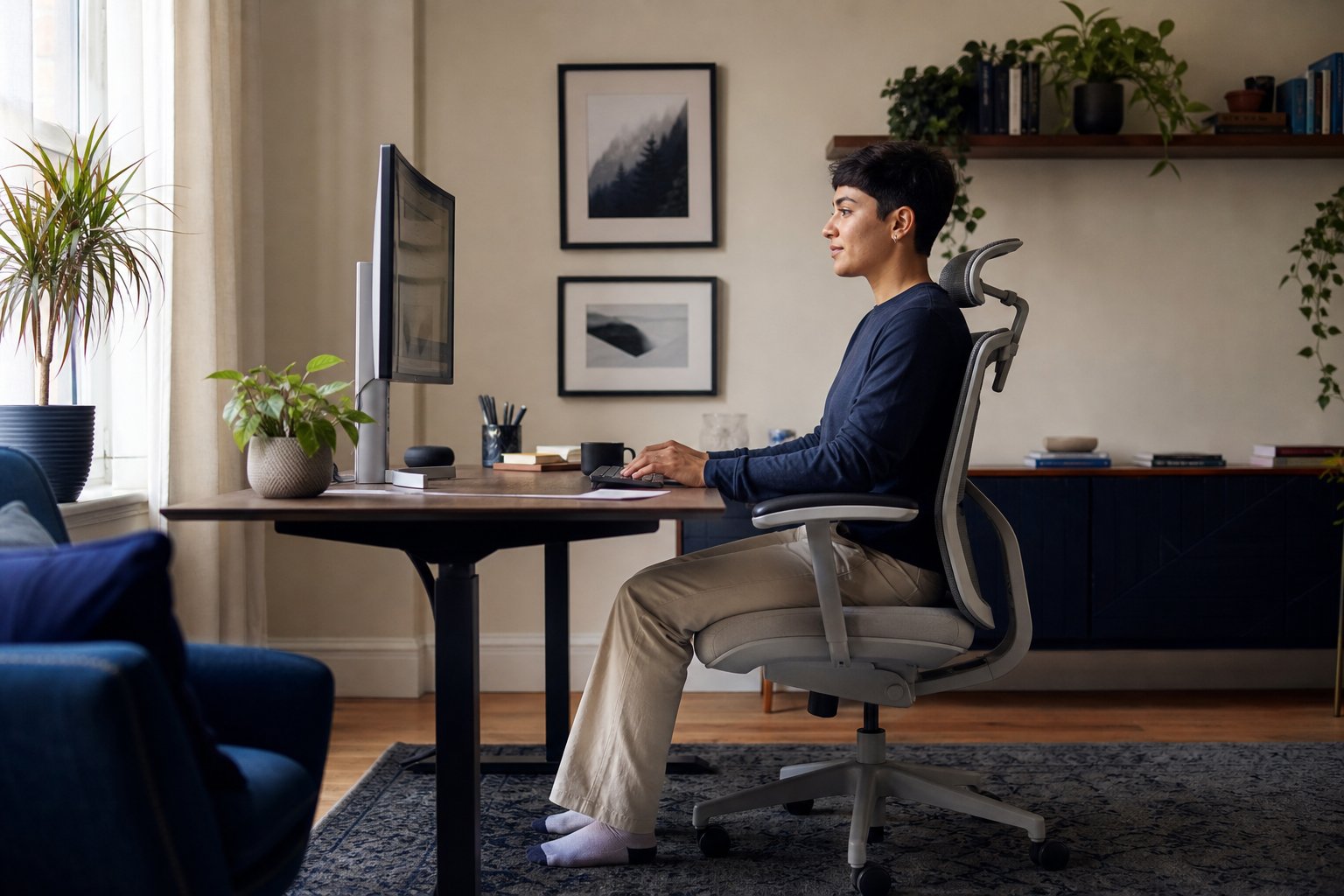
Read the guideAdjust your chair, desk, monitor and input devices in the right order for a supported starting posture—and learn why movement matters more than sitting perfectly.
Read the guide