Back Pain While Working from Home: 10 Practical Changes
Address avoidable home-office strain with ten practical changes to chair fit, desk height, monitor position, movement and workload—plus signs that need medical care.
What to know first
- Neutral, supported positions matter more than perfect posture.
- Movement throughout the day is part of the setup.
- Persistent pain deserves advice from a qualified clinician.
Back pain while working from home is not proof that one chair or posture caused the problem. Pain can have many contributors, including workload, prolonged stillness, previous injury, stress, sleep, fitness and health conditions. A better workstation can reduce avoidable strain, but it cannot diagnose or treat the underlying cause.
Seek urgent medical care according to local guidance if back pain follows significant trauma or occurs with new bowel or bladder problems, numbness around the genitals or buttocks, new severe leg weakness, fever or other concerning symptoms. Arrange professional assessment for persistent, worsening, severe or unexplained pain, pain with unintended weight loss, or symptoms that spread with numbness or weakness.
For ordinary desk-related discomfort, begin with the ten changes below.
1. Stop searching for one perfect posture
A supported posture is a useful starting point, not a position to hold all day. Sit with feet supported, the backrest meeting your back and the keyboard close enough that you do not lean forward.
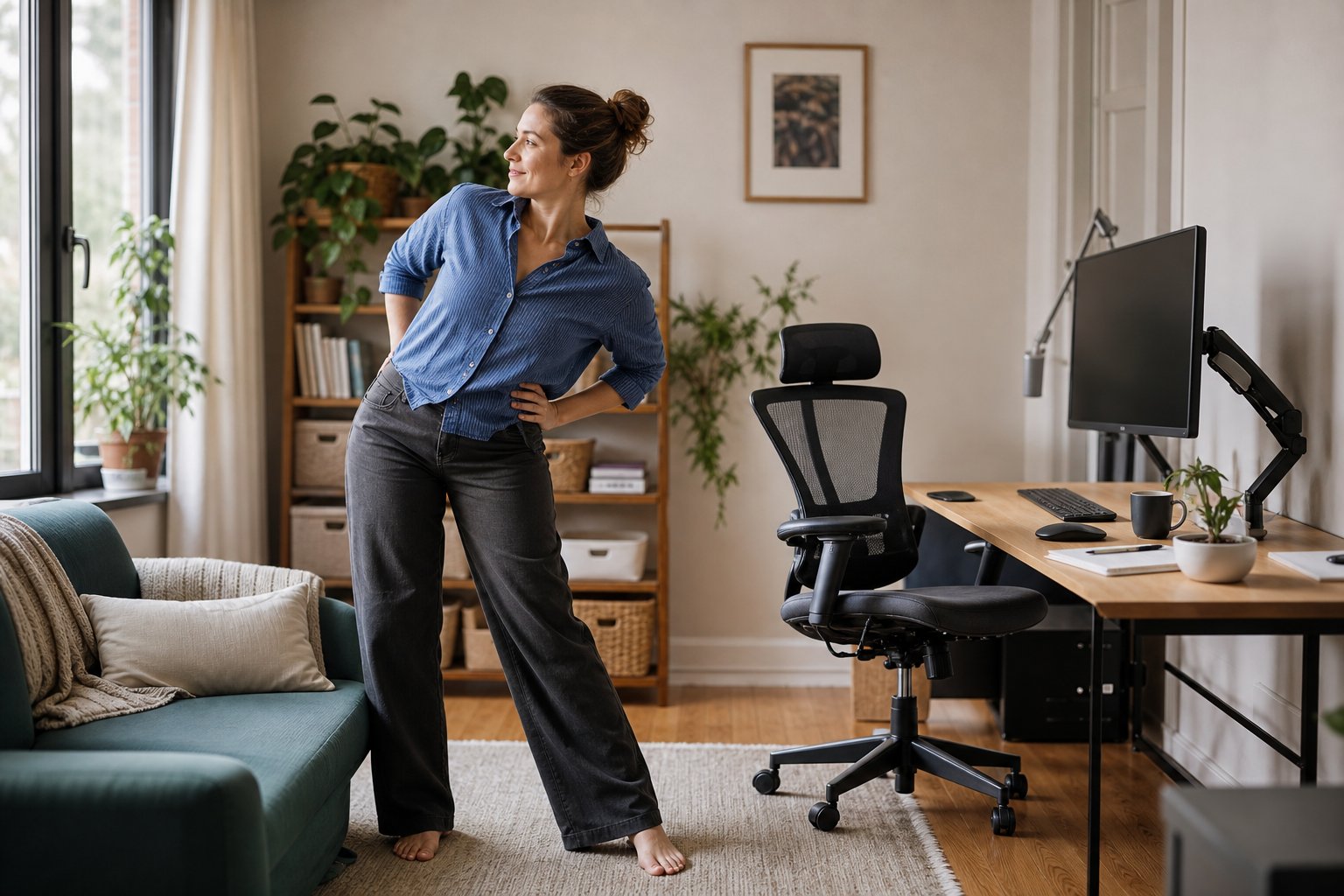
Then vary the position. Recline slightly for reading, stand for a short call, walk between tasks and use different supported sitting angles.
Stillness can become uncomfortable even in an attractive ergonomic diagram.
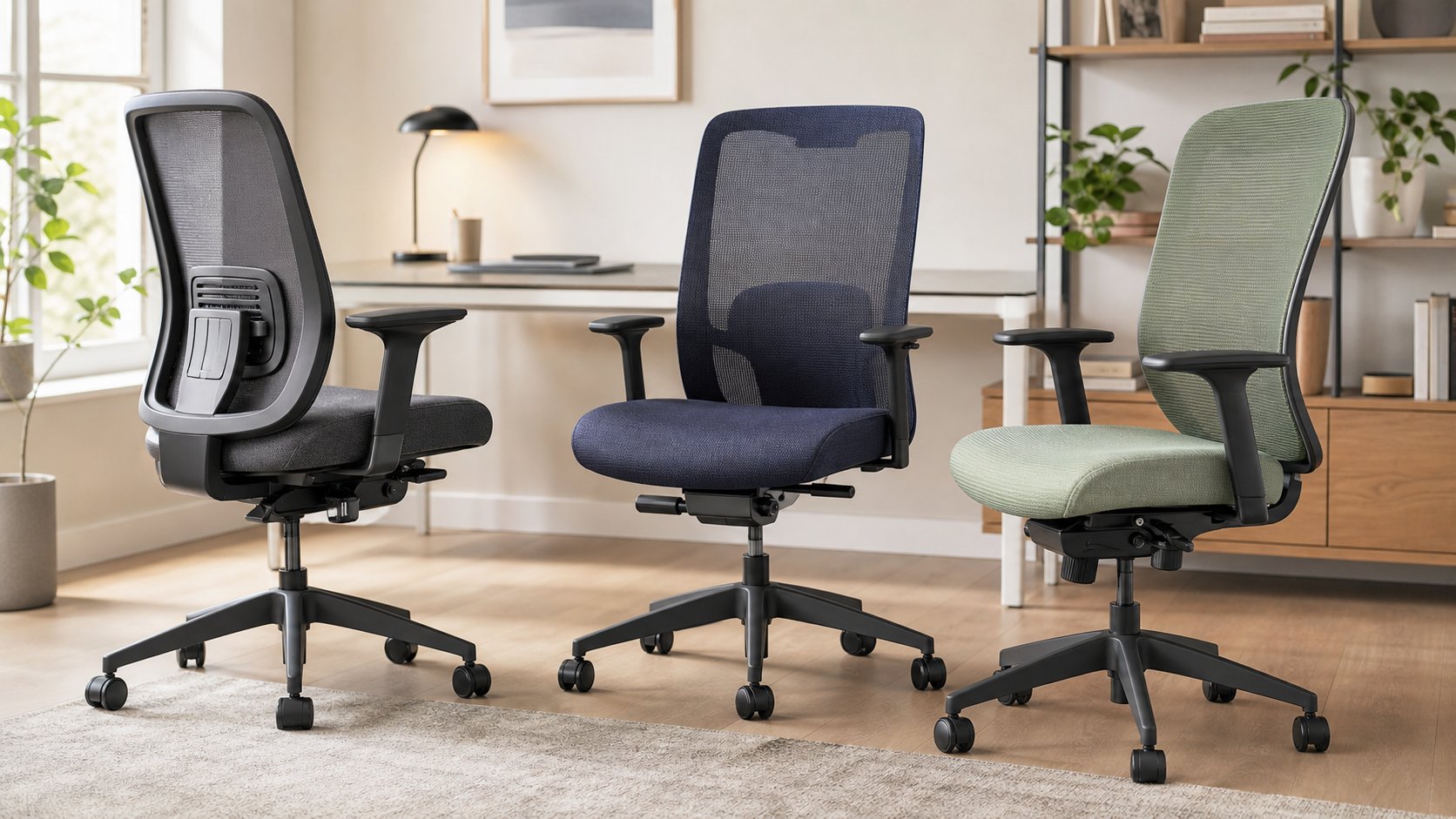
2. Fit the chair from the floor upward
Adjust in this order:
- Set seat height so the keyboard is reachable with relaxed shoulders.
- Support feet on the floor or a stable footrest.
- Check seat depth, leaving a small gap behind the knees.
- Adjust lumbar height and backrest tension.
- Lower armrests if they block desk access.
- Allow a comfortable degree of recline.
A cushion is not the first step. It changes seat depth and height and may push you away from the backrest. Use existing controls before adding accessories.
The complete ergonomic home office guide explains the full adjustment sequence.
3. Bring the keyboard and mouse closer
When input devices sit too far away, the torso leaves the backrest and the shoulders reach forward. Move the keyboard toward the front of the usable surface and place the mouse directly beside it.
Remove a central pencil drawer if it prevents the chair from approaching the desk. A compact keyboard can bring the mouse closer when a number pad is rarely used.
Keep enough surface in front of the keyboard for comfortable pauses without pressing the wrists or forearms into a sharp edge.
4. Make text readable while sitting back
Leaning toward a small laptop or high-resolution monitor loads the back and neck. Increase operating-system scaling, browser zoom and application font size.
Place the primary screen directly ahead at a comfortable distance. Set the upper area at or slightly below eye level, then fine-tune for vision and screen size.
For long laptop sessions, raise the device and add an external keyboard and mouse. The monitor-height guide covers large displays, dual screens and progressive lenses.
5. Change position before discomfort peaks
Use natural work cues:
- Stand after a meeting.
- Walk while considering a problem.
- Refill water between focus blocks.
- Review a printed page away from the keyboard.
- Lean back for reading.
- Alternate seated and standing work for selected tasks.
Do not wait until pain forces a long break. Short changes distribute physical demand through the day.
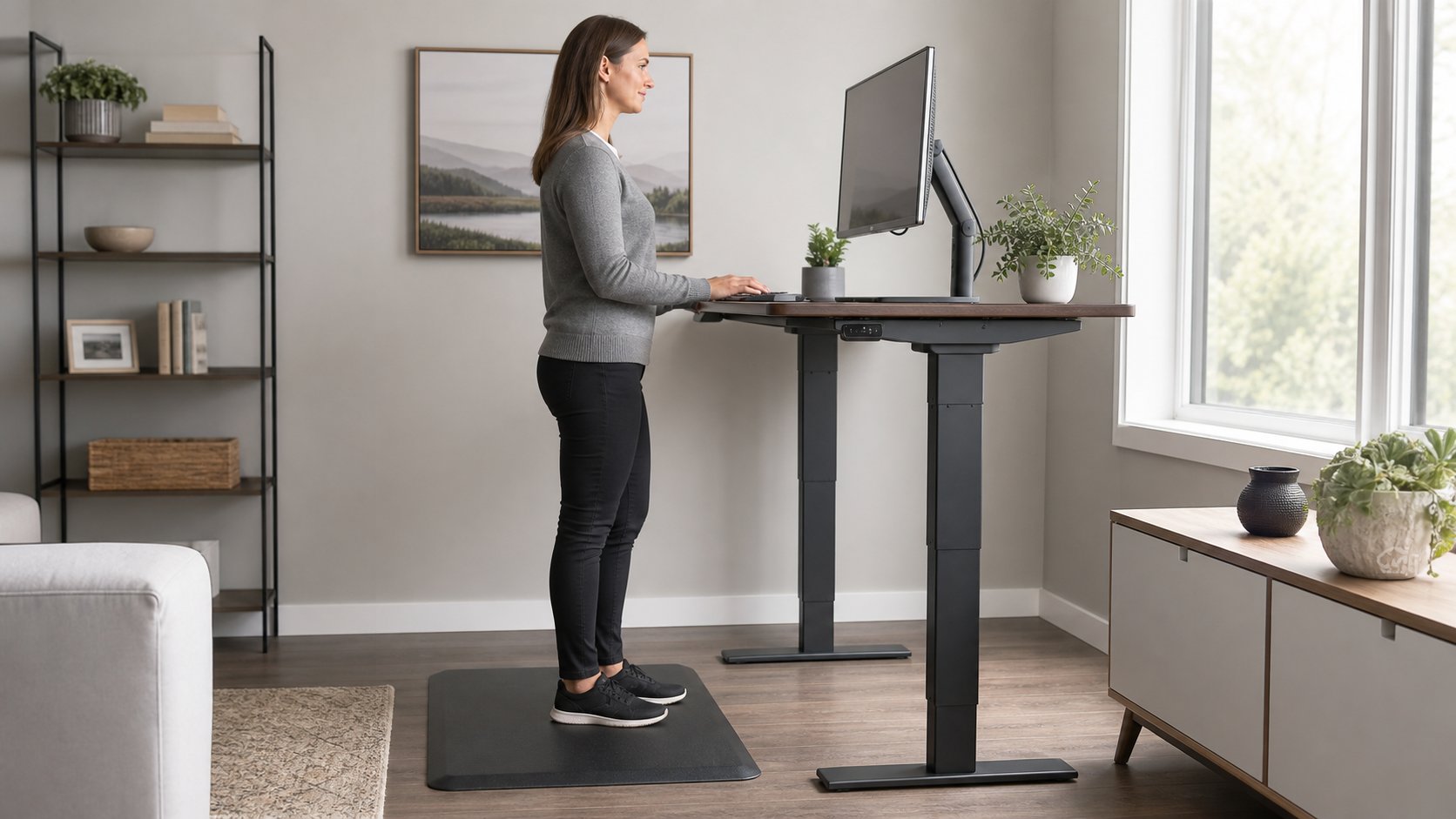
6. Use a standing desk as one option
Standing is not a cure for back pain. Long motionless standing can also become uncomfortable.
If you have a sit-stand desk, begin with short periods attached to specific tasks. Set the keyboard near relaxed elbow height and keep the monitor high enough that you do not look down continuously.
Shift weight, move and sit when fatigue changes your position. A mat may improve comfort on a hard floor but does not replace movement.
Without an adjustable desk, use a safe second surface for brief reading or calls—not hours of keyboard work at an unsuitable kitchen counter.
7. Protect actual breaks
A lunch eaten at the desk keeps the same physical and mental demand. Move to another seat where possible.
The HSE display-screen guidance recommends short, frequent breaks or changes of activity that let users move or change posture.
A break does not need to be an exercise routine. Walk to another room, look outside, prepare food or complete a light task that changes position.
8. Review the full workday, not only the chair
A chair cannot compensate for six hours of uninterrupted meetings, a workload that prevents breaks or a laptop used from a sofa every evening.
Look for patterns:
- Which task produces the longest still period?
- When do you leave the backrest?
- Are calls preventing movement?
- Does discomfort begin after work, exercise or commuting rather than during computer use?
- Does stress make muscles feel guarded or tense?
- Is sleep being disrupted?
Share the pattern with a qualified professional rather than assuming a product is the solution.
9. Keep ordinary activity where appropriate
For many common back-pain episodes, prolonged bed rest is not recommended. NHS patient guidance commonly encourages maintaining everyday activity as tolerated and gradually returning to normal tasks.
The appropriate activity depends on the cause and individual health. Do not begin aggressive strengthening or copy a rehabilitation program from another person’s diagnosis.
A physiotherapist or other qualified clinician can assess movement, recommend suitable exercise and explain how to progress.
10. Request a workstation and workload review
If work contributes to symptoms, involve the employer through the appropriate health and safety, accommodation or occupational health process.
Bring specific observations:
- Task and time when symptoms start
- Duration of uninterrupted sitting or standing
- Equipment adjustments already attempted
- Software or process that creates repetitive work
- Meetings that remove recovery opportunities
- Whether symptoms differ on non-work days
A useful response may include task rotation, temporary duties, changed meeting patterns, equipment or clinical support.
Common home-office problems and fixes
Dining chair with no support
Add a firm temporary cushion only if it improves fit, keep sessions shorter and prioritize an adjustable task chair. A rolled towel can test lumbar height but should not force an exaggerated curve.
Desk too high
Raise the chair until the keyboard is near elbow height, then support the feet. Lower armrests that block access.
Sofa or bed work
These surfaces make stable screen and input positioning difficult. Use them for short reading, not a full typing day. Move to a table and supported chair for sustained work.
Laptop too low
Raise it on a stable stand and add external input devices. Do not raise it and continue typing on the built-in keyboard for hours.
Backrest feels wrong
Check lumbar height, seat depth and recline. The chair may simply be the wrong size. Test returnable seating rather than stacking multiple cushions.
What about lumbar cushions?
A cushion can help when a chair lacks support or the lumbar height does not fit. It can also reduce seat depth and push the body forward.
Test a folded towel first to identify required thickness and height. Choose a returnable product and recheck feet, keyboard and monitor after adding it.
What about posture correctors?
A wearable reminder does not correct desk height, screen position or workload. Restrictive devices may be inappropriate for some conditions.
If a clinician recommends one, follow guidance on fit and duration. Do not use it to force a rigid all-day posture.
Medication, heat and cold
Medication suitability depends on health conditions, allergies and other medicines. Ask a pharmacist or clinician rather than relying on a general article.
Heat or cold may provide short-term comfort for some people. Protect skin, follow product instructions and do not sleep on a heating pad. Seek advice if sensation is impaired.
Warning signs that need professional care
Get urgent help according to local services for:
- New loss of bowel or bladder control
- Difficulty urinating with back symptoms
- Numbness around the saddle or genital area
- New significant weakness in both legs
- Back pain after major trauma
- Fever with severe back pain
Contact a clinician promptly for worsening pain, unexplained weight loss, a history of cancer, night pain, spreading symptoms, persistent numbness or weakness, or pain that does not improve as expected. The Mayo Clinic back-pain guidance provides a general overview, but local clinical advice should guide action.
A two-week workstation plan
Days 1–3: Fit the chair, bring input devices close and enlarge text.
Days 4–7: Add frequent position changes and take lunch away from the desk.
Week 2: Review task patterns and request professional or workplace support if symptoms persist.
Change one major variable at a time. Keep notes on function and comfort, not only pain intensity.
Back pain while working from home deserves more than buying a chair from a list. Reduce avoidable reaching and stillness, keep appropriate activity in the day and seek qualified care when symptoms are persistent or concerning.