Best Laptops for Remote Work: 12 Picks by Use Case
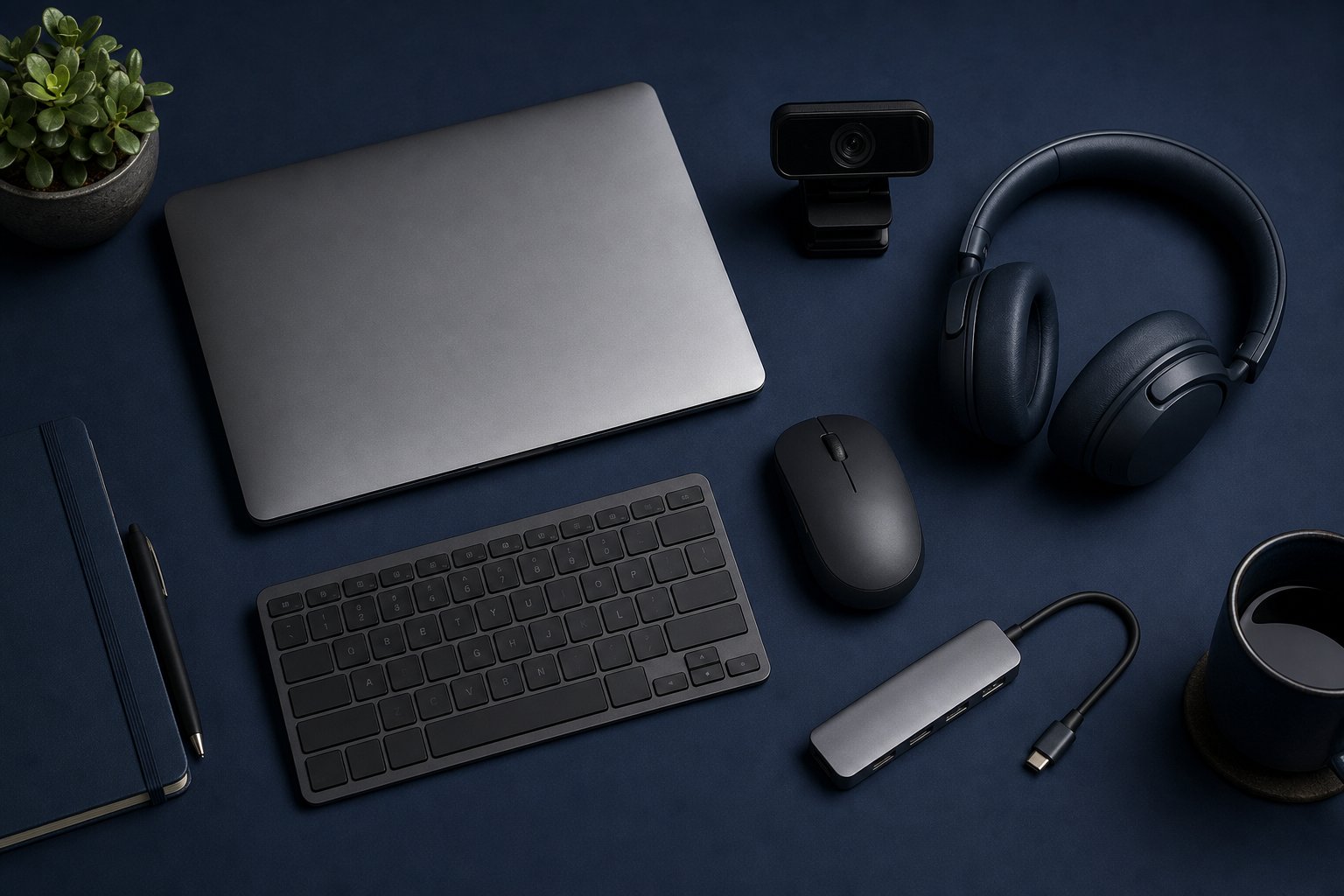
Choose a remote-work laptop by workflow, display support, camera, ports and repair needs—not by processor names alone.
Read the guideIndependent buying advice for laptops, screens, audio, connectivity and the equipment behind a reliable workday.
Choose a remote-work laptop by workflow, display support, camera, ports and repair needs—not by processor names alone.
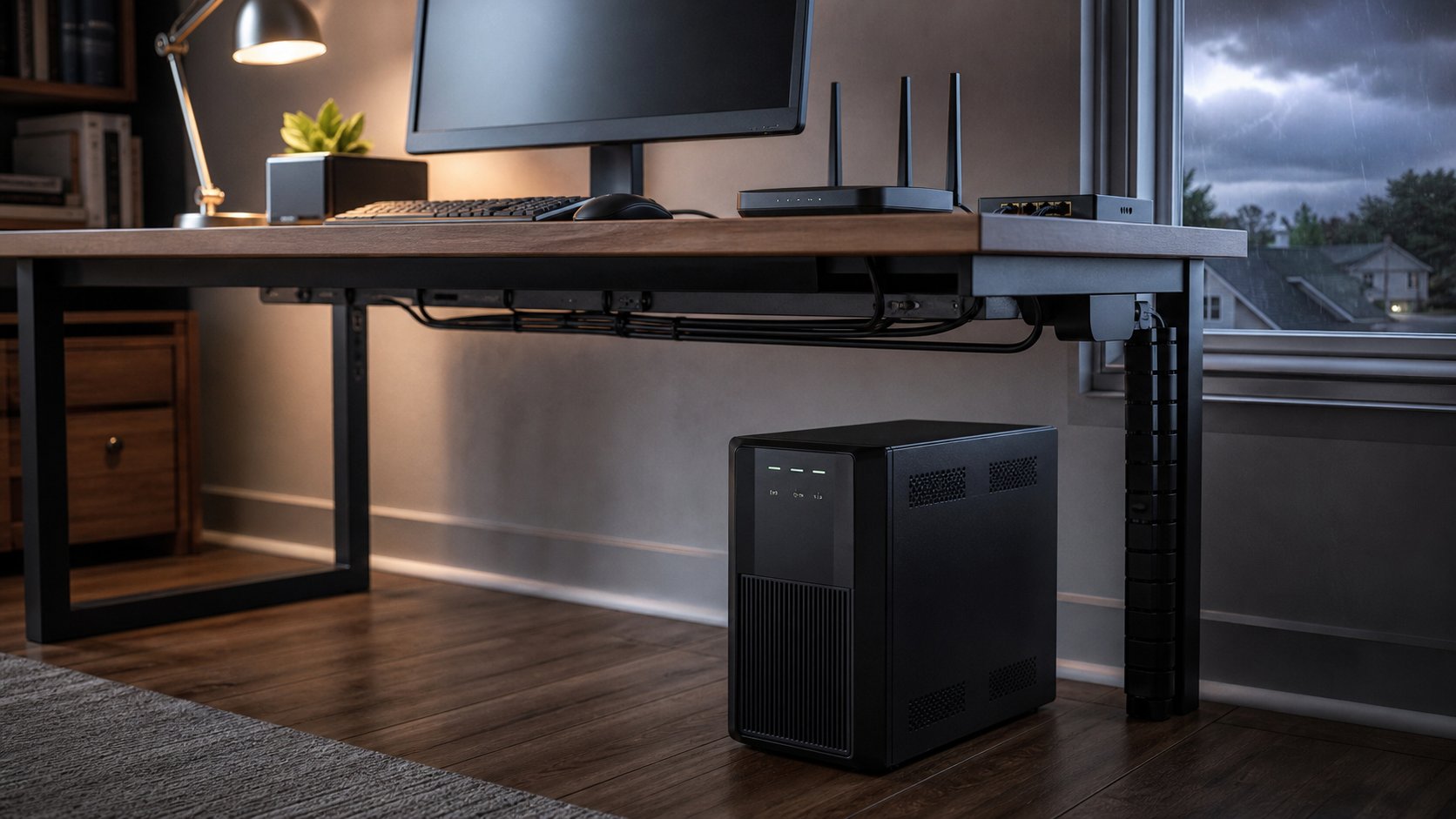
Read the guideChoose a UPS battery backup for your home office with six practical picks, a watts-and-VA sizing method, runtime guidance, safe installation and outage planning.
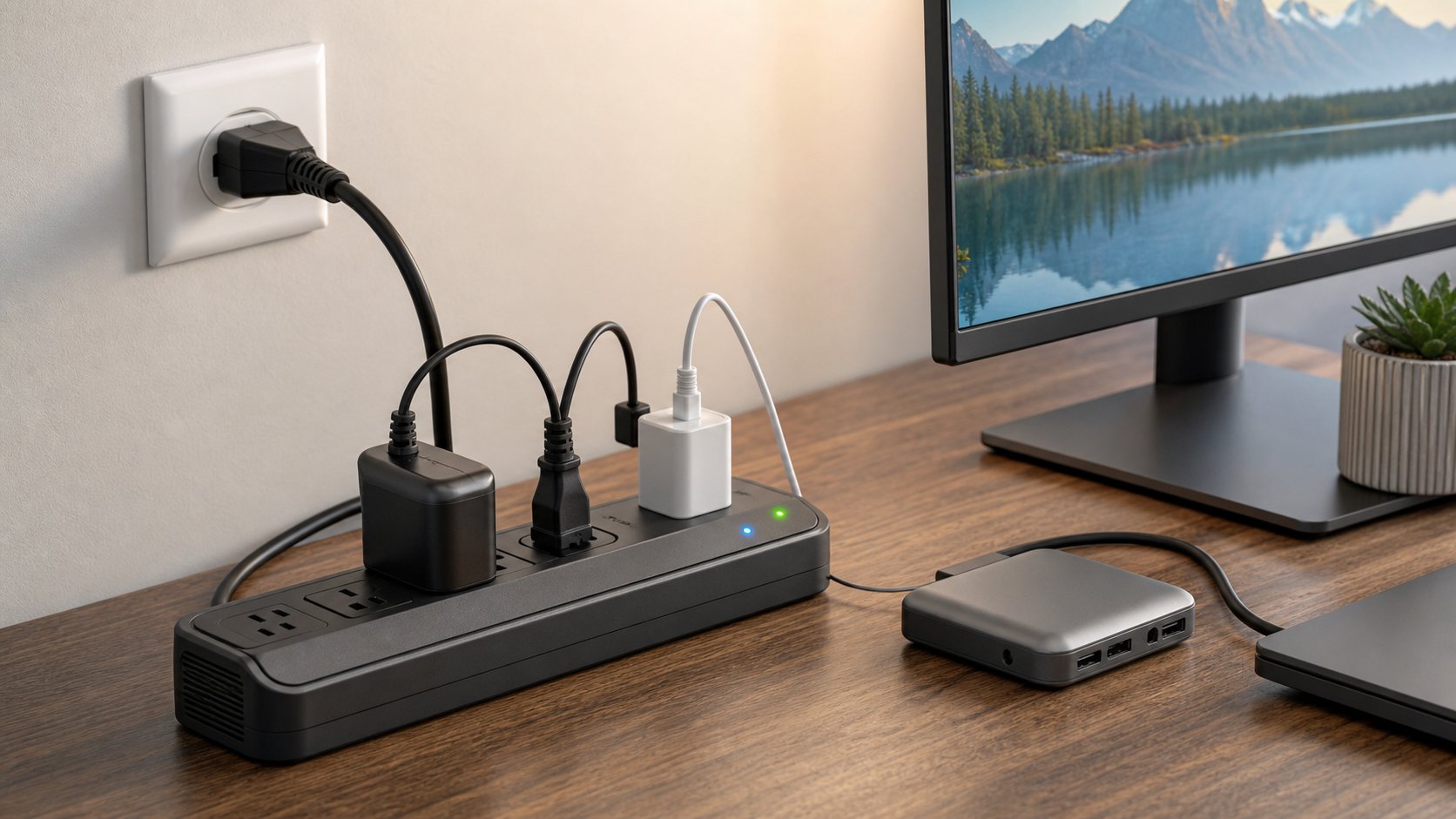
Read the guideCompare five surge protectors for home-office electronics and learn how to check certification, joules, protection indicators, outlet spacing and safe installation.
Read the guideCompare 10 strong desk lamps for computer work, video calls, large desks and tight budgets, with a practical guide to glare, adjustability and light quality.
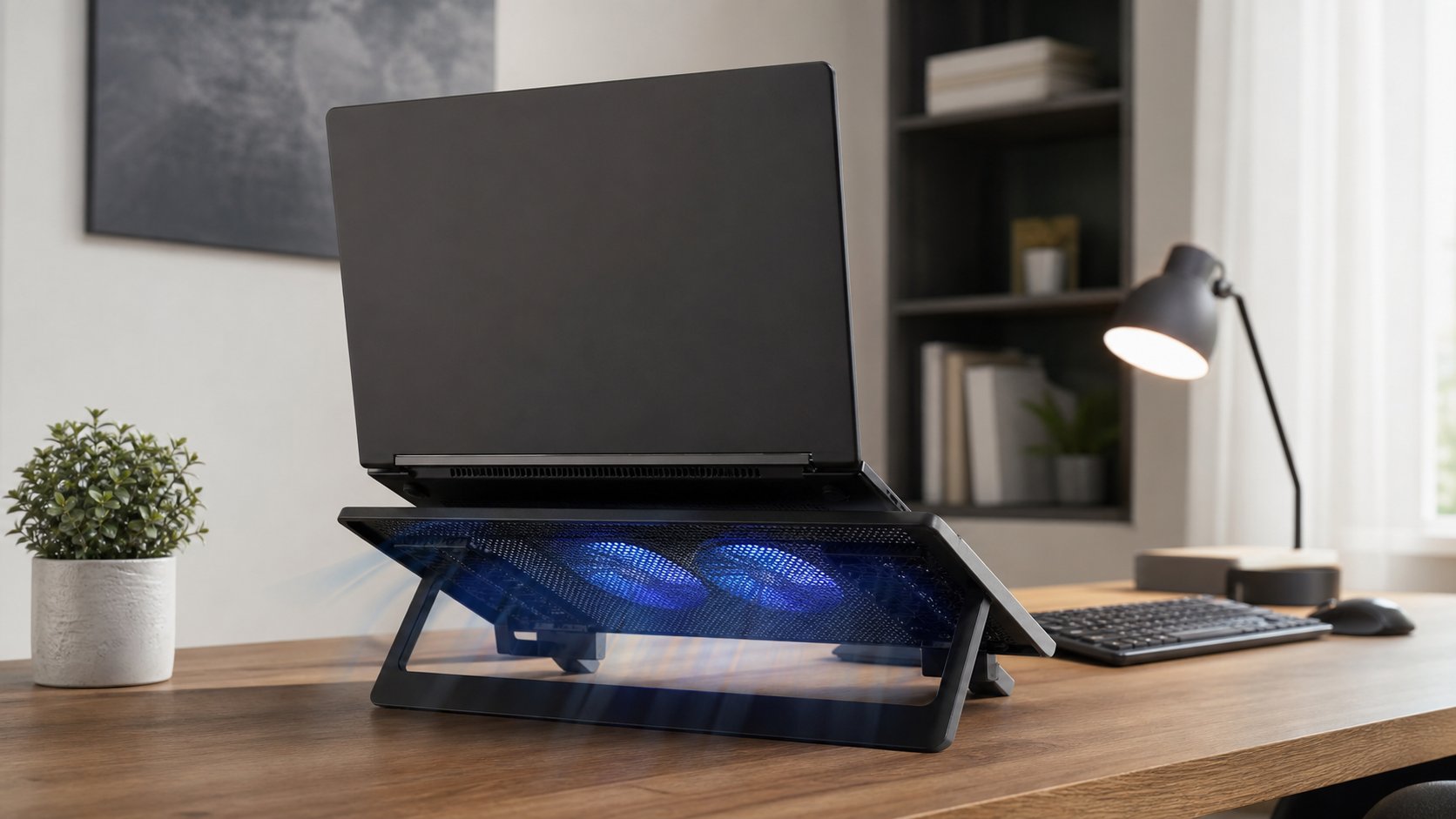
Read the guideLearn when a laptop cooling pad can improve airflow or performance, how to test one fairly and which overheating symptoms need cleaning, service or repair.
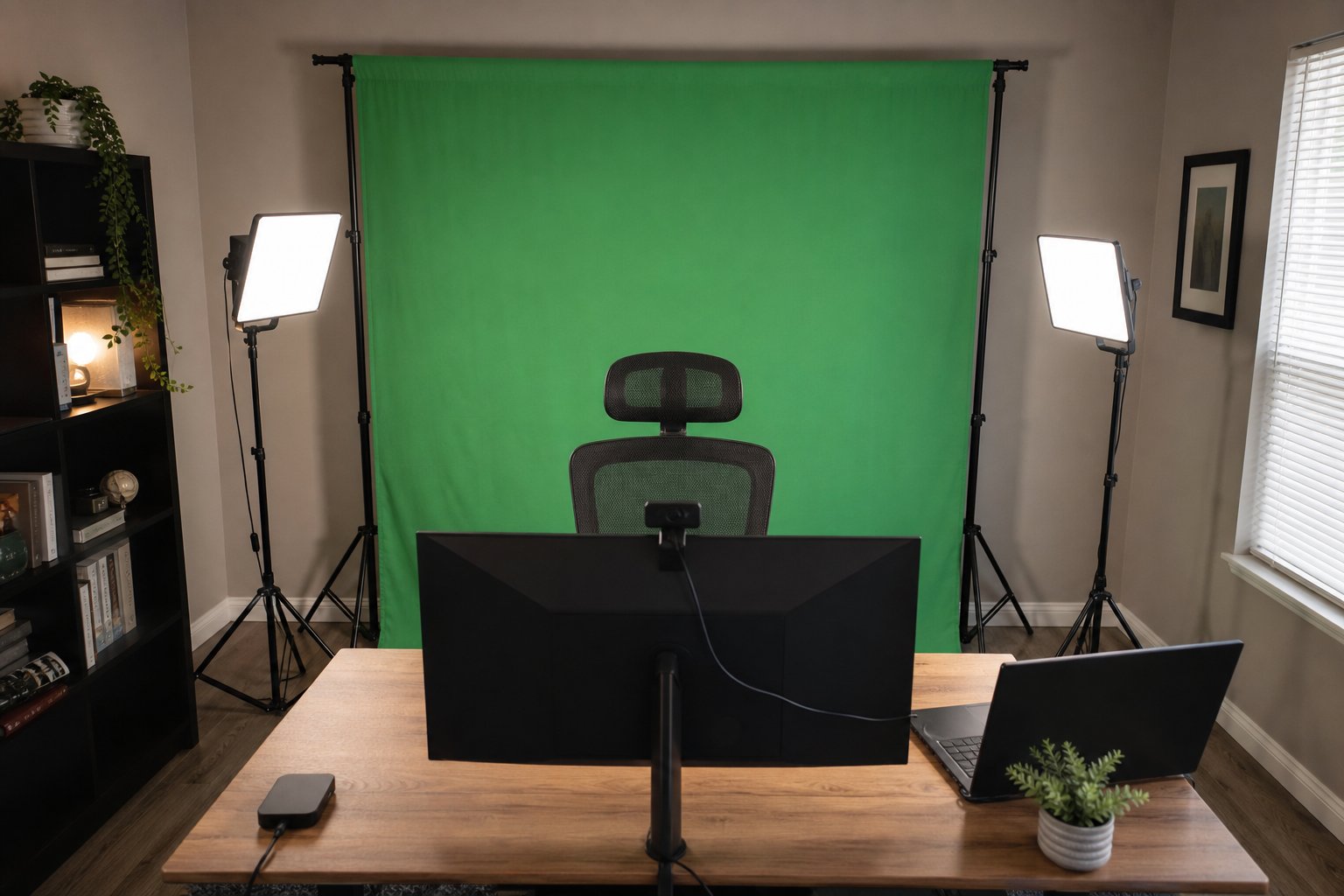
Read the guideBuild a clean green screen setup for video calls with the right backdrop size, even lighting, camera placement, software settings and fixes for common keying problems.
Read the guideCompare five keyboard and mouse combos under $100 by layout, connection, device switching, key feel, mouse shape, software, security and return policy.
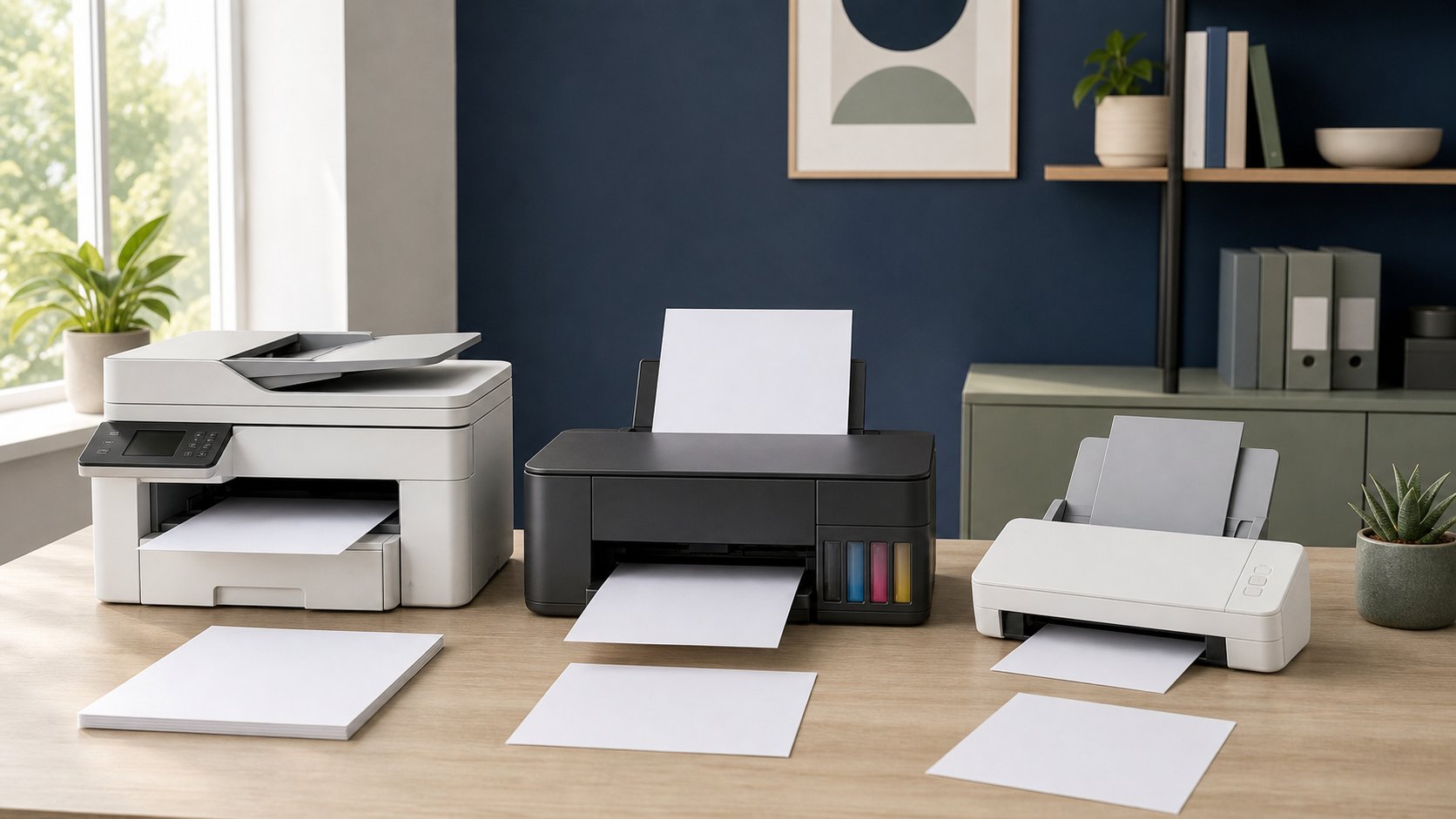
Read the guideCompare four home-office printers for monochrome documents, low-cost color, color laser output and general inkjet use, plus calculate ownership cost before buying.
Read the guideDecide whether a mechanical keyboard is worth it for remote work by comparing switch feel, sound, layout, height, wireless reliability, repairability and total cost.
Read the guideCompare seven smart plugs for office lamps, energy monitoring, Matter compatibility and local control—with essential electrical-safety and privacy checks.
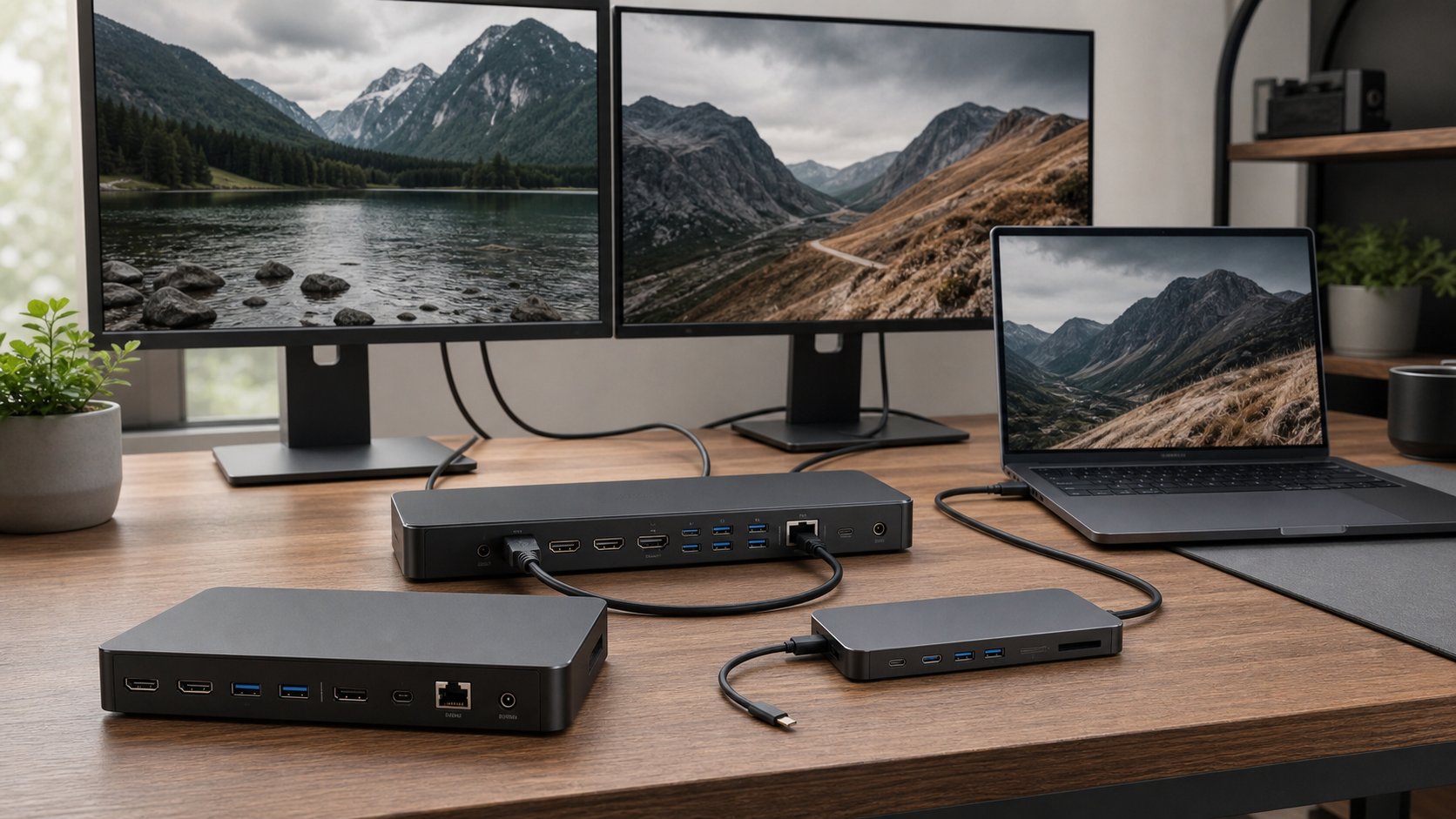
Read the guideCompare seven laptop docking stations for Thunderbolt 5, USB-C, multiple monitors and one-cable charging, plus the compatibility checks that matter.
Read the guideChoose a VPN for remote work by purpose: employer access, personal public-network protection, minimal account data or secure access to your own devices.
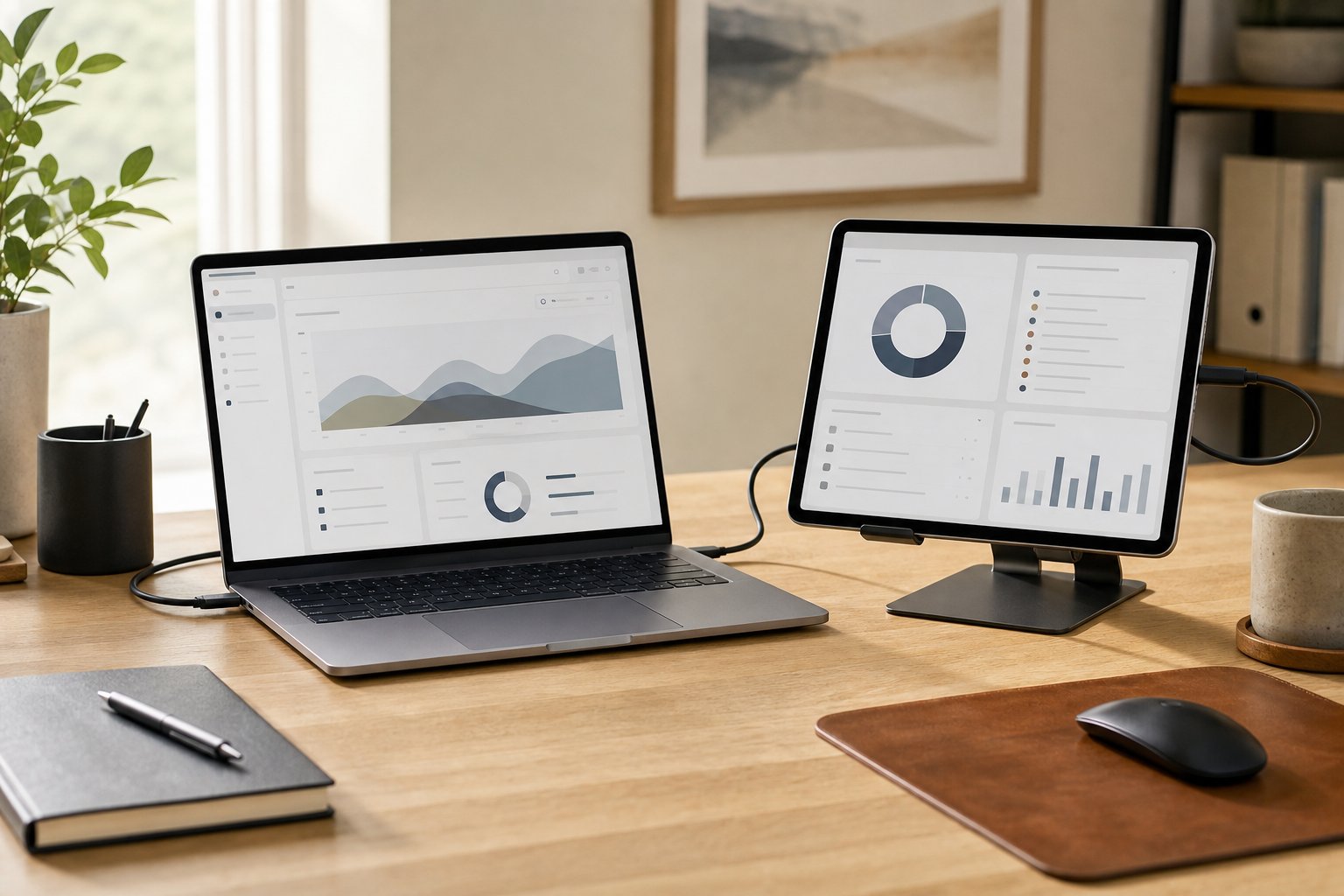
Read the guideUse an iPad as a second screen for a Mac with Sidecar, choose wired or wireless mode, arrange the display and fix common connection problems.
Read the guideDecide whether a ring light is right for video calls, learn the best placement and compare it with window light, panel lights and ordinary desk lamps.
Read the guideCompare six Wi-Fi routers for home offices, from affordable Wi-Fi 7 to simple mesh and advanced networks, plus placement, security and compatibility checks.
Read the guideChoose between 27- and 32-inch monitors using resolution, pixel density, viewing distance, scaling, desk depth and window layout rather than screen size alone.
Read the guideCompare six USB microphones for untreated rooms, shared desks and polished presentations, then improve placement, gain and conferencing settings before upgrading.
Read the guideCompare eight strong USB-C hubs and docks for travel, Ethernet, 4K displays, dual monitors and permanent desks—plus the compatibility checks that prevent costly mistakes.
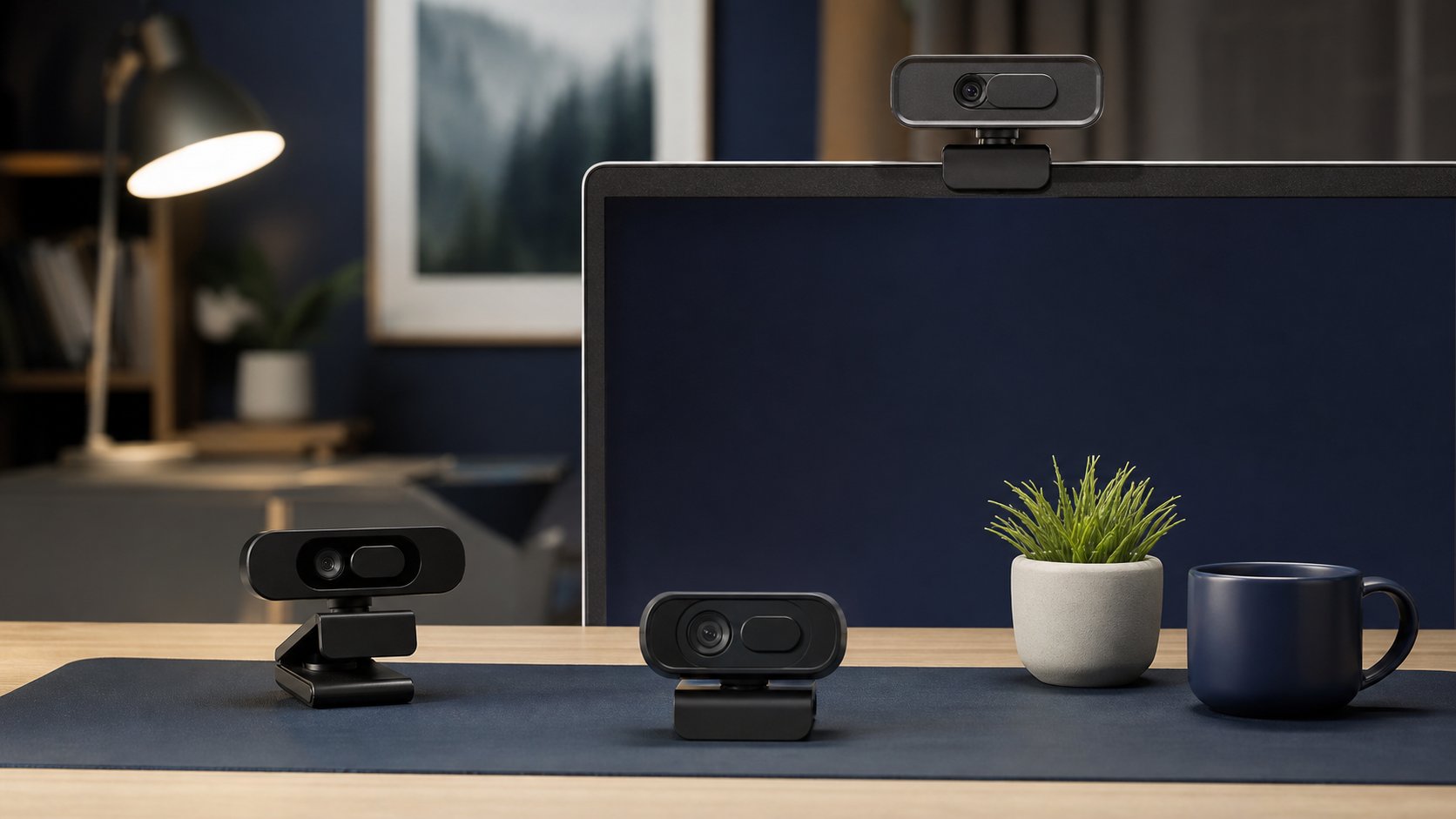
Read the guideCompare six 1080p, 2K and 4K webcams for calls and presentations, then improve lighting, framing, privacy and USB reliability before paying for extra resolution.
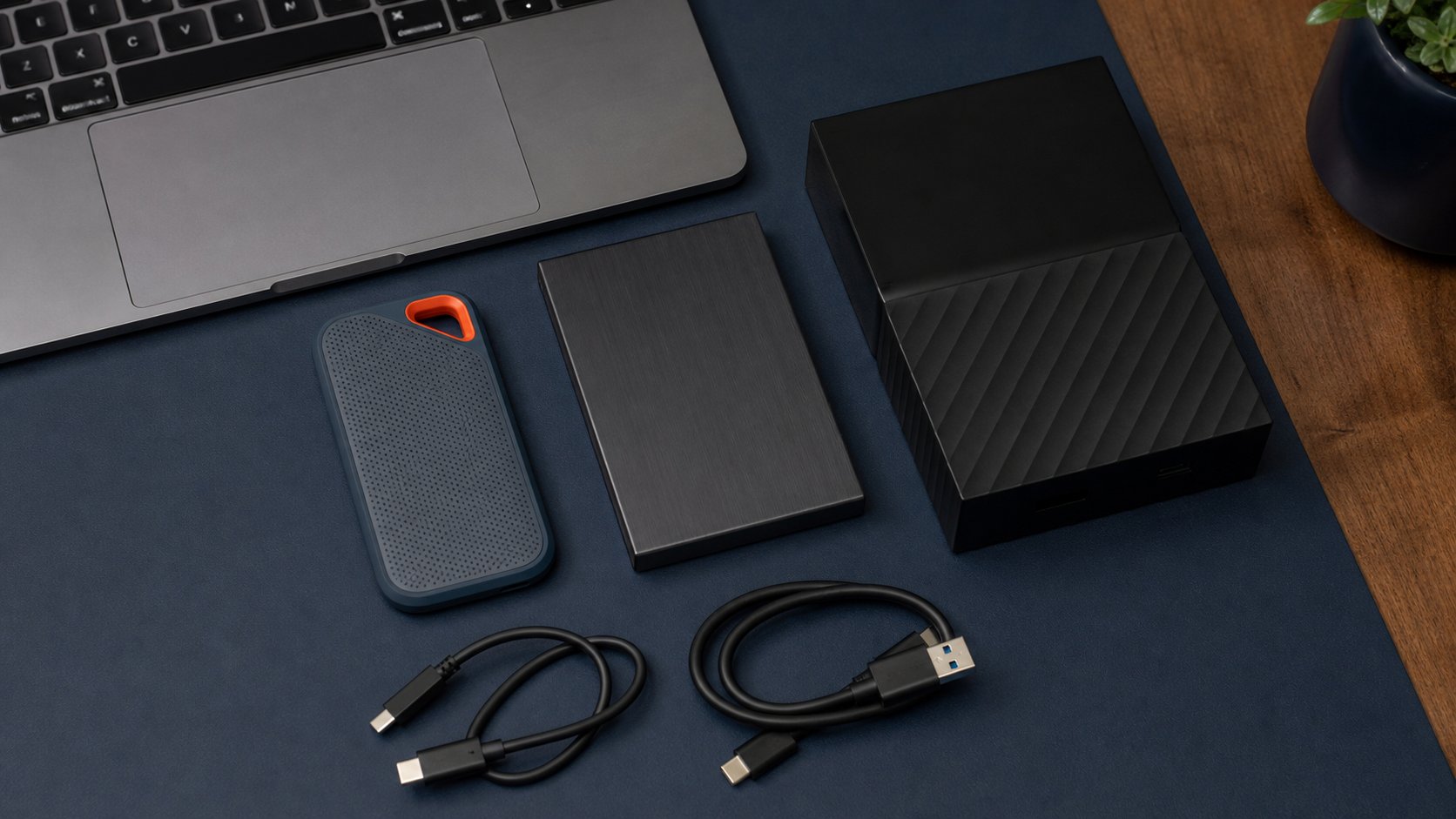
Read the guideCompare portable SSDs and external hard drives for remote-work backup and travel, with four current options plus encryption, formatting and 3-2-1 guidance.
Read the guide