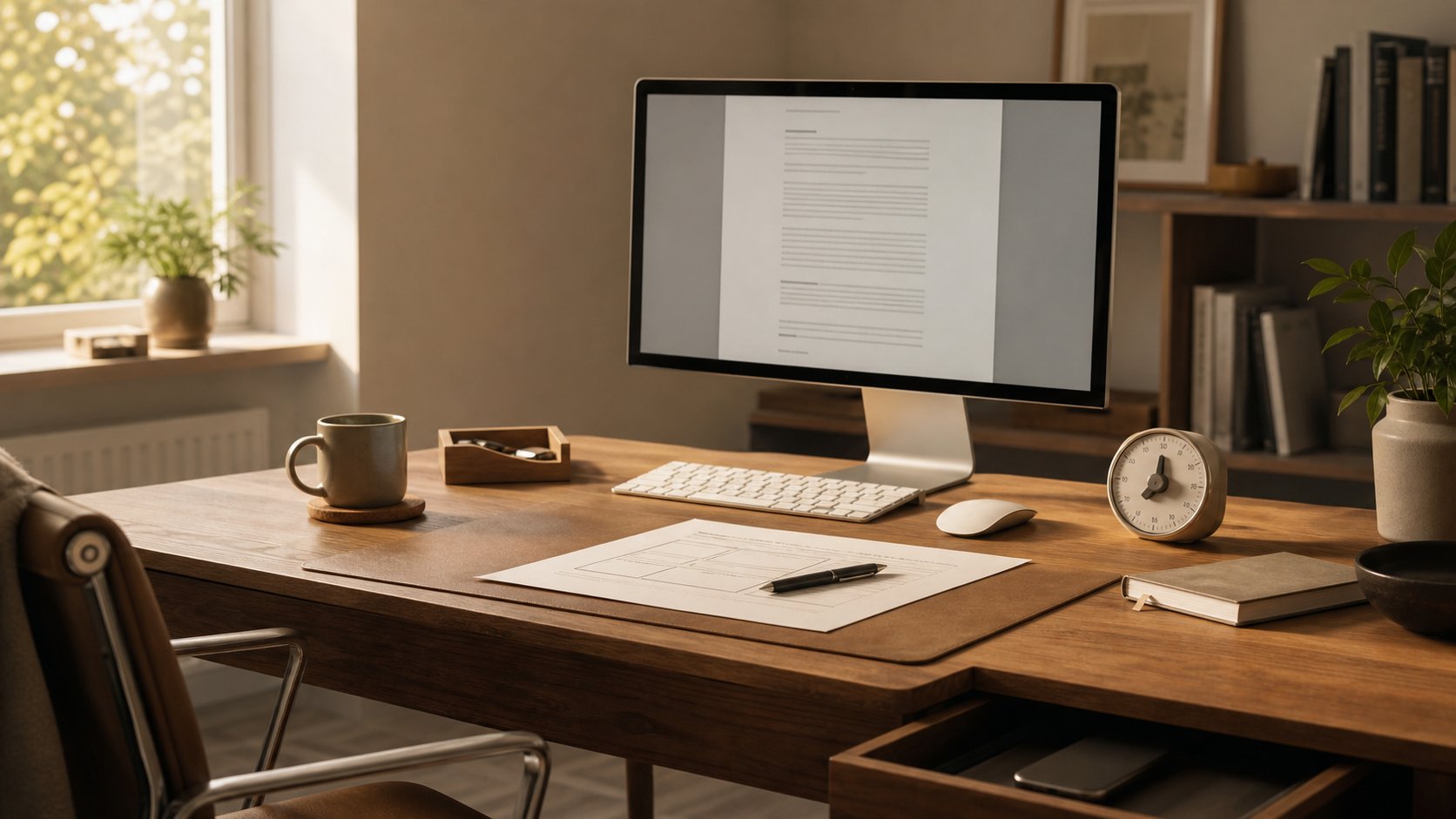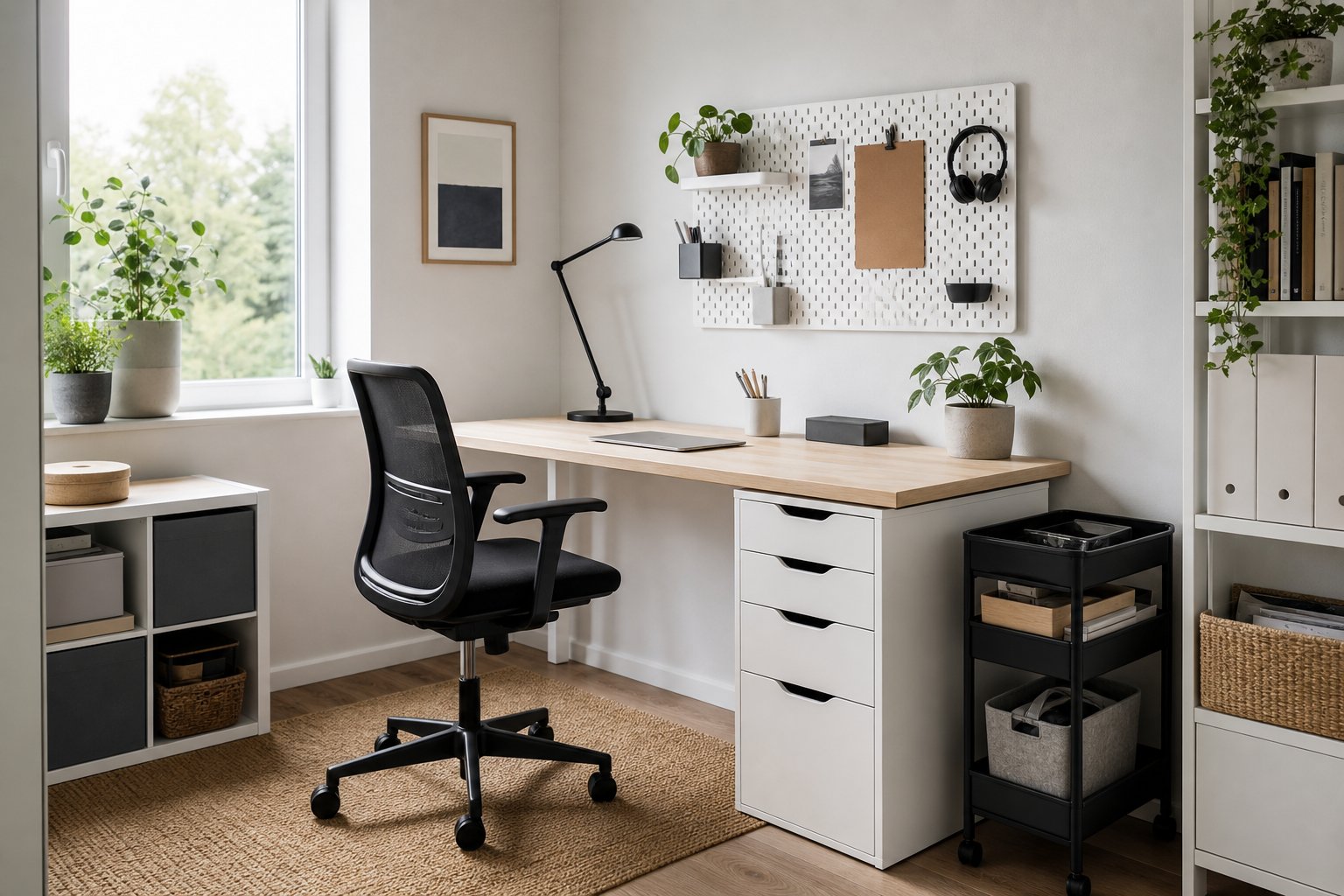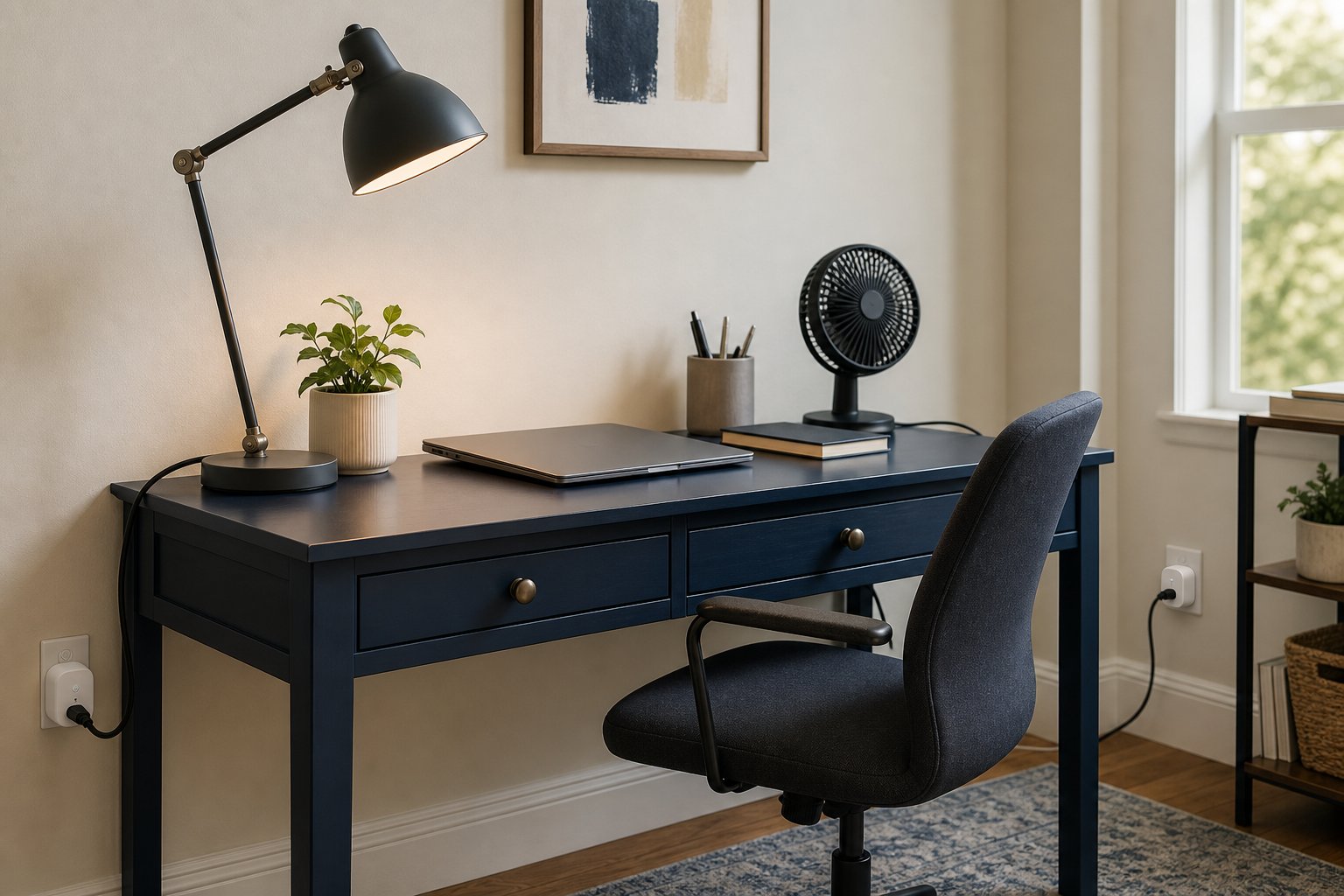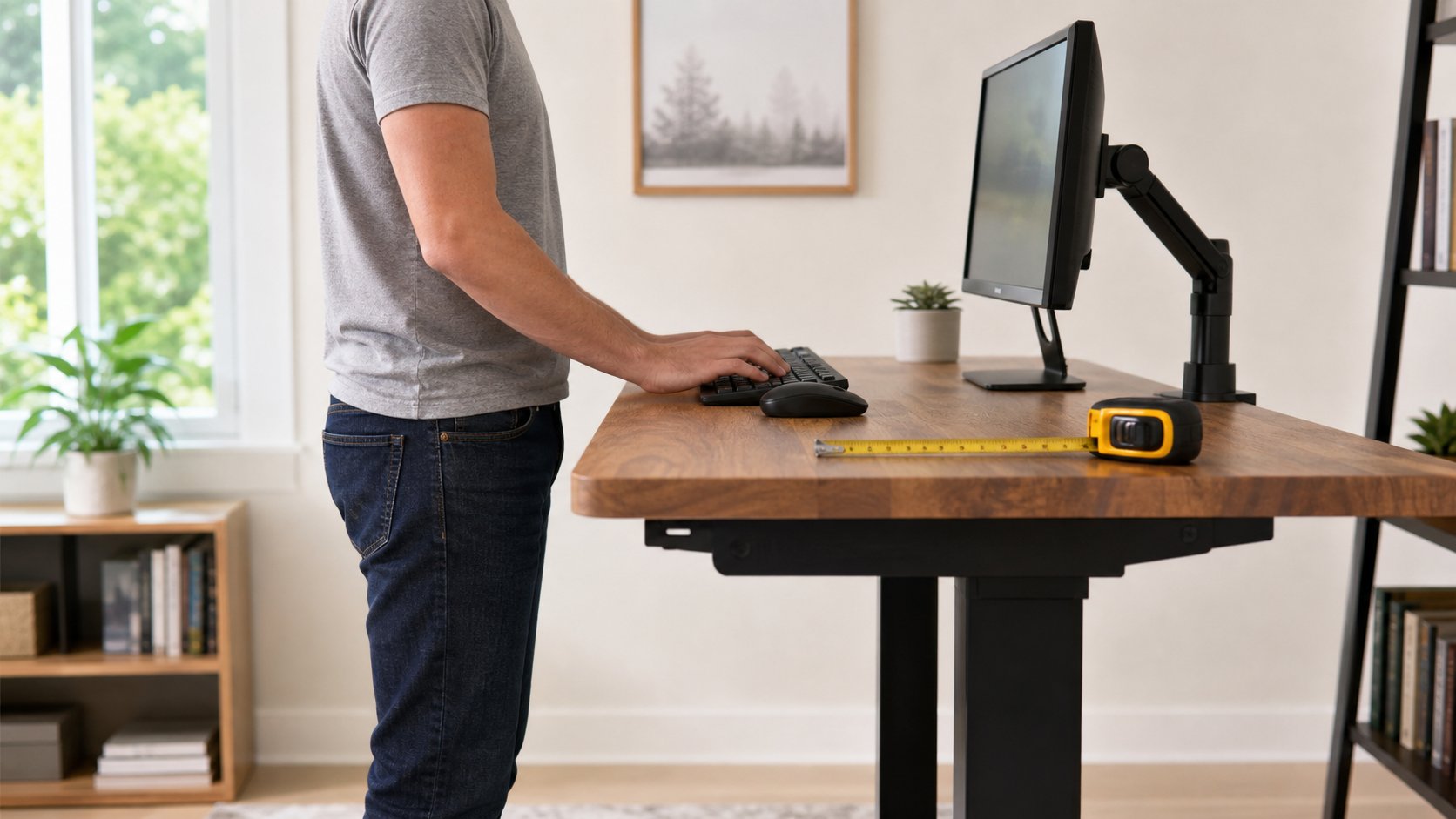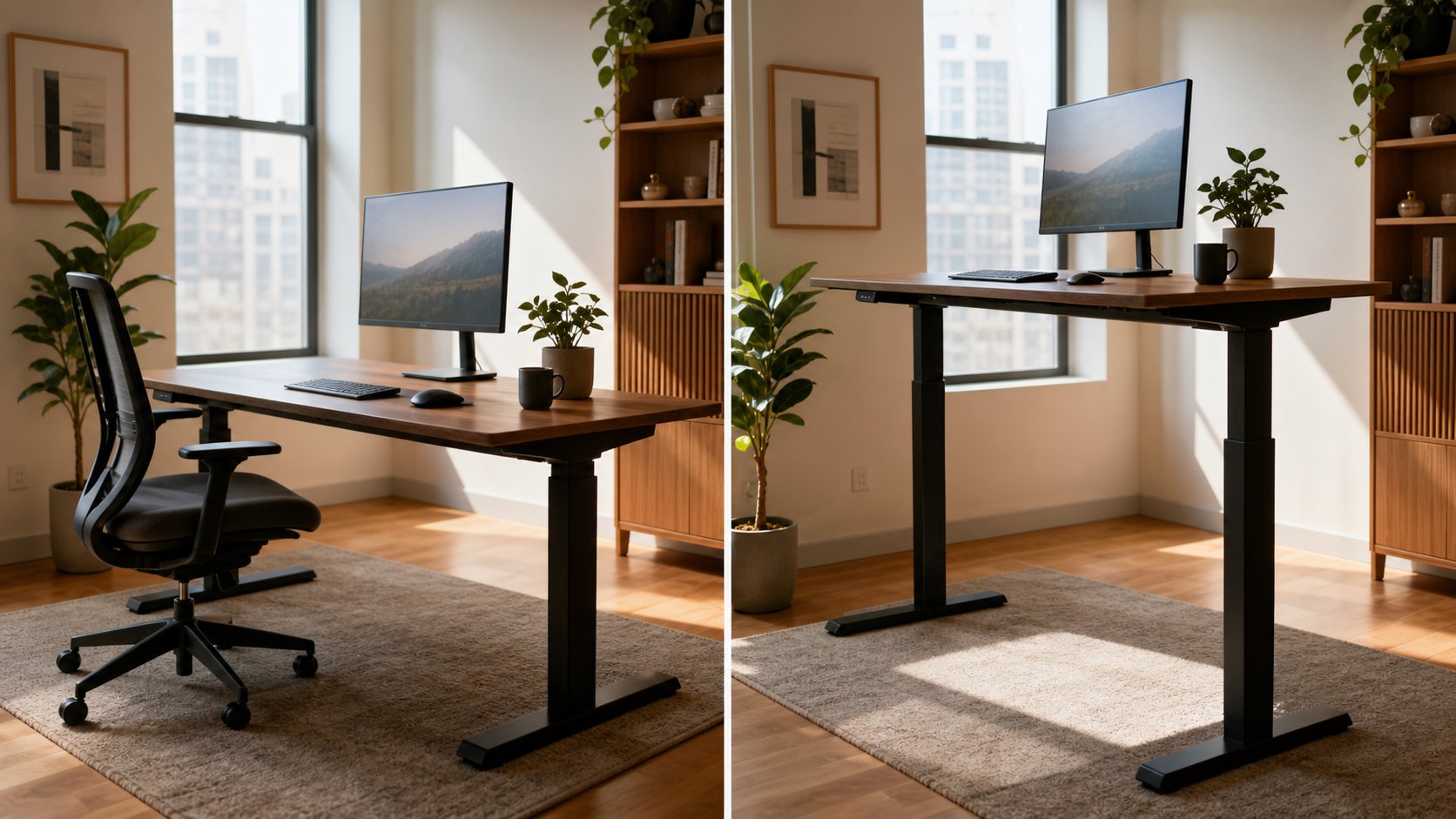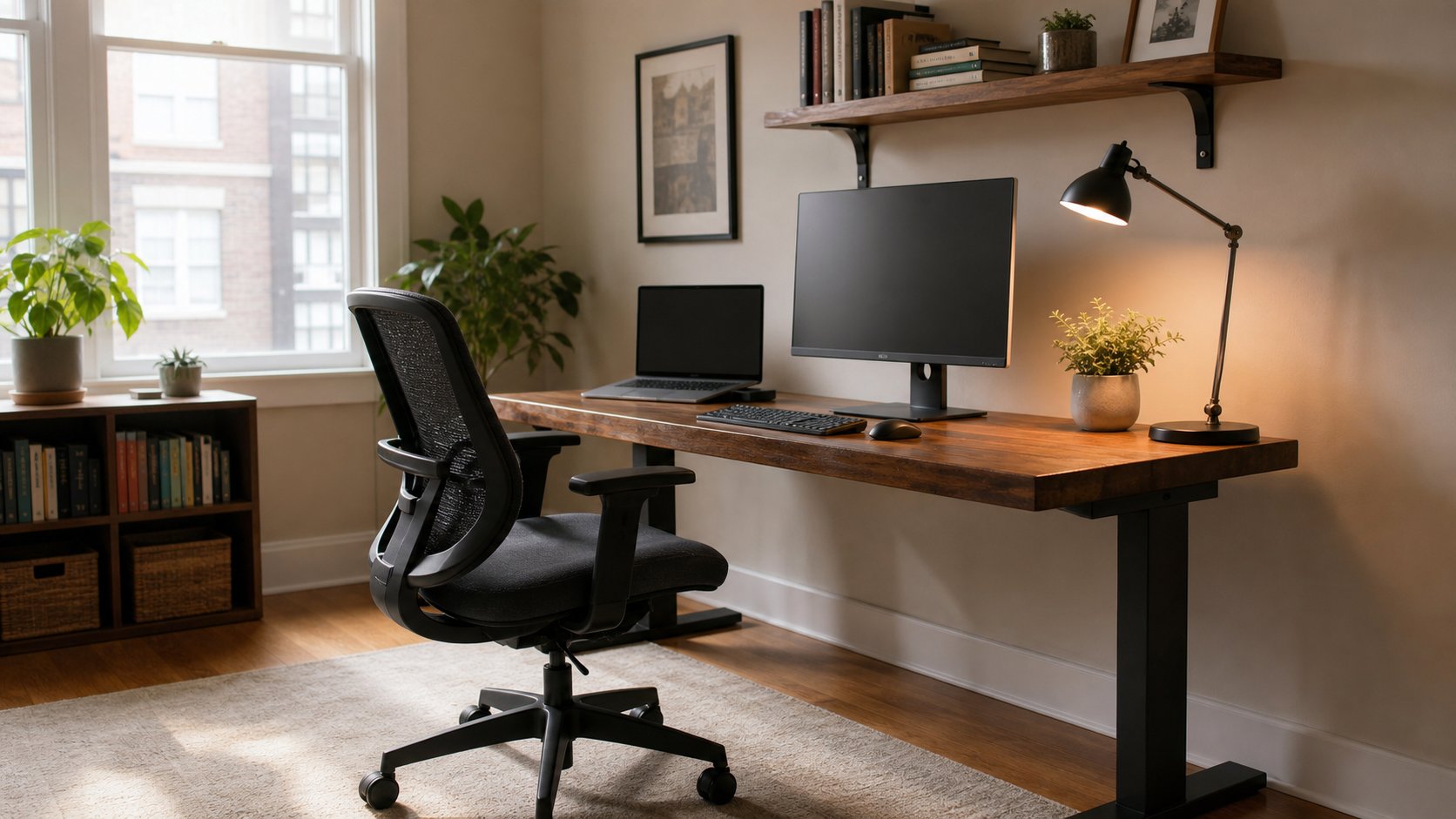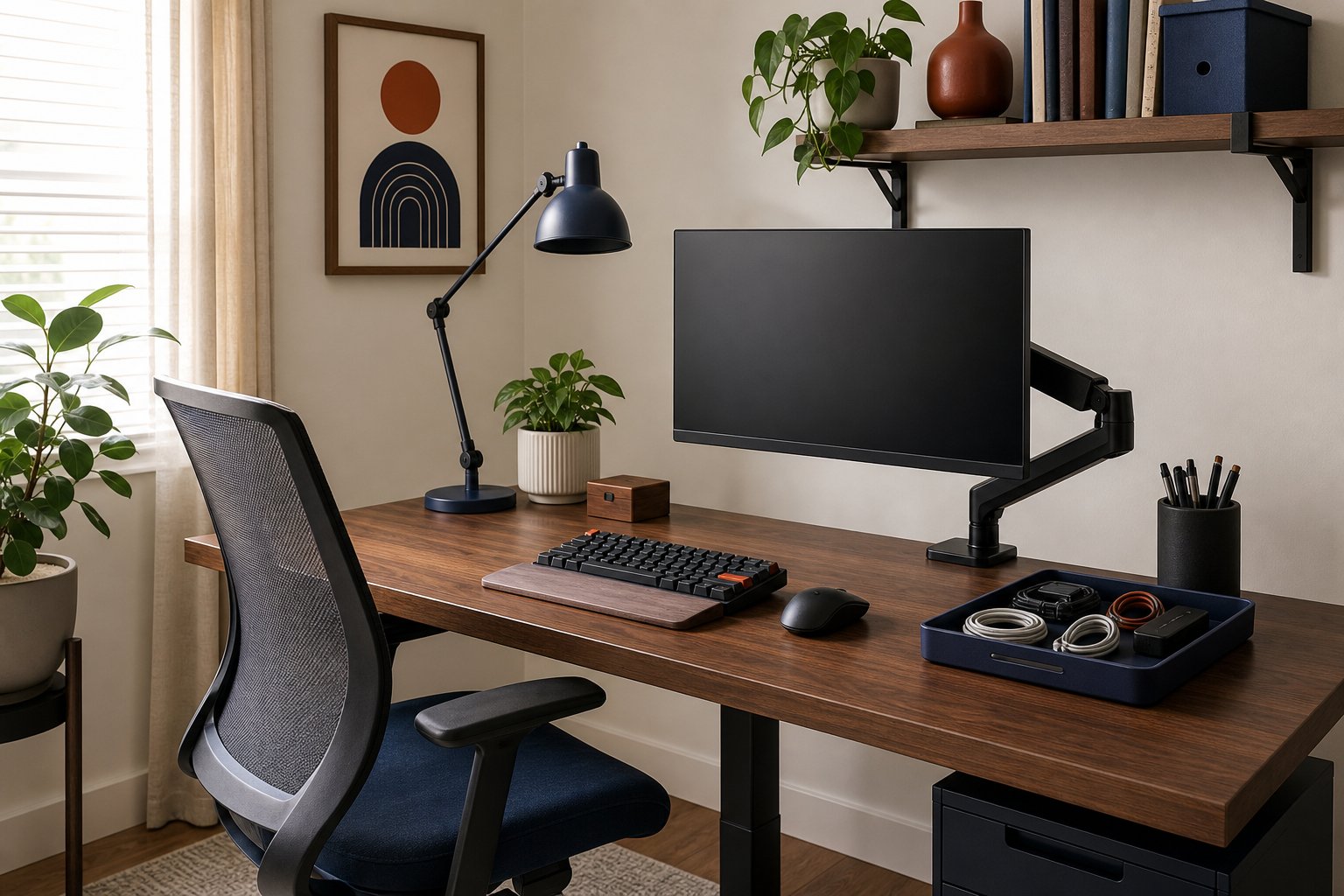
12 DIY Desk Ideas for a Practical Home Office
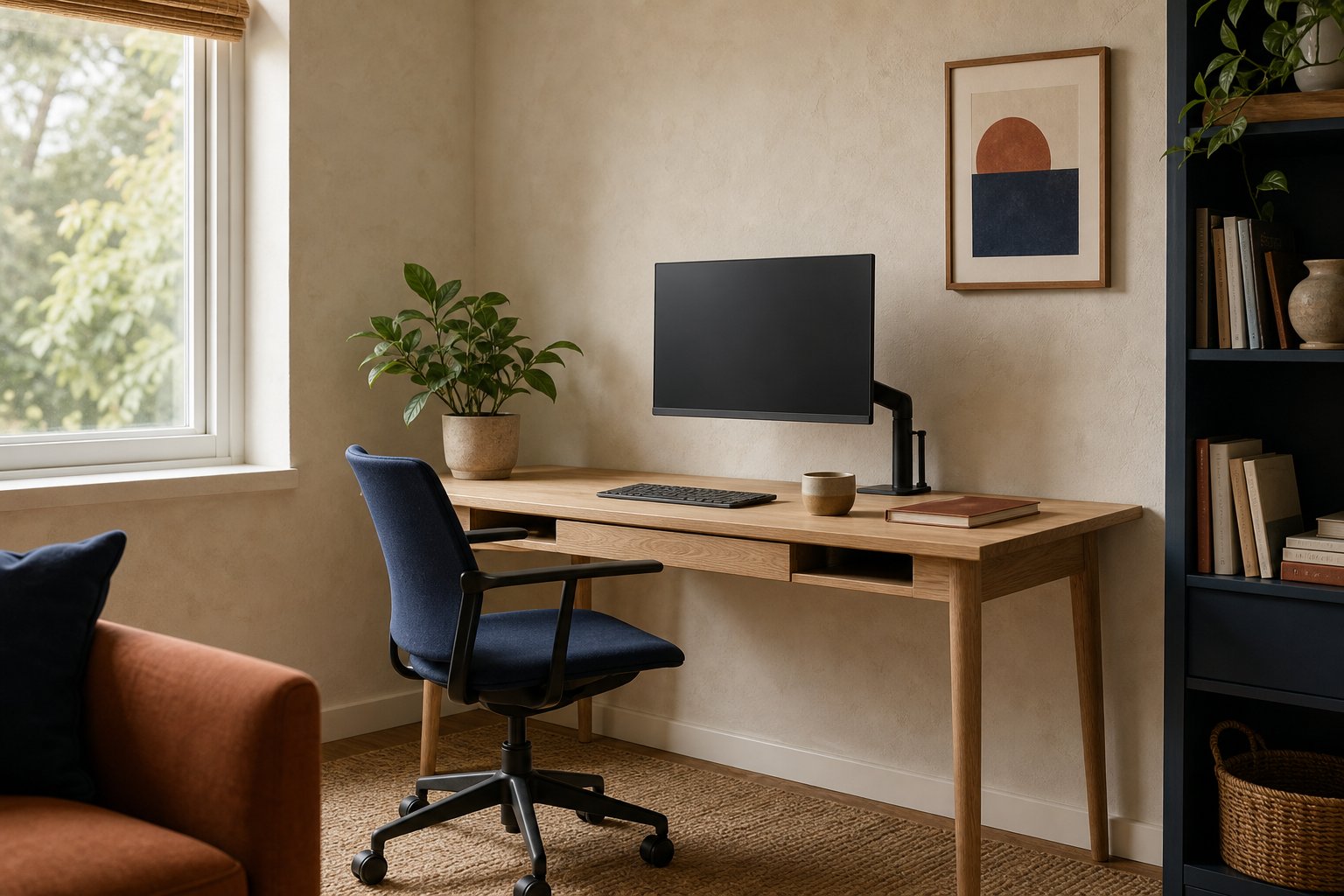
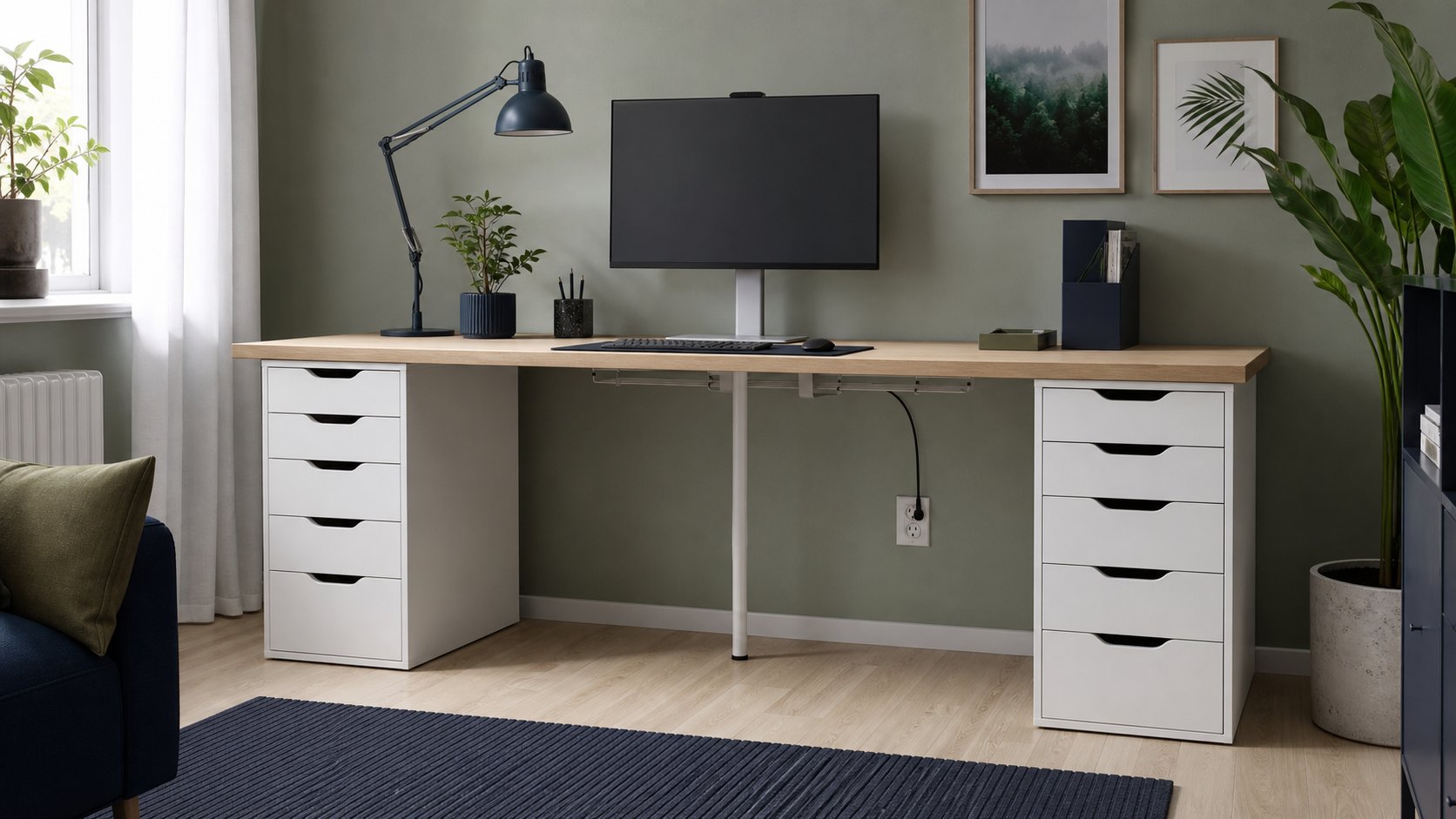
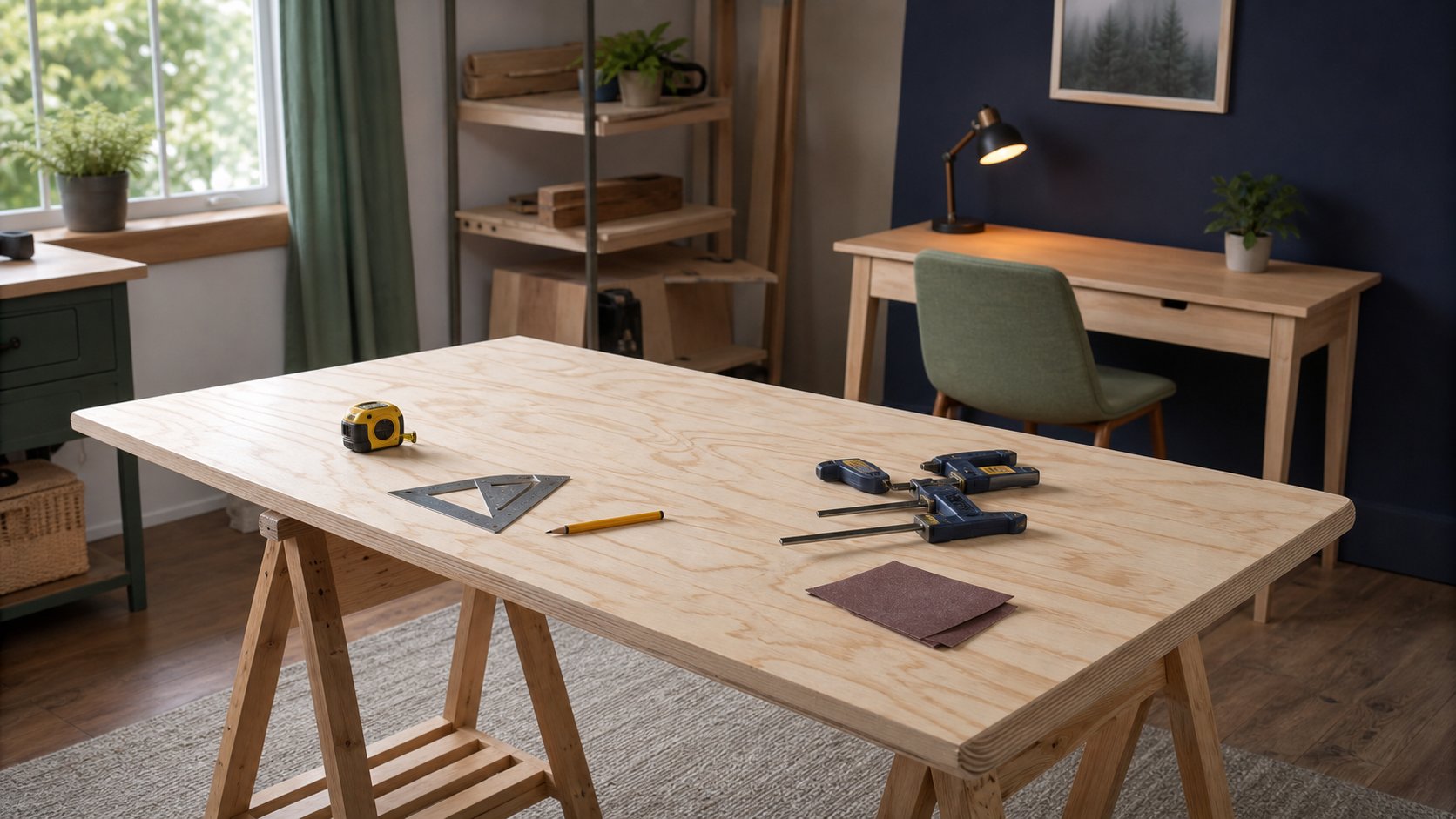
Build a practical DIY desk with twelve adaptable ideas, plus guidance on depth, support spacing, edge finishing, cable routes and when structural help is necessary.
Read the guideSearch our complete collection of independent guides, from your first desk setup to the small ergonomic fixes that make eight hours feel easier.
Showing all 100 guides
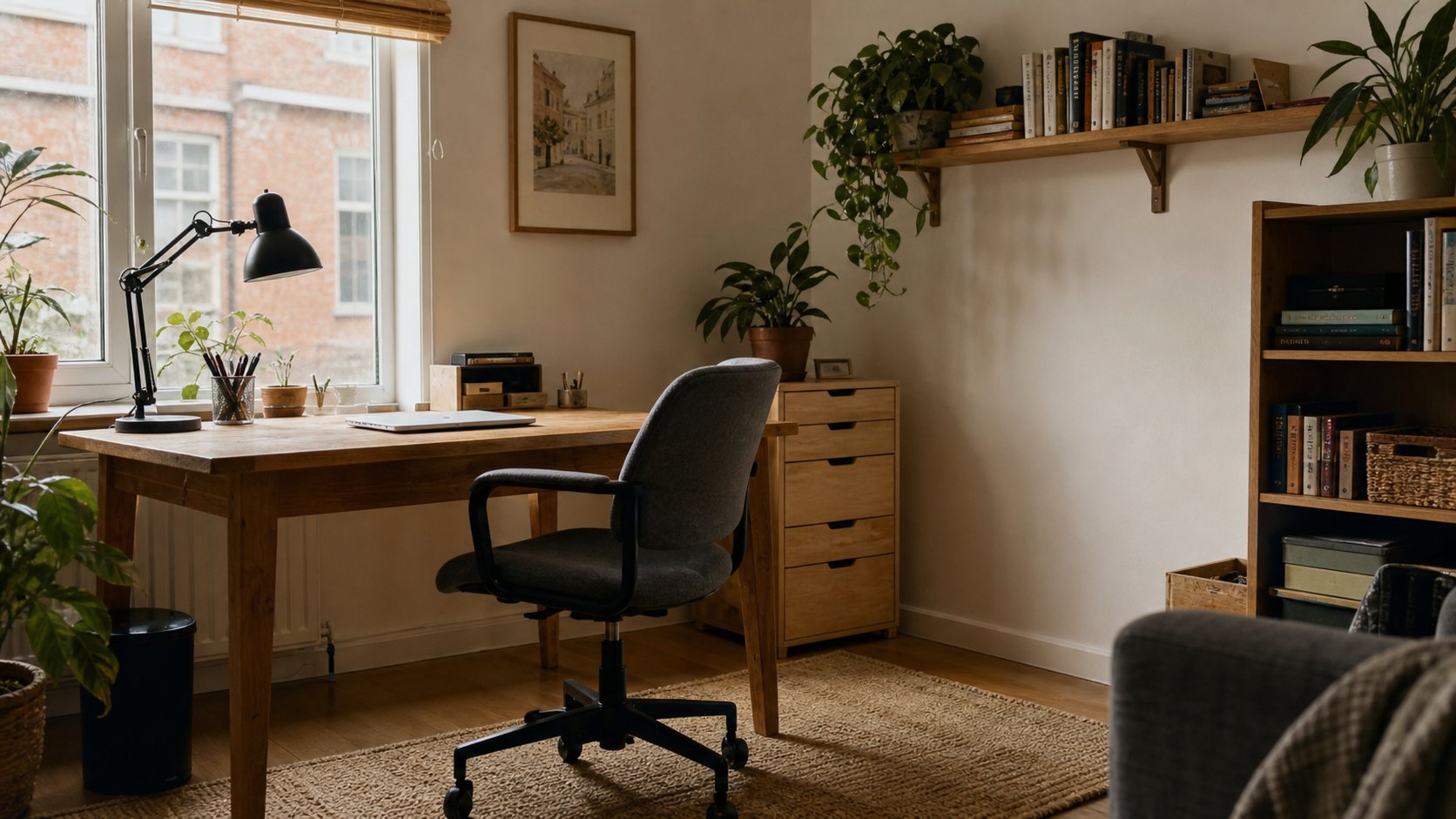
Build a practical DIY desk with twelve adaptable ideas, plus guidance on depth, support spacing, edge finishing, cable routes and when structural help is necessary.
Read the guideBuild a capable no-cost remote-work software stack for documents, tasks, notes, calls, security, design and time tracking—with honest free-plan limitations.
Read the guideExplore 15 practical minimal desk setups for laptops, monitors, small rooms and creative work—plus a step-by-step plan to reduce clutter without losing function.
Read the guideFind 15 practical home-office upgrades under $50, with fit, safety and quality checks for lighting, cable control, laptop support and desk organization.
Read the guideBuild a realistic work-from-home morning routine that protects energy, clarifies the first priority and gets you into focused work without a two-hour ritual.
Read the guideShop AliExpress for low-risk office accessories with a safety-first list of organizers and stands, plus categories to avoid, seller checks and return rules.
Read the guideLearn what anti-fatigue mats can and cannot do for standing work, how to choose safe firmness and edges, and why movement still matters more than standing all day.
Read the guideAddress avoidable home-office strain with ten practical changes to chair fit, desk height, monitor position, movement and workload—plus signs that need medical care.
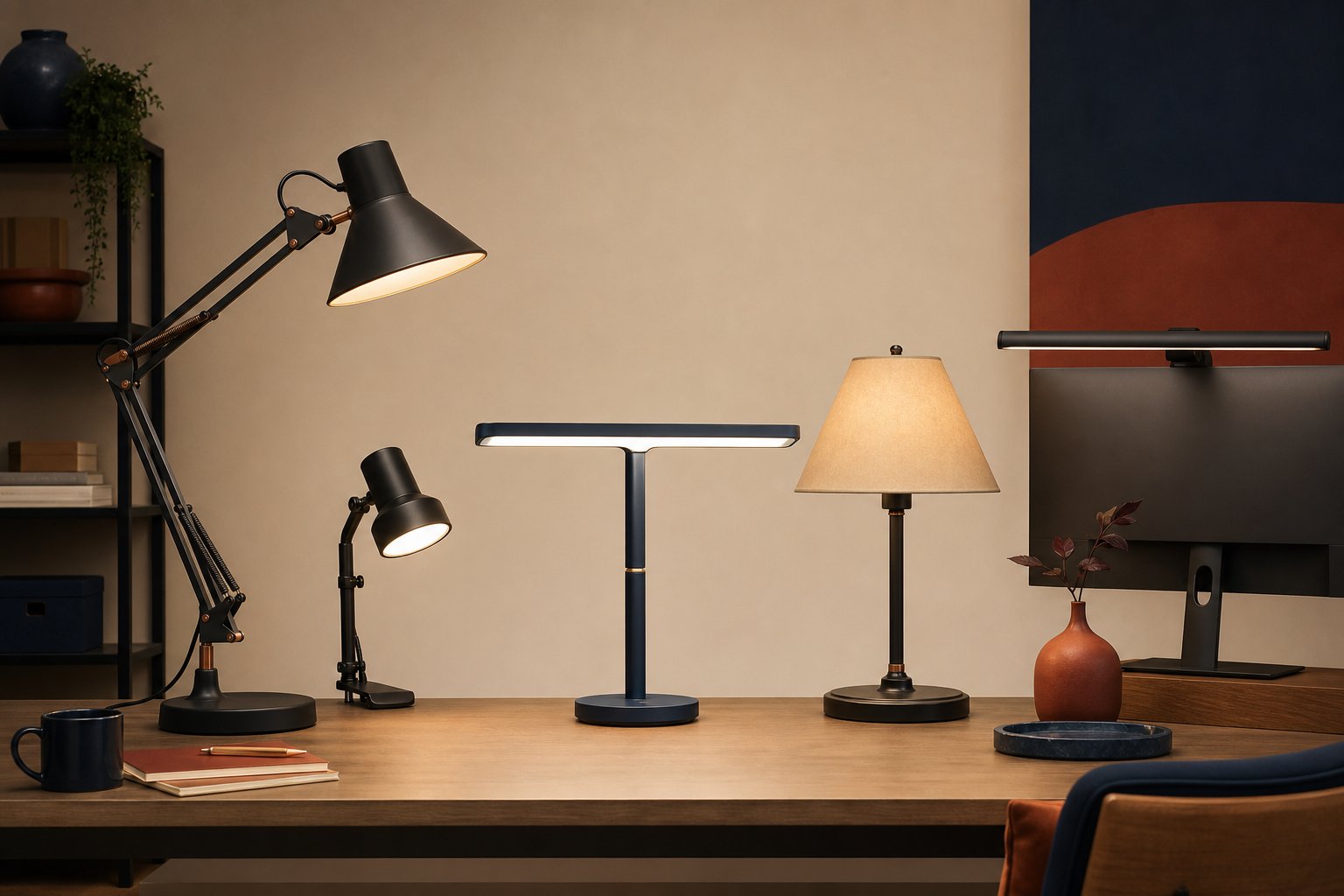
Read the guideCompare 10 strong desk lamps for computer work, video calls, large desks and tight budgets, with a practical guide to glare, adjustability and light quality.
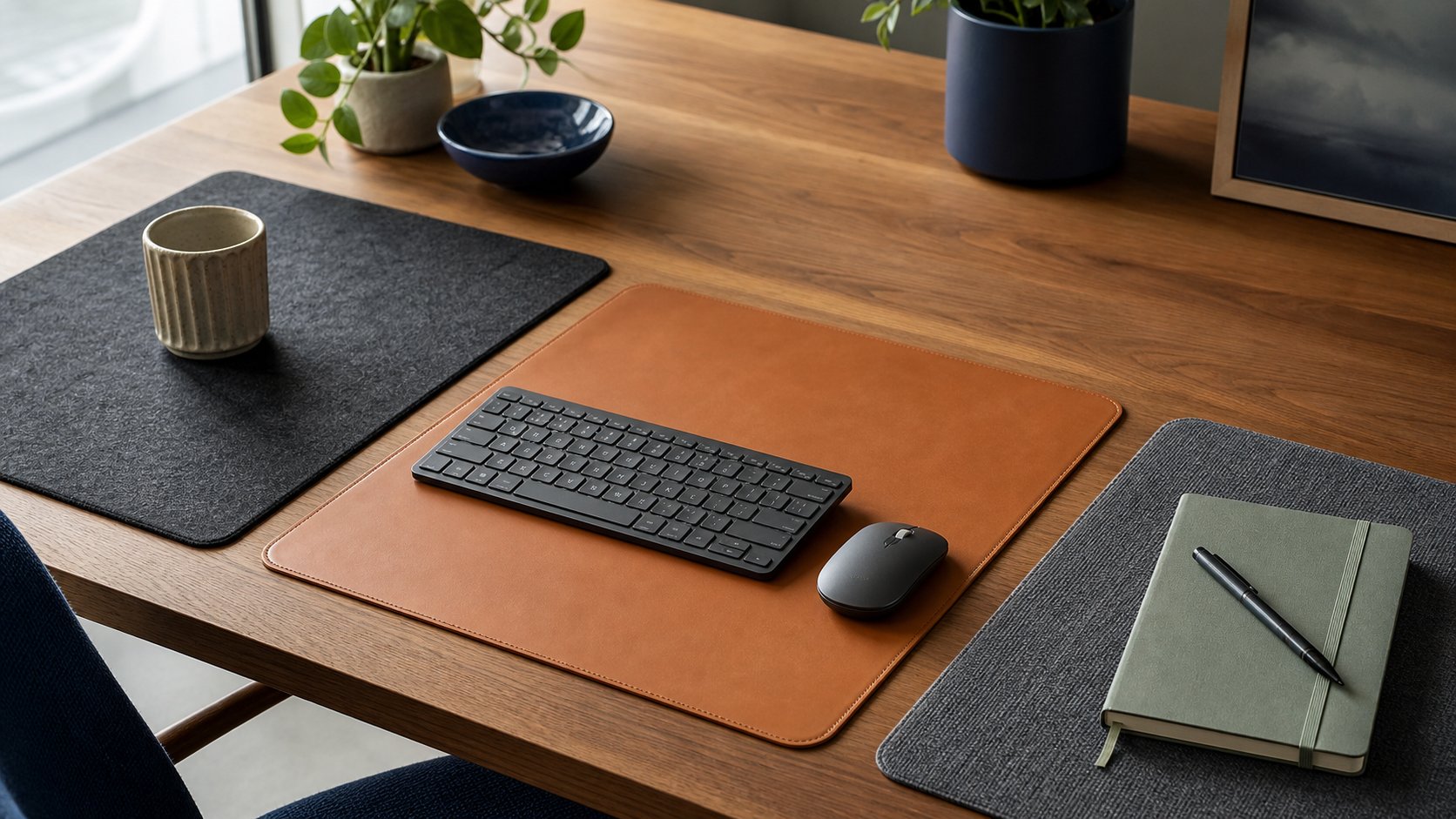
Read the guideCompare six desk mats by size, surface, backing and care, then choose one that fits your keyboard, mouse, writing habits and actual available desk depth.
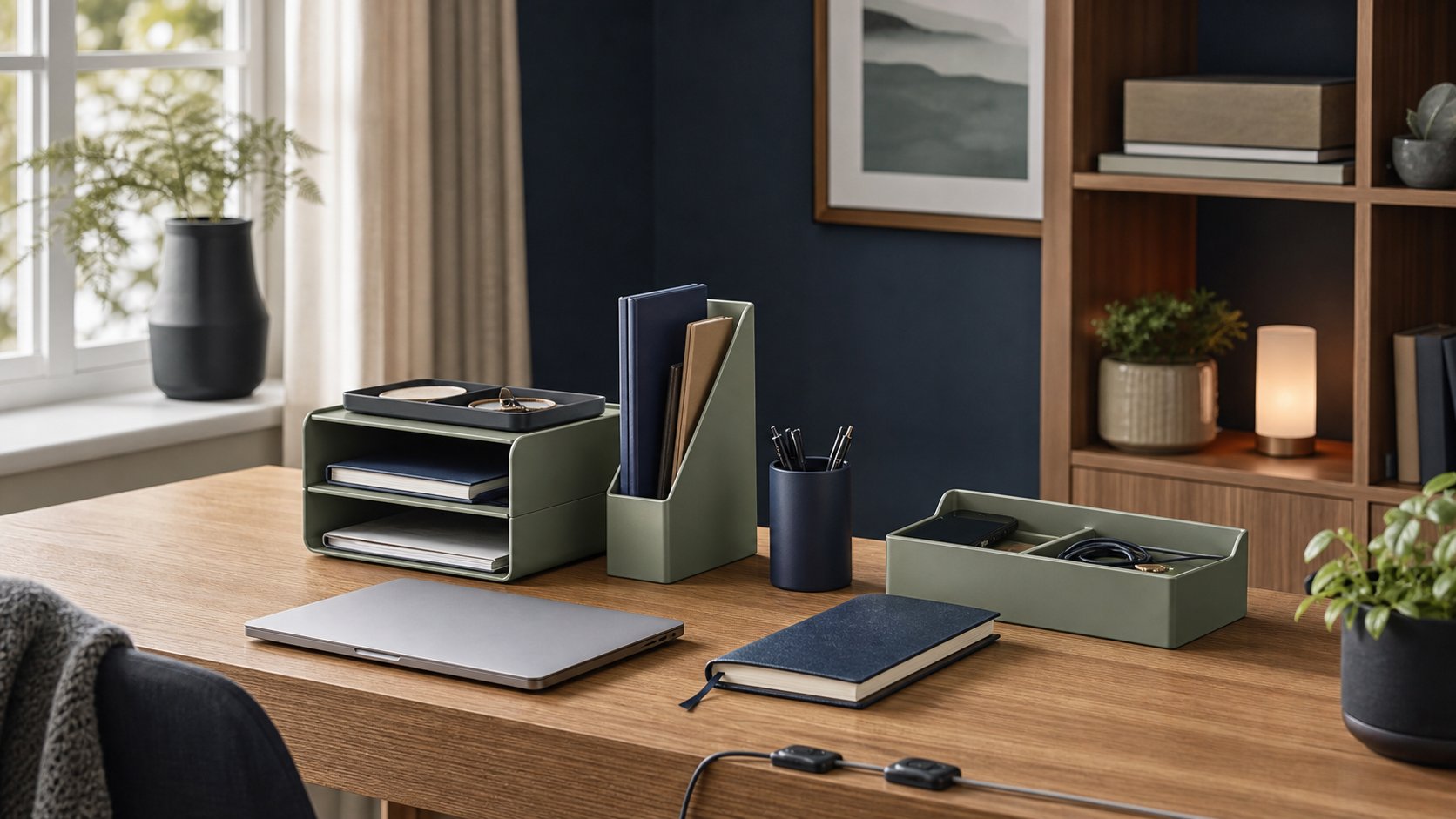
Read the guideCompare six desk organizers for paper, cables and daily tools, with a method for sizing compartments and keeping storage from becoming another layer of clutter.
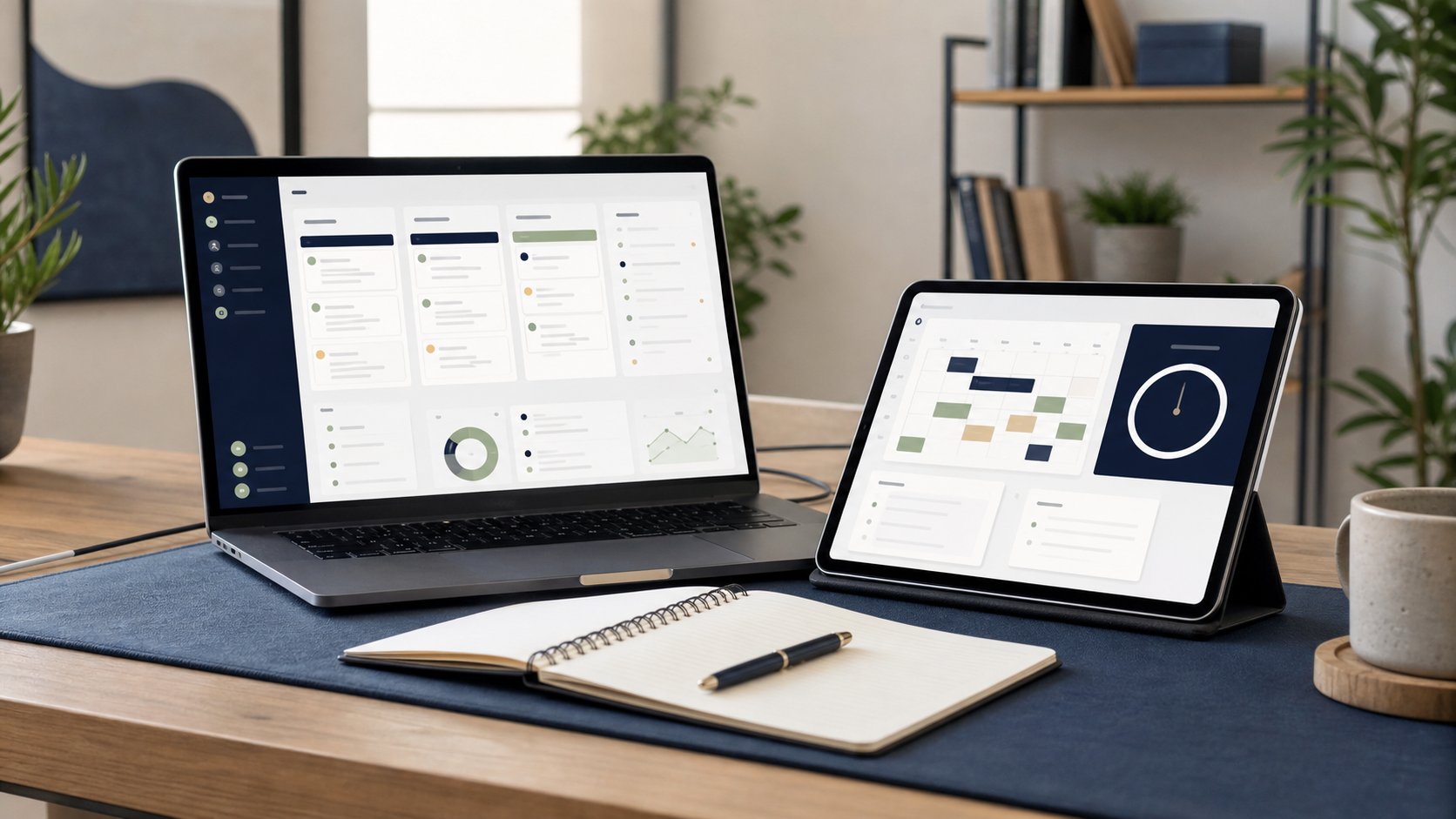
Read the guideCompare six digital planners for remote work by daily planning, task capture, calendar scheduling, collaboration, handwriting, export and maintenance effort.
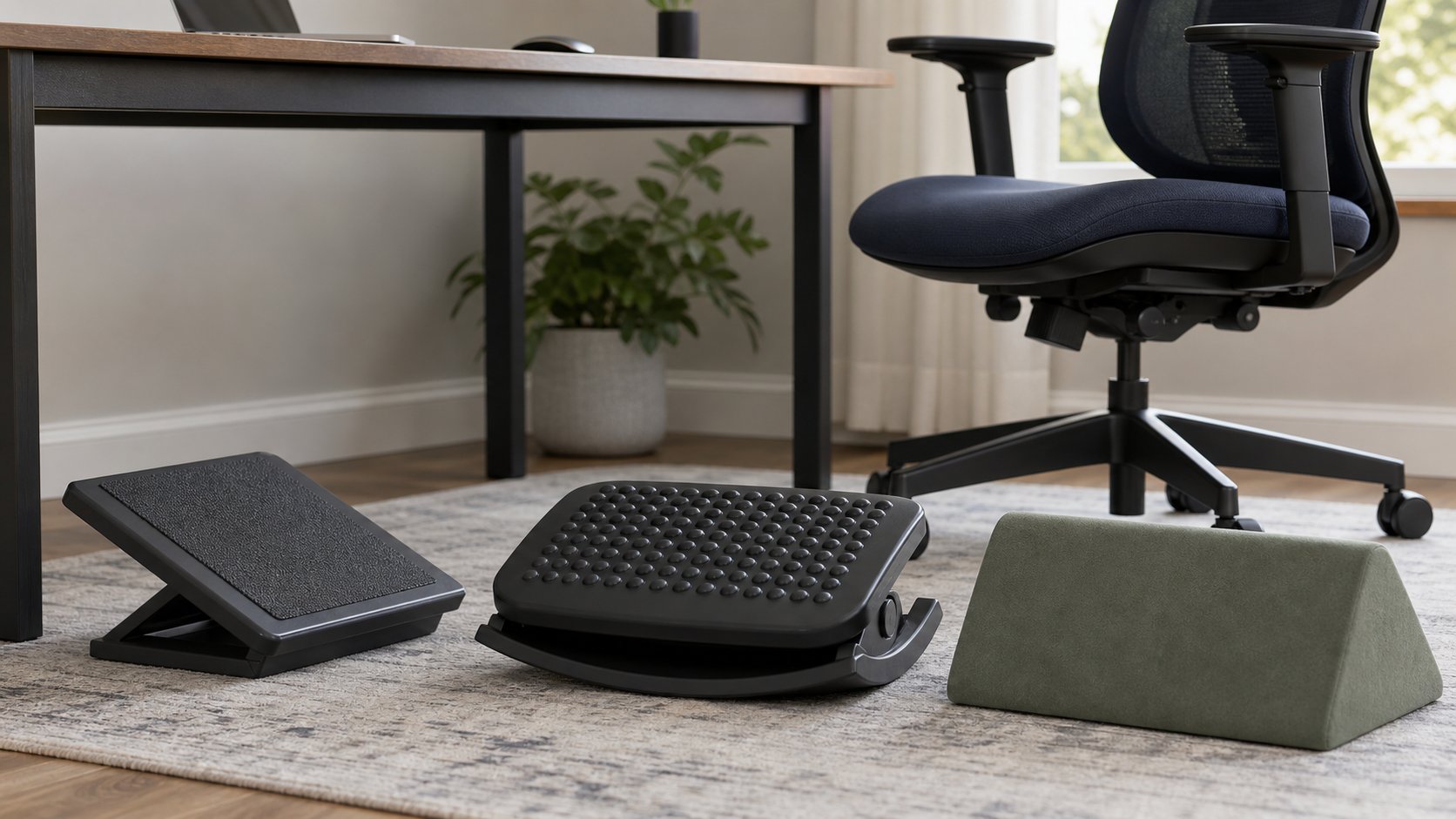
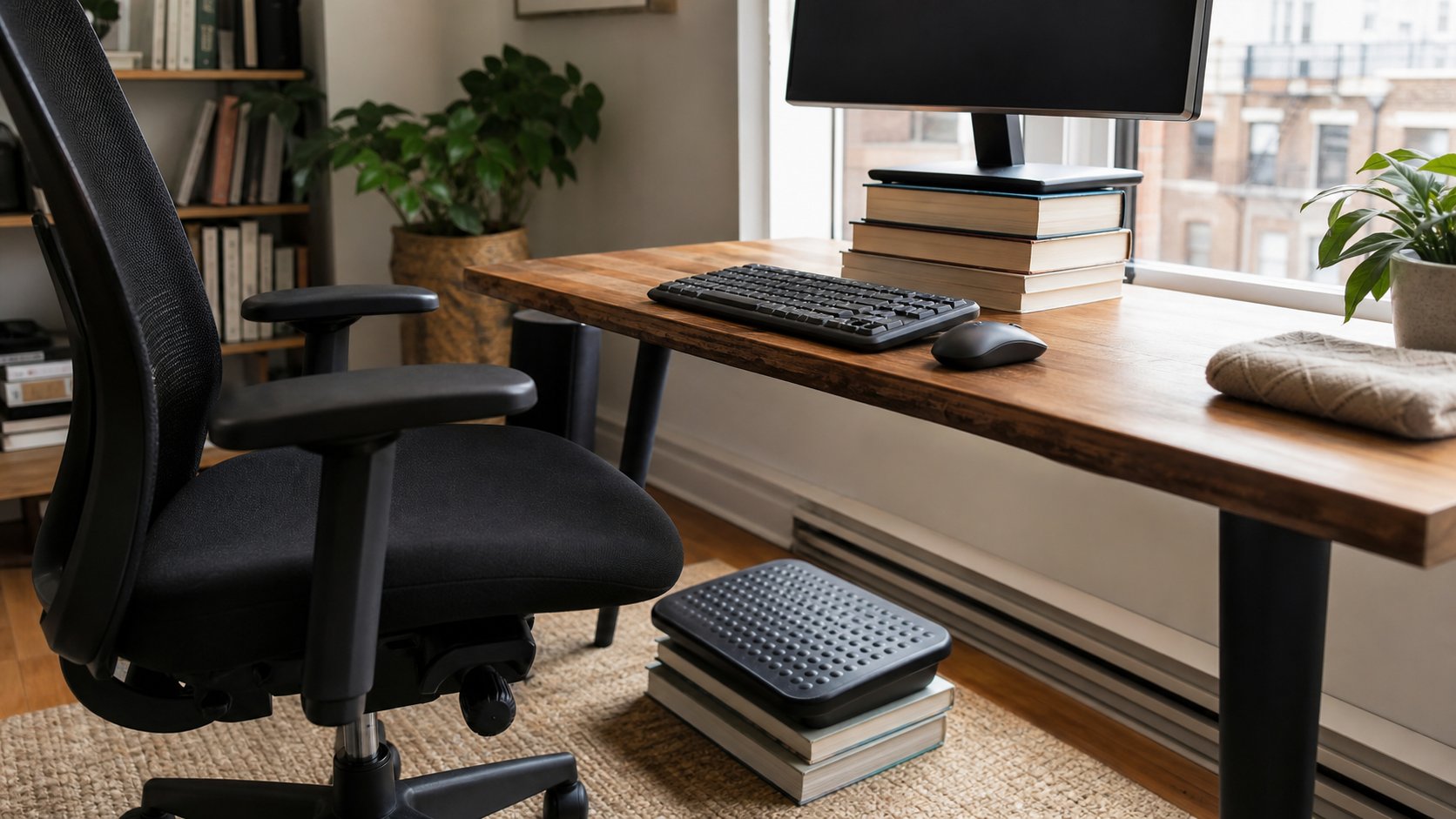
Read the guideCompare five ergonomic footrest designs by height, angle, movement, firmness and floor grip, then use a simple fit test to coordinate the footrest with your chair.
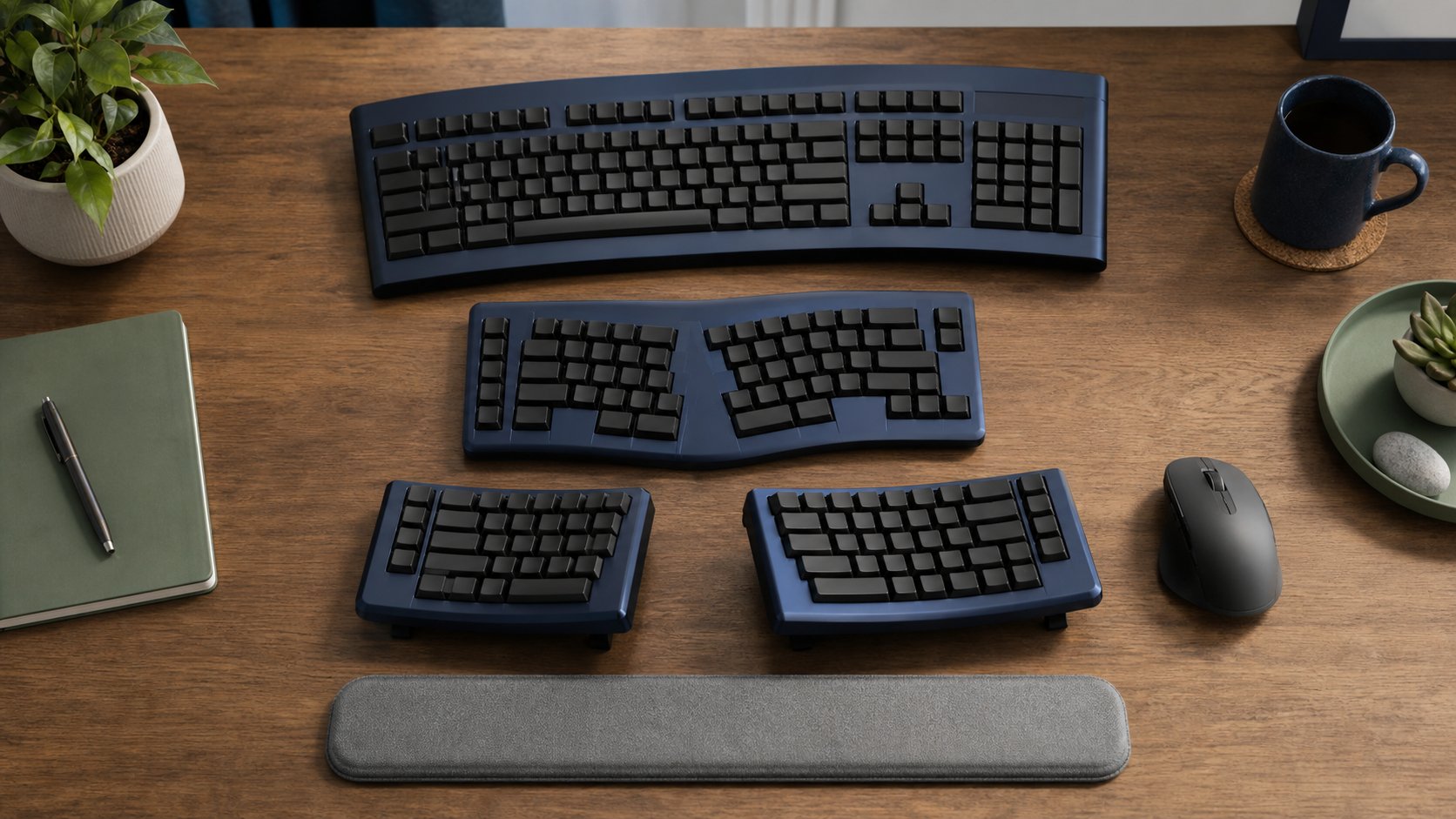
Read the guideCompare six curved, split and contoured ergonomic keyboards by separation, tenting, layout and learning curve, with a safe two-week method for changing your setup.
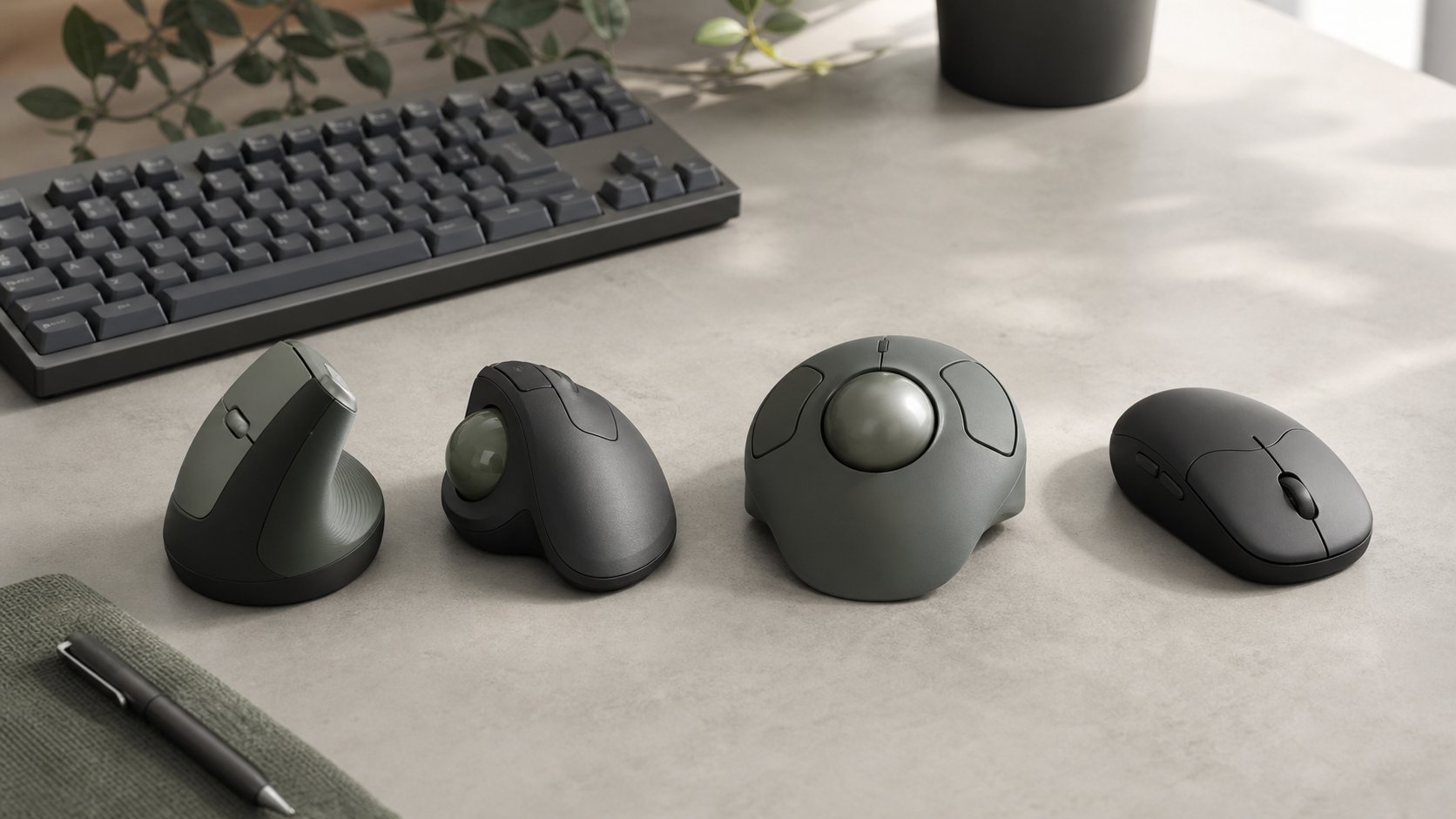
Read the guideCompare vertical mice, thumb trackballs, finger trackballs and conventional designs by hand fit, movement, precision and software, with five practical options.
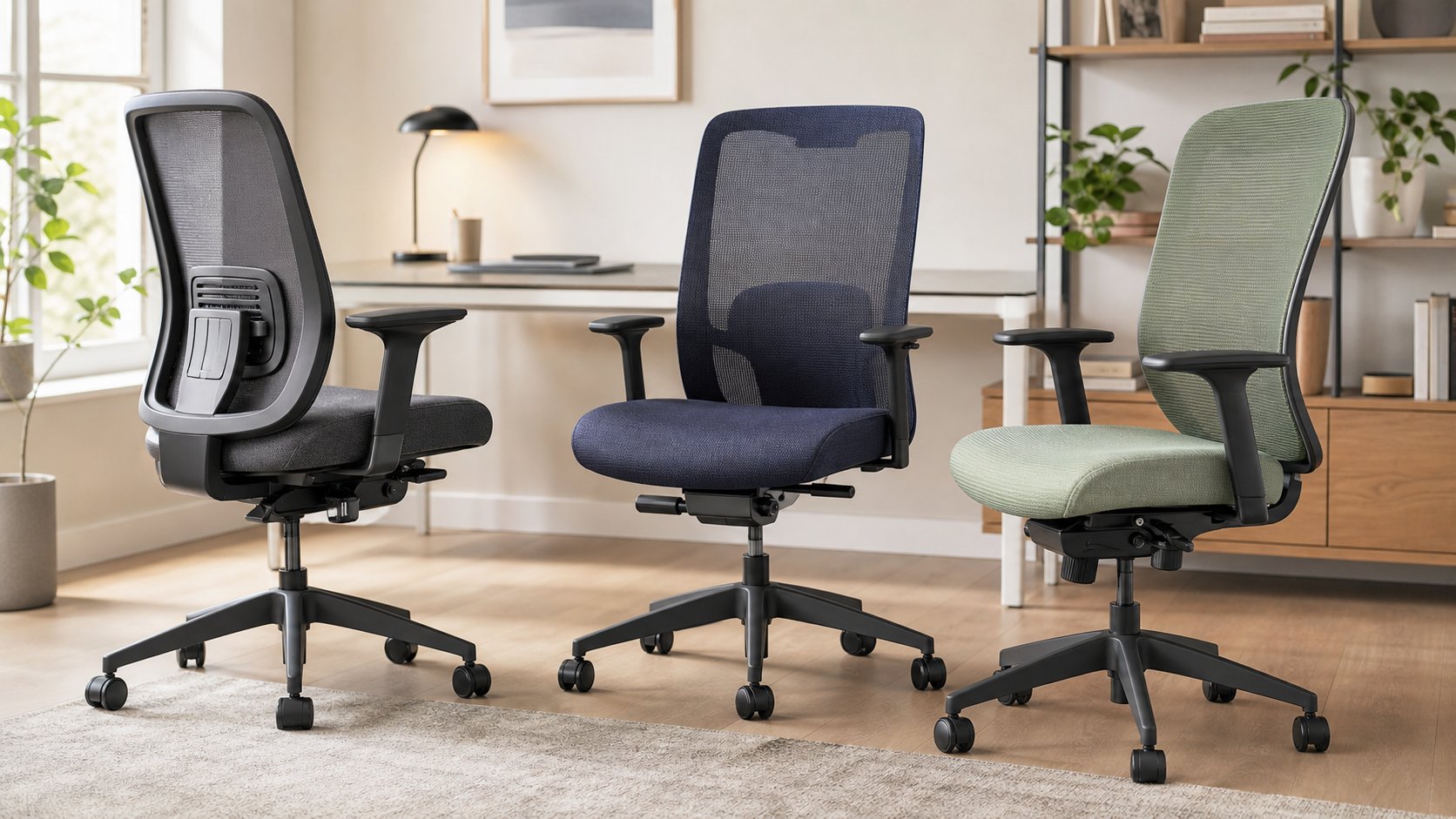
Read the guideCompare six office chairs commonly sold below $500 by seat range, lumbar support, arm adjustment and warranty, then use a fit-first checklist before ordering.
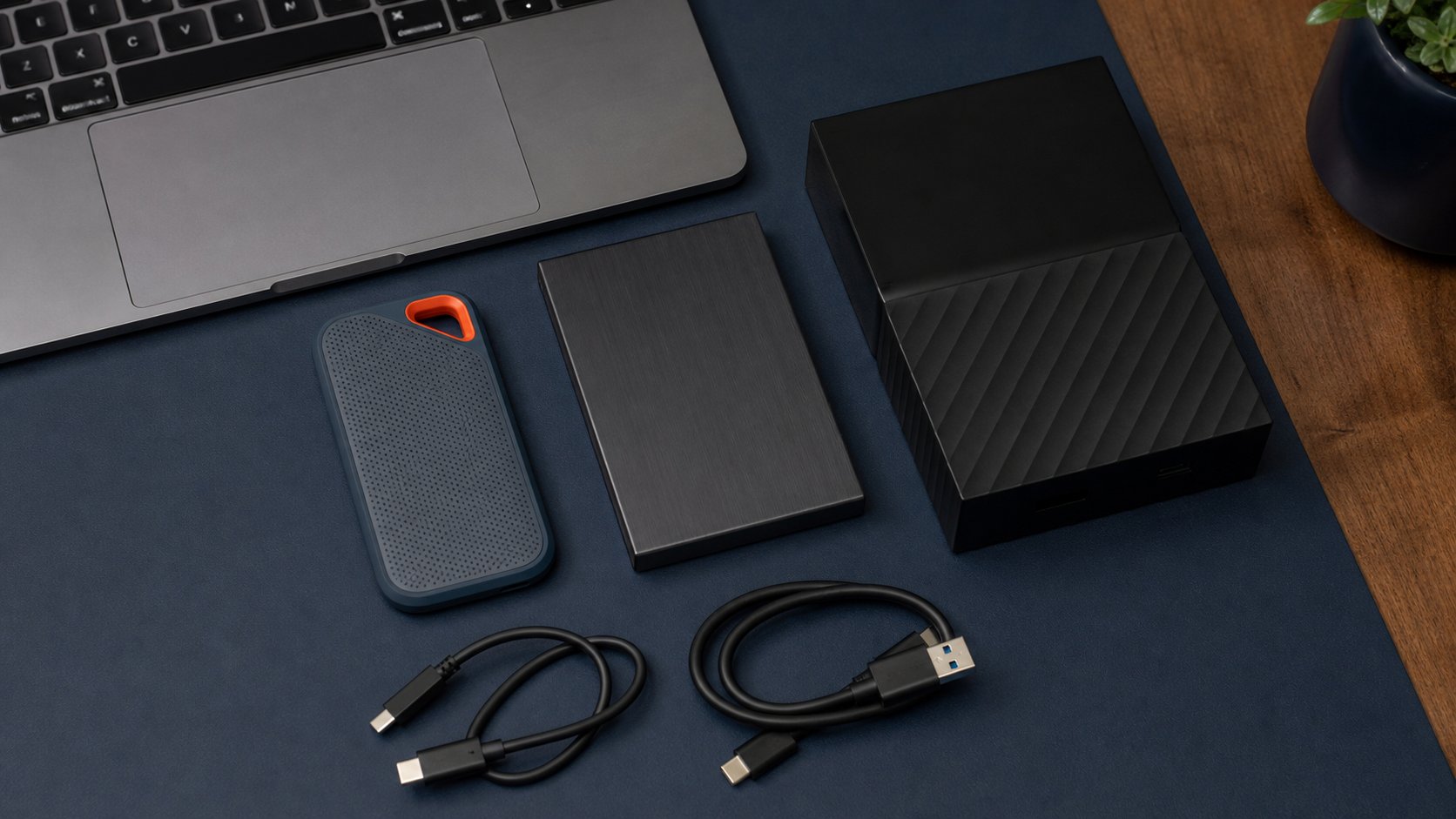
Read the guideCompare portable SSDs and external hard drives for remote-work backup and travel, with four current options plus encryption, formatting and 3-2-1 guidance.
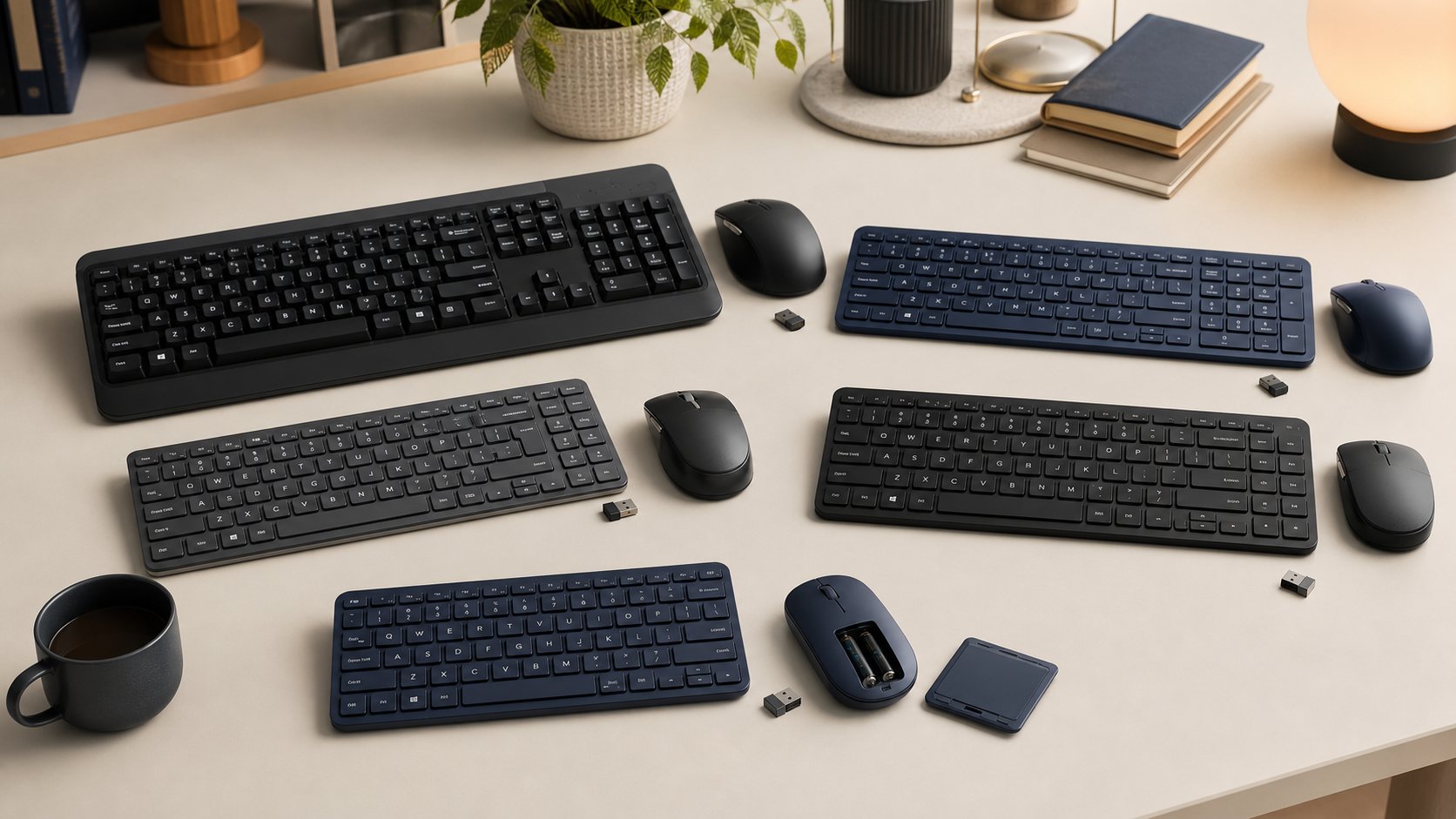
Read the guideCompare five keyboard and mouse combos under $100 by layout, connection, device switching, key feel, mouse shape, software, security and return policy.
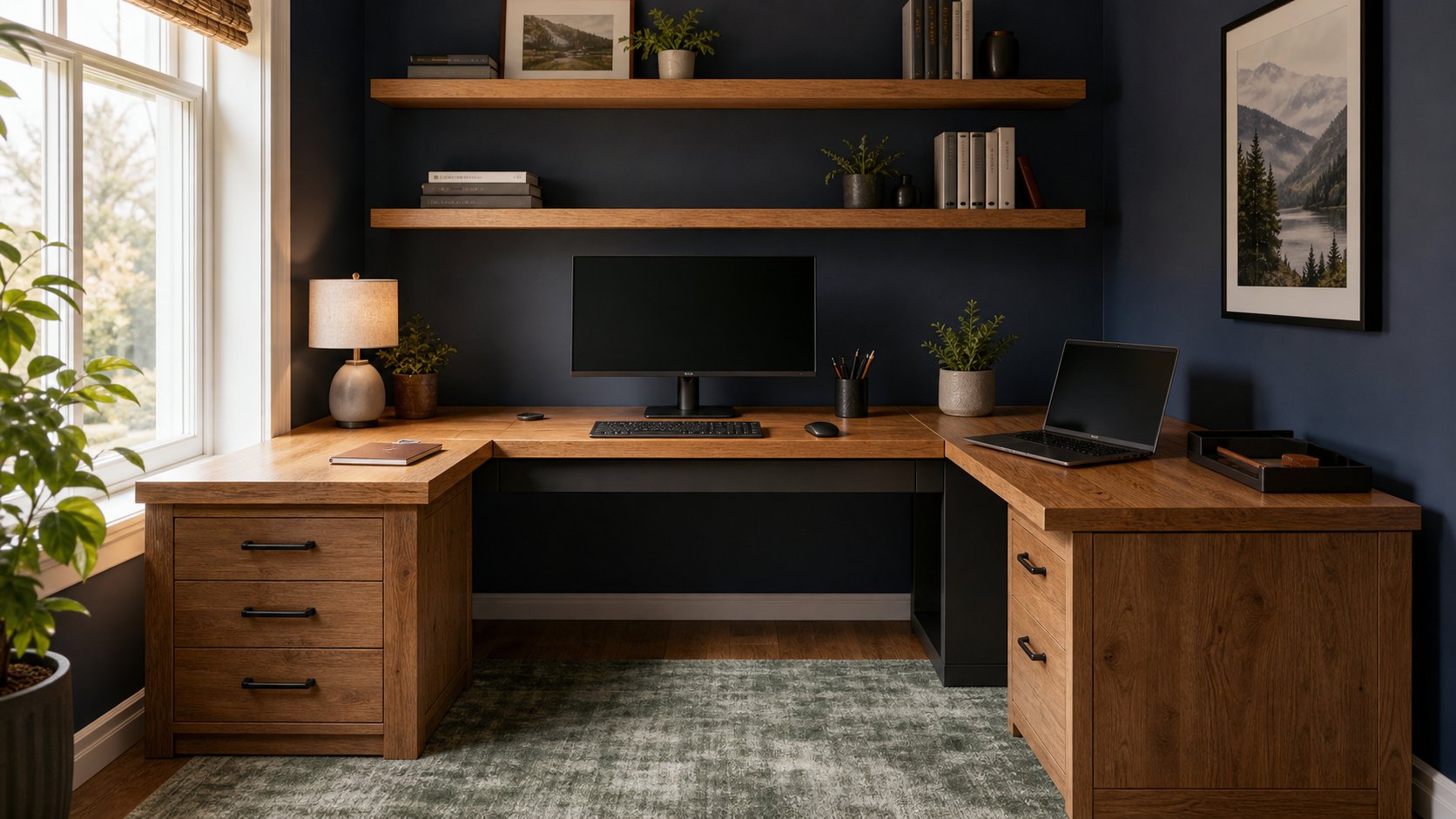
Read the guideCompare five L-shaped desk approaches by footprint, return side, height range, load and cable path, then measure the room and primary work zone before ordering.
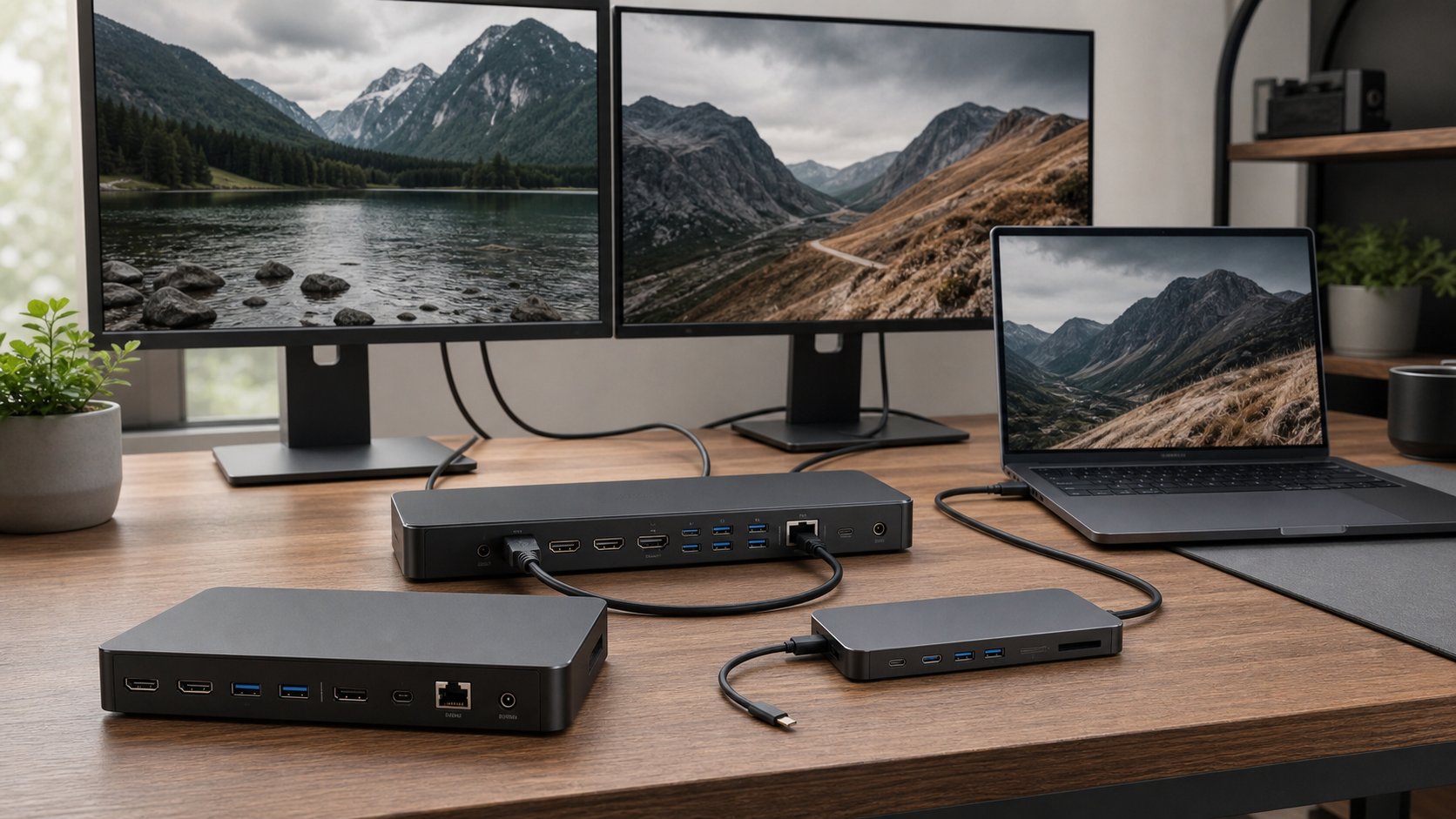
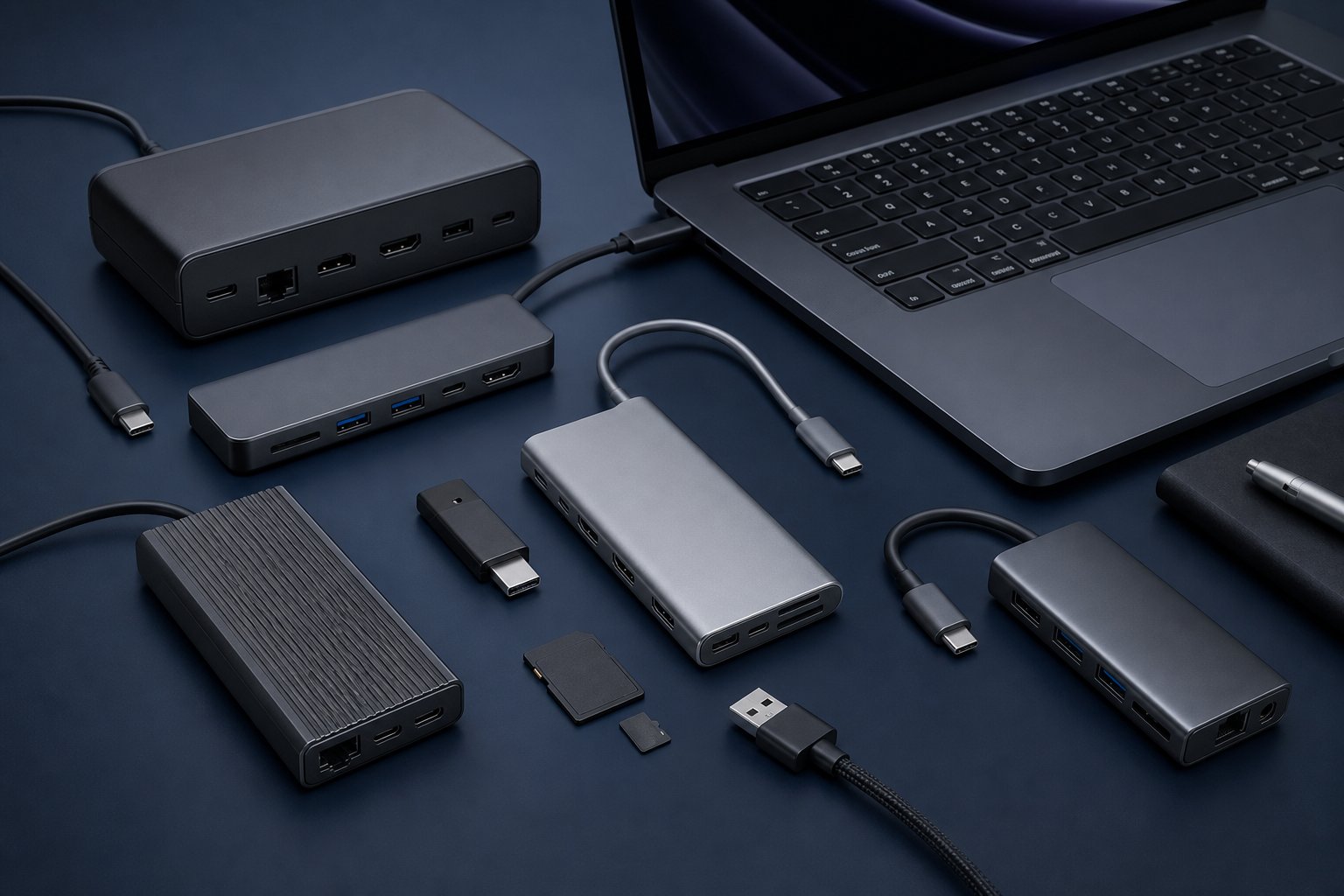
Read the guideCompare seven laptop docking stations for Thunderbolt 5, USB-C, multiple monitors and one-cable charging, plus the compatibility checks that matter.
Read the guideChoose a remote-work laptop by workflow, display support, camera, ports and repair needs—not by processor names alone.
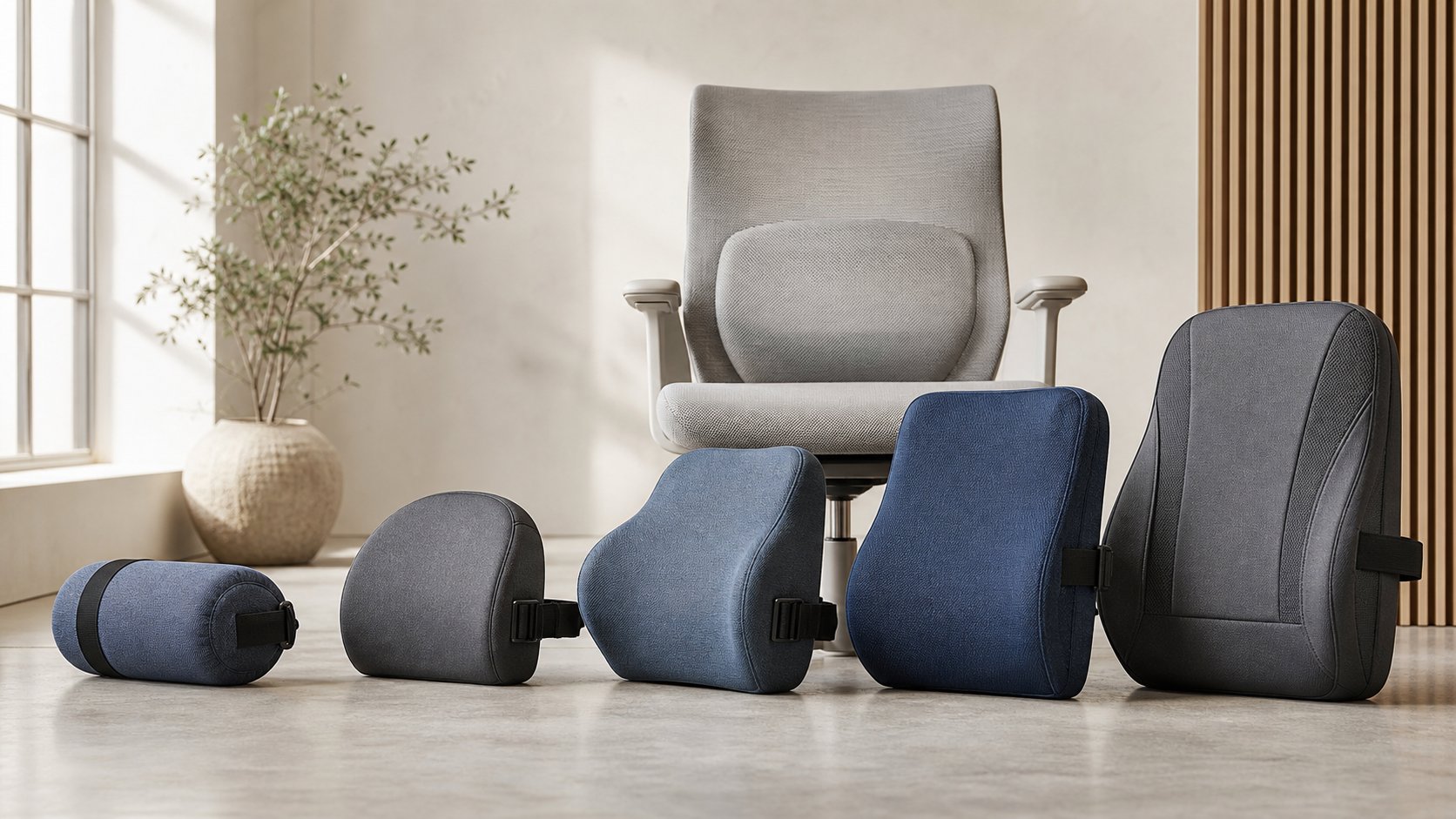
Read the guideCompare five lumbar support cushions by profile, firmness, chair fit, straps and lost seat depth, then run a five-day trial before changing the workstation.
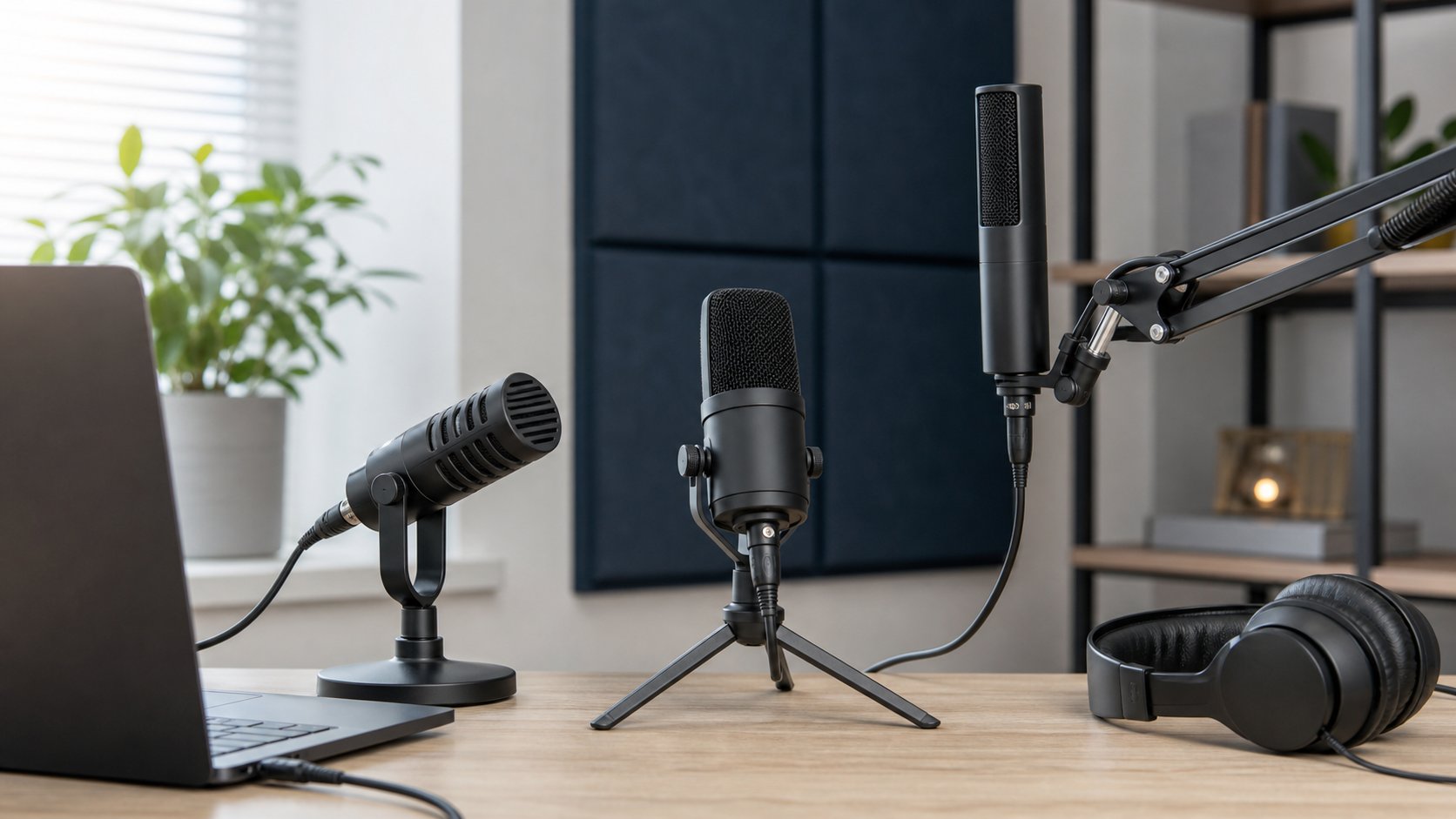
Read the guideCompare six USB microphones for untreated rooms, shared desks and polished presentations, then improve placement, gain and conferencing settings before upgrading.
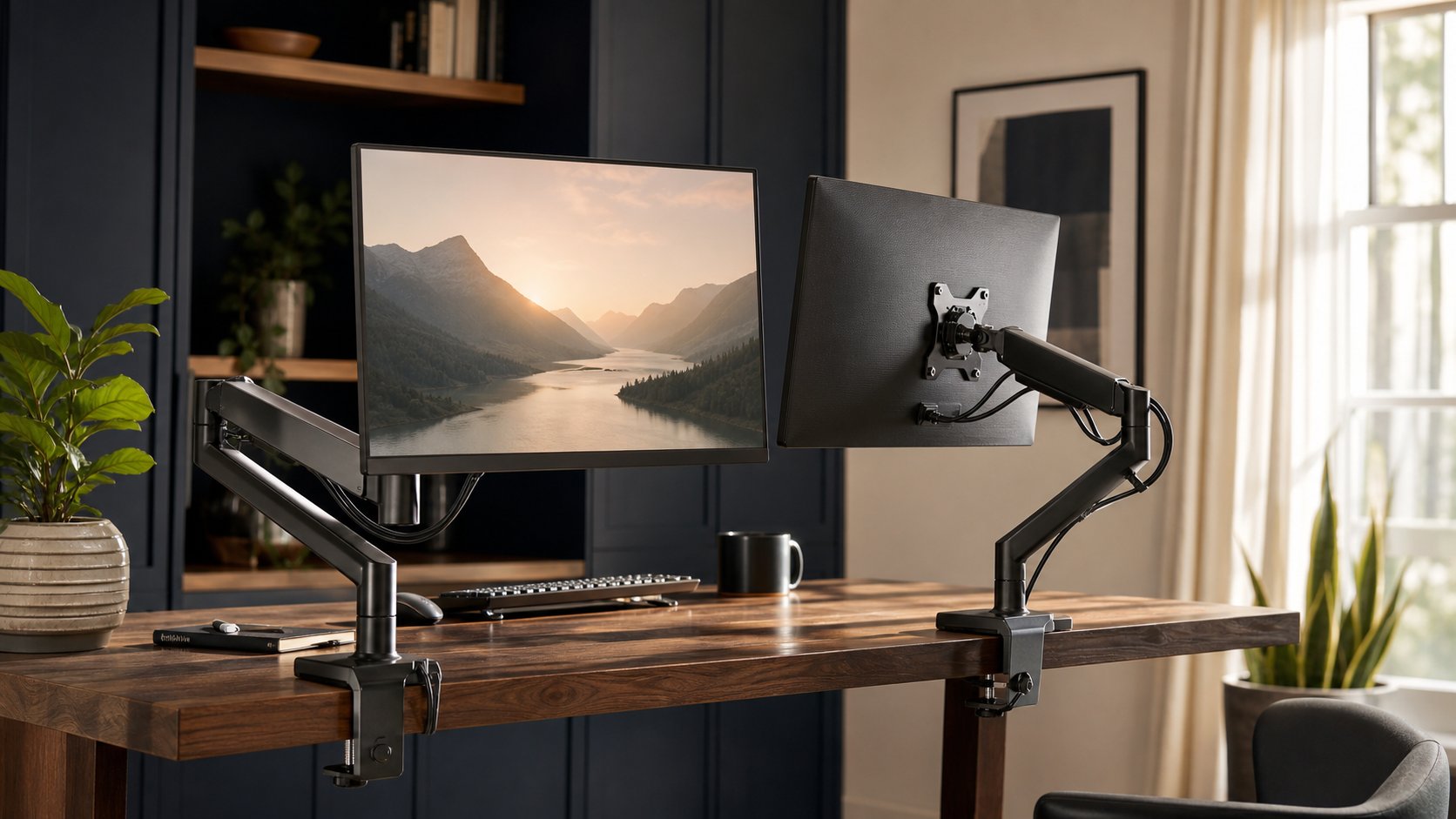
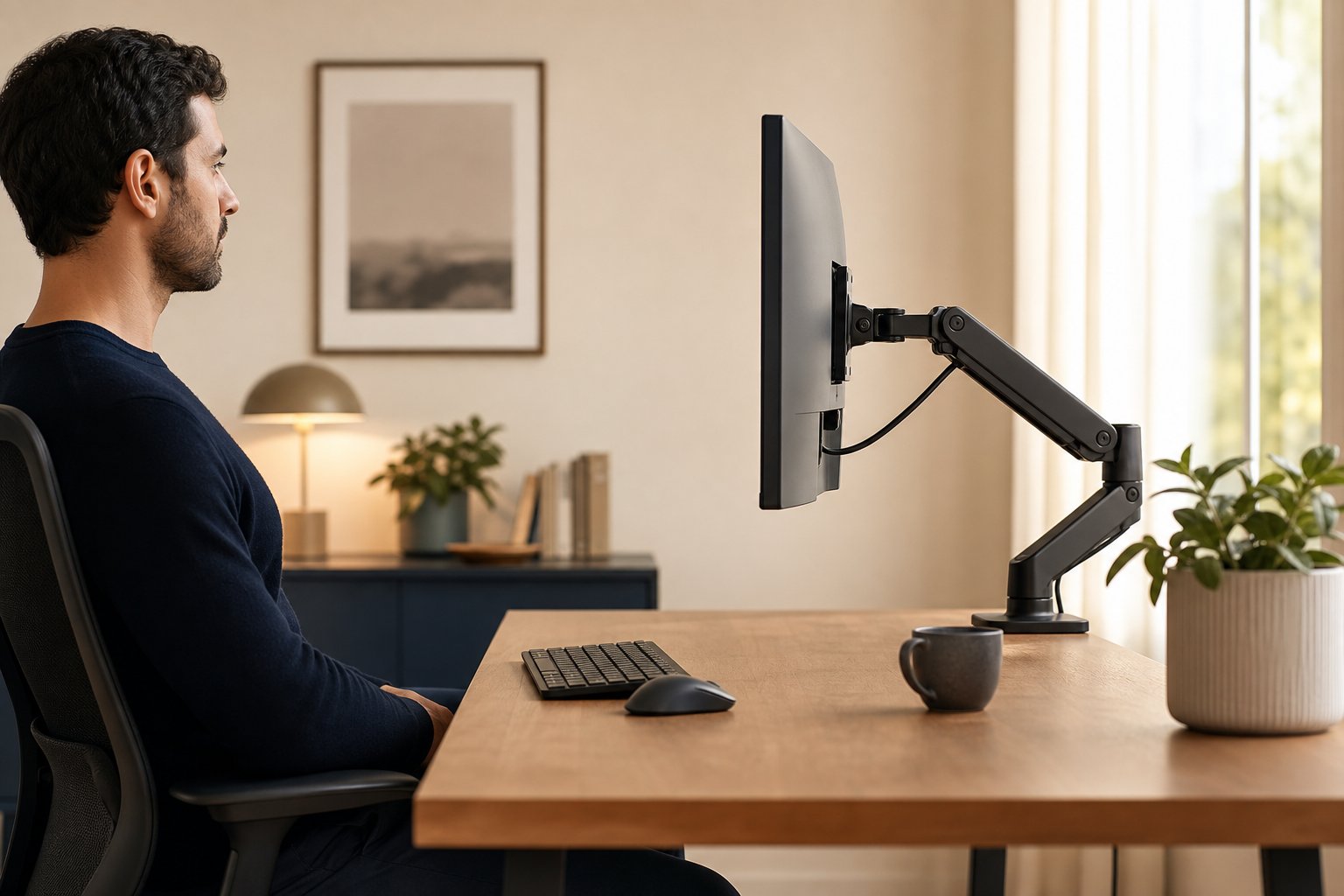
Read the guideCompare five monitor arms for standard screens, heavy ultrawides and dual displays, then verify weight, VESA pattern, desk strength, clamp clearance and range.
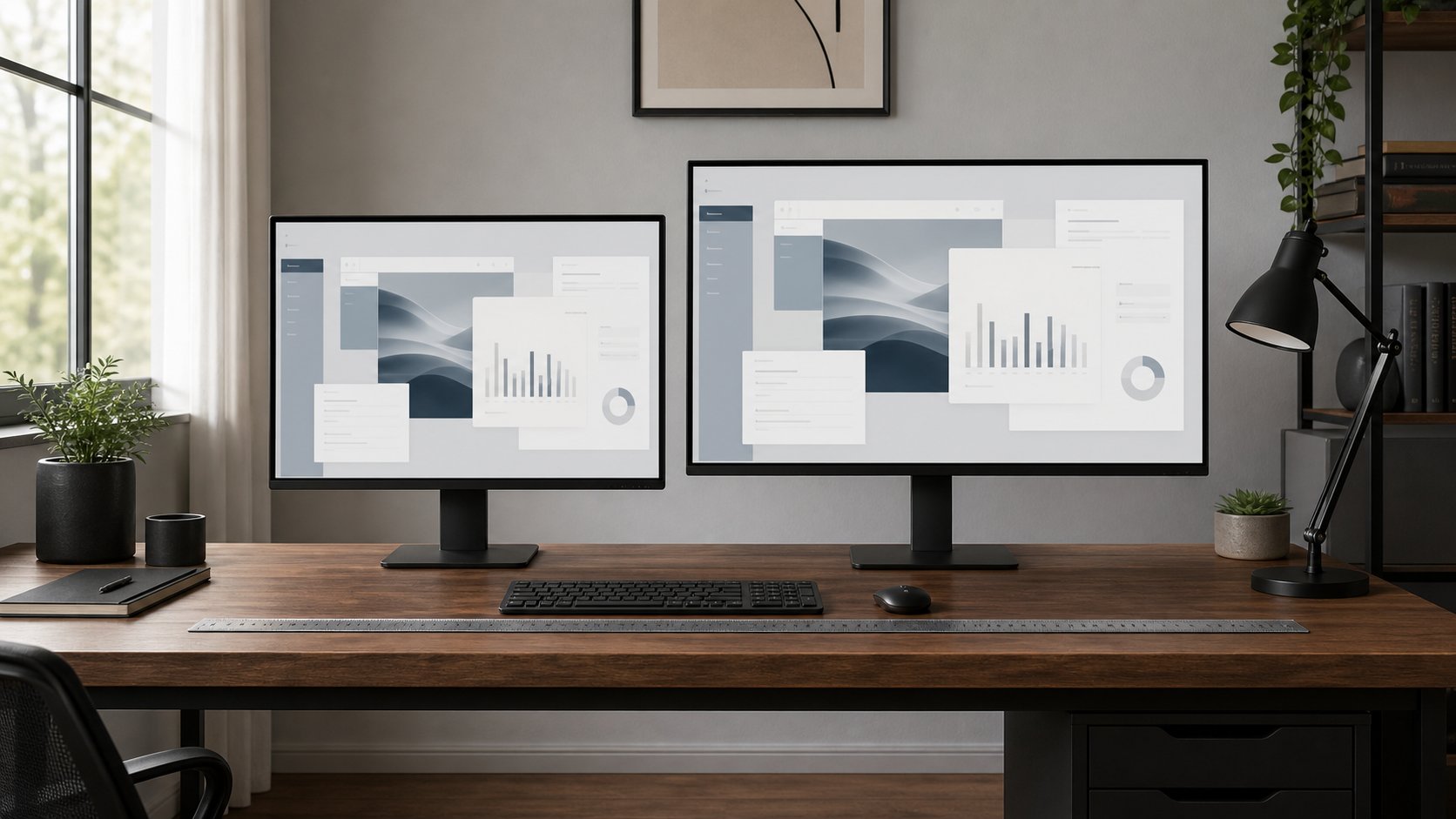
Read the guideChoose between 27- and 32-inch monitors using resolution, pixel density, viewing distance, scaling, desk depth and window layout rather than screen size alone.
Read the guideCompare six noise-canceling headphones for focus, calls and travel by comfort, battery, multipoint and connection options, then test fit and safe listening.
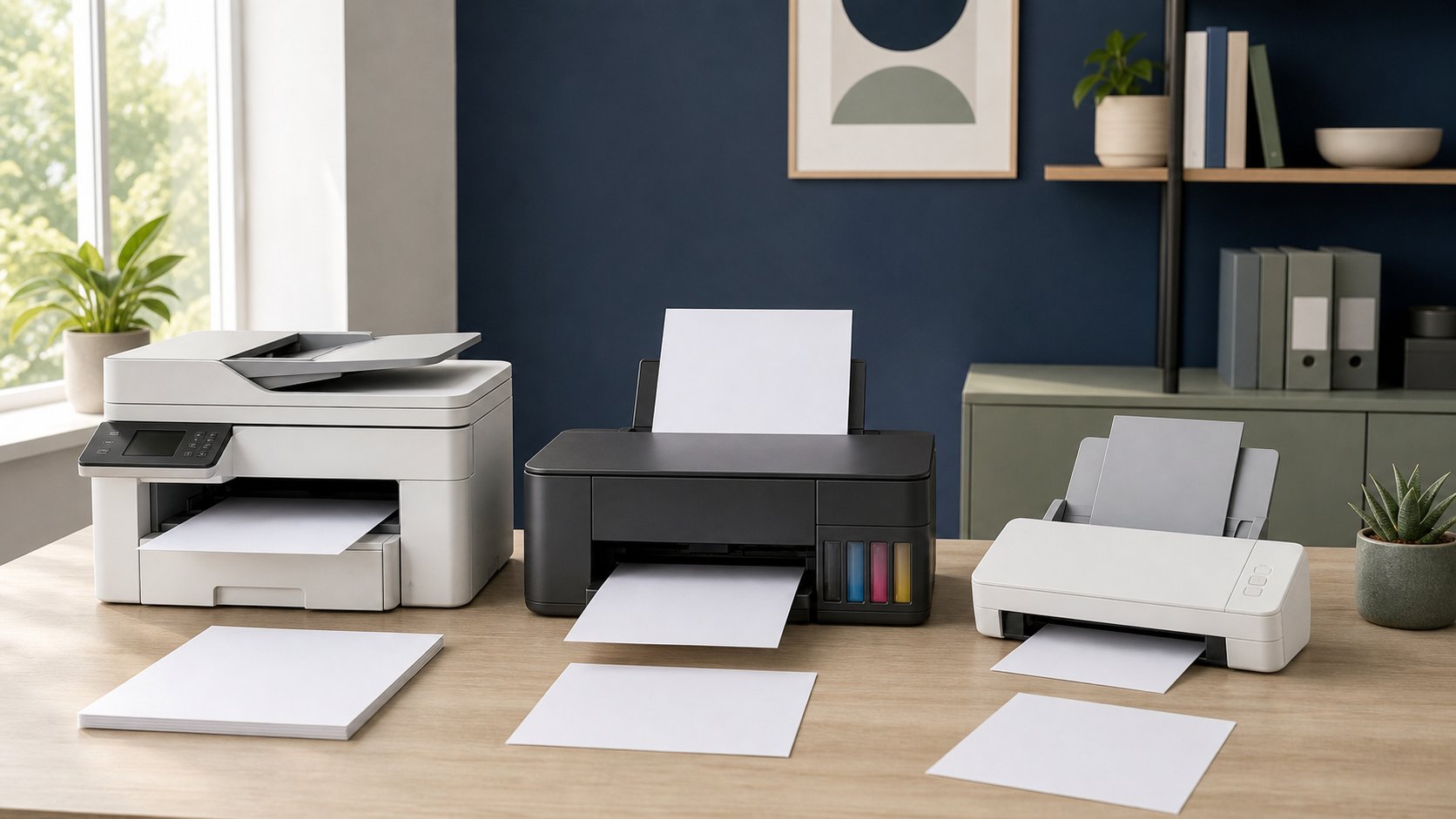
Read the guideCompare four home-office printers for monochrome documents, low-cost color, color laser output and general inkjet use, plus calculate ownership cost before buying.
Read the guideChoose a lean remote-work app stack for tasks, projects, notes, time, focus and async updates—without duplicating tools, scattering data or paying for unused seats.
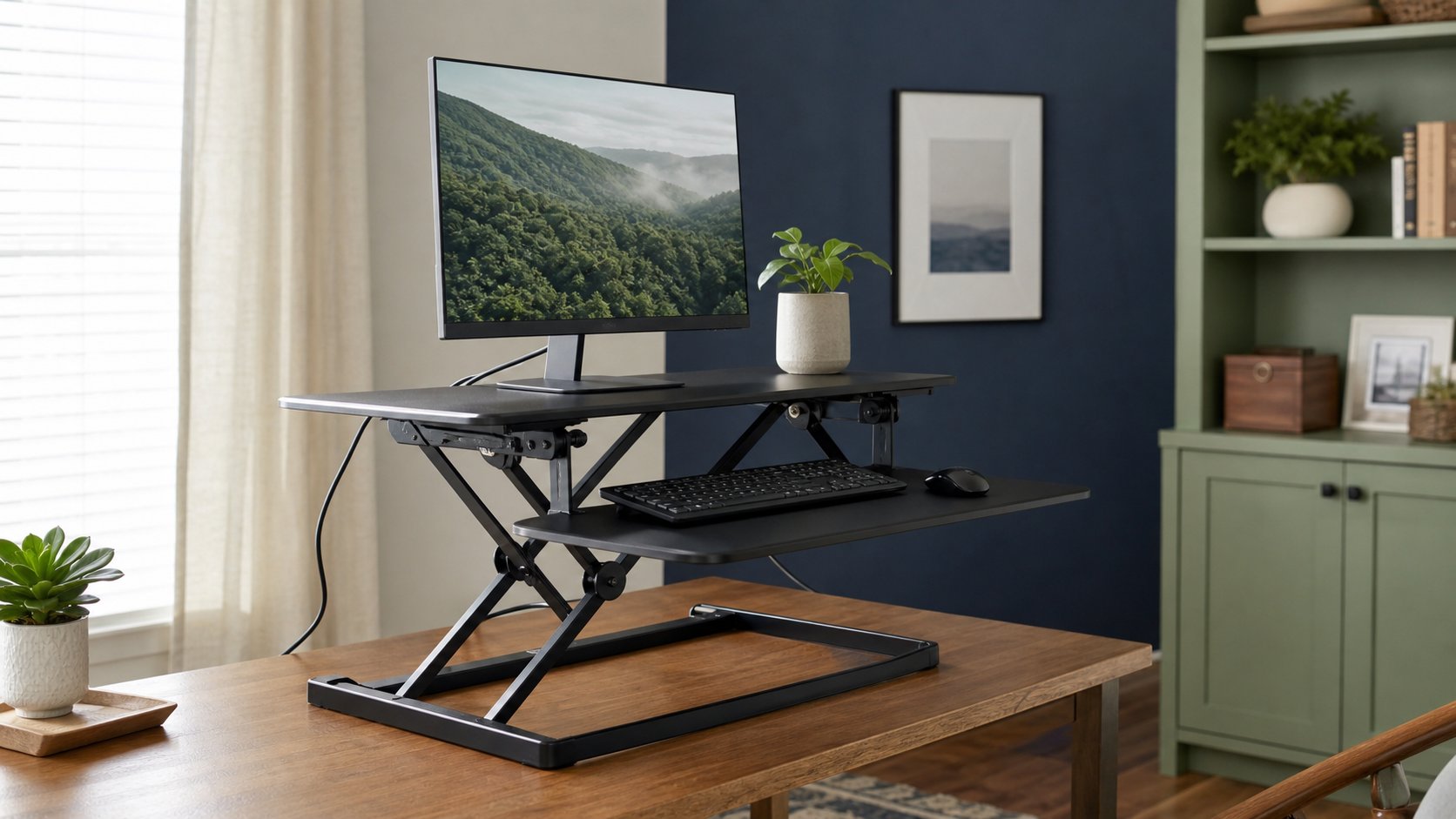
Read the guideCompare four standing-desk converters by lift path, keyboard height, capacity and footprint, then check whether a riser fits seated and standing posture.
Read the guideCompare six standing and movement timer options for Windows, macOS, Linux and phones, including open-source tools, privacy considerations and realistic schedules.
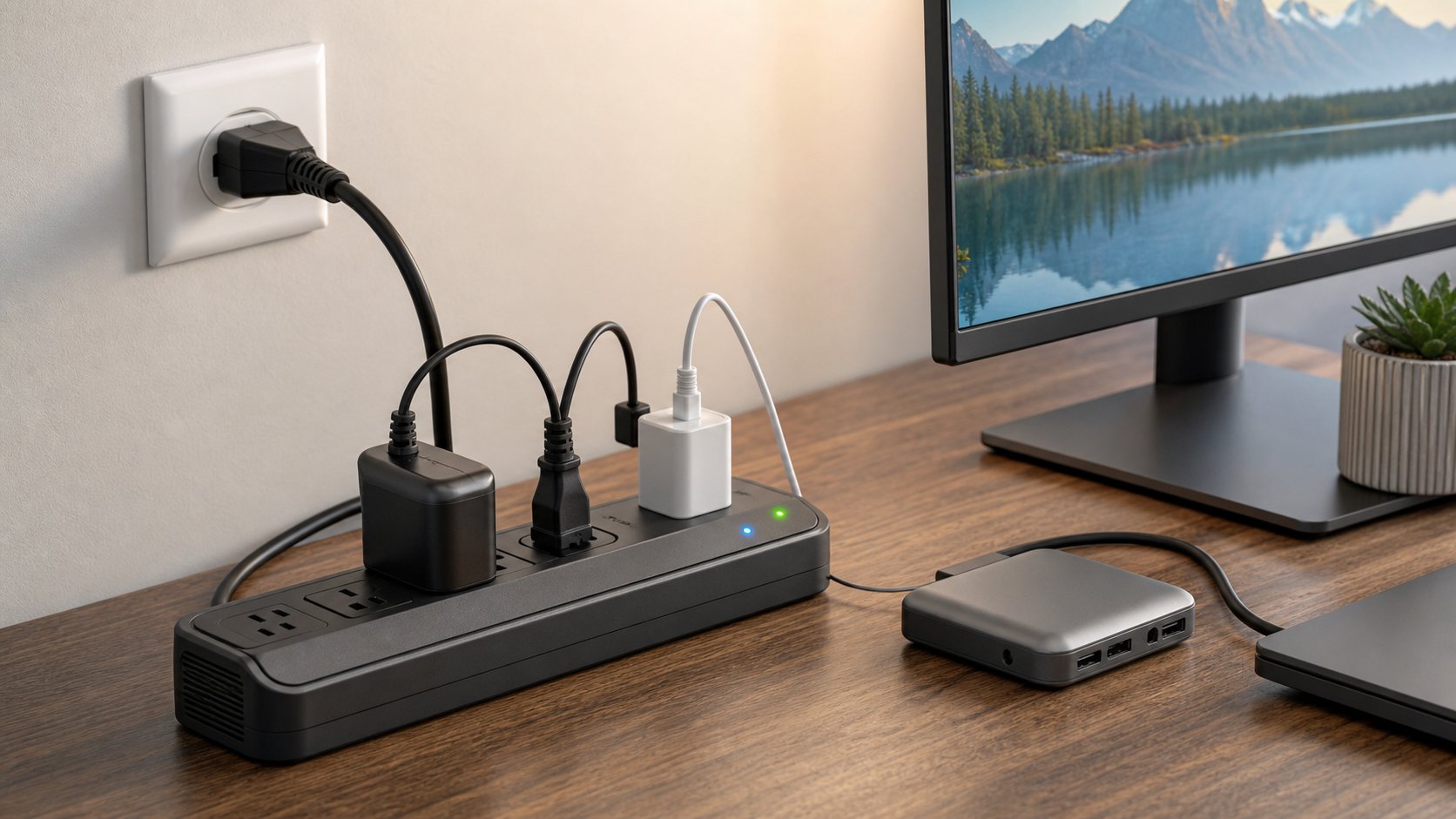
Read the guideCompare five surge protectors for home-office electronics and learn how to check certification, joules, protection indicators, outlet spacing and safe installation.
Read the guideCompare eight strong USB-C hubs and docks for travel, Ethernet, 4K displays, dual monitors and permanent desks—plus the compatibility checks that prevent costly mistakes.
Read the guideChoose a VPN for remote work by purpose: employer access, personal public-network protection, minimal account data or secure access to your own devices.
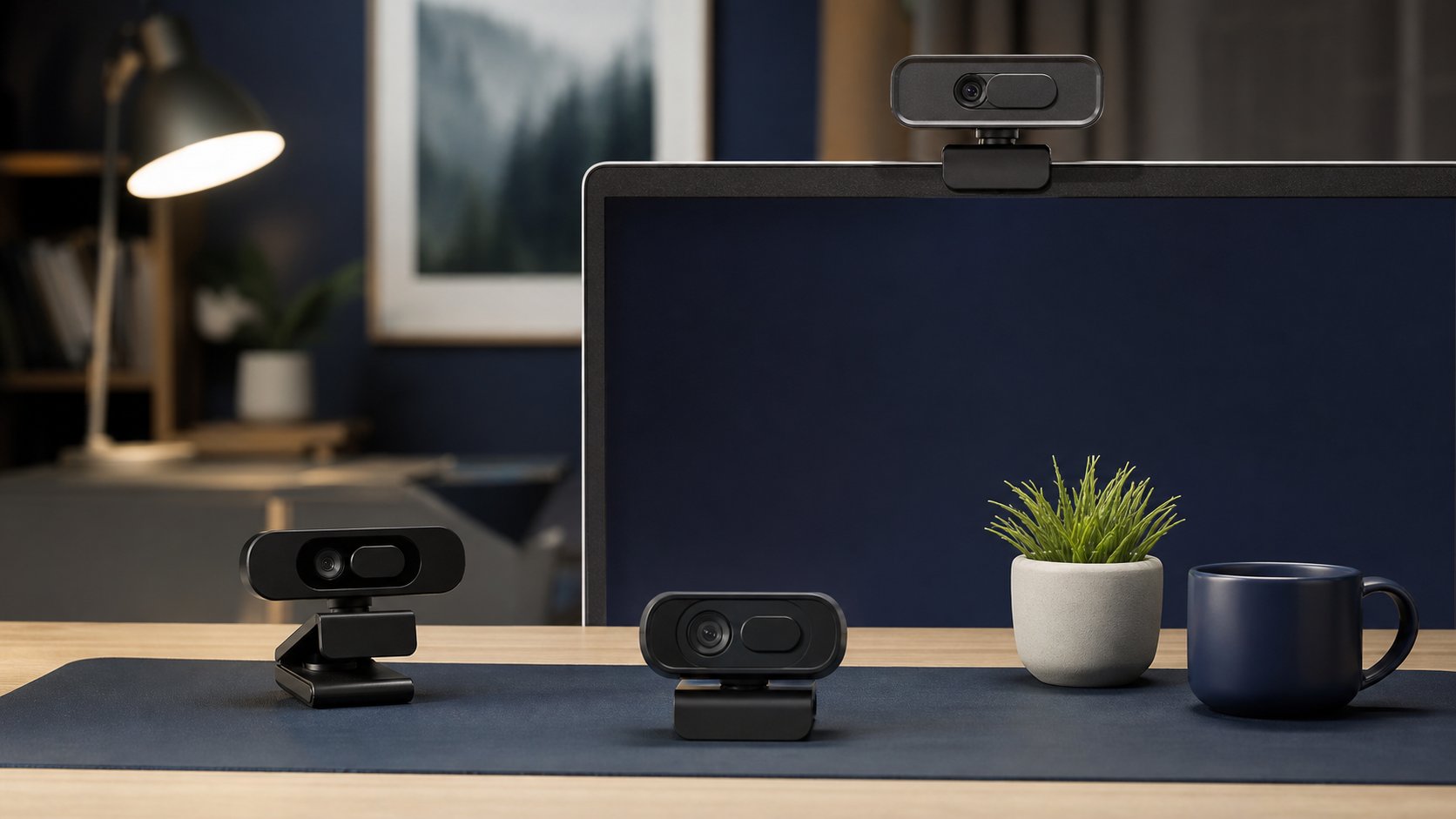
Read the guideCompare six 1080p, 2K and 4K webcams for calls and presentations, then improve lighting, framing, privacy and USB reliability before paying for extra resolution.
Read the guideCompare five white noise machines for a home office by sound type, non-looping playback, portability, controls, privacy limits and safe volume habits.
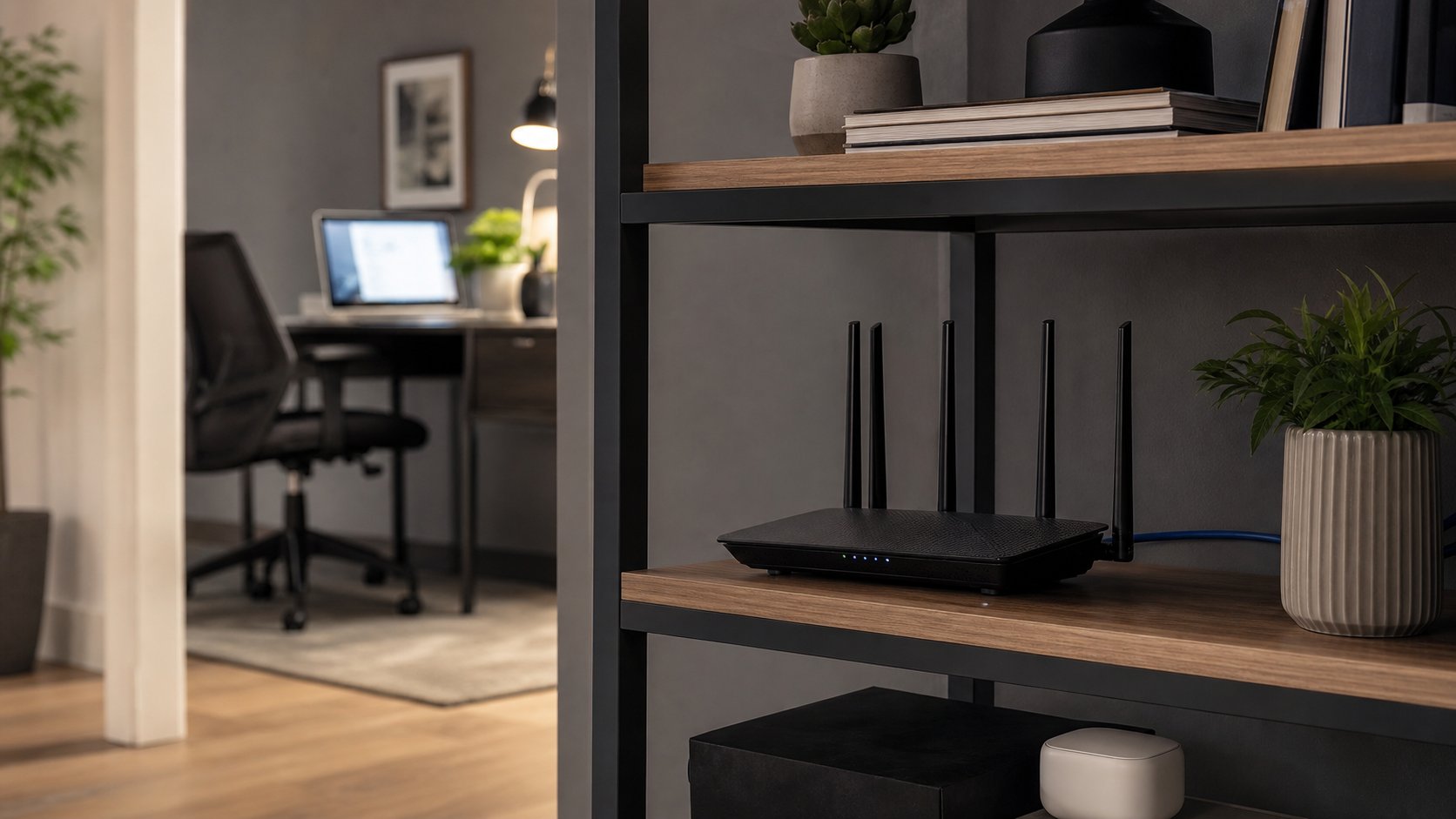
Read the guideCompare six Wi-Fi routers for home offices, from affordable Wi-Fi 7 to simple mesh and advanced networks, plus placement, security and compatibility checks.
Read the guidePrepare for 2026 Black Friday home office deals with target prices, model checks, return-policy rules and a practical shortlist for chairs, desks, monitors and tech.
Read the guideDo blue light glasses reduce digital eye strain or improve sleep? Review the evidence, marketing claims and practical alternatives for common screen discomfort.
Read the guideA realistic $300 home-office plan that prioritizes stable furniture, seated support, a better laptop position and safe power.
Read the guideLearn where premium home office gear earns its price, where budget options work well and how to prioritize chairs, desks, monitors and accessories.
Read the guidePlan a corner desk home office with accurate wall, chair and monitor measurements, a centered primary work zone, clear legroom and a safe cable route.
Read the guideBuild a dark desk setup that stays readable and professional with 12 layouts, warm lighting, controlled contrast and practical cable-management advice.
Read the guideBuild a realistic deep-work system: choose the right task, protect a focus block, manage messages, start quickly and measure useful output.
Read the guideMake a clear case for a home office stipend with a business-focused request, sample email, realistic budget tiers and questions about ownership and tax treatment.
Read the guideReduce digital eye strain by correcting glare, screen distance, text size, blinking and work patterns—and learn when computer-related symptoms need professional care.
Read the guideBuild a focus-music routine using evidence on lyrics, task difficulty, preference and volume, with practical playlist types for writing, administration and recovery.
Read the guideImprove your home office without shopping. Use 15 safe alternatives for monitor height, standing breaks, lighting, focus, organization, sound and cable control.
Read the guideTurn one gaming desk into a professional remote-work setup with better ergonomics, fast device switching, restrained lighting and clear account boundaries.
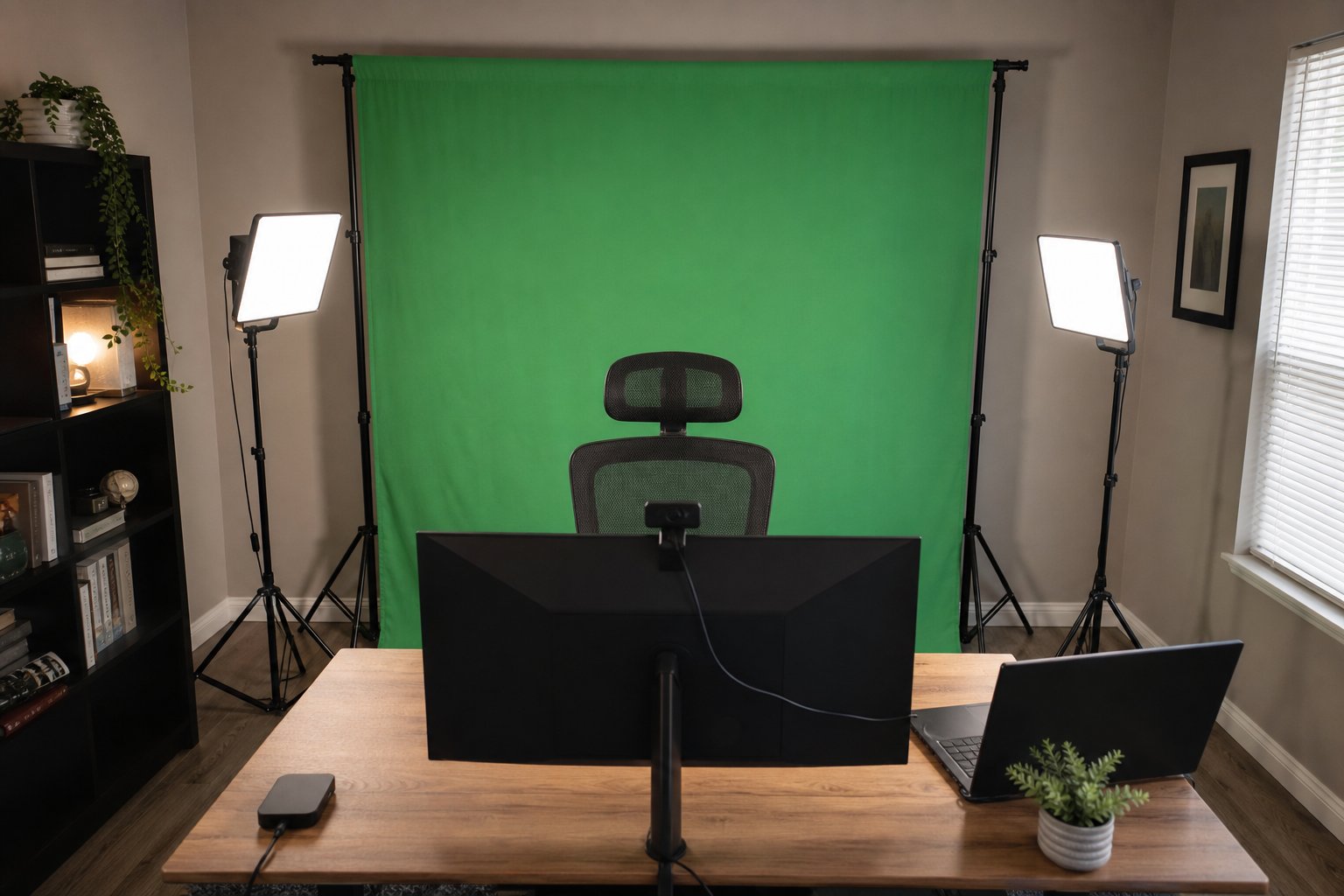
Read the guideBuild a clean green screen setup for video calls with the right backdrop size, even lighting, camera placement, software settings and fixes for common keying problems.
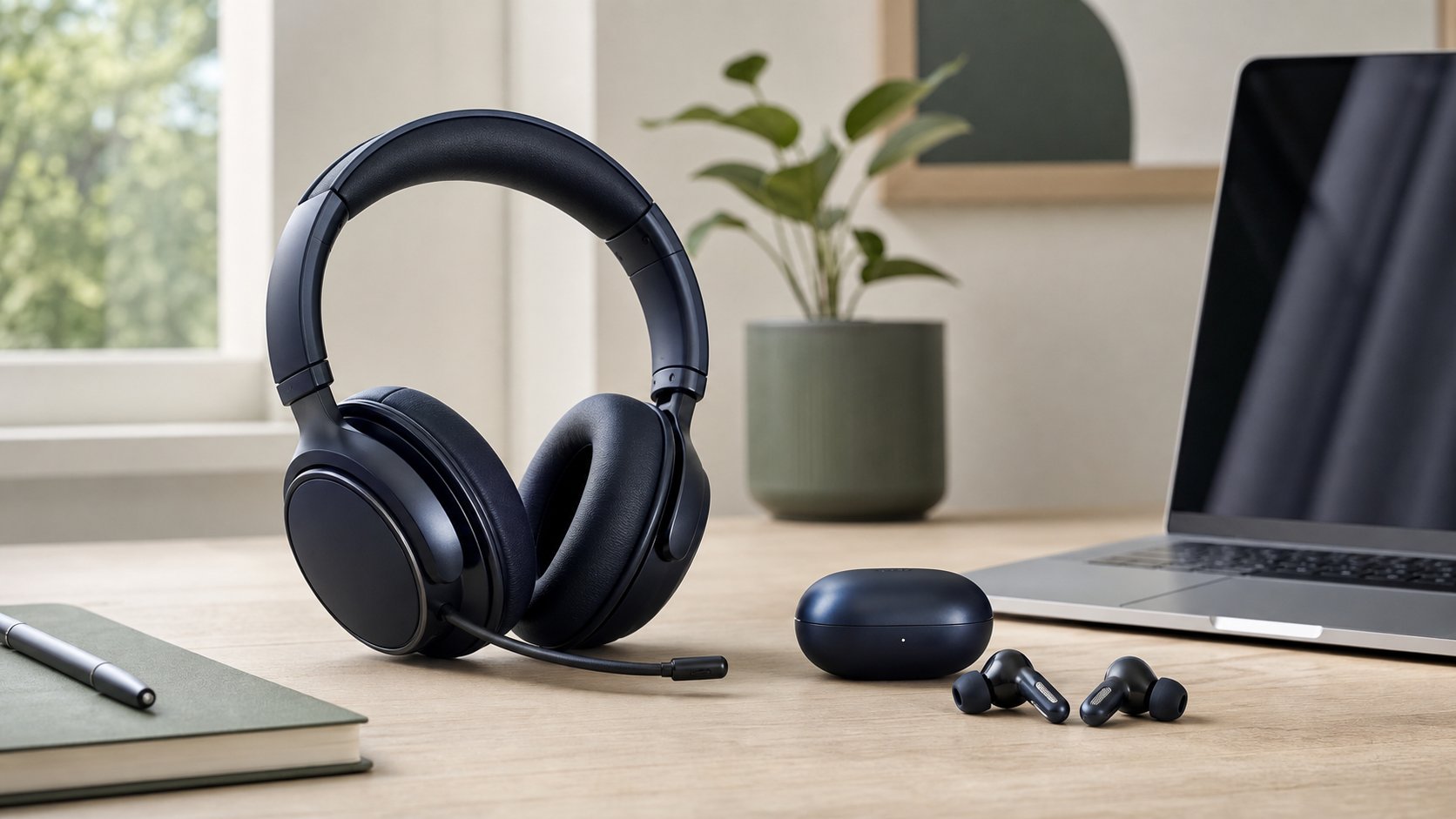
Read the guideCompare headsets and earbuds for remote work by microphone clarity, all-day comfort, battery life, hearing safety, room noise, portability and device compatibility.
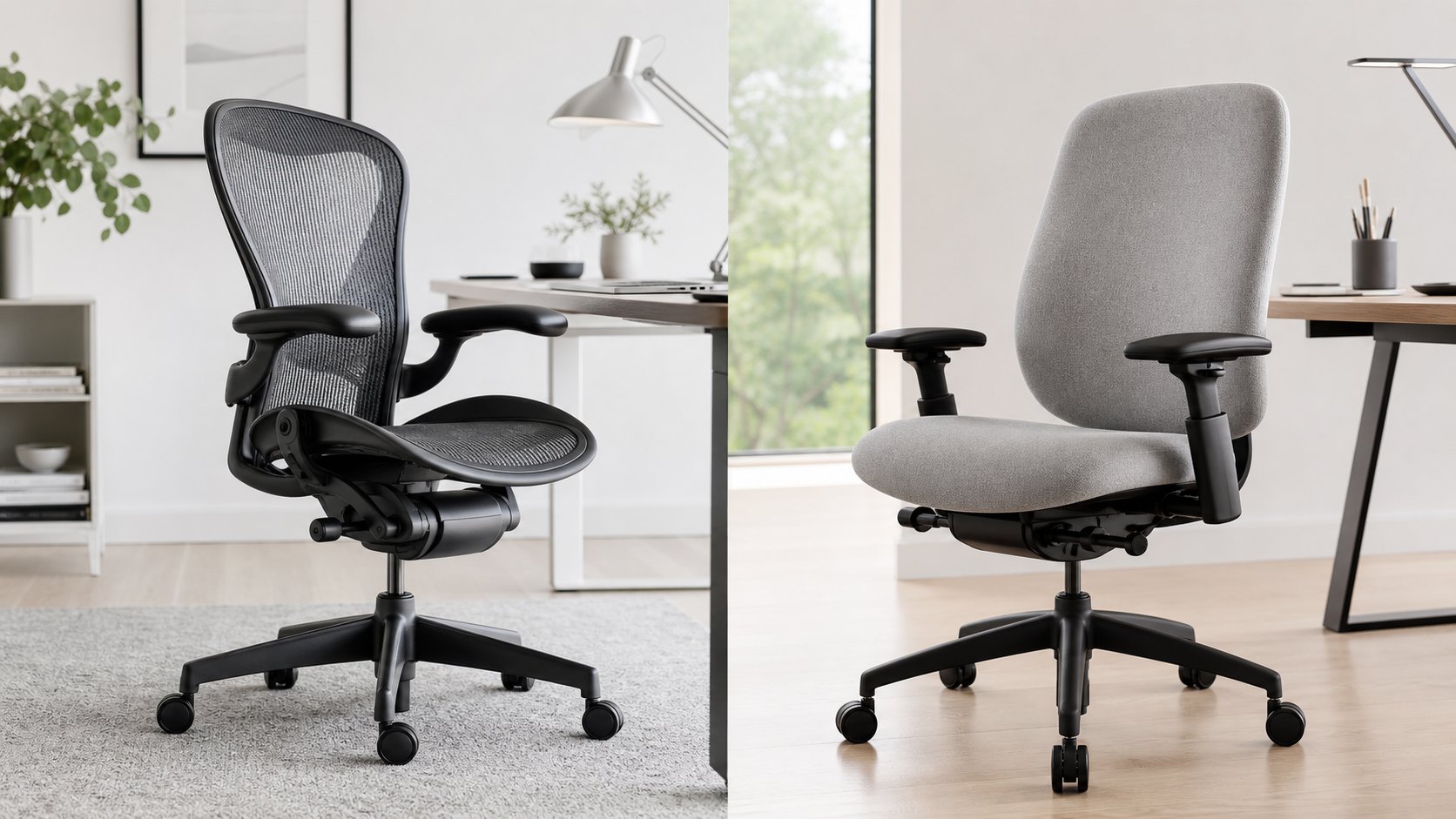
Read the guideCompare the Herman Miller Aeron and Steelcase Leap by seat feel, sizing, depth, recline, arms, lumbar controls, warranty and used-chair inspection points.
Read the guideChoose budget home office furniture in the right order with practical desk, chair and storage criteria, used-buying checks and plans for three spending levels.
Read the guideUnderstand home office tax deductions for employees and self-employed workers, including US eligibility, calculation methods, records and common mistakes.
Read the guideBuild a professional video call setup with better camera height, lighting, audio, framing, background privacy and a five-minute pre-call check.
Read the guideReduce work-from-home distractions with 12 practical methods for interruptions, phone habits, household tasks, notifications and difficult starts.
Read the guideBuild a practical $500 home office with a used task chair, stable desk, monitor and essential accessories using a realistic allocation and downloadable budget sheet.
Read the guideBuild a practical Notion second brain using PARA, one capture inbox, linked project and resource databases, weekly reviews and clear workplace security boundaries.
Read the guideBuild a clean, serviceable desk cable system with an under-desk tray, safe power routing and ten practical solutions for fixed or standing desks.
Read the guideMake your desk more ergonomic without new furniture. Adjust chair height, keyboard reach, screen position, foot support, lighting and movement.
Read the guideReduce neck strain while working from home with practical changes to monitor height, laptop use, chair support, phone habits, lighting, movement and workload.
Read the guideCreate practical work-life boundaries at home with a clear start, visible availability, a shutdown routine and plans for shared rooms, caregiving and global teams.
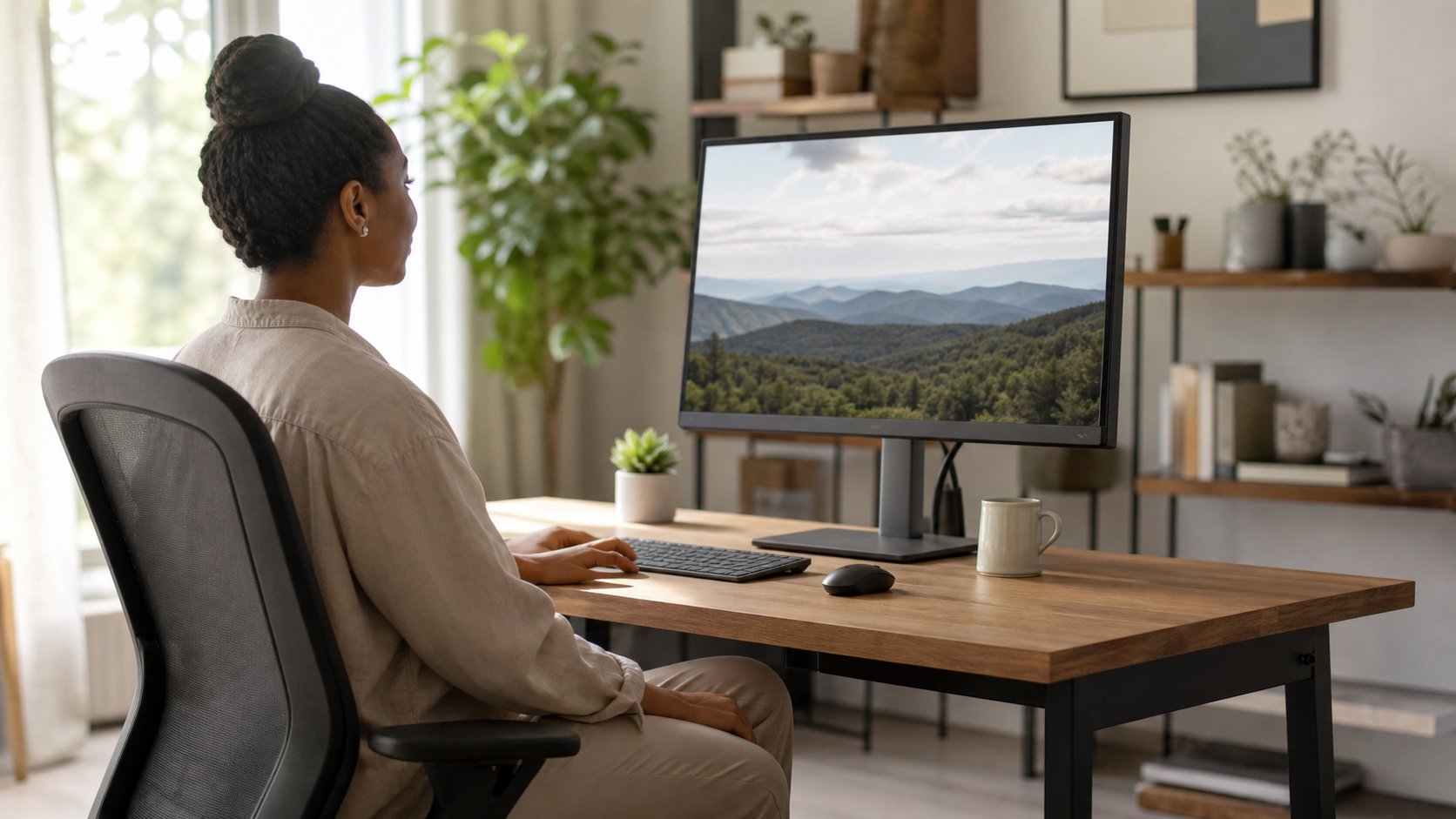
Read the guideSet monitor height, distance and angle together with a practical formula for single screens, large monitors, dual displays, laptops and progressive lenses.
Read the guideSet up an ergonomic laptop workstation with the right screen height, separate input devices, chair support and portable options for home or travel.
Read the guideConnect, arrange and position two monitors correctly on Windows or macOS, with practical advice for cables, scaling, ergonomics and common display problems.
Read the guideAdjust your chair, desk, monitor and input devices in the right order for a supported starting posture—and learn why movement matters more than sitting perfectly.
Read the guideStay motivated while working from home by reducing task ambiguity, creating visible progress, protecting energy and using a system that works without constant willpower.
Read the guideTrack remote work hours with a simple start-stop system, clear project categories and a free CSV timesheet for employees, freelancers and distributed teams.
Read the guideReview the current IKEA ALEX and LAGKAPTEN desk approach, including dimensions, storage, support limits, monitor-arm cautions and better configurations.
Read the guideBuild a practical IKEA home office with current desk systems, adjustable chairs, ALEX storage, SKÅDIS organization and three complete setup plans.
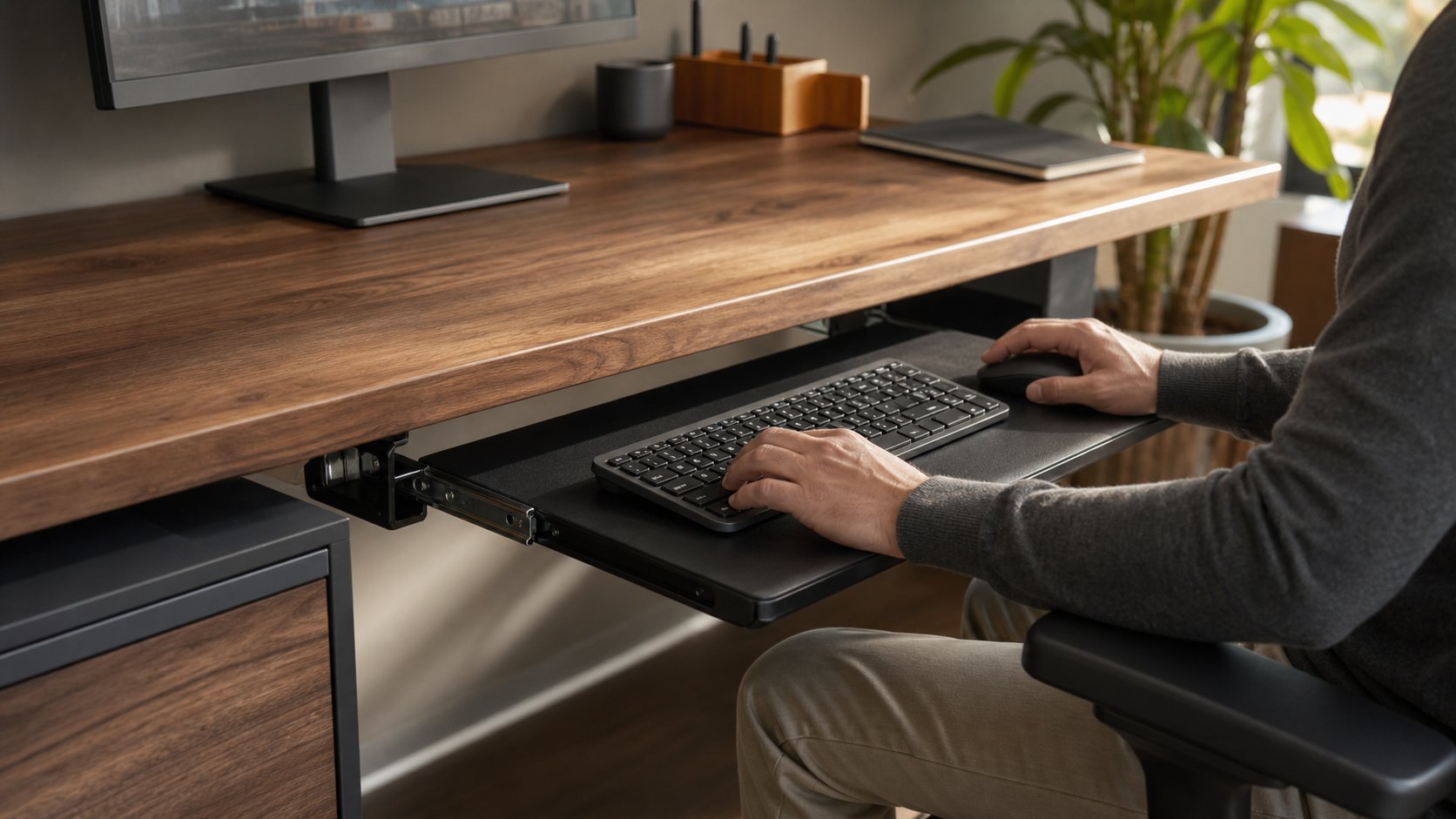
Read the guideLearn when a keyboard tray improves desk ergonomics, how to measure clearance and range, and which tilt, mouse-platform and installation features matter most.
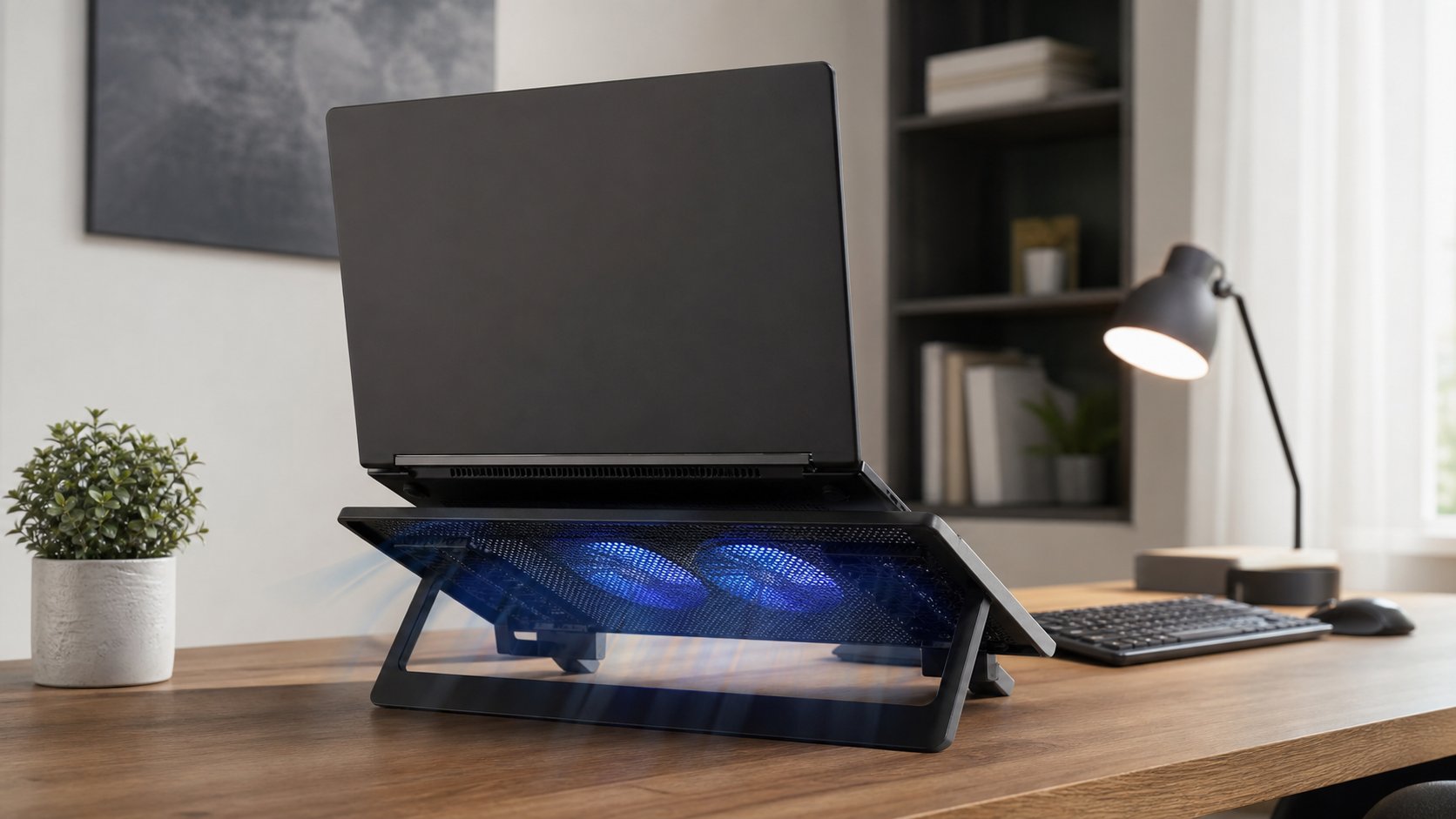
Read the guideLearn when a laptop cooling pad can improve airflow or performance, how to test one fairly and which overheating symptoms need cleaning, service or repair.
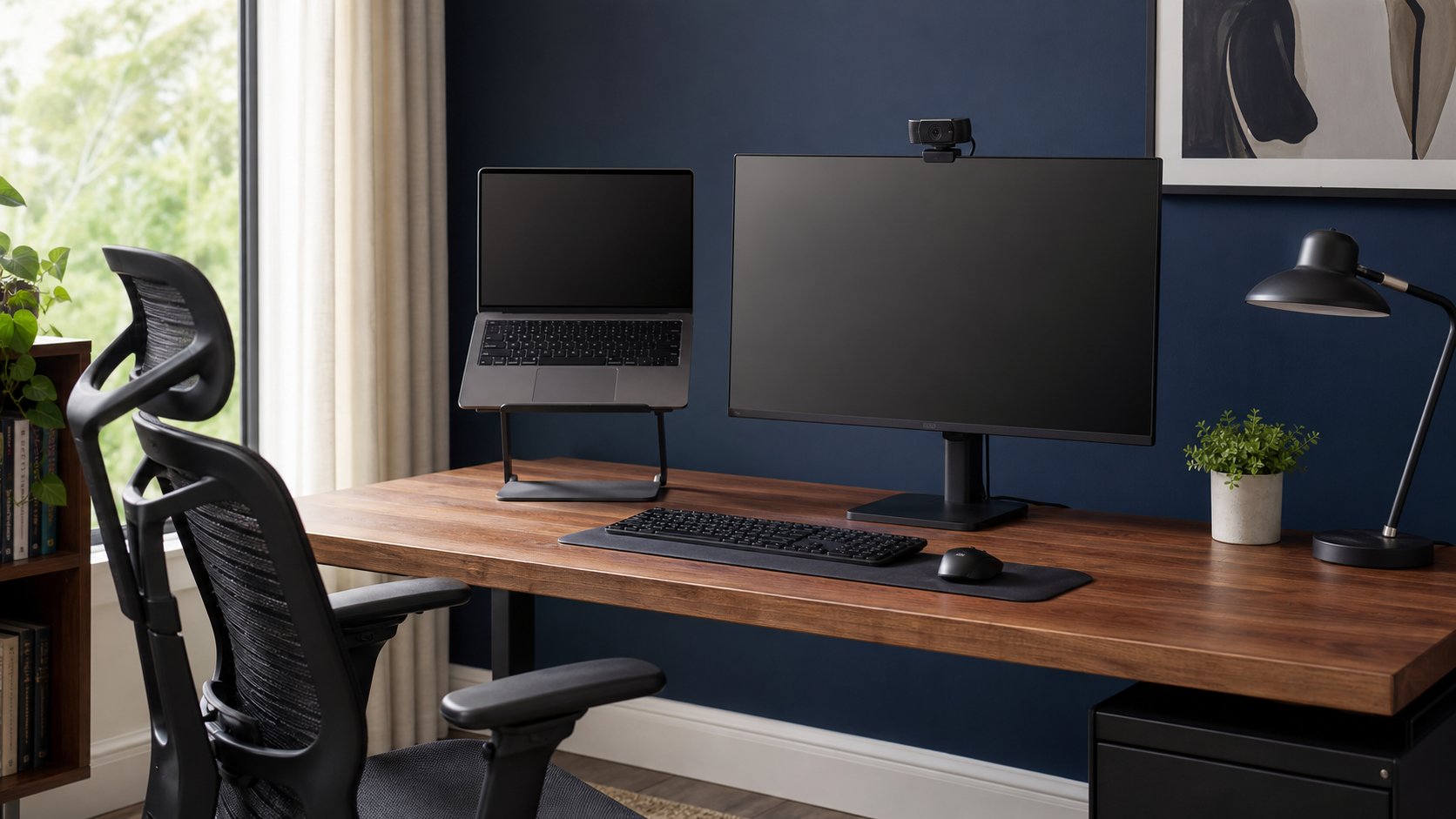
Read the guideBuild a stable laptop-and-monitor workstation with the right screen roles, heights, keyboard position, dock bandwidth, cable slack and closed-lid ventilation checks.
Read the guidePlan safer LED desk lighting with ambient, task and background layers, plus practical guidance on glare, color appearance, strip mounting, power and controls.
Read the guideDecide whether a mechanical keyboard is worth it for remote work by comparing switch feel, sound, layout, height, wireless reliability, repairability and total cost.
Read the guidePlan a multiple monitor setup with three or four screens. Check laptop support, choose a layout, calculate desk space and avoid neck, bandwidth and cable problems.
Read the guideUse the Pomodoro Technique while working remotely with realistic 25-minute sessions, better break design, interruption rules and flexible variations by task.
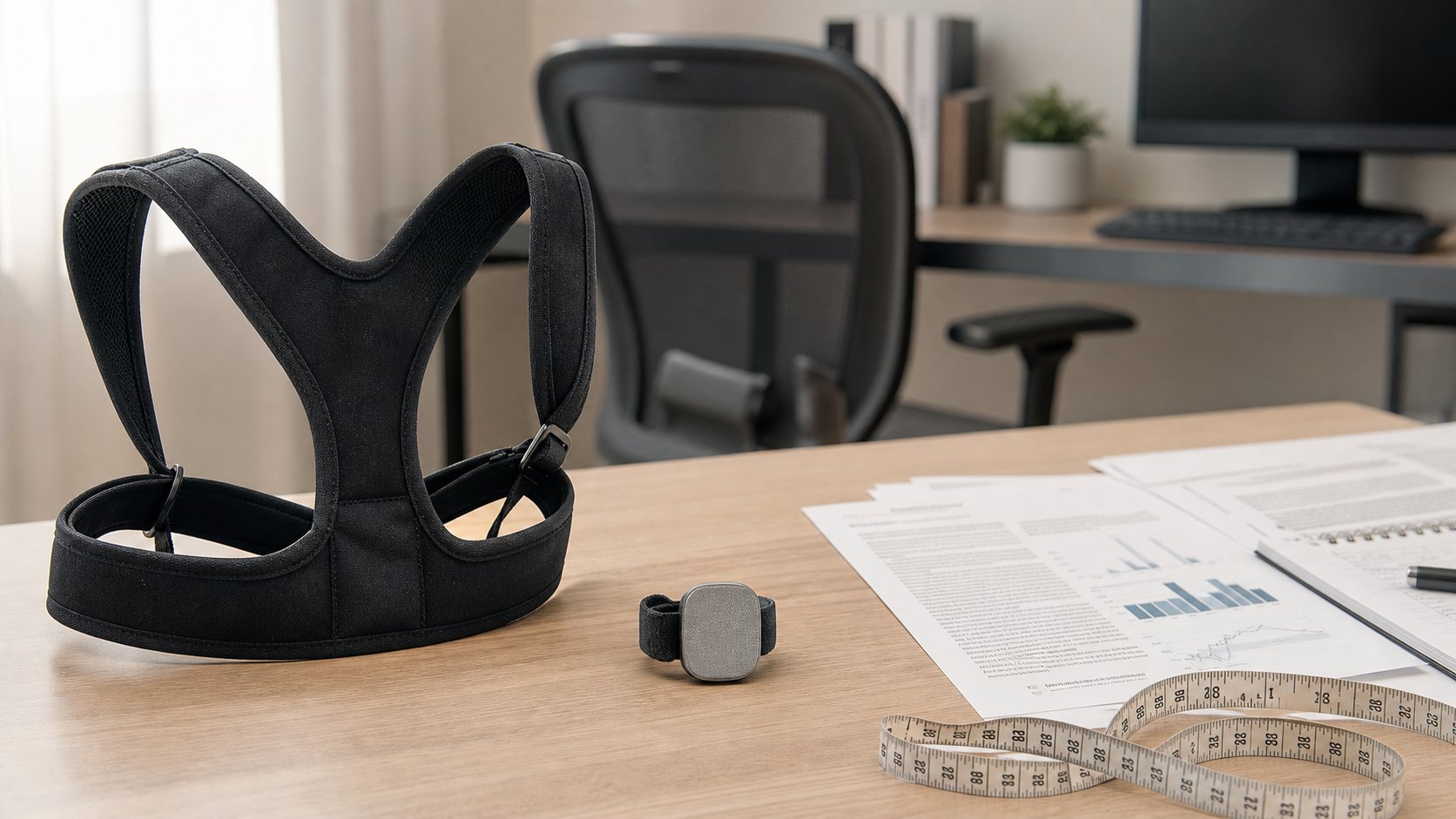
Read the guideReview evidence for posture braces, shirts and wearable sensors, including short-term feedback, uncertain lasting benefits, fit risks and better desk alternatives.
Read the guideBuild a programmer desk setup around readable code, reliable connections, neutral input positions and fewer distractions—not oversized displays or decorative gear.
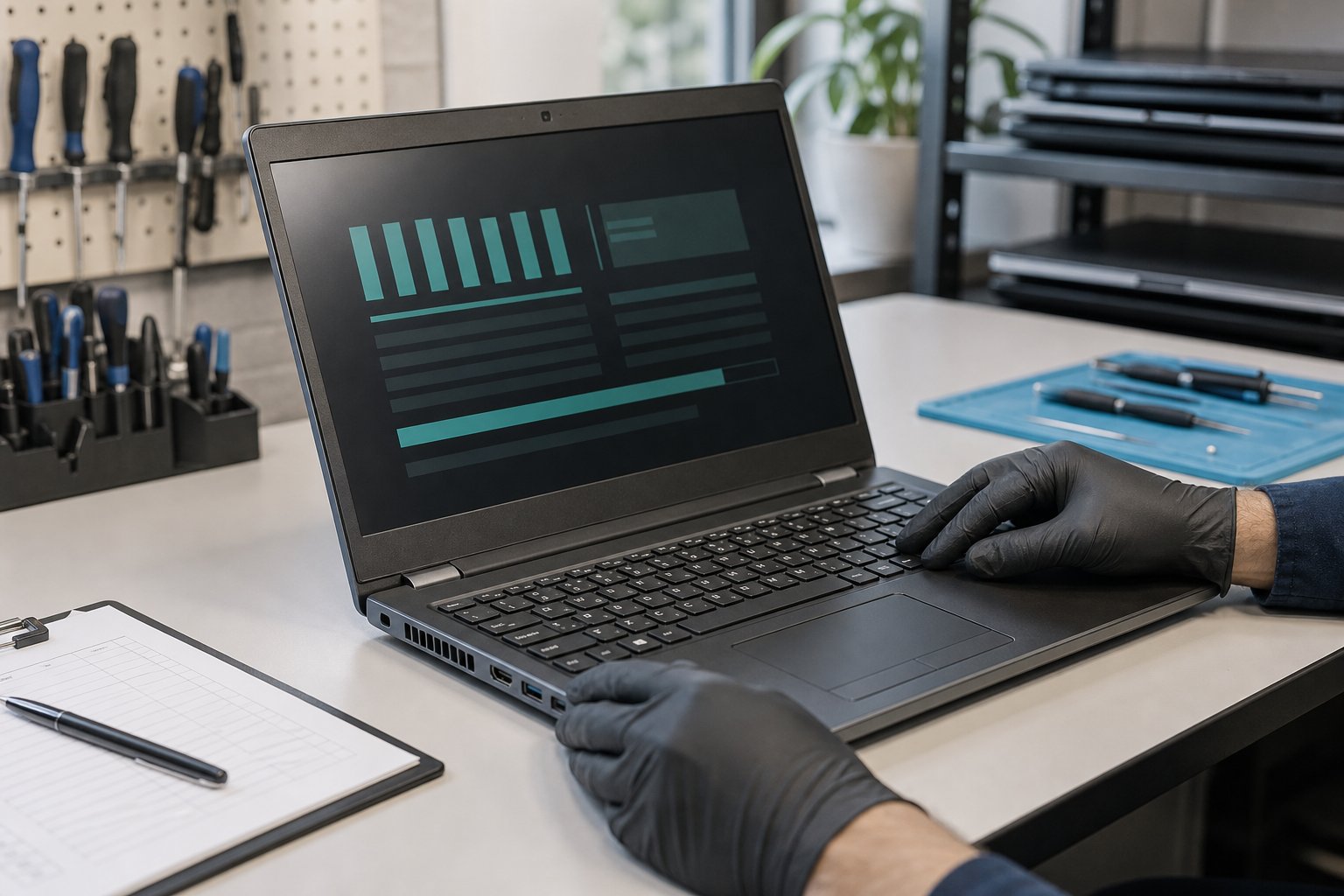
Read the guideChoose a reliable refurbished laptop for remote work by checking seller quality, processor support, battery health, warranty, ports and return terms.
Read the guideRecognize remote-work burnout, identify workload and boundary causes, create a recovery plan and know when exhaustion or distress needs professional support.
Read the guideBuild a realistic remote work daily schedule with five adaptable templates for focused employees, managers, caregivers, global teams and flexible-hour workers.
Read the guideDownload a free remote-work expense tracker and use a simple monthly system for receipts, reimbursements, equipment, software and tax-ready records.
Read the guideA practical remote-work system for deciding what matters, protecting focus, communicating clearly and ending the workday on time.
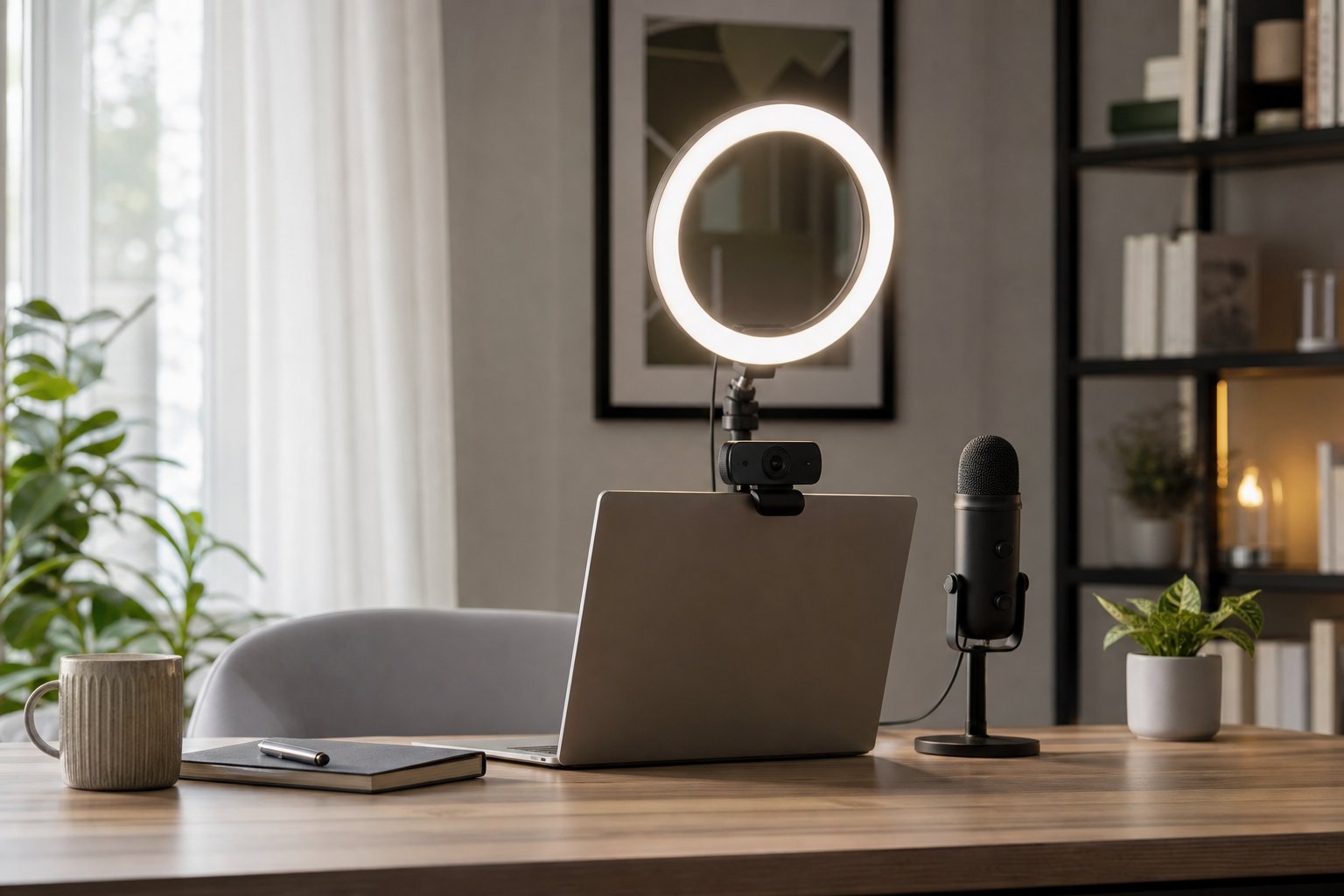
Read the guideDecide whether a ring light is right for video calls, learn the best placement and compare it with window light, panel lights and ordinary desk lamps.
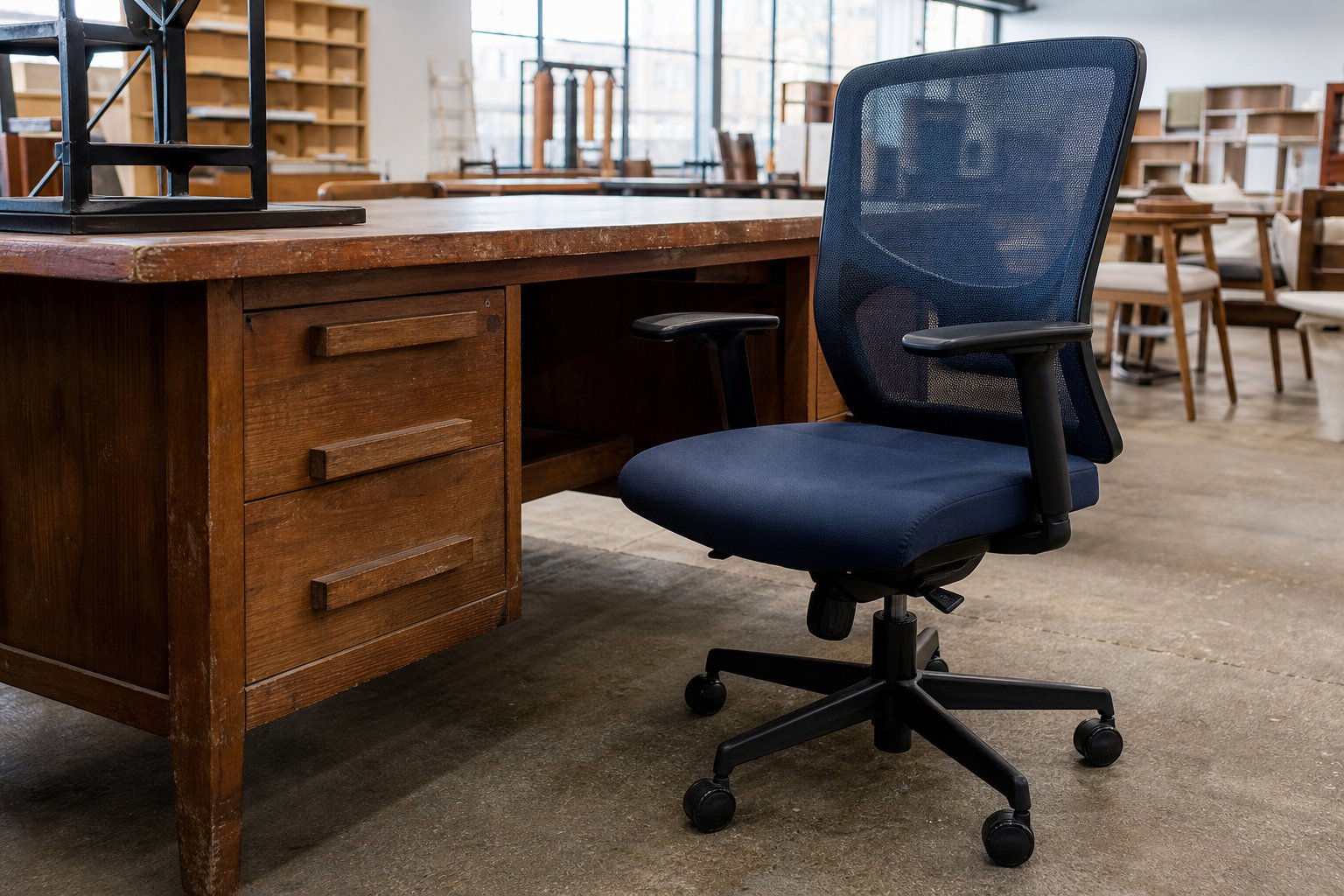
Read the guideBuy used office chairs, desks, monitors and accessories safely with inspection checklists, fair-value rules and a clear list of items to avoid secondhand.
Read the guideDesign a productive small home office with 20 realistic layouts, compact furniture dimensions and storage ideas for spaces under 100 square feet.
Read the guideCompare seven smart plugs for office lamps, energy monitoring, Matter compatibility and local control—with essential electrical-safety and privacy checks.
Read the guideEstimate standing desk and monitor height from your body height, then refine the setup using relaxed elbows, neutral wrists and comfortable viewing.
Read the guideCompare standing and sitting desks for comfort, movement, focus and cost. Learn why alternating positions usually matters more than choosing one posture all day.
Read the guideBuild a complete $1,000 home office around a quality chair, stable desk, monitor, input devices, lighting and connectivity with three adjustable allocation plans.
Read the guideLearn how the 20-20-20 rule works, what it can and cannot do, and how to build distance viewing, blinking and movement into a realistic remote workday.
Read the guideUse fit, support and movement to create a home workstation that reduces avoidable strain without chasing a single perfect posture.
Read the guidePlan a comfortable, focused home office with clear dimensions, budget priorities and a step-by-step setup sequence.
Read the guideUse time blocking to protect focused work, batch communication and finish on time—with realistic templates for employees, managers, freelancers and caregivers.
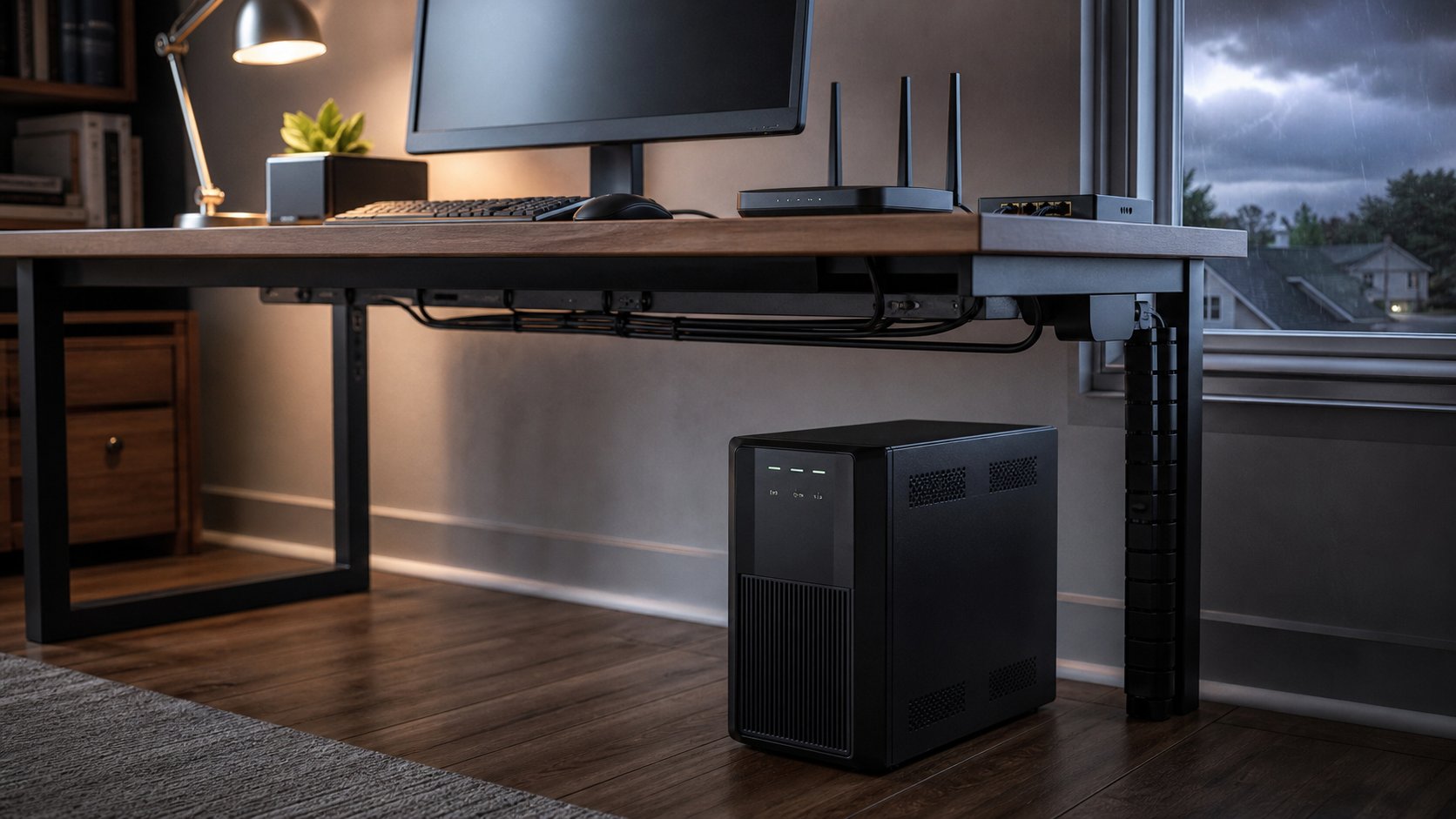
Read the guideChoose a UPS battery backup for your home office with six practical picks, a watts-and-VA sizing method, runtime guidance, safe installation and outage planning.
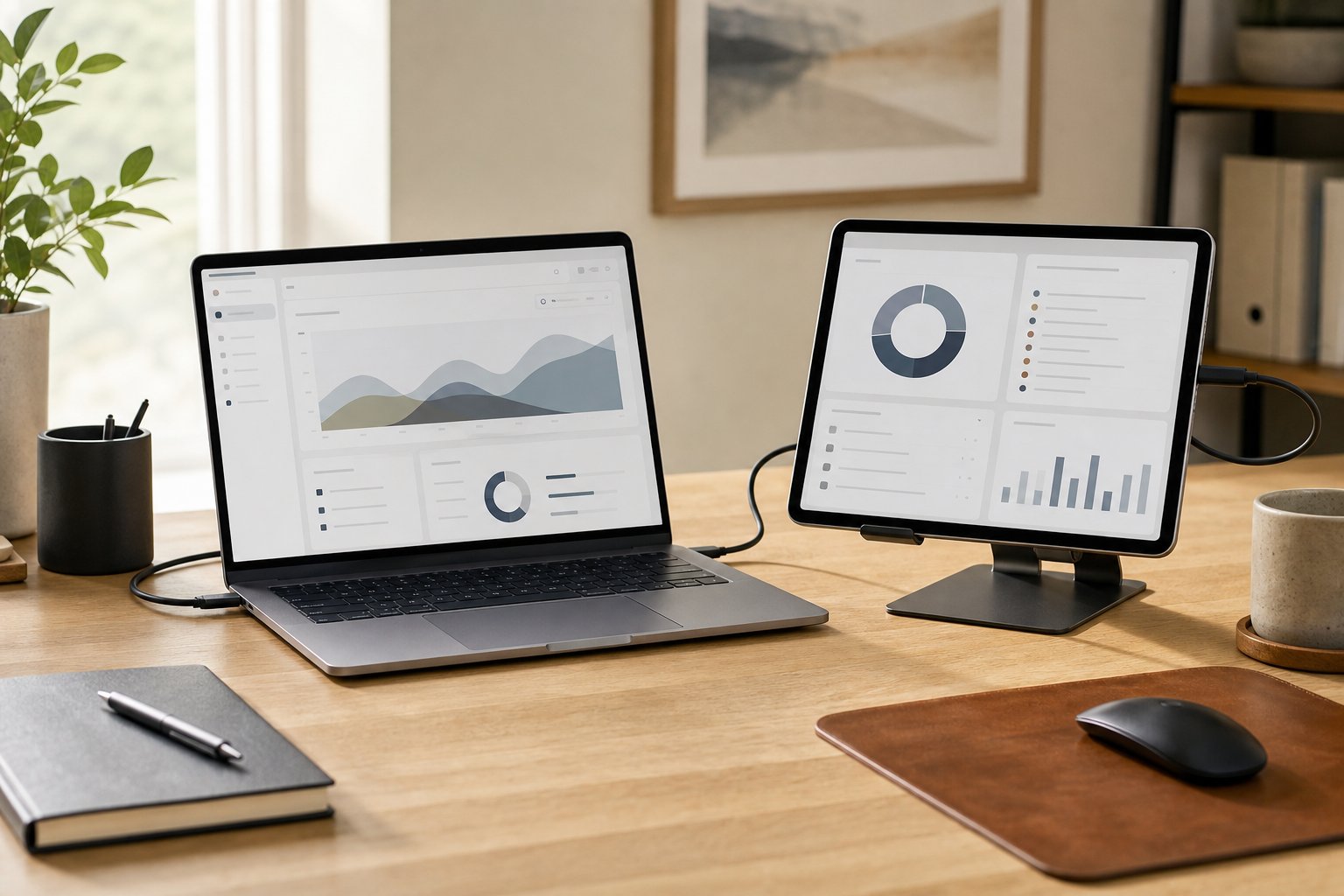
Read the guideUse an iPad as a second screen for a Mac with Sidecar, choose wired or wireless mode, arrange the display and fix common connection problems.
Read the guideUse a simple weekly planning template to map outcomes, meetings, focus blocks, administration and recovery time without scheduling every minute of remote work.
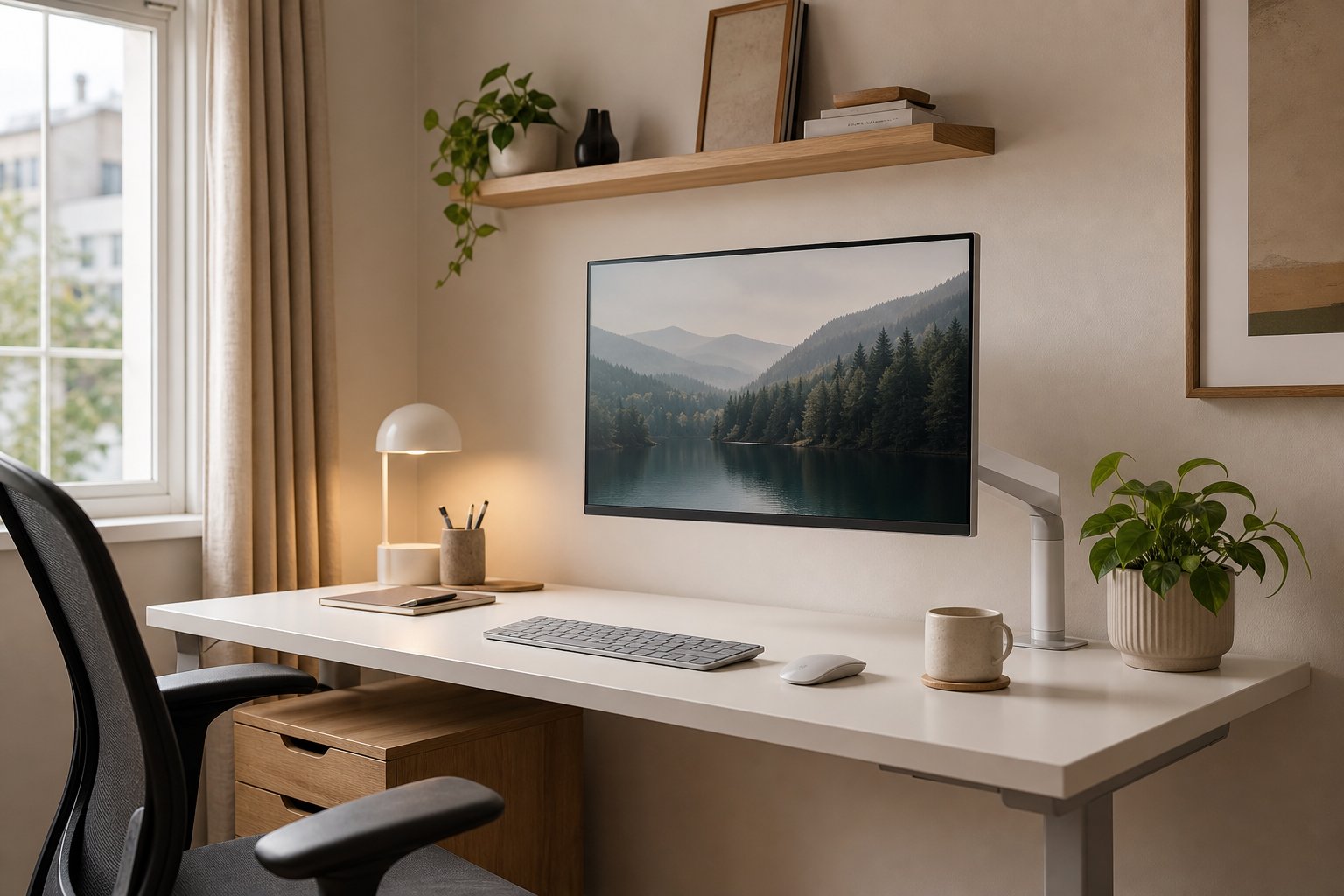
Read the guideCreate a white desk setup that feels calm rather than clinical with 18 practical layouts, color palettes, lighting choices and cable-management ideas.
Read the guidePrepare for internet outages with local files, offline apps, clear team communication, secure hotspot rules and a practical work queue tested before service fails.
Read the guideReduce avoidable wrist strain from typing by adjusting keyboard height, mouse position, contact pressure and work patterns—and know when to seek medical care.
Read the guideTry a broader term or choose another topic.