15 Useful Amazon Home Office Finds Under $50
Find 15 practical home-office upgrades under $50, with fit, safety and quality checks for lighting, cable control, laptop support and desk organization.
What to know first
- Prioritize comfort and reliability over matching finishes.
- Used commercial-grade equipment can beat new budget gear.
- Leave room for one upgrade after you test the setup.
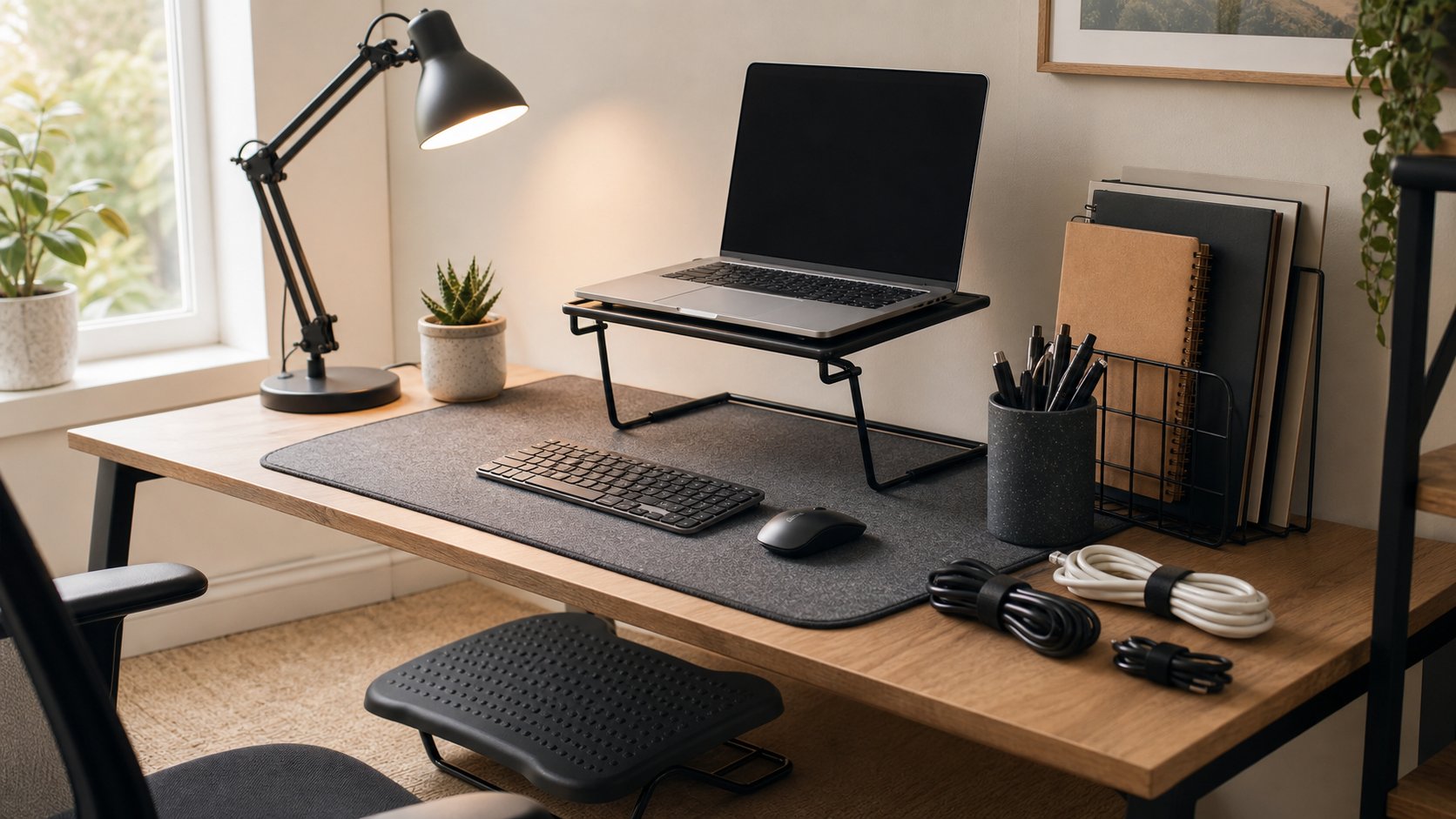
The most useful Amazon home-office finds under $50 solve small measured problems: cable ties, a document holder, stable laptop stand, footrest, desk mat, task light or basic organizer. Skip bundles and decorative gadgets that add clutter without improving fit or reliability.
Prices, coupons and sellers change constantly. The categories below are commonly available below US$50, but verify the exact model, delivered price, return eligibility and regional safety certification before buying.
Quick list
| Upgrade | Problem it solves |
|---|---|
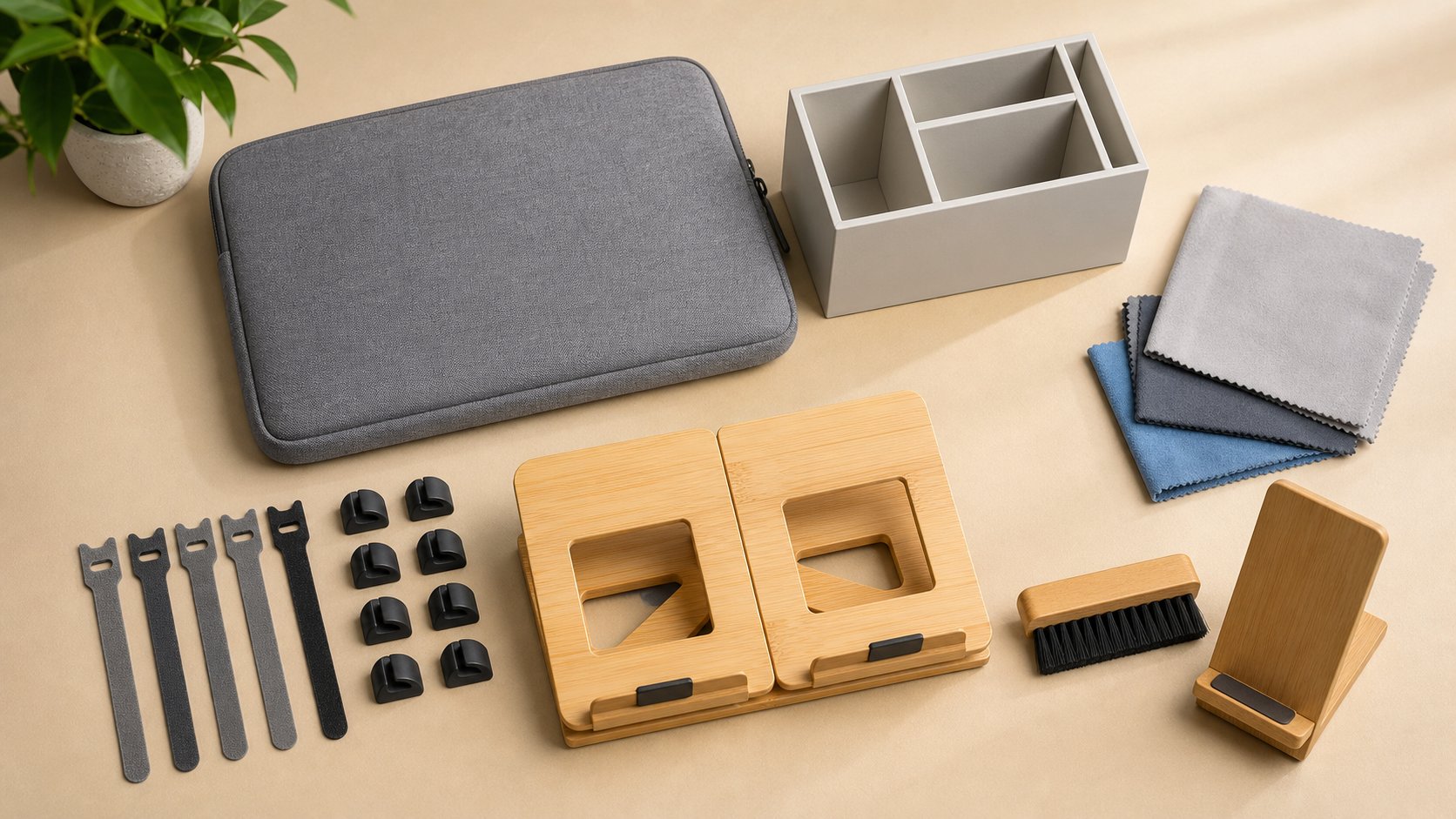
| Reusable cable ties | Loose cable bundles |
| Cable clips | Cables falling behind desk |
| Document holder | Repeated head turning |
| Laptop stand | Low laptop screen with external input |
| Footrest | Unsupported feet |
| Desk mat | Surface wear and keyboard resonance |
| Task lamp | Poor paper and keyboard light |
| Monitor riser | Screen slightly too low |
| Keyboard and mouse set | Missing or unreliable input |
| Ethernet adapter | Laptop lacks wired network port |
| Headset hook | Headset clutter |
| Screen-cleaning kit | Dust and fingerprints |
| Privacy filter | Side viewing in appropriate settings |
| Visual timer | Focus or break cue |
| Drawer organizers | Small-item clutter |
Buy the solution only after measuring the problem.
1. Reusable cable ties
Hook-and-loop ties are inexpensive and reversible. Use several small bundles instead of one tight bundle.
Check length, edge softness and whether the pack contains useful sizes. Keep power adapters ventilated and avoid tightly coiling high-current cords.
2. Cable clips
Adhesive or clamp-on clips keep lightweight data and charging cables accessible.
Measure cable diameter and test adhesive on a hidden area. Do not use household clips as a substitute for approved electrical installation hardware.
3. Document holder
A stand positions printed reference near the screen.
Choose a stable base, adjustable angle and lip deep enough for the intended pages. Heavy binders need a stronger stand than single sheets.
Place it beside the monitor to reduce repeated head turning.
4. Laptop stand
A stand raises the screen and can improve ventilation. For longer typing, use a separate keyboard and mouse.
Verify:
- Laptop width and weight
- Open ventilation area
- Non-slip supports
- Hinge clearance
- Stable base
- Height range
A folding stand should lock securely. Do not buy a design that blocks bottom intakes.
5. Footrest
A footrest can support feet when chair height is set for a fixed desk.
Look for:
- Broad platform
- Non-slip base
- Suitable height
- Stable angle
- Chair-caster clearance
Avoid unstable rolling or overly soft designs. Test required height with a firm safe box before ordering.
6. Desk mat
A mat protects the surface and can make mouse movement or keyboard sound more consistent.
Check dimensions, backing material, edge finish and cleaning instructions. Some rubber and PVC backings can react with furniture finishes.
A curled edge is a quality problem, not a feature to tolerate.
7. Task lamp
A basic adjustable lamp can improve paper and keyboard visibility.
Prioritize:
- Correct regional electrical certification
- Stable base or clamp
- Shade or diffuser
- Replaceable bulb where possible
- Useful reach
Do not buy by advertised color modes alone. Aim light away from the screen.
8. Monitor riser
A fixed riser can raise a monitor by a measured amount and add storage below.
Check:
- Load rating
- Platform width and depth
- Non-slip feet
- Required rise
- Screen stability
Broad books may safely test the needed height first. A riser that places the top of the screen above eye level is not an upgrade.
9. Basic keyboard and mouse set
Under-$50 wired and wireless sets can replace a laptop keyboard at a fixed workstation.
Verify:
- Regional key layout
- USB receiver type
- Battery requirements
- Front height
- Mouse size
- OS compatibility
- Employer policy
A low-cost known model from an authorized seller is safer than an unknown bundle with mandatory software.
10. Ethernet adapter
A USB Ethernet adapter can stabilize calls when the laptop lacks a port.
Check:
- USB-A or USB-C connector
- 1GbE or 2.5GbE requirement
- Driver support
- USB speed
- Wake and sleep behavior
- Corporate approval
A 1GbE adapter is enough for most internet plans. Avoid listings that promise impossible speed for the host interface.
11. Headset hook
A clamp-on hook keeps a headset away from spills and papers.
Confirm clamp opening, headband width and placement outside knee and chair paths. Adhesive hooks can damage finished surfaces.
Do not hang the headset by its cable.
12. Screen-cleaning kit
A quality microfiber cloth and manufacturer-approved liquid can remove fingerprints.
Avoid mystery sprays containing ammonia, strong alcohol or abrasives unless the display maker permits them. Spray the cloth, not the screen, when instructions allow.
A clean dry cloth may be enough.
13. Privacy filter
A removable side-view filter can reduce casual viewing in shared locations.
Check exact panel dimensions, aspect ratio, attachment method and touch compatibility. Filters reduce brightness and can affect color.
They do not replace working in a private location or following information-security policy.
14. Visual timer
A simple digital or analog timer creates a focus or movement cue without another browser tab.
Choose adjustable sound, clear display and a physical stop control. Avoid a loud alarm in shared rooms.
Use the movement timer guide before adding more notifications.
15. Drawer organizers
Small trays separate adapters, stationery and cables.
Measure internal drawer dimensions, including rails and screw heads. Start with one modular set rather than filling every drawer.
Removing unused supplies is free and should happen first.
Items under $50 that need extra caution
Chargers and power strips
Low price should not outrank certification, exact electrical specification and seller traceability.
USB hubs
A simple data hub may fit under $50, but video, charging and Ethernet claims require exact host compatibility. Unknown power delivery can risk equipment.
Webcams and microphones
Cheap devices may require intrusive software or send poor audio. Verify privacy controls and driver source.
Monitor arms
The arm and clamp support valuable equipment. Published capacity and desk suitability matter more than price.
Batteries and power banks
Buy from traceable manufacturers and check recalls. Marketplace availability is not proof of safety.
Seller identity matters
Amazon listings can be:
- Sold and shipped by Amazon
- Sold by a third party and fulfilled by Amazon
- Sold and shipped by a third party
Warranty and return handling can differ. Confirm the seller near the purchase controls rather than assuming the brand named in the title is the seller.
For branded products, compare the maker’s authorized-retailer information.
Read the complete listing
Record:
- Exact model
- Variant
- Dimensions
- Material
- Included parts
- Warranty
- Seller
- Delivery date
- Return eligibility
- Total price after coupon and tax
A product page may combine reviews from several sizes or old revisions.
Use reviews carefully
The FTC recommends comparing credible opinions across several sources and considering whether reviewers have a connection to the seller.
Look at recent critical reviews for repeated issues:
- Wrong dimensions
- Strong odor
- Failed adhesive
- Broken hinges
- Counterfeit product
- Missing parts
- Inaccurate certification
Reviews are one input, not a safety test.
Understand returns
Amazon’s US return policy says many items are returnable within 30 days, with exceptions and different handling for third-party sellers. Policies vary by item and country.
Check the exact product page before purchase and save the return-by date after delivery. Keep packaging until fit and compatibility are confirmed.
Compare total value
Before checkout, ask:
- Can an existing item solve this?
- Is a local return easier?
- Does shipping require a membership?
- Is the coupon tied to a subscription?
- Will the item create another cable or charger?
- Is replacement possible after the return window?
A $22 accessory used daily can be better value than five $8 gadgets.
Avoid sponsored-listing autopilot
Sponsored position shows advertising, not suitability. Search the exact requirement and compare at least three options.
Sort by dimensions and specifications, not only rating count.
Do not assume “Amazon’s Choice” or a bestseller badge represents independent testing for your use case.
Create a $50 upgrade rule
Use this sequence:
- Name one repeated problem.
- Try a free adjustment.
- Measure the missing feature.
- Set a delivered-cost limit.
- Choose a returnable option.
- Test it for one workweek.
- Return or keep it deliberately.
This prevents a drawer full of almost-useful accessories.
Common mistakes
Buying a bundle for one needed item. Clutter increases.
Ignoring dimensions. Photos distort scale.
Trusting the listing title. Read model and seller.
Buying electrical products by rating count. Verify safety.
Keeping packaging in the room forever. Keep only through the test and required warranty period.
Missing the return deadline. Add a calendar reminder.
Spending $50 because the budget exists. No purchase can be the best choice.
Final recommendation
Start with reusable cable ties, a measured document holder, laptop stand, footrest or task lamp—whichever resolves a repeated problem. Verify dimensions, materials and seller identity and preserve the return window.
Avoid unknown electrical, battery and structural products even when they fit the price. The best Amazon home-office find under $50 is a simple item that solves one measured need and remains useful after the promotion ends.