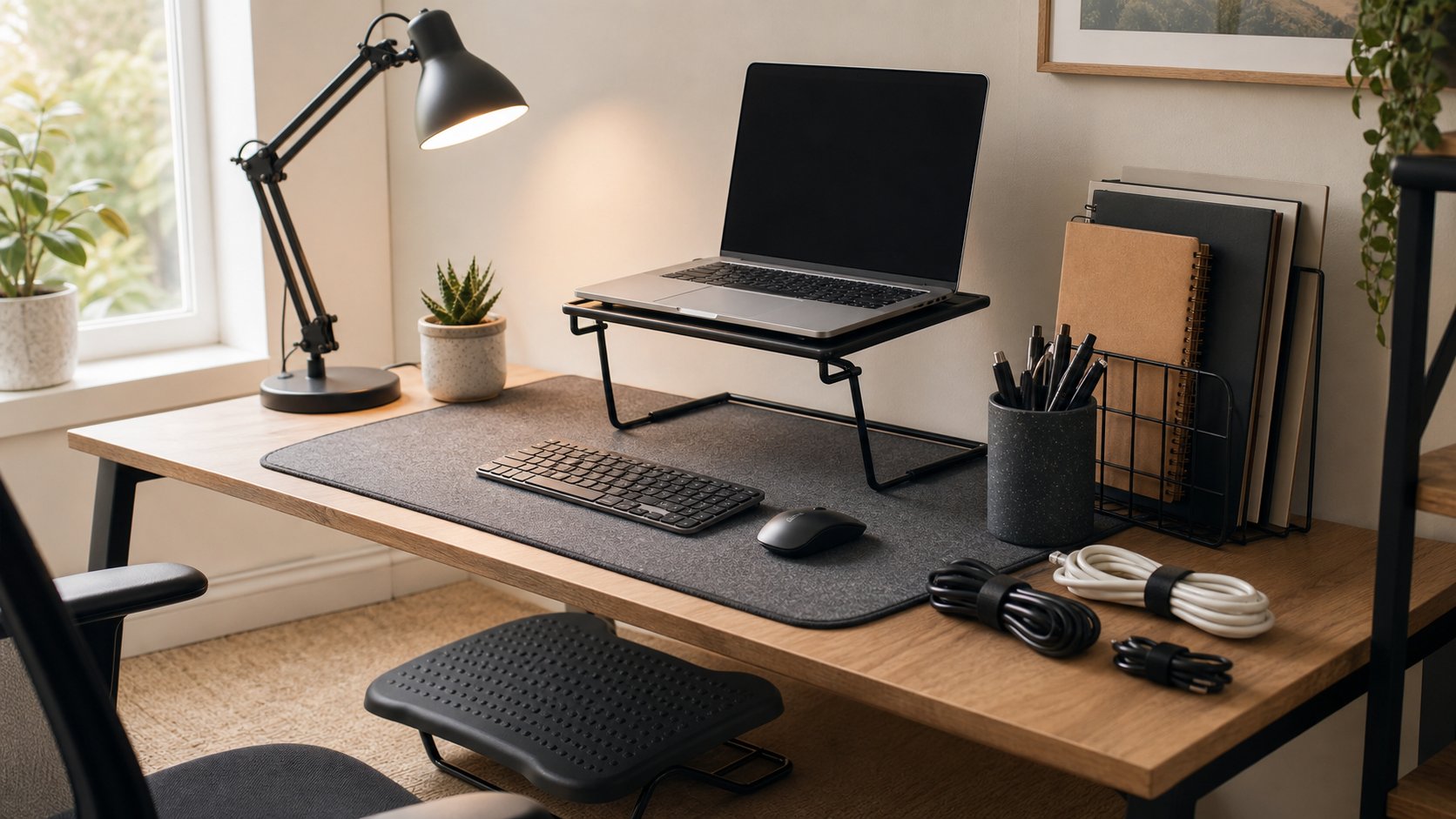
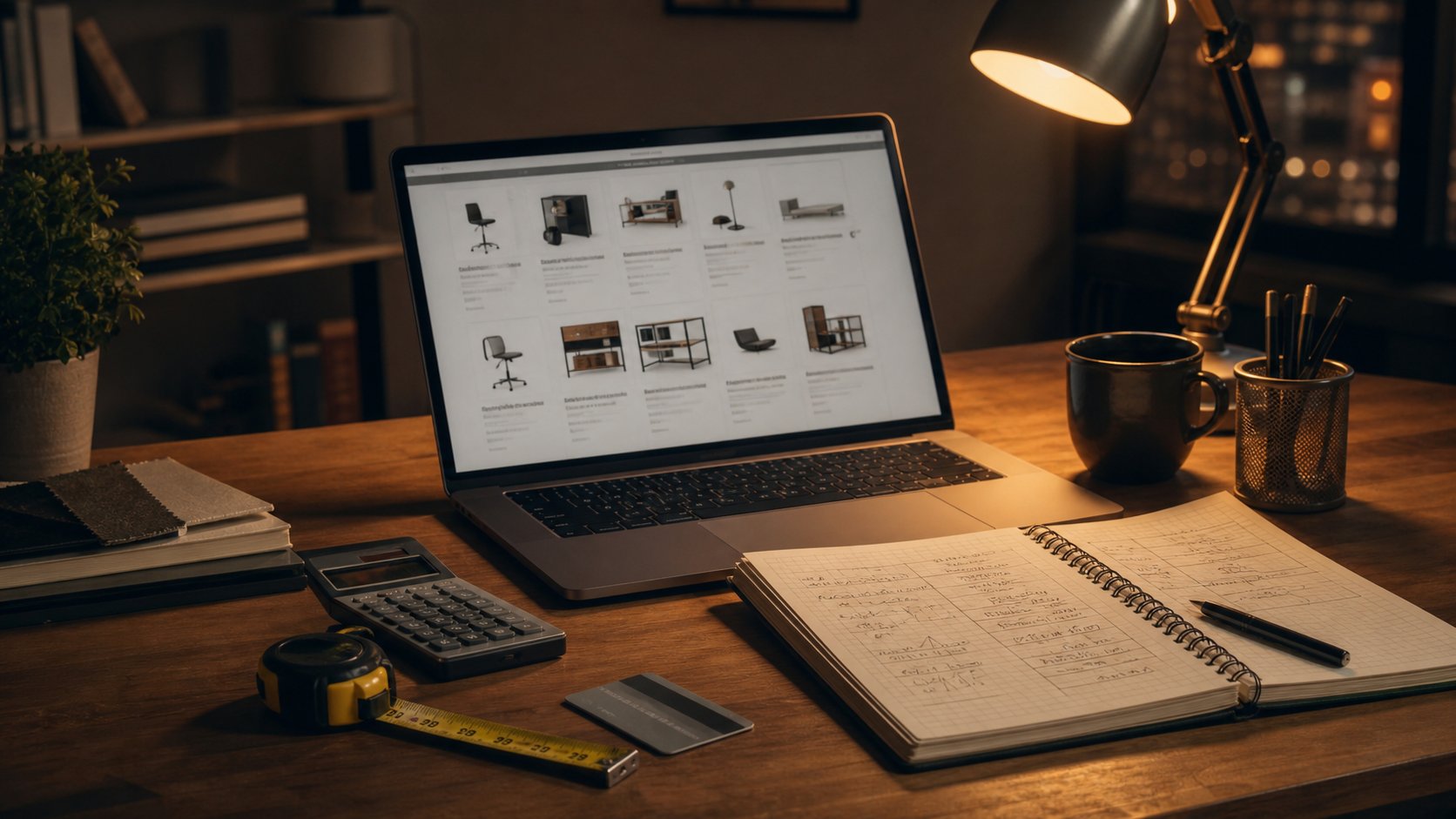
AliExpress Home Office Finds: 12 Low-Risk Accessories
Shop AliExpress for low-risk office accessories with a safety-first list of organizers and stands, plus categories to avoid, seller checks and return rules.
What to know first
- Prioritize comfort and reliability over matching finishes.
- Used commercial-grade equipment can beat new budget gear.
- Leave room for one upgrade after you test the setup.
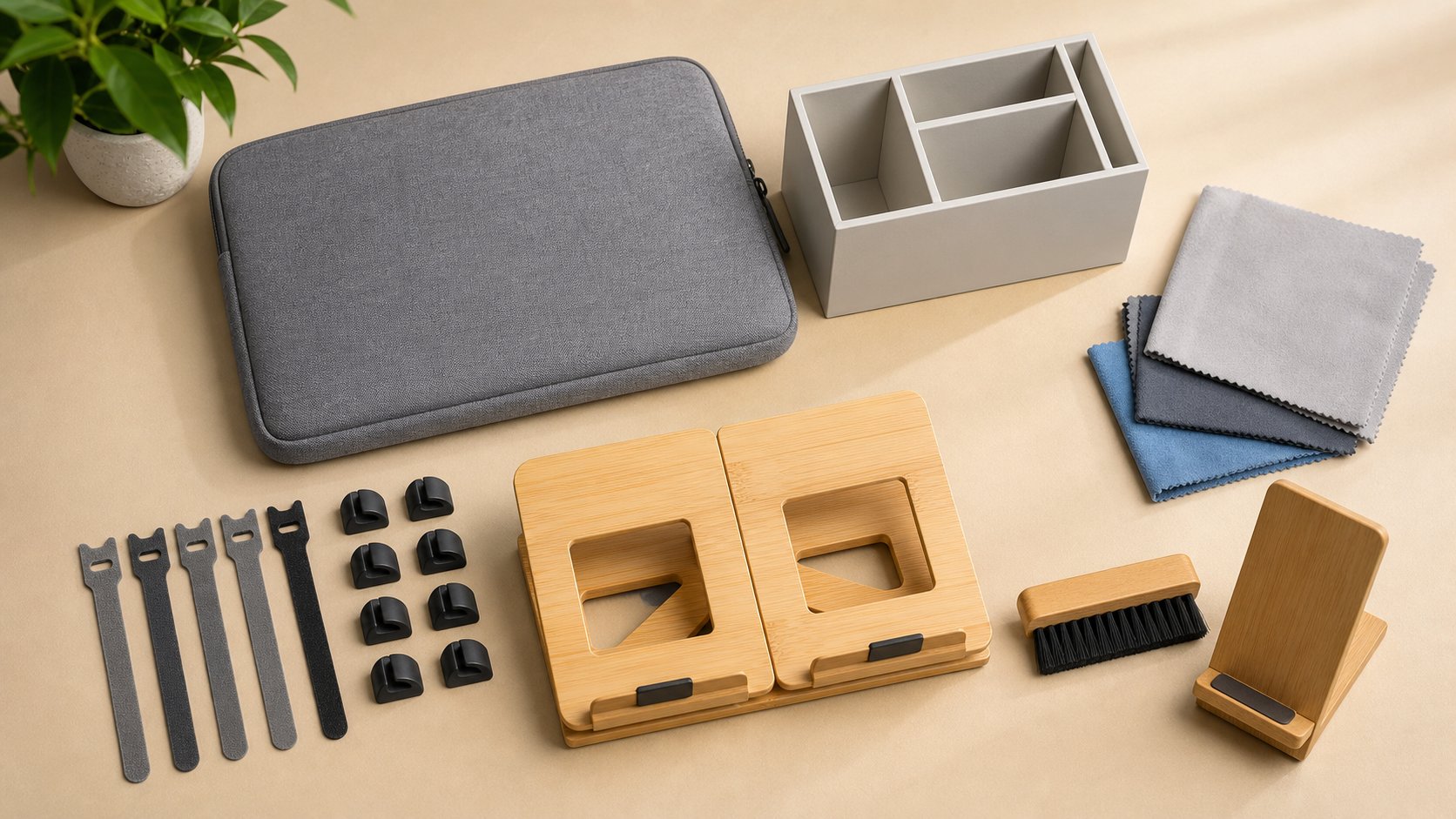
The safest AliExpress home-office finds are low-risk, non-electrical accessories whose dimensions and materials you can verify: reusable cable ties, clips, organizers, sleeves, stands and cleaning tools. Avoid unknown chargers, power strips, batteries, surge protectors, heaters and structural mounts.
A cheap item is not a bargain when return postage, long delivery or uncertain safety exceeds the saving.
Quick list
| Accessory | Why it can make sense | Main check |
|---|---|---|
| Reusable cable ties | Simple and low risk | Length and material |
| Adhesive cable clips | Route light data cables | Adhesive and surface compatibility |
| Cable labels | Simplify troubleshooting | Removable adhesive |
| Non-powered phone stand | Holds a reference device | Base stability |
| Laptop sleeve | Scratch protection | Internal dimensions |
| Drawer organizers | Separate small supplies | Exact drawer size |
| Pen cup or tray | Basic storage | Sharp edges |
| Keyboard cleaning brush | Dry debris removal | Soft bristles |
| Keycap puller | Mechanical keyboard maintenance | Correct puller type |
| Document stand | Holds light paper | Stability and angle |
| Headphone hook | Frees desk space | Clamp opening and load |
| Plain desk mat | Surface protection | Material, odor and dimensions |
This guide does not endorse a particular seller or listing. Marketplace inventory changes constantly.
1. Reusable cable ties
Hook-and-loop ties organize low-voltage data and charging cables without permanent adhesive.
Choose several lengths and leave bundles loose enough to avoid sharp bends. Do not bind hot power adapters or coil high-current cords tightly.
Avoid thin ties with sharp unfinished edges.
2. Adhesive cable clips
Small clips can keep a mouse, keyboard or phone cable from falling behind the desk.
Check:
- Cable diameter
- Adhesive pad size
- Surface material
- Removal method
- Heat exposure
Adhesive can damage paint, veneer and some plastics. Test one in a hidden area.
Do not use clips to secure mains wiring where electrical rules require approved hardware.
3. Cable labels
Writable or color-coded labels make docks and adapters easier to troubleshoot.
Use codes rather than confidential device or client names. Choose removable material that does not leave residue near ventilation openings.
Labels should never cover safety information or serial numbers.
4. Non-powered phone stand
A basic stand can raise a phone used for authentication, reference or a secondary call.
Look for:
- Wide base
- Non-slip pads
- Space for a charging cable
- Angle adjustment
- No sharp edges
Skip models with unknown built-in wireless charging. Buy power electronics from a verifiable manufacturer and seller.
5. Laptop sleeve
A sleeve protects against scratches during storage and transport. It does not make the laptop drop-proof.
Measure the device’s width, depth and thickness—not only advertised screen size. Check zipper clearance and whether metal hardware can touch the computer.
Do not place a powered or warm laptop in a closed sleeve.
6. Drawer organizers
Simple trays work when dimensions match the drawer.
Measure internal width, depth and height, including screw heads and rails. Modular pieces are easier to rearrange than a single large insert.
Wash or air out products according to their material instructions before storing items that touch skin.
7. Pen cup or small tray
A plain container can hold pens, adapters or clips.
Rounded edges and a stable base matter more than decorative compartments. Keep heavy items low so the container does not tip onto a laptop.
Compare with a reused mug or food container, which may cost nothing.
8. Keyboard cleaning brush
A soft anti-scratch brush removes dry crumbs and dust.
Disconnect the keyboard first. Do not push debris deeper into switches or use included mystery liquids.
For laptop keyboards, follow the computer manufacturer’s cleaning instructions.
9. Keycap puller
Wire pullers can remove compatible mechanical-keyboard keycaps for cleaning.
Confirm the keyboard permits keycap removal. Scissor switches and laptop keycaps can break easily and should not be pulled without service guidance.
Avoid metal tools with rough ends that scratch keycaps.
10. Document stand
A light stand can hold reference paper close to the monitor and reduce repeated head turning.
Check the page weight, lip depth and angle. A cookbook-style stand may work just as well if already owned.
Do not position a heavy binder where it can fall onto hands or equipment.
11. Headphone hook
A clamp-on or adhesive hook can keep a headset off the work surface.
Verify:
- Headband width
- Clamp opening
- Load rating
- Desktop edge material
- Cable route
Do not clamp to glass or a fragile hollow edge. Keep the headset away from chair and knee paths.
12. Plain desk mat
A mat protects the surface and can reduce keyboard noise.
Check exact dimensions, edge finish, odor reports, cleaning instructions and compatibility with the desktop finish. Some rubber or plastic backings can discolor coatings.
Avoid strong chemical odor, curling edges and listings with no material disclosure.
What not to buy from an unknown seller
Chargers and power adapters
Incorrect voltage control, insulation or counterfeit certification can create fire and shock risk.
UL has documented counterfeit marks on USB chargers. Buy approved replacements from the device maker or a verifiable authorized source.
Power strips and surge protectors
Certification, grounding, conductor size and end-of-life behavior matter. A printed logo is not proof.
Batteries and power banks
Lithium batteries require quality control, transport compliance and recall support. The CPSC has reported fires and recalls involving online-marketplace chargers and power banks.
Space heaters and heated desk products
High current and skin contact increase consequences of poor design.
Monitor arms and structural mounts
Unknown metal quality, fasteners and capacity can place an expensive screen above the desk.
Medical or corrective devices
Avoid unverified posture braces, pain-relief devices and vision products making treatment claims.
External drives and memory cards
Counterfeit capacity can appear normal until data is overwritten. Use traceable storage from authorized sellers.
Security hardware
Do not trust unknown security keys, card readers, webcams or network adapters with sensitive work.
Evaluate the listing
Record:
- Exact dimensions
- Material
- Seller name and age
- Number of completed orders
- Detailed recent reviews
- Customer photos
- Shipping estimate
- Return eligibility
- Total delivered price
- Applicable tax or duty
High order count does not prove safety. Reviews can refer to another variant or older revision.
Compare customer photos
Customer images can reveal:
- Actual scale
- Color difference
- Thin material
- Missing parts
- Packaging
- Edge finish
Confirm the photo corresponds to the selected size and variant.
Read negative reviews first
Look for repeated patterns:
- Wrong dimensions
- Strong odor
- Weak adhesive
- Broken hinges
- Inaccurate material claim
- Missing components
- Seller communication problems
One complaint can be unusual. The same defect across many recent orders is more useful.
Understand returns
AliExpress policies vary by item, seller, country and program label. Selected products may offer a local or free return window, while others require buyer-paid shipping or a dispute.
Review the current policy on the exact listing and save a copy. AliExpress’s service information notes that eligibility and timelines depend on listing labels and delivery conditions.
The US FTC’s marketplace shopping guidance recommends checking who handles refunds, what buyer protection covers and how quickly a claim must be opened.
Keep evidence
For a higher-value order:
- Save the listing and specifications.
- Keep messages inside the platform.
- Photograph the unopened parcel.
- Record unboxing when damage is likely.
- Keep packaging until testing is complete.
- Test promptly.
- Open disputes within the stated window.
Do not exaggerate a claim; document the actual mismatch.
Calculate landed cost
Include:
- Item price
- Shipping
- VAT or tax
- Import duty
- Currency conversion
- Return postage
- Time until delivery
A local $12 item with easy returns can beat a $6 import.
Privacy
Marketplace applications may request broad permissions and collect browsing or device information.
Use:
- A unique password
- Multifactor authentication when available
- Minimal app permissions
- Secure payment method
- Separate marketing preferences
Do not upload workplace documents or identity records unless required by law and handled through an appropriate verified process.
Common mistakes
Buying mains-powered products for the largest saving. Consequences are higher.
Trusting printed certification. Marks can be counterfeit.
Selecting by product photo. Measure the variant.
Ignoring return postage. It can exceed item value.
Buying ten organizers before testing one. Quality varies.
Using imported adhesive on finished furniture immediately. Patch-test first.
Assuming every review matches the current listing. Products change.
Final recommendation
Use AliExpress for simple, non-powered accessories such as cable ties, labels, organizers, sleeves, stands and brushes when dimensions and delivered cost are clear. Test one item before ordering multiples.
Avoid unknown power equipment, batteries, heaters, structural mounts, storage and security hardware. For any listing, verify the seller, save the specifications and understand the dispute deadline. The lower the price, the more important it is to keep the consequence of failure low.