The 20-20-20 Rule for Remote Workers: How to Use It
Learn how the 20-20-20 rule works, what it can and cannot do, and how to build distance viewing, blinking and movement into a realistic remote workday.
What to know first
- Neutral, supported positions matter more than perfect posture.
- Movement throughout the day is part of the setup.
- Persistent pain deserves advice from a qualified clinician.
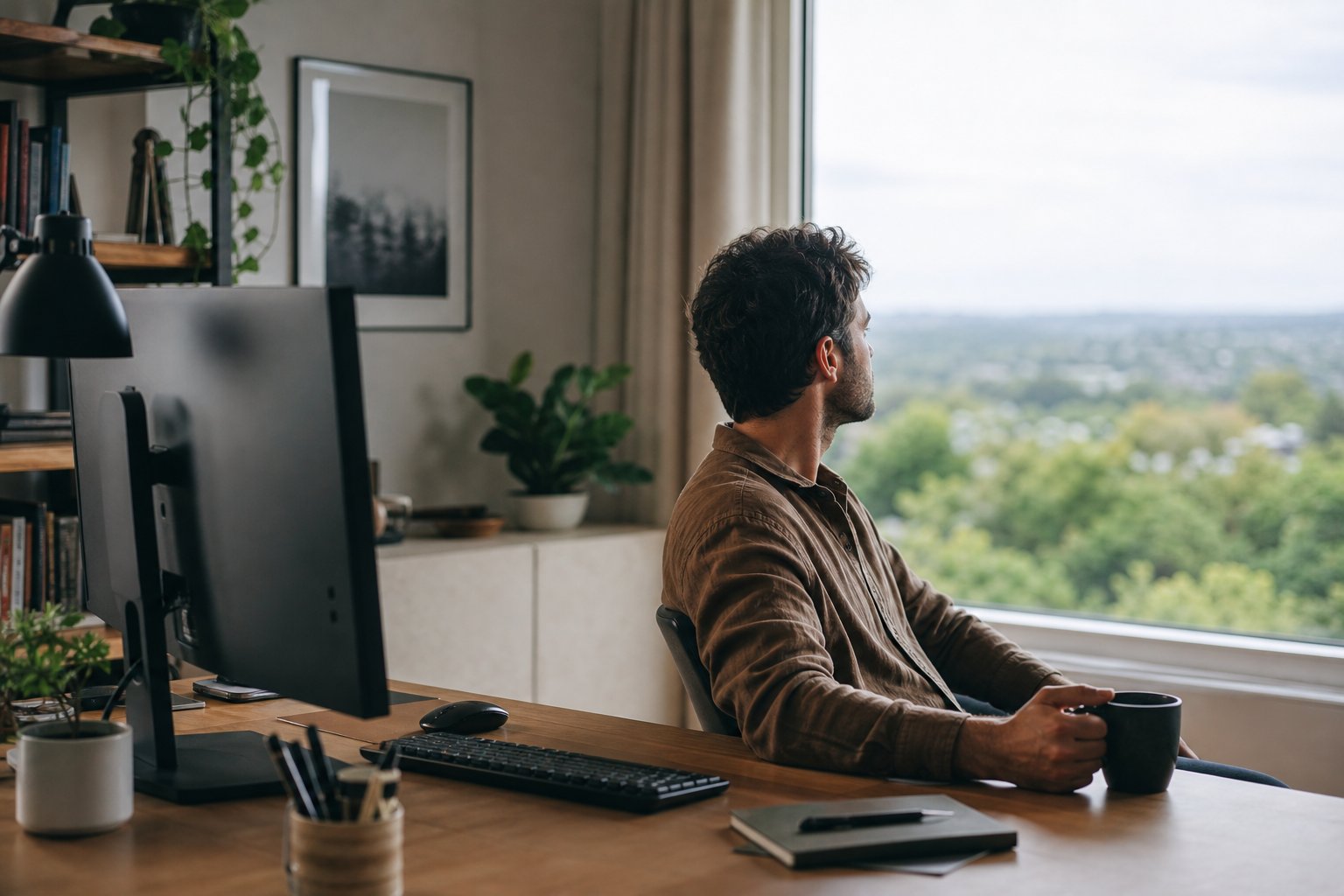
The 20-20-20 rule is a simple screen-break reminder: about every 20 minutes, look at something around 20 feet away for at least 20 seconds. It changes focal distance and interrupts continuous near work.
The rule can support visual comfort, but it is not a medical treatment and the numbers are not a universal prescription. Glare, dry air, small text, incorrect glasses, poor screen position and long uninterrupted work can still cause symptoms.
What the rule is designed to do
During close screen work, the visual system maintains near focus and the eyes may blink incompletely. Looking across a room or outside changes the demand for a short period.
The American Optometric Association recommends the 20-20-20 rule as one measure for digital eye strain, alongside appropriate viewing distance, lighting, blinking and eye care.
It is best understood as a behavioral cue: stop staring at one near distance indefinitely.
How to practice it
- Every 20 minutes or at a natural pause, look away from the screen.
- Focus on an object across the room, down a corridor or outside.
- Keep the gaze there for roughly 20 seconds.
- Blink fully several times.
- Relax the hands and shoulders.
- Return to the screen only after checking whether text and glare remain comfortable.
You do not need to measure exactly 20 feet. Choose the farthest practical object rather than another device nearby.
What counts as a distant object?
Good options include:
- A building or tree through a window
- The far wall of a large room
- The end of a corridor
- An object across a shared office
- The view outside a balcony or doorway where safe
A phone, paper notebook or tablet does not count as distance viewing. It keeps focus near.
If the room is very small, look through a window or toward the farthest corner. Do not step into a walkway or unsafe area simply to meet an exact distance.
Do you need a timer every 20 minutes?
Not necessarily. A timer can interrupt deep work and become easy to dismiss. Use natural cues when they are frequent enough:
- After sending an email
- At the end of a page or section
- When a meeting agenda item changes
- During a file export
- After committing code
- When standing to refill water
A subtle reminder in the menu bar or watch can work without sound. Do not install monitoring software that conflicts with employer security policy.
Pair the eye break with a body break
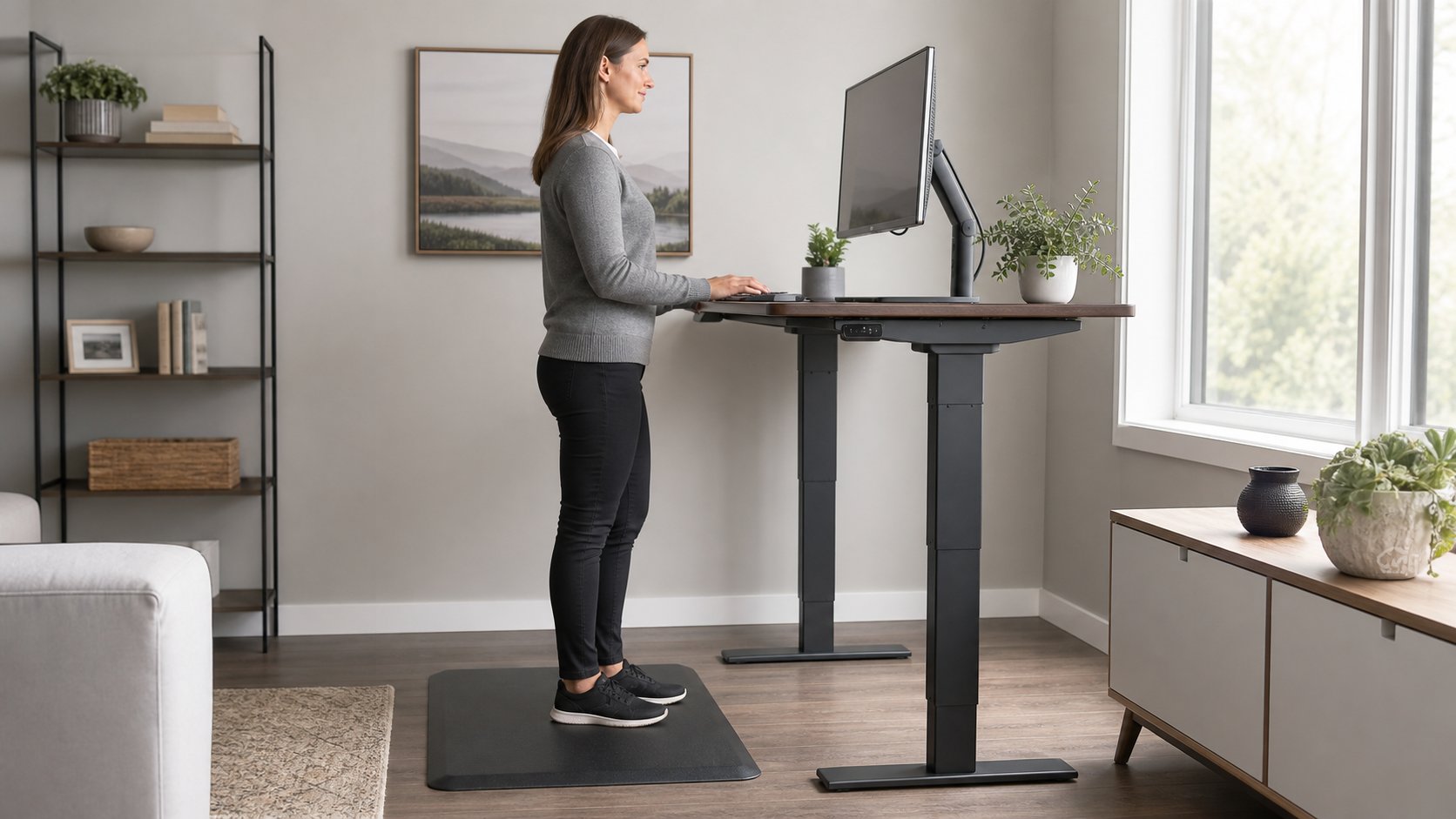
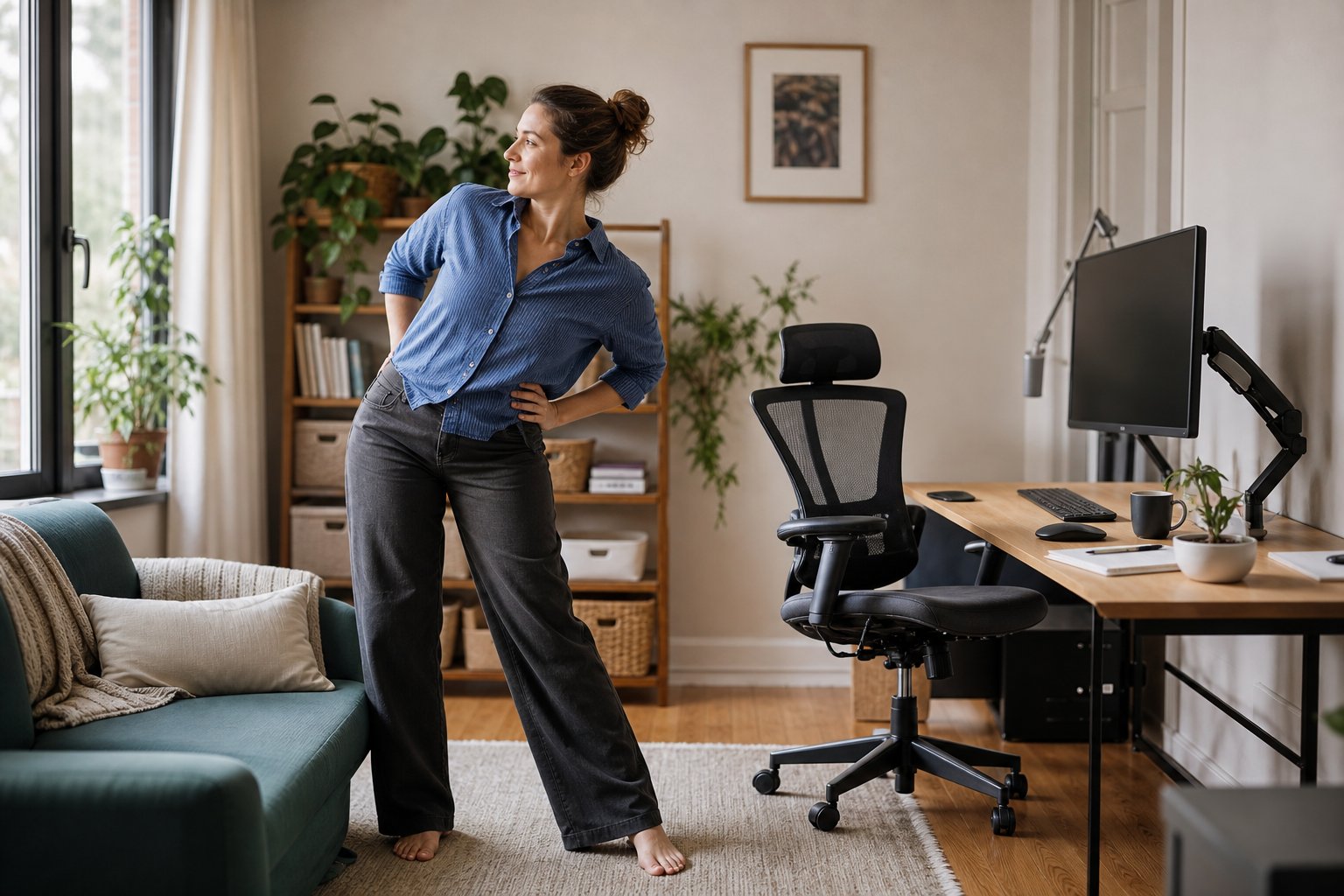
The rule addresses visual distance, not the full physical demand of computer work. Use some breaks to stand, walk or change posture.
A 20-second look away can happen while seated. After several cycles, take a longer change of activity: move, get water or complete a non-screen task.
The HSE work-routine guidance recommends short, frequent breaks or changes of activity rather than relying only on occasional long breaks.
Add complete blinking
Blinking spreads the tear film across the eye. Concentration can involve incomplete blinking even when total blink rate does not change dramatically.
During the distance pause, close the eyes fully and gently a few times. Do not squeeze hard.
If dryness persists, reduce direct fan or heating airflow toward the face and ask an eye-care professional or pharmacist about appropriate management. Contact-lens users may need specific advice.
Fix the screen setup too
The 20-20-20 rule cannot compensate for unreadable text or strong reflections.
Check:
- Text is large enough to read while sitting back.
- The screen is at a comfortable distance.
- The upper area sits at or slightly below eye level.
- A bright window is not reflected in the display.
- Room light is not dramatically brighter or darker than the screen.
- The screen is clean.
- Glasses or contacts are appropriate for the working distance.
Use the full computer eye-strain guide and monitor-height guide to correct those factors.
A realistic break schedule
Try this layered approach:
| Frequency | Change | Duration |
|---|---|---|
| At natural pauses, about every 20 minutes | Look far away and blink fully | 20–30 seconds |
| About every hour | Stand, move or do a different task | 3–10 minutes |
| Midday | Leave the workstation for a meal or walk | Role-dependent |
| Between major blocks | Change room, posture and focal distance | 5–15 minutes |
This is a template, not medical or legal guidance. Work design, task intensity and individual needs affect suitable breaks.
Use the rule during video meetings
Video calls encourage continuous focus on one small area. You can still vary gaze without appearing disengaged.
- Look toward a distant wall while listening.
- Hide self-view if it pulls attention.
- Move participant windows closer to the camera.
- Use audio-only walking meetings only when safe, permitted and not dependent on visual content.
- Stand for a selected internal call.
Tell the team when a camera break or movement is normal. Inclusive meeting culture makes healthy variation easier.
Use the rule with laptops and phones
Laptop
Increase interface scaling and raise the laptop with external input devices for long sessions. A tiny high-resolution screen encourages closer viewing.
Phone
Hold the phone at a comfortable distance, enlarge text and avoid replacing a computer break with social scrolling.
Tablet
Use a stand for long reading and vary between near screen, paper and distance. Do not hold a heavy tablet in one static position for hours.
What the rule cannot do
The rule does not:
- Correct an outdated vision prescription
- Diagnose dry eye or headache
- Remove screen reflections
- Make small text readable
- Prevent every cause of eye discomfort
- Replace a comprehensive eye examination
- Prove that blue-light glasses are needed
- Make unlimited screen time comfortable
Use it as one layer of a better visual environment.
Does 20-20-20 prevent permanent eye damage?
The rule is mainly discussed for digital eye-strain symptoms and comfort. Do not interpret it as a guarantee against eye disease or as proof that ordinary screen use is damaging the eye.
Age, health, medication, vision correction and eye conditions matter. Discuss personal risk and symptoms with an optometrist or ophthalmologist.
When to seek eye care
Arrange an examination when recurring symptoms interfere with work, vision correction seems inadequate or you experience persistent blur, headache, dryness or double vision.
Seek urgent care according to local guidance for sudden vision loss, severe eye pain, eye injury, flashes with new floaters, a curtain-like shadow or new significant double vision.
Make the habit stick
Choose one implementation:
- Place a small object beyond the monitor as a gaze cue.
- Use the end of each task cycle.
- Pair distance viewing with drinking water.
- Open a blind at the start of work so a distant view is available.
- Ask a teammate to normalize short camera breaks in long meetings.
Track comfort for a week rather than counting perfect repetitions. If reminders create more stress than benefit, use fewer, longer natural transitions.
The 20-20-20 rule is useful because it is easy to remember. Look away, blink and let the visual system work at another distance. Then improve the screen, lighting and work pattern so the rule is not carrying the whole burden alone.