Ring Light for a Home Office: Do You Actually Need One?
Decide whether a ring light is right for video calls, learn the best placement and compare it with window light, panel lights and ordinary desk lamps.
What to know first
- Buy for your workflow and connection needs, not headline specifications.
- Reliability and warranty often matter more than a minor speed gain.
- Check compatibility before committing to an accessory.
You need a ring light for your home office only when the light in front of you is inconsistent, too dim or difficult to control. For ordinary video calls, a window, adjustable desk lamp or small diffused panel can look just as professional—and sometimes more natural.
A ring light is compact, predictable and easy to place near a webcam. Its weakness is the same circular, frontal light that makes it convenient: used too close or too bright, it can flatten facial features, reflect in glasses and create a distracting ring in the eyes.
The quick answer
Buy a ring light when:
- Your desk faces a dark wall or interior room.
- Calls happen before sunrise or after sunset.
- Window light changes dramatically through the day.
- You need one compact light that travels.
- You create tutorials or client videos as well as calls.
Try another option when:
- A window provides soft, stable light in front of you.
- You wear glasses and cannot control reflections.
- The desk has no space behind the camera.
- You want more natural side modeling.
- You already own an adjustable lamp that accepts a diffused bulb.
What a ring light actually fixes
Webcams struggle when the face is much darker than the background. The camera may expose for the bright window and leave you in shadow, or brighten the face and wash out everything behind you.
A ring light adds controllable light near the lens. That can:
- Make facial exposure more consistent
- Reduce deep shadows from overhead lighting
- Help lower-quality cameras produce a cleaner image
- Keep your appearance similar across morning and evening calls
- Separate lighting from weather and room orientation
It cannot fix poor internet, a low camera angle, bad audio or a distracting background. Improve those separately.
The best ring-light placement
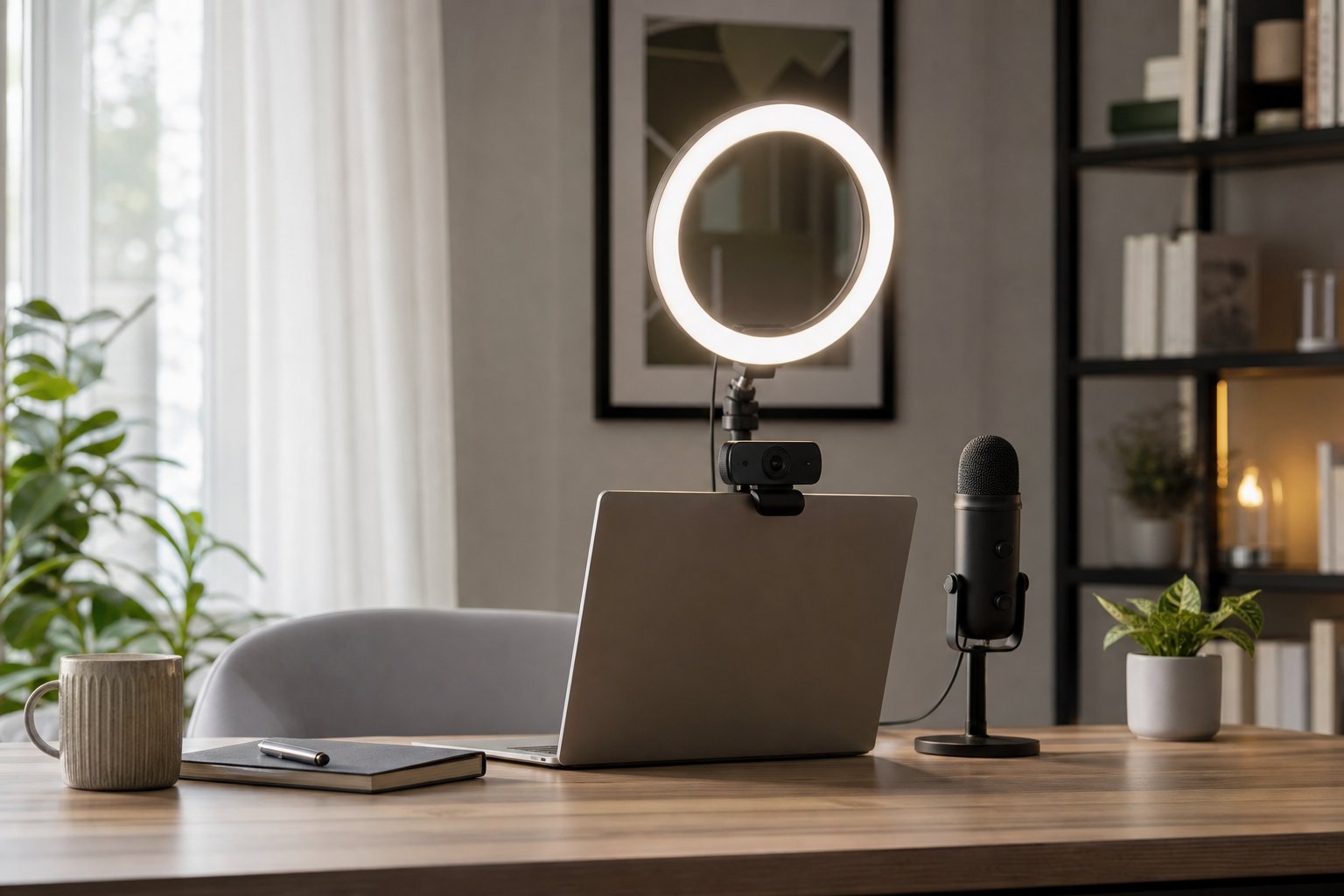
Place the center of the ring close to the camera, slightly above eye level and angled gently downward. Start 60 to 100 cm from your face if the room allows it, then adjust brightness.
The light should be far enough away that illumination spreads evenly and does not feel uncomfortable. Larger rings can sit farther away; very small clip-on lights need to be closer and often look harsher.
Use this sequence:
- Set the camera near eye height.
- Turn off harsh overhead light temporarily.
- Place the ring behind or around the camera.
- Set brightness low.
- Increase only until the face is clearly exposed.
- Add room light back if the background becomes unnaturally dark.
Do not place the light below the face. The upward shadows look unnatural and may increase screen glare.
Brightness matters more than maximum output
The common mistake is using too much light. A bright ring close to the face can cause squinting, reflections and a flat image.
Set webcam exposure manually if the software allows it. Lower the ring until skin detail remains visible and the camera does not continuously change brightness.
A useful ring light should have smooth dimming across a wide range. Maximum output is less important for a desk one meter away than controllability at low levels.
Choose a sensible color temperature
Many ring lights provide warm, neutral and cool settings. Match the dominant room light rather than choosing the coolest setting by default.
- Warm household lamps often sit around a cozy amber appearance.
- Neutral light usually looks clean for daytime office calls.
- Very cool light can look clinical beside warm room lamps.
Mixing a blue-white ring with a warm ceiling fixture may create uneven skin tones. Turn off one source or bring their appearance closer.
Exact numerical temperature is less important than consistency and how the camera renders the room.
How to reduce glasses glare
Glasses reflect any light source that aligns with the camera. Try these adjustments in order:
- Raise the ring slightly above the camera.
- Move it a little to one side.
- Increase distance and lower brightness.
- Tilt glasses very slightly by raising the earpieces only if comfortable and stable.
- Use two dimmer lights off to the sides instead of one frontal ring.
Do not force an uncomfortable head or glasses position for every meeting. A small diffused panel placed 30 to 45 degrees from the camera often gives more control.
Ring light vs other home-office lighting
| Option | Strength | Limitation | Best for |
|---|---|---|---|
| Window light | Free and natural | Changes with time and weather | Predictable daytime calls |
| Ring light | Compact, frontal and simple | Reflections and flat appearance | Small desks and quick setup |
| LED panel | Directional and flexible | Usually costs more | Frequent professional calls |
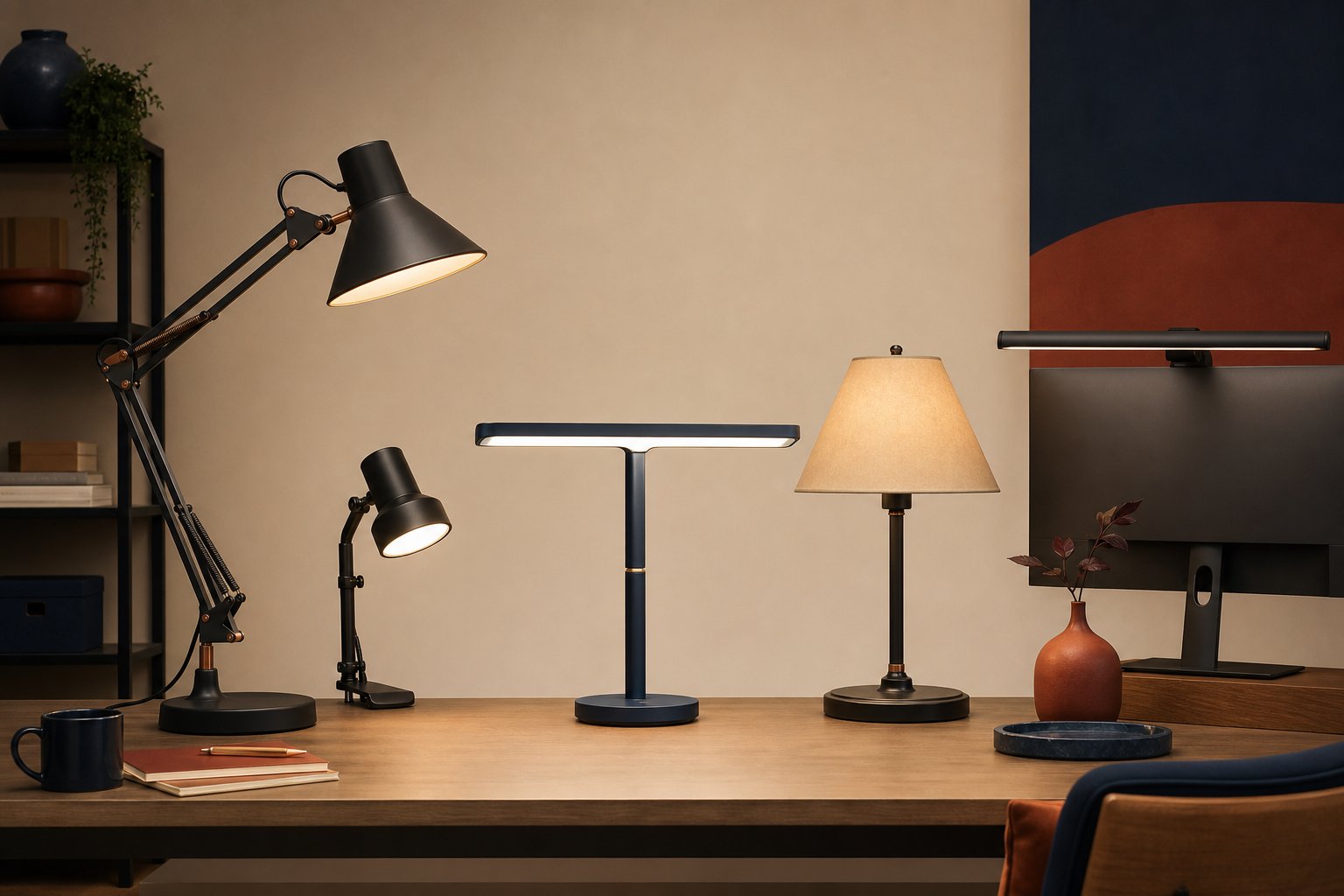
| Desk lamp | Reuses existing equipment | Shade may create harsh light | Occasional meetings |
| Monitor light bar | Clears desk space | Designed for desk, not face | Keyboard and document light |
Window light
Face toward or slightly beside a window with a sheer curtain. Avoid placing the bright window directly behind you. Window light is excellent when it remains available during your call schedule.
LED panel
A small diffused panel creates a broader source and can sit off-axis for natural facial shape. It is our preferred upgrade for frequent presenters who have enough mounting space.
Desk lamp
Bounce a lamp from a pale wall to create softer light. Use an LED bulb that does not flicker visibly on camera. Keep hot lamps and fabric diffusers apart; do not improvise a shade that creates a fire risk.
What size ring light is best for video calls?
For a fixed home desk, a medium ring around 10 to 14 inches is often easier to soften and place than a tiny clip-on model. A larger diameter can create more even light at a comfortable distance.
A small light works for travel and emergency calls but may need to sit close. Large floor-standing rings consume depth and can obstruct the monitor.
Measure the space behind the laptop or webcam. Include the stand footprint and maximum height—not just the ring diameter.
Mounting options
Tripod stand
Flexible and portable, but its legs consume desk or floor space. Check stability at full height.
Desk clamp
Keeps the surface clearer. Verify desktop thickness, clamp clearance and whether the desk material can support the pressure.
Monitor clip
Convenient for a very small light. Avoid heavy clips that flex the display lid or block sensors and webcams.
Wall arm
Useful in a permanent creator setup. It requires correct anchors and more installation than most meeting rooms need.
Whichever mount you choose, secure the power cable so it does not pull the light toward the floor.
Video-call lighting setup for a small room
Use three visual layers:
- Face light: ring, panel or window near camera direction
- Room light: a modest lamp that keeps the background from becoming black
- Background separation: optional warm lamp or daylight, kept subtle
You do not need a full studio. One face light and one ordinary room light are enough for most calls.
Place the desk so the camera does not point directly toward a bright uncovered window. Clean the camera lens and check software exposure before buying equipment.
Common ring-light mistakes
Placing it too close. This creates harsh reflections and discomfort.
Using full brightness. Cameras often need less light than expected.
Leaving overhead light as the dominant source. Strong ceiling light creates eye-socket shadows the ring must fight.
Ignoring monitor brightness. A very bright screen can add a blue cast and change exposure.
Mounting the camera below the ring. Keep both near eye level.
Buying before testing a lamp. You may already own a workable solution.
A five-minute setup test
Before purchasing, test the idea with an adjustable lamp bounced from a wall behind the camera. Record a short clip at the time of day calls usually occur.
Check:
- Is the face clearly visible?
- Does the camera keep changing exposure?
- Are glasses reflecting the source?
- Is the background much brighter than the face?
- Is the light comfortable for a 45-minute meeting?
If bounced light solves the problem, a ring is optional. If space prevents a lamp from producing stable frontal light, a compact ring may be the simplest tool.
Final verdict
A ring light is worth buying for a dark or inconsistent home office, frequent evening calls or a portable setup that must work quickly. Choose smooth dimming, a stable mount and enough size to place it at a comfortable distance.
Skip it when soft window light or an existing lamp already produces an even image. The professional result comes from controlled light near the camera—not from the shape of the fixture.