Focus Music for Remote Work: What Helps and What Distracts
Build a focus-music routine using evidence on lyrics, task difficulty, preference and volume, with practical playlist types for writing, administration and recovery.
What to know first
- A visible plan reduces the cost of deciding what comes next.
- Protect a small number of focused work blocks.
- A consistent shutdown ritual keeps work from filling the evening.
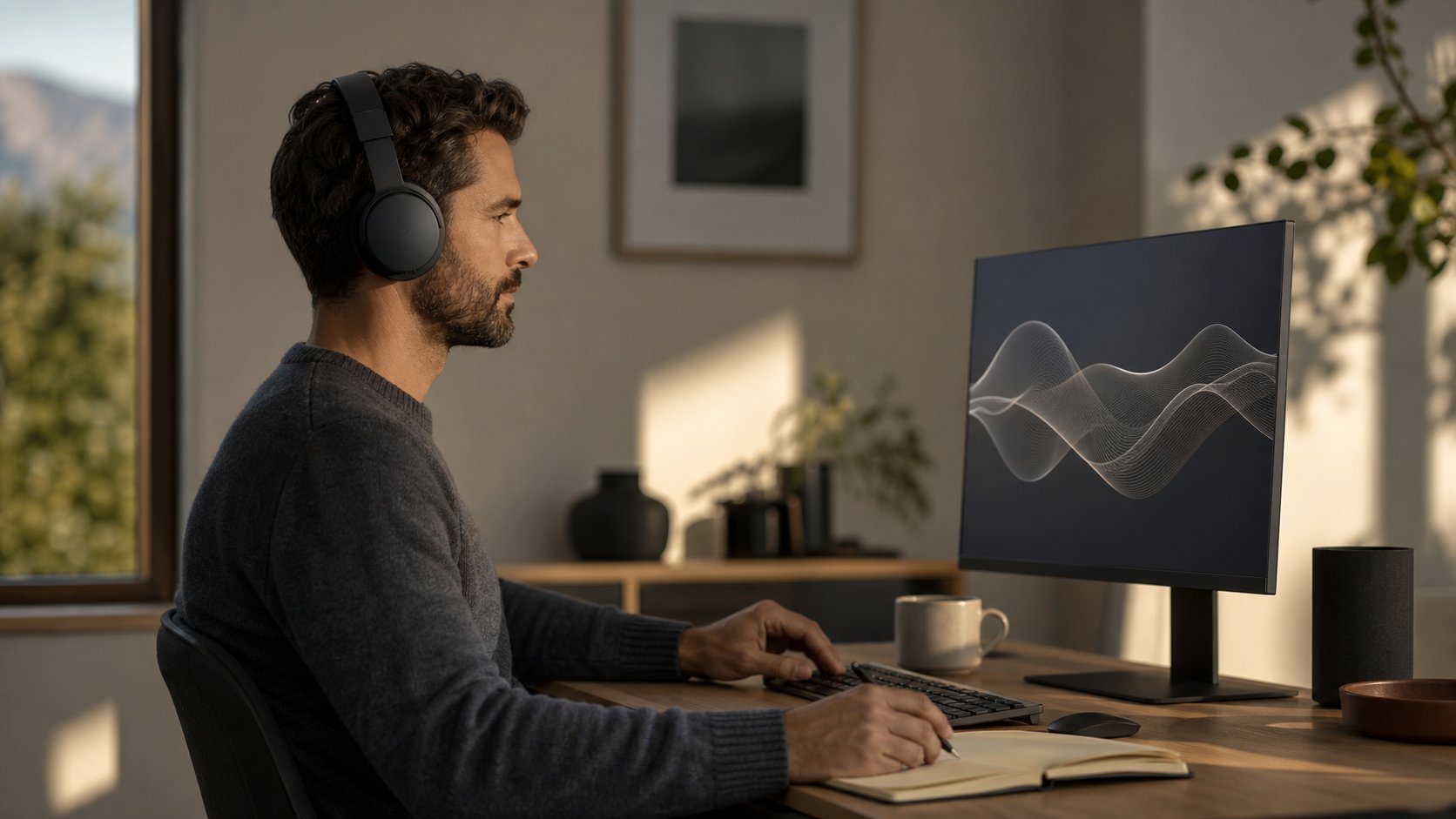
The best focus music is predictable, low enough to ignore and matched to the task. Instrumental or familiar low-arousal tracks can mask household noise for some remote workers, while lyrics often interfere with reading, verbal memory and writing. Silence remains a strong option, especially for complex work.
Treat music as an experiment rather than a universal productivity tool. Compare output under silence, instrumental audio and your usual playlist.
Evidence at a glance
| Work type | Starting audio choice |
|---|---|
| Reading and writing | Silence or quiet instrumental without lyrics |
| Complex analysis | Silence first |
| Routine administration | Familiar music at low volume |
| Repetitive data work | Instrumental, ambient or preferred familiar music |
| Brainstorming | Personal preference; test output quality |
| Recovery break | Music can mark a transition, away from work content |
| Noisy shared home | Well-fitted noise reduction with low playback level |
Music may improve mood without improving objective accuracy. Both outcomes can matter, but they are not the same.
What research says
A 2022 systematic review of background music and cognitive performance found that effects depended on the task, music and listener. Music with lyrics was more likely to hinder memory and language tasks. Instrumental music was less consistently disruptive but could still reduce performance on difficult tasks and serial recall.
The review did not support a universal “Mozart effect” or one productive genre for everyone.
A 2025 systematic review of music and mental fatigue reported possible reductions in subjective fatigue and selected performance decrements with relaxing, exciting or preferred music, while noting a small and varied evidence base.
The practical conclusion is task matching, not guaranteed enhancement.
Why lyrics can distract
Lyrics compete with language processing. This is especially relevant for:
- Drafting
- Editing
- Reading comprehension
- Memorizing names or sequences
- Translating
- Coding with language-like reasoning
- Listening for speech in a meeting
Lyrics in an unfamiliar language can still attract attention through voice, rhythm and emotion.
If a favorite song makes you sing internally, it is no longer background.
Instrumental does not mean neutral
Instrumental music can still be distracting when it is:
- Unfamiliar
- Highly dynamic
- Very fast
- Emotionally intense
- Complex
- Loud
- Filled with dramatic transitions
Film scores are designed to direct attention and emotion. That can help routine activity but interrupt careful reasoning.
Choose a narrow dynamic range and predictable structure for deep work.
Familiarity
Familiar music creates fewer surprises, but strong associations can pull attention into memories.
A useful focus playlist often contains tracks known well enough to fade but not loved enough to demand attention.
New-release playlists are usually poor for focus because every track invites evaluation.
Volume and hearing safety
Keep volume only high enough to serve the purpose. The World Health Organization’s safe-listening guidance recommends keeping device volume below about 60 percent of maximum, using sound-exposure monitoring where available and taking quiet breaks.
The percentage is a practical cue, not a calibrated level across every device. Noise cancellation or passive isolation can reduce the urge to turn playback up in a noisy room.
Ringing, muffled hearing or sound sensitivity after listening is a warning to stop and seek hearing advice if symptoms persist.
Playlist type 1: ambient
Slow, textural tracks with few abrupt changes.
Best for: routine writing, planning and lower-intensity reading.
Watch for: sleepiness or atmospheric changes that become noticeable.
Playlist type 2: minimalist classical
Repetitive instrumental patterns with moderate dynamics.
Best for: structured individual work.
Watch for: familiar pieces that trigger active listening and recordings with sudden volume changes.
Classical music is not inherently superior to other instrumental genres.
Playlist type 3: low-key electronic
Steady rhythm and limited vocals.
Best for: administration, design production and repetitive tasks.
Watch for: rising tempo or heavy bass that changes working pace.
Playlist type 4: game soundtracks
Often designed to support sustained activity without dominant lyrics.
Best for: routine problem-solving or long production sessions.
Watch for: highly dramatic combat tracks and personal gaming associations.
Playlist type 5: natural sound or neutral noise
Rain, ventilation-like noise and environmental recordings are not music, but can mask intermittent sound.
Best for: speech distraction in shared spaces.
Watch for: loops with obvious repetition, hidden advertisements and volume high enough to mask alarms.
Do not use headphones where environmental awareness is necessary.
Playlist type 6: silence
Silence is not a failed playlist. It removes one input channel.
Best for: complex writing, learning, sensitive decisions and tasks where errors matter.
If the room is not quiet, use earplugs appropriate to the environment or noise-reducing headphones without playback when safe.
Match music to work phase
Starting
One familiar track can become a cue to open the task and put the phone away.
Sustaining
Use a longer low-variation playlist without manual track selection.
Finishing
Turn music off for proofreading, calculations or final review.
Stopping
Use a different track during shutdown so work music does not continue into the evening automatically.
The deep-work guide explains how audio can fit inside a protected block.
Avoid playlist maintenance during focus
Choose the playlist before the block. Disable autoplay recommendations if they introduce surprises.
Do not spend twenty minutes finding the perfect soundtrack for a thirty-minute task.
Download approved playlists where connection reliability matters, but follow licensing and workplace rules.
Streaming privacy and policy
Music services can collect listening history, device data and usage analytics. Employer networks may restrict streaming or personal accounts.
Check:
- Whether streaming is permitted
- Data use on a hotspot
- Explicit-content settings
- Account privacy
- Shared-device behavior
- Download rights
- Subscription renewal
Never upload confidential work to an AI music or sound tool.
Speakers vs headphones
Speakers
Reduce ear contact and preserve awareness, but can disturb others and expose notifications or meeting audio.
Headphones
Provide isolation and privacy, but add heat, pressure and hearing-exposure concerns.
Earbuds
Portable and isolating, but fit and ear-canal comfort vary.
The headset versus earbuds guide covers comfort and safe listening in detail.
A three-condition focus test
Choose one repeated task such as editing 800 words or processing twenty records.
Session 1: silence
Record time, errors, urge to switch and perceived effort.
Session 2: instrumental
Use a familiar low-volume playlist.
Session 3: usual music
Use the playlist you normally choose.
Compare output quality, not only enjoyment. Repeat on more than one day before drawing a conclusion.
Focus music for ADHD or neurodivergent workers
Some people report that predictable sound regulates stimulation; others find any audio overwhelming. Needs differ and research does not justify one universal recommendation.
Useful options include:
- Repetition
- Low volume
- No lyrics
- One album rather than algorithmic variety
- Speaker instead of headphones
- Silence with noise reduction
Follow individualized clinical or workplace guidance where relevant.
Use music to mask, not overpower
If household speech remains distracting, increasing volume can create hearing risk without fully masking language.
Try first:
- Closing the door
- Moving farther from the sound
- Scheduling complex work at a quieter time
- Adding soft furnishings
- Using a well-fitted noise-cancelling device
- Agreeing on quiet signals
Audio is one environmental control, not the whole plan.
Common mistakes
Using lyrics for verbal work. Test silence or instrumental.
Making the playlist louder than the room. Improve isolation instead.
Choosing new music. Novelty attracts attention.
Skipping proofreading under the same soundtrack. Change the condition for final review.
Assuming feeling productive equals accuracy. Measure the output.
Letting recommendations change every track. Predictability helps.
Wearing headphones all day. Take quiet, device-free breaks.
A practical 90-minute sequence
- 0–5 minutes: start cue, prepare task
- 5–50: low-volume instrumental or silence
- 50–60: quiet movement break
- 60–85: continue under the better condition
- 85–90: music off, review and record next step
Adjust the length to your role and energy.
Final recommendation
Start complex remote work in silence. If intermittent noise or low stimulation creates difficulty, test a familiar instrumental playlist at modest volume. Reserve music with lyrics for routine tasks or breaks.
Measure errors, output and fatigue across several sessions. Focus music is useful when it becomes almost unnoticeable; if you keep choosing tracks, following lyrics or raising the volume, it has become another task.