Best Laptops for Remote Work: 12 Picks by Use Case
Choose a remote-work laptop by workflow, display support, camera, ports and repair needs—not by processor names alone.
What to know first
- Buy for your workflow and connection needs, not headline specifications.
- Reliability and warranty often matter more than a minor speed gain.
- Check compatibility before committing to an accessory.
The best laptop for remote work is the one that runs your required software, drives your actual monitors, survives your travel pattern and stays comfortable through calls. Those needs are more important than owning the fastest processor in a comparison chart.
This guide was updated in September 2026. Models and regional configurations change quickly, so verify ports, memory, display and warranty on the manufacturer’s product page before ordering. Our picks represent useful product families and buyer types rather than every configuration carrying the same name.
The short list
| Use case | Starting pick | Why it fits | Watch for |
|---|---|---|---|
| Best overall for most Apple users | 13-inch MacBook Air with M5 | Quiet, portable, long claimed battery life | Limited built-in ports |
| Larger portable screen | 15-inch MacBook Air with M5 | More working area without a workstation chassis | Higher travel weight than 13-inch |
| Business Windows work | Lenovo ThinkPad T14 family | Strong keyboard, service options, practical ports | Configuration complexity |
| Premium Windows travel | ThinkPad X1 Carbon Gen 13 | Very low starting weight, business features | Soldered memory and premium price |
| Mainstream Windows value | ASUS Zenbook 14 family | Balanced display, portability and price | Ports vary by configuration |
| Microsoft-first workflow | Surface Laptop family | Clean Windows experience and strong calls | Repair and port needs should be checked |
| Repairable and configurable | Framework Laptop 13 | Replaceable modules and port flexibility | Availability and battery vary by configuration |
| Enterprise fleet | HP EliteBook 840 family | Manageability, warranty and IT support | Consumer pricing can be high |
| Creative professional | 14-inch MacBook Pro | Sustained performance, display and media workflow | More machine than office tasks require |
| Engineering or GPU work | ASUS ROG Zephyrus G14 family | Strong performance in a transportable size | Fan noise, power adapter and battery under load |
| Large screen traveler | LG gram 16 family | Large canvas at relatively low weight | Chassis feel and pricing |
| Lowest-cost sensible option | Certified refurbished business laptop | Better build and keyboard per dollar | Battery health and seller quality |
No ranking can replace compatibility. If your employer manages devices, uses Windows-only security software or requires a particular processor platform, follow those requirements first.
1. MacBook Air 13-inch with M5: best for most Apple users
Apple’s current MacBook Air line uses the M5 chip, with 13-inch and 15-inch sizes. The 13-inch model is our starting recommendation for writers, consultants, analysts and operators already comfortable with macOS.
Its fanless design is useful in a quiet room and during calls. The compact chassis is easy to move between a desk, meeting room and travel bag. Apple lists up to 18 hours of battery life, though real runtime depends on brightness, calls and applications.
Choose it when: your software runs on macOS, portability matters and two or three built-in ports are enough once docked.
Skip it when: you need Windows-only software, internal upgrades after purchase or a large set of built-in ports.
A sensible configuration for several years of office work starts with 16GB of unified memory; move higher for development, very large datasets or heavy creative applications. Confirm external-display support for the exact model and lid position you plan to use.
2. MacBook Air 15-inch with M5: best larger portable canvas
The 15-inch Air provides a more comfortable split view without moving to a heavier professional workstation. It suits spreadsheet work, research and client-facing roles where the laptop display is used all day.
The trade-off is physical. A larger screen requires more table depth, a larger sleeve and a little more effort in transit. If the machine spends most of its life connected to a desktop monitor, the 13-inch model often offers better value.
Choose it when: you often work away from an external monitor and value working area more than the smallest bag.
3. Lenovo ThinkPad T14: best practical business Windows choice
The ThinkPad T14 family is a dependable starting point for Windows-based professional work. Configuration options and employer purchasing channels are a strength, but they also require careful reading. Processor, display, memory and cellular options can differ substantially under the same family name.
The appeal is practical: a familiar keyboard layout, business warranty options, useful ports and enterprise manageability. Some configurations offer more serviceability than very thin consumer systems.
Choose it when: you need Windows, work with corporate IT and care more about daily usability than the thinnest profile.
Check before buying: display brightness, camera resolution, whether memory is soldered or socketed, and the warranty service level.
4. ThinkPad X1 Carbon Gen 13: best premium business traveler
Lenovo’s Gen 13 X1 Carbon starts below one kilogram in selected configurations and combines two Thunderbolt 4 ports with USB-A and HDMI on many models. That port mix is useful for presenters and consultants who encounter different rooms and adapters.
Selected configurations include a high-resolution OLED display, but OLED can reduce battery runtime compared with a lower-resolution efficient panel. Memory is soldered, so buy the capacity you expect to need for the life of the machine.
Choose it when: frequent travel, a business keyboard and enterprise support justify the premium.
Skip it when: the laptop stays on one desk or upgradeable memory is important.
5. ASUS Zenbook 14: best mainstream premium value
The Zenbook 14 family often occupies a useful middle ground: lighter and more polished than an entry-level laptop without the fleet-management premium of a corporate machine.
Because ASUS sells several generations and regional variants simultaneously, compare model codes rather than names alone. Look for a bright, non-reflective-enough display for your room, at least 16GB of memory and the ports your dock or monitor requires.
Choose it when: you want a compact Windows notebook for office, study and light creative work at a competitive price.
6. Microsoft Surface Laptop: best for a clean Windows workflow
Surface Laptop models suit people who prefer Microsoft’s hardware design and spend much of the day in Microsoft 365, Teams and browser-based tools. Current models may use different processor platforms, so confirm application and peripheral compatibility—particularly for specialized drivers, VPN clients and older plug-ins.
The tall display shape works well for documents. Camera and microphone integration are generally part of the appeal for hybrid meetings.
Choose it when: you want a cohesive Windows experience and your software is supported on the selected processor architecture.
7. Framework Laptop 13: best for repair and configuration
Framework’s 13-inch laptop is designed around replaceable components and expansion cards. You can choose the ports that travel with the machine and replace several high-wear parts without discarding the full laptop.
That makes it compelling for technically comfortable owners and organizations that value repair. It is not automatically the cheapest choice, and the best configuration depends on the mainboard generation, operating system and battery option available in your region.
Choose it when: repairability, Linux support or port flexibility is a central buying value.
Skip it when: you want conventional in-store service and no configuration decisions.
8. HP EliteBook 840: best for managed fleets
The EliteBook 840 family belongs on an employer shortlist rather than an influencer wish list. It offers corporate deployment, security and support options that matter when many devices must remain consistent.
For an individual buyer, compare the price with a ThinkPad T-series and a high-quality consumer ultrabook. Enterprise features are valuable when you use them, but not every solo worker needs to pay for fleet manageability.
Choose it when: device management, on-site support and standardized procurement matter.
9. MacBook Pro 14-inch: best for creative professionals
The 14-inch MacBook Pro is appropriate when work includes sustained code compilation, large photo libraries, complex audio sessions or high-resolution video. Its active cooling and professional display separate it from the Air during long heavy workloads.
For documents, email, calls and browser tools, the Air is usually the calmer value choice. Buying unused performance increases cost and travel weight without improving an ordinary spreadsheet.
Choose it when: your paid workload sustains high CPU, GPU or media-engine use and your applications support macOS.
10. ASUS ROG Zephyrus G14: best for portable GPU work
A compact performance laptop can serve engineers, 3D artists and developers who need a dedicated GPU. The Zephyrus G14 family combines substantial performance with a size that can still travel.
Expect trade-offs: fan noise during load, a larger power adapter and shorter battery runtime during GPU work. For video calls and office tasks, use a quiet or balanced power profile.
Choose it when: local GPU performance is a requirement rather than an occasional interest.
11. LG gram 16: best large-screen traveler
The gram 16 family offers a large display at an unusually low weight for the size. It is useful for people who need more visible columns or two documents while traveling but do not need workstation graphics.
Low mass can make a large chassis feel different from a dense aluminum laptop. Try the keyboard and trackpad if possible, and verify that the display’s reflectivity works in your usual environment.
Choose it when: a large built-in screen and low bag weight outweigh a compact footprint.
12. Refurbished business laptop: best low-cost route
A certified refurbished ThinkPad T-series, HP EliteBook or Dell Latitude can provide a better keyboard, sturdier chassis and more useful ports than a new entry-level consumer laptop.
Prefer a seller that discloses battery condition, includes a return period and provides a genuine operating-system license. For a machine you expect to use several years, target a supported processor generation, 16GB of memory and a replaceable solid-state drive when possible.
Choose it when: budget is firm and you can evaluate the seller as carefully as the model.
The specifications that matter for remote work
Memory
For mainstream office and browser work, 16GB is the practical floor we recommend in 2026. Choose 24GB or 32GB when you keep many development tools, creative applications, local virtual machines or large datasets open. Soldered memory must be selected at purchase.
Storage
A 512GB solid-state drive suits many cloud-centered workflows. Choose 1TB when projects, media or offline client files accumulate. Check whether storage is replaceable and whether employer policy permits external storage.
Camera and microphones
Resolution alone does not determine call quality. Exposure, room light, microphone distance and software processing matter. A well-lit 1080p camera can look better than a higher-resolution camera facing a bright window.
Ports and external displays
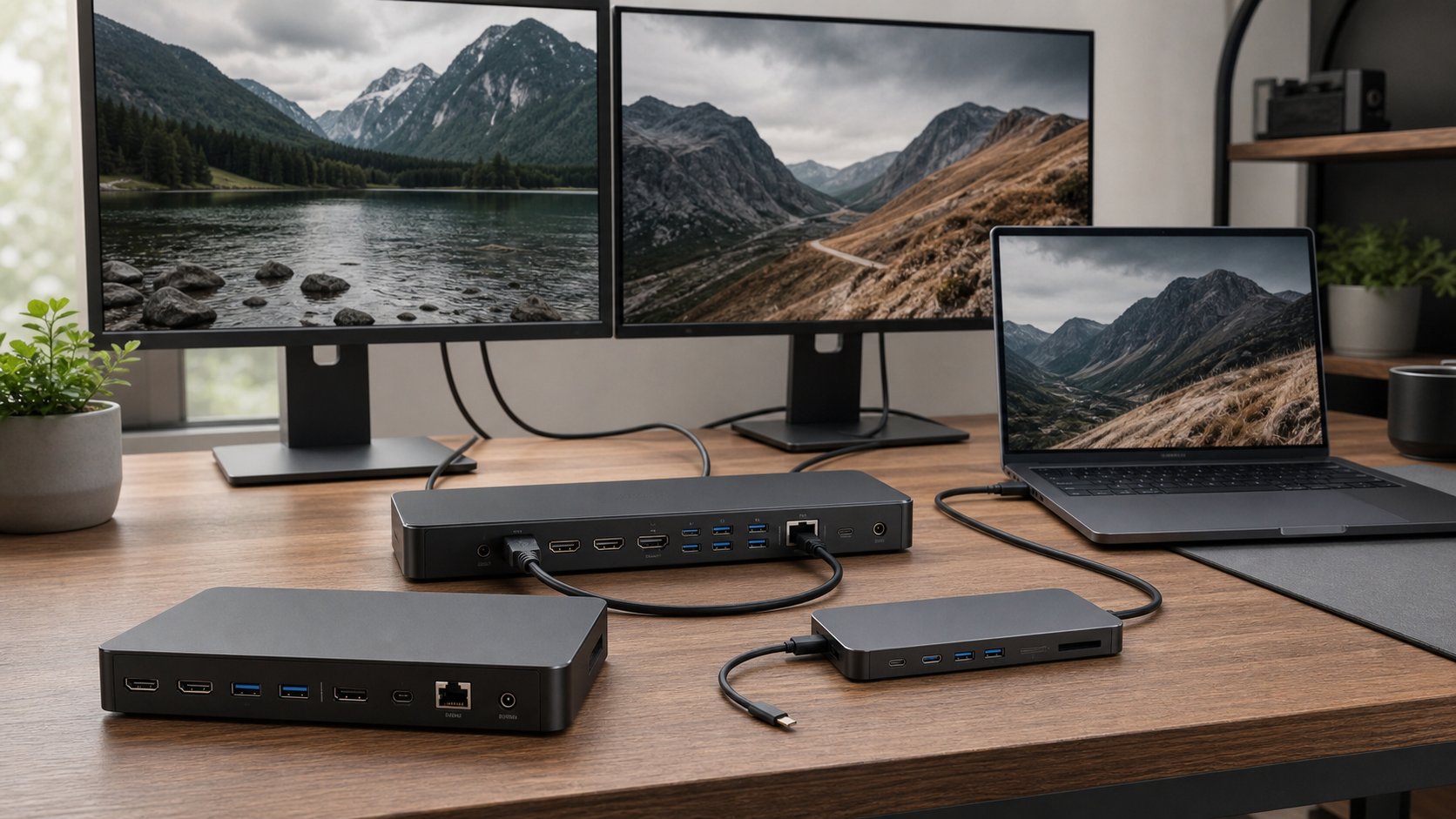
List every item you connect: charger, monitor count and resolution, Ethernet, audio, card reader, security key and external storage. Then verify the exact laptop and dock combination. A USB-C connector does not guarantee identical display or charging support.
Keyboard and trackpad
These are contact points, not specification-table extras. If you work undocked, test key travel, layout, palm-rest depth and pointer accuracy. A frustrating keyboard does not become better because the processor benchmarks well.
Warranty and repair
Remote workers can lose income while a device is away for service. Price accidental coverage, on-site service and local parts availability. Back up data independently of the laptop.
A five-step buying decision
- List mandatory software and employer requirements.
- Define whether the laptop is primarily docked, mobile or both.
- Count displays and all wired connections.
- Choose memory and storage for the next several years.
- Compare total cost, including dock, adapters, warranty and a backup plan.
For most general remote workers, the final decision is not between twelve laptops. It narrows to an operating system, a screen size and a support preference. Resolve those three choices first; the right product family usually becomes obvious.