Smart Plugs for a Home Office: 7 Safe, Useful Picks
Compare seven smart plugs for office lamps, energy monitoring, Matter compatibility and local control—with essential electrical-safety and privacy checks.
What to know first
- Buy for your workflow and connection needs, not headline specifications.
- Reliability and warranty often matter more than a minor speed gain.
- Check compatibility before committing to an accessory.
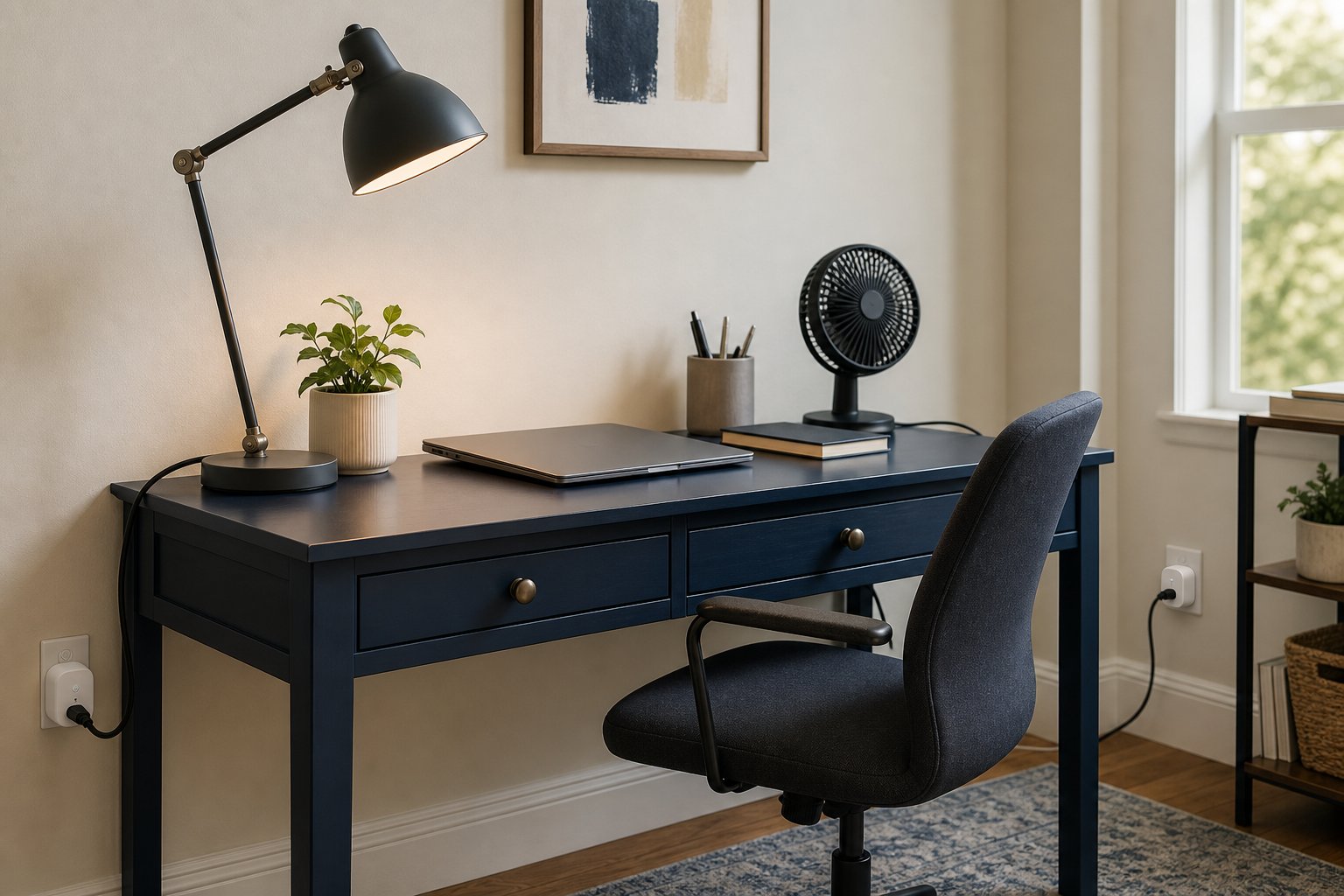
A smart plug is useful in a home office when it automates a low-risk, repeatable action: turning a task lamp on at the start of work, measuring a device’s energy use or ensuring decorative lighting switches off after shutdown.
It is not a universal way to control every appliance. A smart plug must match the local voltage, outlet, load and safety certification. Do not use one for medical equipment, critical network devices, an employer computer that should remain powered, or high-draw heating and cooling equipment unless both the appliance and smart-plug manufacturer explicitly permit that use.
Quick picks
| Use case | Pick | Connection |
|---|---|---|
| Best cross-platform value | Kasa KP125M | Matter over Wi-Fi |
| Best budget on/off | Tapo P125M | Matter over Wi-Fi |
| Best value with energy data | Tapo P110M | Matter, region-dependent Wi-Fi model |
| Best Thread option | Eve Energy | Matter over Thread |
| Best compact alternative | Meross MSS315/Matter Mini | Matter over Wi-Fi |
| Best simple Alexa setup | Amazon Smart Plug | Alexa over Wi-Fi |
| Best outdoor office-light control | Tapo P400M | Outdoor Matter over Wi-Fi |
Model numbers, maximum loads and certifications vary by country. Buy the version designed for your outlet and electrical system.
1. Kasa KP125M: best cross-platform value
The KP125M combines Matter compatibility with energy monitoring in a compact indoor plug.
Best for: desk lamps, small office fans within rating, and measuring noncritical equipment.
Strengths: works across major Matter ecosystems, physical button and app-side energy information.
Check: energy data availability can differ between the Kasa app and connected Matter platform. Confirm local maximum load and safety certification.
2. Tapo P125M: best basic Matter plug
The P125M focuses on compact on/off control without paying for advanced energy features.
Best for: a task lamp, decorative background light or charger schedule where manufacturer guidance permits switching.
Strengths: low cost, broad Matter compatibility and small form.
Check: 2.4 GHz Wi-Fi requirements and whether the body blocks the second wall outlet.
3. Tapo P110M: best value energy monitoring
The P110M adds energy tracking in supported regions while retaining Matter support.
Best for: understanding how much a monitor, lamp or small approved appliance consumes.
Strengths: scheduling, app energy history and cross-platform control.
Check: the exact country model. Electrical ratings and feature availability differ between US, UK and EU versions.
Energy monitoring is an estimate for household decisions, not a calibrated instrument for billing or safety testing.
4. Eve Energy: best Matter-over-Thread option
Eve Energy communicates over Thread and can extend a compatible Thread mesh while supporting Matter ecosystems.
Best for: homes with an existing Thread border router and a preference for local smart-home communication.
Strengths: Thread networking, energy information in supported apps and broad Matter control.
Trade-offs: higher price and dependency on a compatible border router for the intended experience.
Verify that your chosen hub—such as an Apple, Google, Amazon or other Matter controller—supports the required Thread role.
5. Meross Matter smart plug: best compact alternative
Meross offers compact Matter plugs in several regional forms, including models with energy monitoring.
Best for: mixed ecosystems and outlets where physical size matters.
Strengths: broad compatibility and multi-pack value.
Check: model suffix, energy-monitoring support and whether setup or advanced features need the Meross app.
Do not assume two visually identical listings have the same certification or electrical rating.
6. Amazon Smart Plug: best for an Alexa-only household
Amazon’s own plug prioritizes simple setup and Alexa routines.
Best for: a home already committed to Alexa that needs basic on/off control.
Strengths: straightforward integration and familiar routine tools.
Trade-offs: less attractive for mixed ecosystems and no reason to choose it when Matter flexibility is a priority.
Review account security and voice-purchase settings separately from plug control.
7. Tapo P400M: best outdoor option
The P400M provides weather-rated outdoor control with independently controlled outlets in supported regions.
Best for: exterior office lighting, balcony lights or a detached workspace where the connected load is permitted.
Strengths: outdoor enclosure, Matter support and multiple controlled outlets.
Check: weather rating, operating temperature, outlet orientation and required protective covers. Outdoor-rated does not mean submersible. Use a code-compliant protected outlet.
Seven useful home-office automations
1. Start-of-day task light
Turn the desk lamp on shortly before normal work hours, then use the physical switch or app for exceptions.
2. Shutdown cue
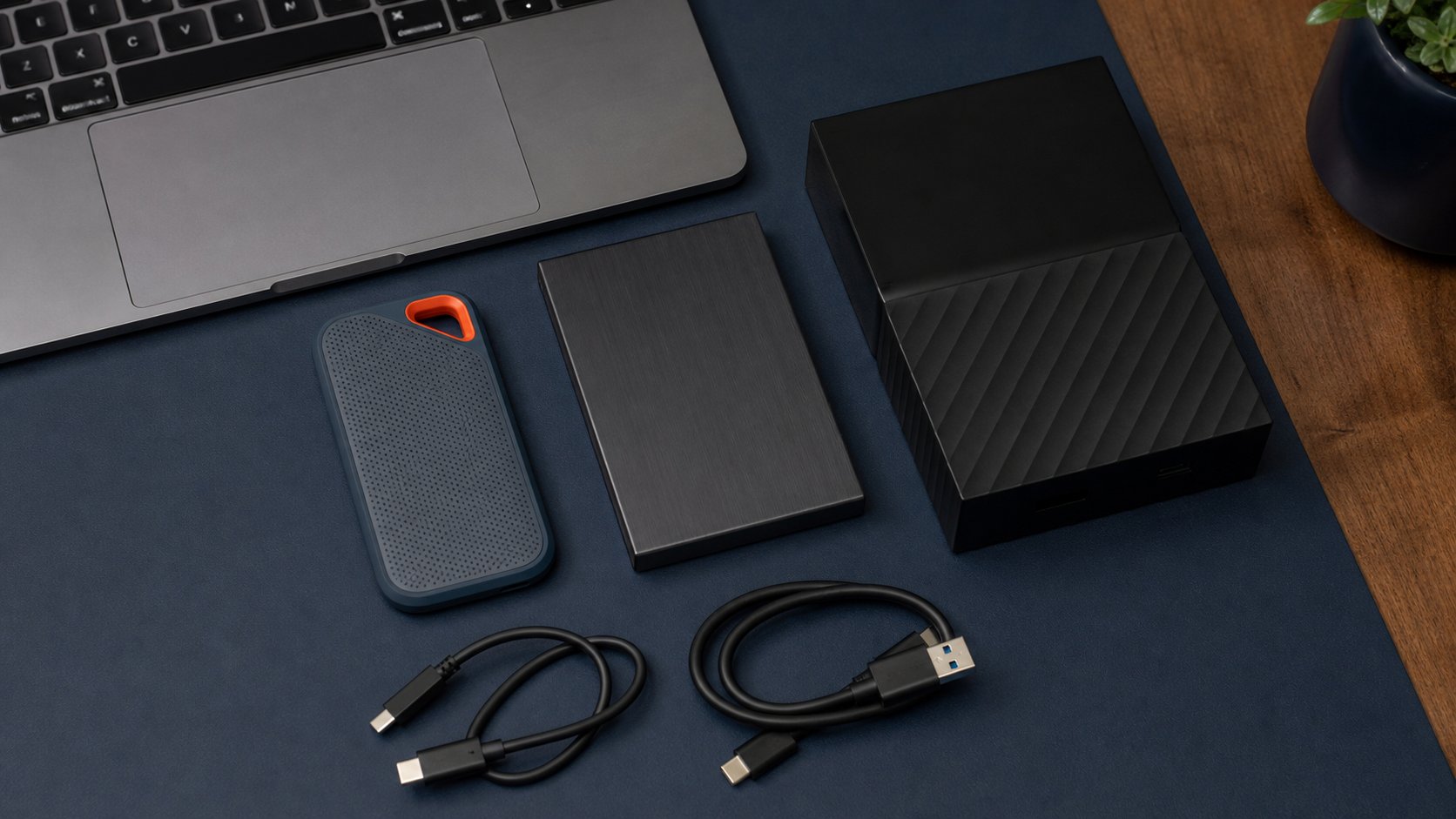
Switch noncritical decorative and task lighting off at the planned finish. Do not cut power to a computer, storage drive or dock while data may be writing.
3. Video-call background light
Create a scene that turns on one shaded background lamp before calls and off afterward.
4. Energy-use check
Measure a monitor setup for a week, then remove the monitoring plug if continuous data is unnecessary.
5. Vacation lighting
Use a varied schedule rather than an obvious exact daily pattern. Follow local safety advice and do not leave unsuitable lamps unattended.
6. Small fan schedule
Only use a fan within the plug and appliance ratings, with a mechanical switch that safely resumes after power returns. Keep it clear of paper and cables.
7. Charging window
A schedule can prevent an approved low-risk charger from remaining powered continuously. Do not interrupt devices that require managed charging, updates or emergency availability.
Matter, Wi-Fi and Thread explained
Matter
Matter is a common smart-home application standard. A Matter device can be shared with supported ecosystems, but specific advanced features may remain in the manufacturer’s app.
Wi-Fi
Wi-Fi plugs connect through the router, commonly on 2.4 GHz. They do not need a separate Thread border router but add devices to the wireless network.
Thread
Thread is a low-power mesh network. A Thread plug typically needs a compatible border router to connect with the broader home system. Mains-powered devices can strengthen the mesh.
Choose based on the ecosystem already present. Do not add a new hub only to automate one lamp unless the future plan justifies it.
Electrical safety checklist
- Buy the correct regional plug and voltage.
- Verify recognized safety certification.
- Keep connected load below the published rating.
- Follow restrictions for motors, heaters and inductive loads.
- Do not connect one smart plug to another.
- Do not use a damaged, discolored or unusually hot plug.
- Keep indoor plugs away from moisture.
- Leave physical access for manual shutoff.
- Do not use with life-safety or medical equipment.
- Do not treat a smart plug as surge protection.
If an outlet is loose, hot, scorched or buzzing, stop use and contact a qualified electrician.
Privacy and network security
Use a unique account password and multi-factor authentication where available. Keep firmware current and remove devices before selling or discarding them.
Place smart-home devices on an appropriate network segment when your router and security plan support it. Review what energy, usage and voice-assistant data is stored in the cloud.
A work-from-home environment may contain employer equipment. Follow company security policy before connecting automation to the same network.
Smart plug vs smart power strip
A single plug is best for one lamp or approved device. A smart power strip controls several outlets and may include surge protection, but verify whether outlets are independent and what the protection rating means.
Do not switch a monitor, computer and external drive off together without proper shutdown. Keep data devices on ordinary protected power and automate only accessories that tolerate power interruption.
Common mistakes
Using a smart plug with a space heater. Many manufacturers prohibit it even when wattage appears within a headline rating.
Turning off the router. The plug may not reconnect or receive the command to turn back on.
Ignoring physical switch behavior. Some lamps do not resume after power is restored.
Buying for voice control alone. A physical switch may be faster and more private.
Automating critical chargers. Laptops and accessibility devices may need continuous managed power.
Assuming Matter exposes every feature. Energy history and firmware controls may stay in the brand app.
Final recommendation
Choose Kasa KP125M when Matter and energy monitoring both matter, Tapo P125M for basic low-cost control, Eve Energy for a Thread-first home and a properly rated outdoor model such as Tapo P400M for exterior use.
Begin with one low-risk lamp automation. If it saves a repeated action, expand carefully. The best smart plug is not the one connected to the most equipment; it is the one that performs one safe job reliably without creating a new security or electrical problem.