Cheap vs Premium Home Office Gear: Where Price Matters
Learn where premium home office gear earns its price, where budget options work well and how to prioritize chairs, desks, monitors and accessories.

What to know first
- Prioritize comfort and reliability over matching finishes.
- Used commercial-grade equipment can beat new budget gear.
- Leave room for one upgrade after you test the setup.
Premium home office gear is worth paying for when the higher price buys reliable adjustment, safety, repairability, warranty support or a capability you use every day. Budget gear wins when the function is simple, easy to inspect and cheap to replace without disrupting work.
The label “premium” does not guarantee fit. The cheapest item is not always the lowest-cost choice either. Compare total cost, daily exposure and failure consequences.
Where price usually matters most
| Category | Start budget or used | Pay more when |
|---|---|---|
| Office chair | Used commercial-grade | Fit, adjustments, parts and long warranty improve |
| Desk | Simple fixed desk | Stability, depth or sit-stand range is required |
| Monitor | Mainstream IPS display | Color, resolution, refresh or USB-C docking matters |
| Keyboard and mouse | Reliable basic models | Fit, switches or accessibility solve a real issue |
| Webcam | Built-in or basic 1080p | Low light, framing or frequent presentation requires it |
| Microphone/headset | Wired headset | Call hours, noise or comfort justify an upgrade |
| Task light | Adjustable basic lamp | Flicker control, reach or color quality is important |
| Dock | Hub or monitor ports | Multiple displays, charging and fast data need one cable |
| Cable management | Reusable ties | Mounted routing must move safely with a desk |
| Decor | Low cost or existing items | Durability or original art has personal value |
Spend first where your body, data or work continuity depends on the item.
Use a three-question value test
Before choosing the premium version, ask:
- What problem does the extra cost solve?
- How often will that difference be used?
- What happens if the cheaper option fails?
A premium dock that prevents daily disconnects can be good value. A premium desk tray with an unused feature is still waste.
Office chair: used premium often wins
A chair affects hours of daily work, but price does not predict personal fit.
Budget chair makes sense when
- Work sessions are short
- You can test it in person
- Seat dimensions fit
- Basic height and recline work
- Return policy is strong
Premium chair earns its price through
- Wider adjustment range
- Replaceable parts
- Long warranty
- Durable mechanism
- Multiple sizes or fit options
- Documented weight and use ratings
A refurbished commercial chair can outperform a new decorative chair at the same price. Inspect gas lift, recline, frame, casters, upholstery, arm movement and odor.
Do not buy by brand reputation alone. Follow the chair and posture setup after purchase.
Verdict: test fit first; consider used premium before new budget.
Desk: simple fixed furniture is hard to beat
A desk’s main jobs are to remain stable, provide enough depth and support the load.
Budget desk makes sense when
- Fixed height works with chair and foot support
- Surface is deep enough for screen distance
- Frame stays stable while typing
- Load rating suits equipment
- Monitor-arm mounting is not required
Premium desk earns its price through
- Reliable sit-stand mechanism
- Useful height range
- Better stability at standing height
- Stronger desktop or frame
- Replaceable controls
- Long warranty and parts support
A cheap electric standing desk that wobbles or cannot lower enough is not a bargain. A solid secondhand fixed desk may be better.
Verdict: save on fixed desks; pay for tested range and stability in sit-stand models.
Monitor: mainstream quality is enough for most office work
A good 24-to-27-inch IPS monitor can handle documents, spreadsheets and calls without premium gaming or creative specifications.
Budget or mainstream monitor makes sense when
- Resolution and size fit the viewing distance
- Text is clear
- Brightness can be adjusted comfortably
- Stand or mount provides needed positioning
- Ports match the laptop
- Warranty and dead-pixel policy are acceptable
Premium monitor earns its price through
- Accurate, verified color for paid creative work
- High pixel density for detailed text or imaging
- High refresh rate for motion-sensitive work
- Thunderbolt or USB-C docking
- KVM switching between computers
- Better uniformity and calibration support
Do not pay for HDR based on the label alone. Meaningful HDR needs brightness, contrast and local dimming beyond many office displays.
Verdict: buy a strong mainstream monitor unless a specific workflow needs more.
Keyboard: fit and reliability beat materials
Premium keyboards often add switches, acoustics, cases, firmware and customization. Those features can improve a daily tool, but office output does not require a collectible keyboard.
Budget keyboard makes sense when
- Layout is familiar
- Key force feels comfortable
- Connection is reliable
- Required function keys exist
- It is quiet enough for the room
Premium keyboard earns its price through
- Specific ergonomic geometry
- Programmable layers used in real work
- Repairable switches or parts
- Multi-device switching
- Consistent feel for heavy typing
A split keyboard can require an adaptation period and does not treat pain. Follow the wrist-pain setup guide and seek care for persistent symptoms.
Verdict: start reliable and inexpensive; pay for fit or workflow, not sound and weight alone.
Mouse: this is personal equipment
A basic mouse can be accurate and durable. Premium price may buy sensors designed for gaming, extra buttons and multi-device features that office work does not need.
Pay more when a different shape, trackball, vertical design or programmable control measurably reduces reaching or repeated actions.
The best test is several ordinary workdays within a return window. Hand size, grip and task matter.
Verdict: budget works; fit can justify experimentation.
Webcam: lighting comes first
A basic 1080p webcam in good front light usually beats a premium 4K webcam in a dark room.
Premium webcam makes sense for
- Frequent client presentations
- Recorded teaching
- Reliable autofocus during demonstrations
- Wider framing with crop flexibility
- Hardware pan, tilt or tracking that is actually used
Audio often matters more. Improve camera height, lighting and privacy first with the video-call setup guide.
Verdict: optimize room and light before upgrading the camera.
Headset and microphone: pay for communication reliability
A wired USB headset can deliver excellent call clarity at modest cost.
Premium headsets may add:
- Better all-day comfort
- Replaceable ear pads
- Stronger microphone noise rejection
- Certified meeting controls
- Multi-device switching
- Active noise cancellation
A premium studio microphone can sound worse when placed far away in an echoing room.
Verdict: spend for comfort and microphone consistency if calls dominate the day.
Desk light: adjustability beats smart features
A useful lamp directs light onto paper or a keyboard without reflecting in the screen.
Budget lamps can work well when they have:
- Stable base or clamp
- Sufficient reach
- Shaded light source
- Appropriate brightness
- No visible flicker or noise
Premium lamps may add smoother dimming, better color rendering, a long adjustable arm, replaceable components and documented flicker performance.
Wireless charging and app controls do not improve the light itself.
Use the desk-lamp buying guide to compare optics and placement.
Verdict: buy the least expensive model that provides safe, stable and comfortable light.
Dock and hub: compatibility is the value
Cheap no-name hubs can create charging, display and data problems. That does not mean every user needs a premium Thunderbolt dock.
A modest hub works when
- One display is enough
- Laptop charging remains separate
- Devices are low bandwidth
- Travel size matters
A premium dock earns its price when
- One-cable charging is reliable
- Multiple displays are required
- Fast storage and Ethernet run together
- Firmware and support matter
- The employer manages a fleet
Verify host-port capabilities first. The docking-station guide explains Thunderbolt, USB-C and DisplayLink trade-offs.
Verdict: avoid unsafe unknown electronics; pay only for compatible bandwidth and ports.
Power protection: do not choose on price alone
Surge protectors and uninterruptible power supplies are safety and continuity equipment.
Look for correct regional certification, load rating, protection specifications, replacement indicators and manufacturer support. A UPS must match watts, VA, waveform and runtime.
Do not buy used batteries or a visibly damaged power strip.
Verdict: choose reputable, correctly rated equipment; replace it according to guidance.
Storage and backup: reliability needs a system
A premium SSD is not a backup. Important data needs multiple copies, appropriate security and restore testing.
Pay for:
- Suitable endurance and warranty
- Reputable support
- Encryption where required
- Correct interface speed
- Backup software and off-site copy
Save by avoiding speeds the computer cannot use, not by putting the only copy on unknown media.
Verdict: spend on a backup process before luxury performance.
Accessories where budget usually wins
These simple items are easy to inspect:
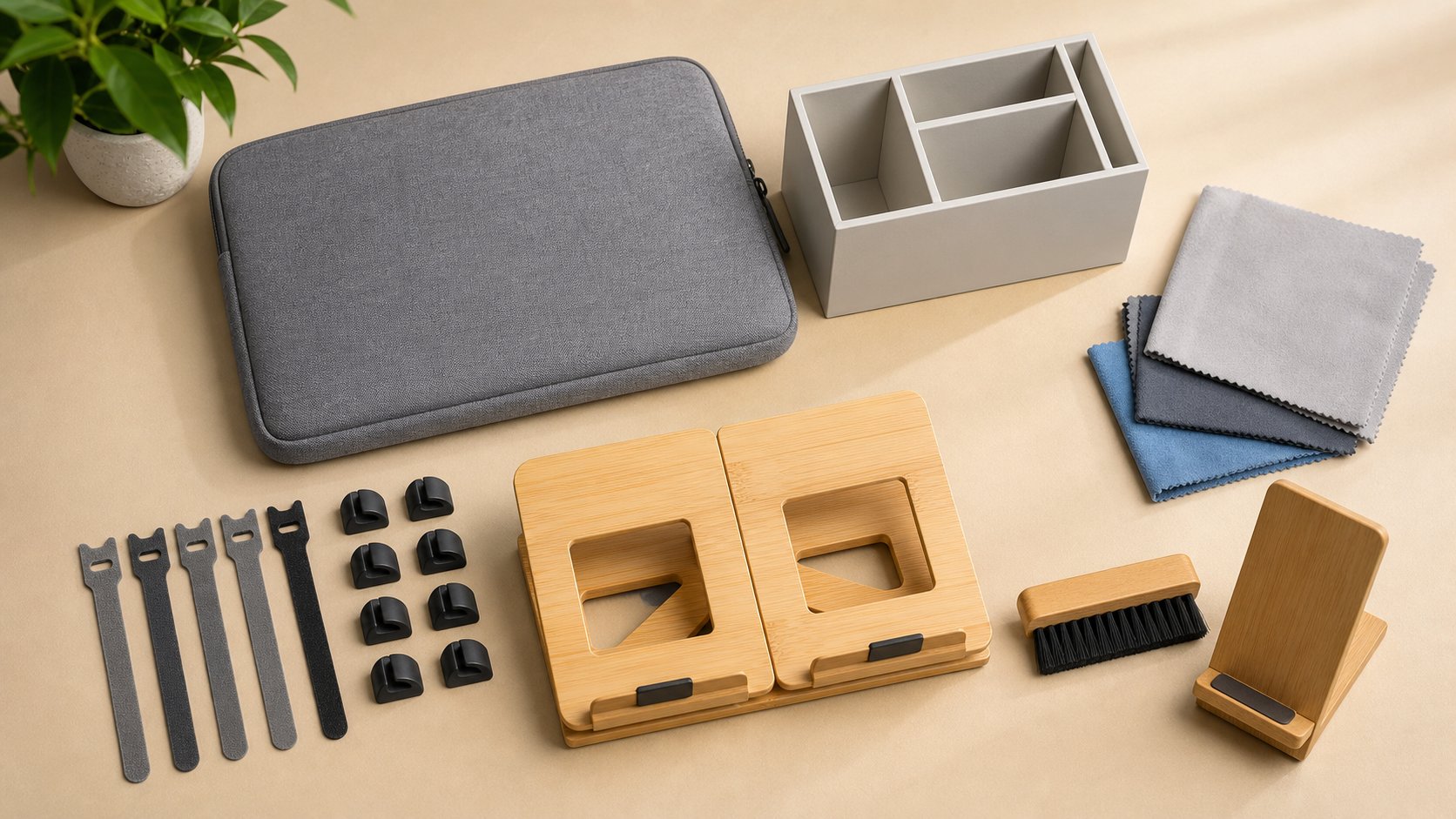
- Reusable cable ties
- Basic desk trays
- Headphone hooks
- Pen cups
- Document folders
- Non-slip pads
- Plain laptop sleeves
- Monitor risers with verified load support
Avoid paying a design premium unless material, dimensions or craft matters personally.
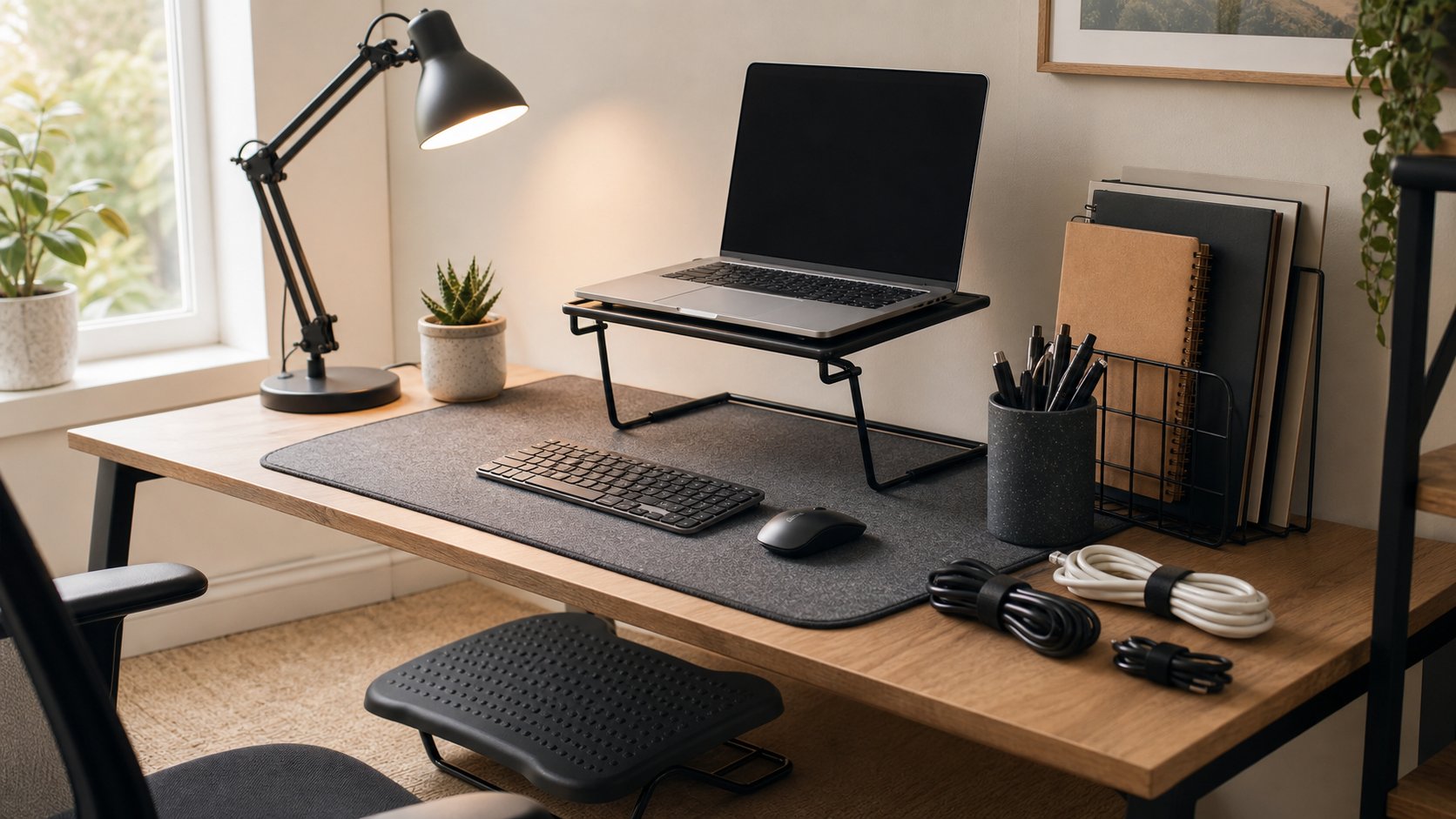
The under-$300 office guide shows how basic items can create a complete setup.
Where used gear is strongest
Good used categories:
- Commercial office chairs
- Solid fixed desks
- Metal filing cabinets
- Monitor arms from reputable brands
- Lamps with replaceable bulbs
- Shelving
Higher-risk used categories:
- Surge protectors
- UPS batteries
- Swollen or damaged electronics
- Mattresses or upholstered items with hygiene issues
- Keyboards with unverified liquid damage
- Storage drives for critical data
Use the secondhand office guide for inspection and safe purchasing.
Calculate cost per useful year
Use:
Annual cost = purchase price + required accessories + maintenance − resale value, divided by useful years
Example:
- Chair A: $180, lasts two years, no resale = $90 per year
- Chair B: $500 refurbished, $40 replacement part, lasts eight years, $100 resale = $55 per year
The numbers are estimates, but they reveal when a durable product may cost less over time.
Include downtime. Replacing a failed dock during a deadline has a cost beyond shipping.
A practical upgrade order
- Fix unsafe or incompatible equipment.
- Correct screen, chair and input-device positioning.
- Improve internet and call reliability.
- Protect data and power.
- Replace the item causing repeated daily friction.
- Add convenience only after core problems are solved.
Keep 10–20 percent of the budget for cables, adapters, delivery and returns.
Red flags at every price
- No clear electrical certification
- Inflated list price used to create a permanent “sale”
- Warranty requires costly international shipping
- Dimensions omitted
- Load rating unclear
- Review language repeated across unrelated listings
- Proprietary replacement parts unavailable
- Software required for basic hardware function without a privacy policy
- Return shipping larger than the item’s value
Premium branding does not cancel these concerns.
Final recommendation
Spend more on fit, adjustment, safety, repairability and reliable support. Save on simple fixed furniture, organization and specifications your work cannot use.
A used commercial chair, stable basic desk, mainstream monitor and modest wired headset can outperform an expensive matching setup. Upgrade one repeated problem at a time, measure whether it improved the work, and let useful life—not the logo—define value.