Build a Complete Home Office for Under $300
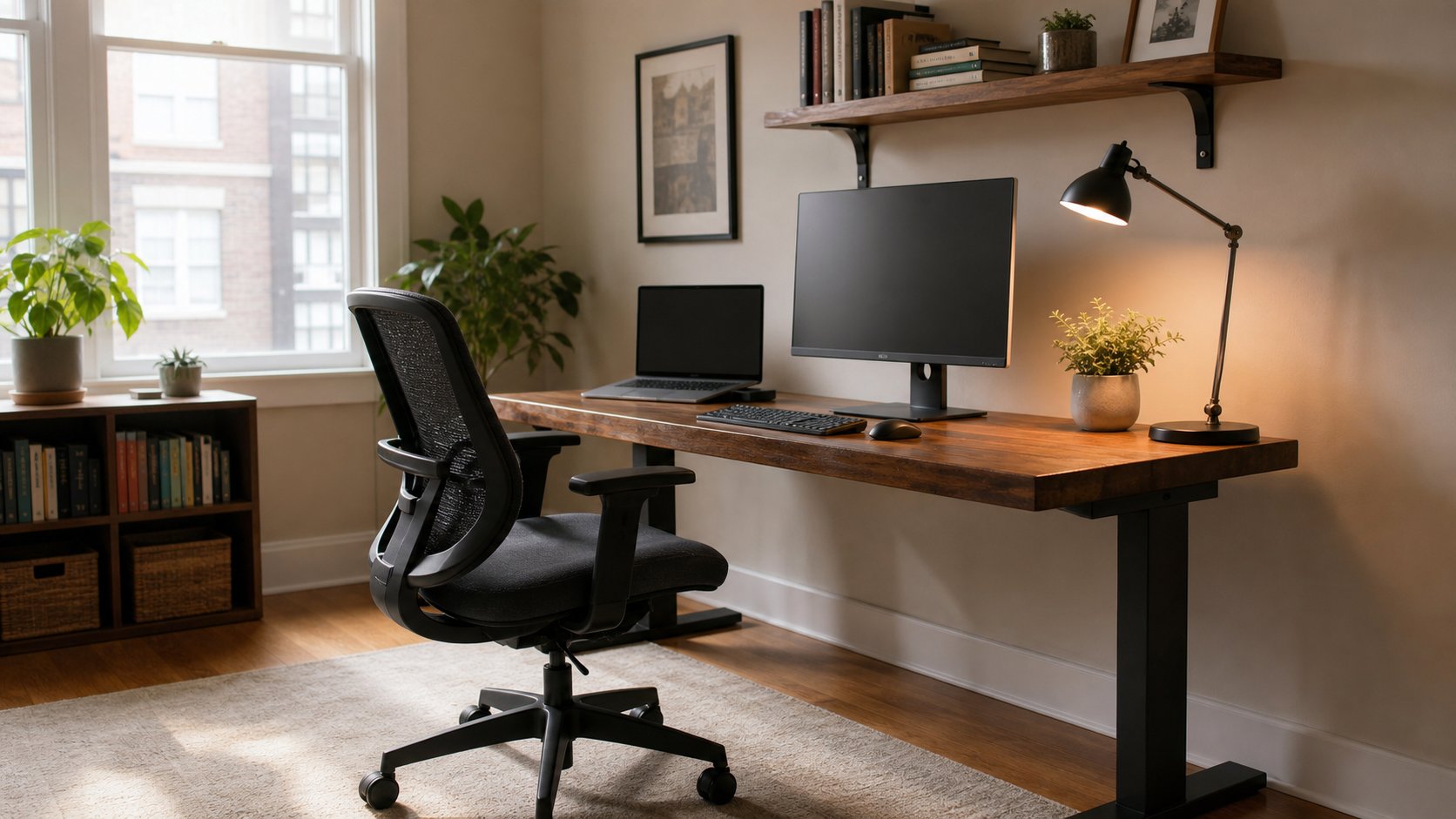
A realistic $300 home-office plan that prioritizes stable furniture, seated support, a better laptop position and safe power.
What to know first
- Prioritize comfort and reliability over matching finishes.
- Used commercial-grade equipment can beat new budget gear.
- Leave room for one upgrade after you test the setup.
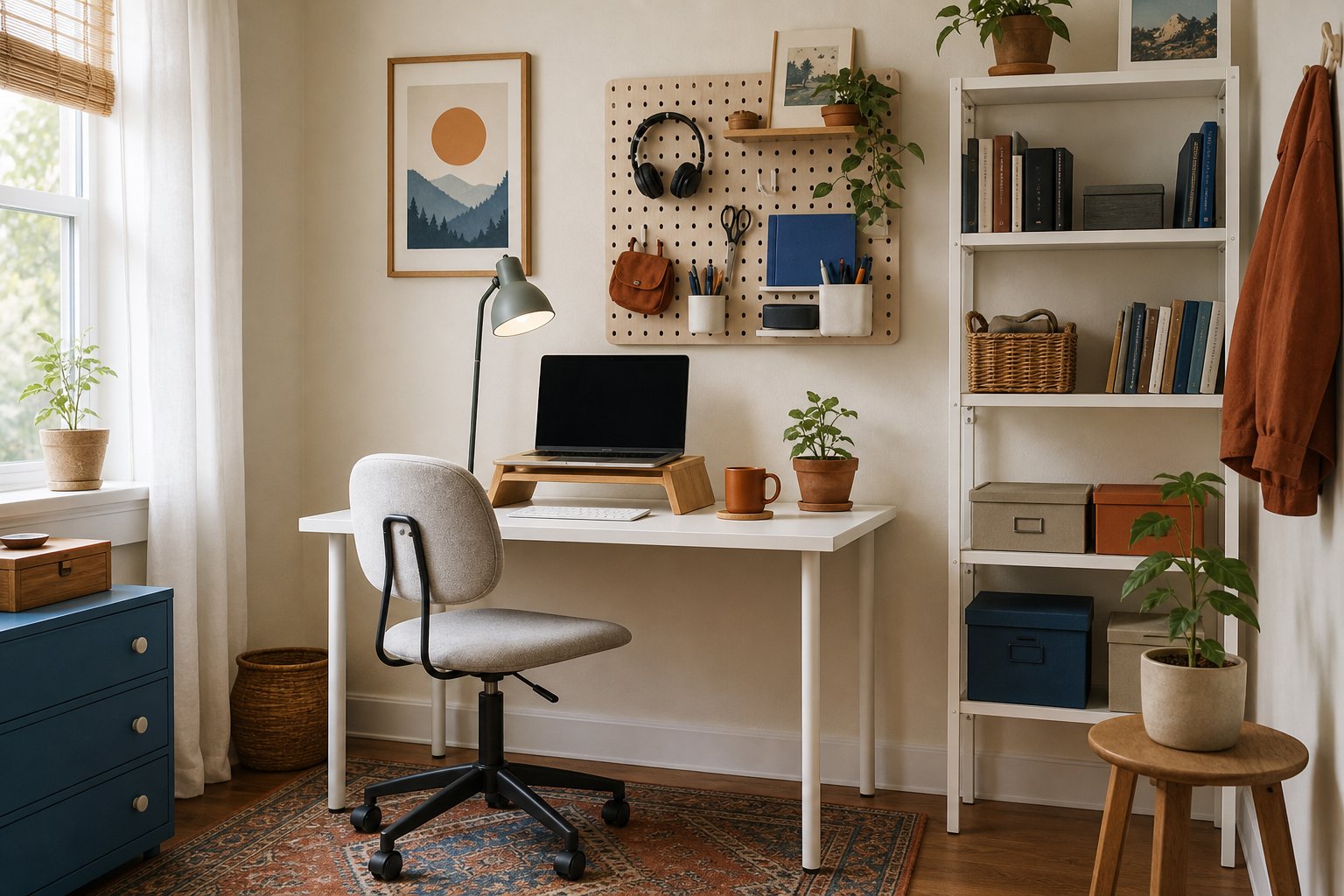
You can build a complete home office for under $300 if you prioritize stability, fit and the tools that solve repeated discomfort. You will not get a premium new chair, sit-stand desk, monitor and accessories at this price. You can get a safe, functional workstation with a clear upgrade path.
Our plan assumes you already own a working laptop. Prices vary by country, tax and delivery, so treat the dollar amounts as category limits. The strategy matters more than matching a specific product listing.
The $300 allocation
| Category | Target budget | Purpose |
|---|---|---|
| Used commercial office chair | $90 | Adjustable seated support |
| Simple desk or sturdy used table | $75 | Stable work surface |
| Laptop riser plus keyboard and mouse | $55 | Separates screen from input |
| Task lamp | $25 | Controls local light and glare |
| Surge protector and cable ties | $25 | Safer, cleaner power routing |
| Footrest or small accessories | $15 | Corrects fit if needed |
| Contingency | $15 | Delivery, adapter or missing hardware |
| Total | $300 |
Do not spend every category automatically. If you already own a stable table, move that money into a better chair or a refurbished monitor. The contingency prevents a small missing adapter from breaking the plan.
Buy the chair used, not the cheapest chair new
At this budget, a used commercial chair often offers more adjustment and replaceable parts than a new chair built to reach a low retail price.
Search local office liquidators, university surplus, coworking-space clearances and reputable secondhand marketplaces. Useful families may come from Steelcase, Herman Miller, Haworth, Humanscale, HON or regional commercial manufacturers, but condition and fit matter more than the logo.
Used chair inspection checklist
- Raise and lower the seat; it should stay at the selected height.
- Sit against the backrest and test tilt or recline.
- Check that the seat pan is not cracked or permanently compressed.
- Confirm armrests are secure and do not block desk access.
- Roll across a hard surface and listen for damaged casters.
- Smell the upholstery and inspect seams in bright light.
- Find the model label before buying replacement parts.
If you cannot inspect in person, buy from a seller with clear photographs, condition grading and a return period. Budget for cleaning and replacement casters if necessary.
A new basic task chair can work when used options are unavailable. Prioritize appropriate seat height and depth, stable construction and a return policy. Ignore decorative headrests and racing-style shapes if the basic fit is wrong.
Choose a plain, stable work surface
A good budget desk is often boring. Look for a used table, a simple fixed-leg desk or a worktop on sturdy trestles. Avoid thin folding tables that flex while typing and deep drawers that prevent you from centering the chair.
For a laptop plus notebook, target roughly 100 to 120 cm of width and at least 55 to 60 cm of depth. If you plan to add a monitor, extra depth becomes valuable.
Check:
- The desk does not rock on the floor.
- The front edge is not sharp under the forearms.
- Leg supports leave room for your knees.
- The surface can safely hold future monitor equipment.
- You can route a cable to an outlet without crossing a walkway.
Before buying, mark the desk footprint with tape. Include the chair space and door swing.
Separate the laptop screen from the keyboard
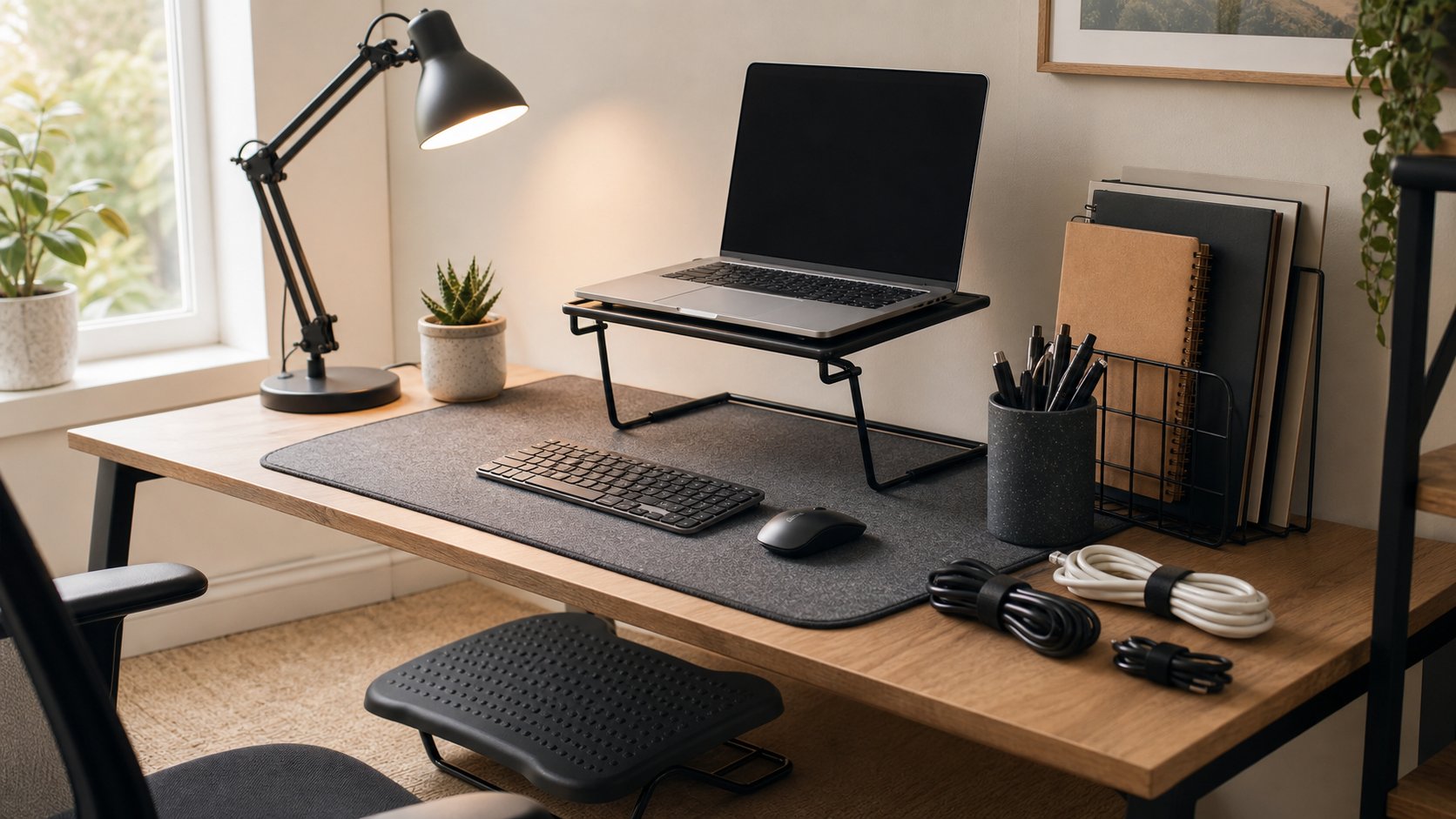
Long laptop sessions force a compromise: either the screen is low or the keyboard is high. A basic riser with an external keyboard and mouse is one of the highest-impact changes available for under $60.
The riser can be a stable commercial stand or a secure stack that does not block ventilation. Do not balance the laptop on narrow books where it can slide. Set the screen near a comfortable viewing height, then keep the external keyboard and mouse close to the body.
A sensible input bundle
A basic wired keyboard and mouse can be cheaper, reliable and free of battery maintenance. Choose wireless only when the desk layout benefits. If possible, avoid a very wide keyboard with a number pad when you rarely use it; it pushes the mouse farther to the side.
Spend on an ergonomic keyboard or vertical mouse later, after identifying a specific problem and confirming the return policy.
Use lighting you can aim
A $25 adjustable task lamp can improve a room more than decorative ambient lighting. Place it on the side opposite your writing hand to reduce shadows on paper. Aim light away from the monitor to avoid reflections.
Use the lamp with existing room light instead of working with a bright screen in a dark space. If daylight creates glare, test rearranging the desk before buying curtains. A piece of removable light-filtering material can be a temporary test, provided it is safe for the window and allowed by your lease.
For video calls, move the lamp behind the laptop and slightly to one side. Bounce harsh light from a pale wall when possible. An inexpensive lamp used well often produces a better image than a ring light used too close.
Handle power and cables safely
Buy power equipment that complies with your local electrical standards and has enough spacing for the plugs you use. Do not overload a strip or connect multiple power strips in a chain. Keep heaters and other high-draw appliances separate.
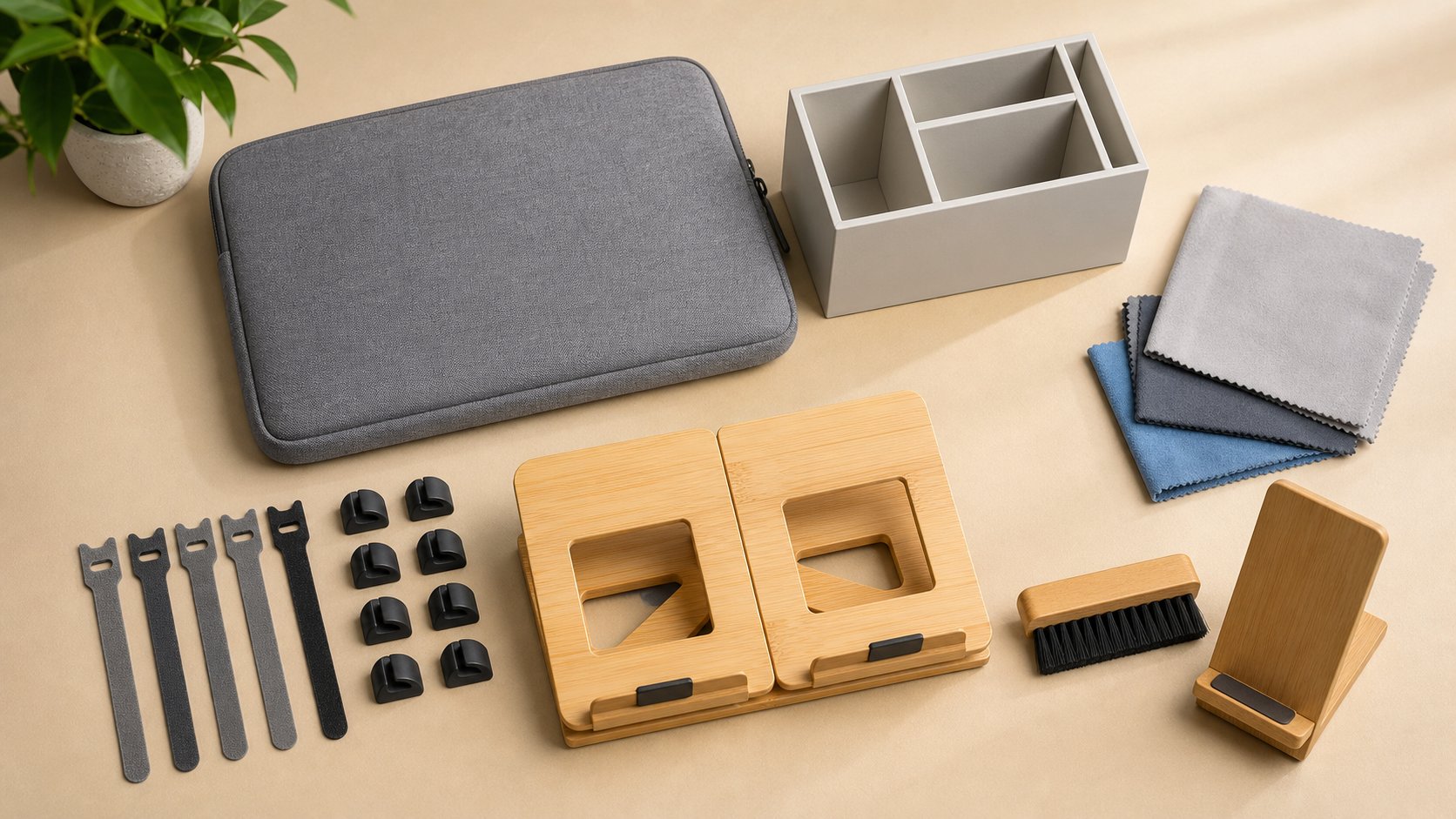
Use reusable hook-and-loop ties to group cables. Leave enough slack for devices to move and prevent power bricks from hanging by their cords. Route cables away from the chair casters and walkways.
A few adhesive clips may help after you have tested the layout. Do not permanently attach everything on day one.
Make a footrest only if the fit requires it
If the chair must be raised to meet the desk and your feet no longer rest firmly on the floor, reserve up to $15 for a footrest. A sturdy box can test the required dimensions. For long-term use, the surface should be stable, large enough for both feet and resistant to sliding.
Do not add a footrest merely because it appears on setup checklists. The purpose is to support the feet, not to complete a collection of accessories.
Three complete $300 plans
Plan A: the secondhand-first office
| Item | Budget |
|---|---|
| Used commercial chair | $110 |
| Used table or desk | $60 |
| Laptop riser | $20 |
| Wired keyboard and mouse | $30 |
| Task lamp | $25 |
| Power and cable safety | $25 |
| Cleaning, transport, contingency | $30 |
This plan offers the best chance of durable furniture but requires patience and transport.
Plan B: use the table you already own
| Item | Budget |
|---|---|
| Better used chair | $150 |
| Refurbished 22–24 inch monitor | $75 |
| Keyboard and mouse | $30 |
| Basic monitor riser | $10 |
| Power and cable safety | $20 |
| Contingency | $15 |
This is the strongest option when an existing dining or utility table has suitable dimensions and can remain available for work.
Plan C: the mobile small-space setup
| Item | Budget |
|---|---|
| Compact used chair | $90 |
| Narrow fixed desk | $80 |
| Folding laptop stand | $25 |
| Compact keyboard and mouse | $45 |
| Clamp task lamp | $20 |
| Storage bin for pack-down | $15 |
| Power and cable safety | $15 |
| Contingency | $10 |
Choose this when the workspace must disappear or share a room. Avoid folding desks unless the mechanism locks securely and the surface remains stable while typing.
Where to save and where not to save
Safe places to save
- A plain used desk with cosmetic marks
- Open-box lamps and monitor arms with all hardware
- Wired keyboards and mice
- Reused containers for drawer organization
- Existing household art and plants
Spend carefully
- Power strips and extension cables
- Chairs with hidden structural damage
- Monitor arms missing mounting hardware
- Unbranded chargers for valuable laptops
- Used upholstered items that cannot be inspected or cleaned
Low cost is not valuable when it creates electrical risk, instability or another purchase next month.
Upgrade in this order
After two weeks, identify the item creating the greatest repeated friction.
- External monitor: useful when screen space or laptop viewing height limits work.
- Chair improvement: useful when fit remains poor despite adjustment.
- Larger or more stable desk: useful when equipment crowds the primary work zone.
- Audio or camera: useful when calls are central to the job.
- Storage and finish: useful only after the workflow is stable.
Create an upgrade fund instead of financing accessories. A planned $20 each month produces a meaningful improvement within a season.
Avoid these budget traps
Buying a full matching bundle. Bundles often hide compromises in the chair or power equipment.
Choosing the lowest listing price before delivery. Furniture delivery can erase the apparent saving.
Buying organizers before using the desk. First learn what needs a home.
Treating marketplace ratings as a fit test. A well-reviewed chair may still be wrong for your dimensions.
Spending on appearance before stability. Decorative lighting and desk mats cannot fix a rocking surface or unsupported feet.
The one-week build sequence
On day one, set up only the desk, chair, laptop and safe power. Work one normal day. On day two, adjust chair height and laptop position. Add the keyboard and mouse. On day three, position the lamp for the hardest lighting condition. At the end of the week, route cables and decide whether the contingency fund should correct a real issue.
A $300 office succeeds when it is safe, stable and easy to begin using. It does not need to look expensive. Buy the chair and desk for function, separate the laptop screen from the input devices and keep a small amount unspent until the room tells you what it needs.