Best L-Shaped Desks for Home Offices: 5 Options
Compare five L-shaped desk approaches by footprint, return side, height range, load and cable path, then measure the room and primary work zone before ordering.
What to know first
- Start with the work you do, not the look you want.
- Protect clearances before choosing furniture.
- Spend first on items you touch for hours each day.
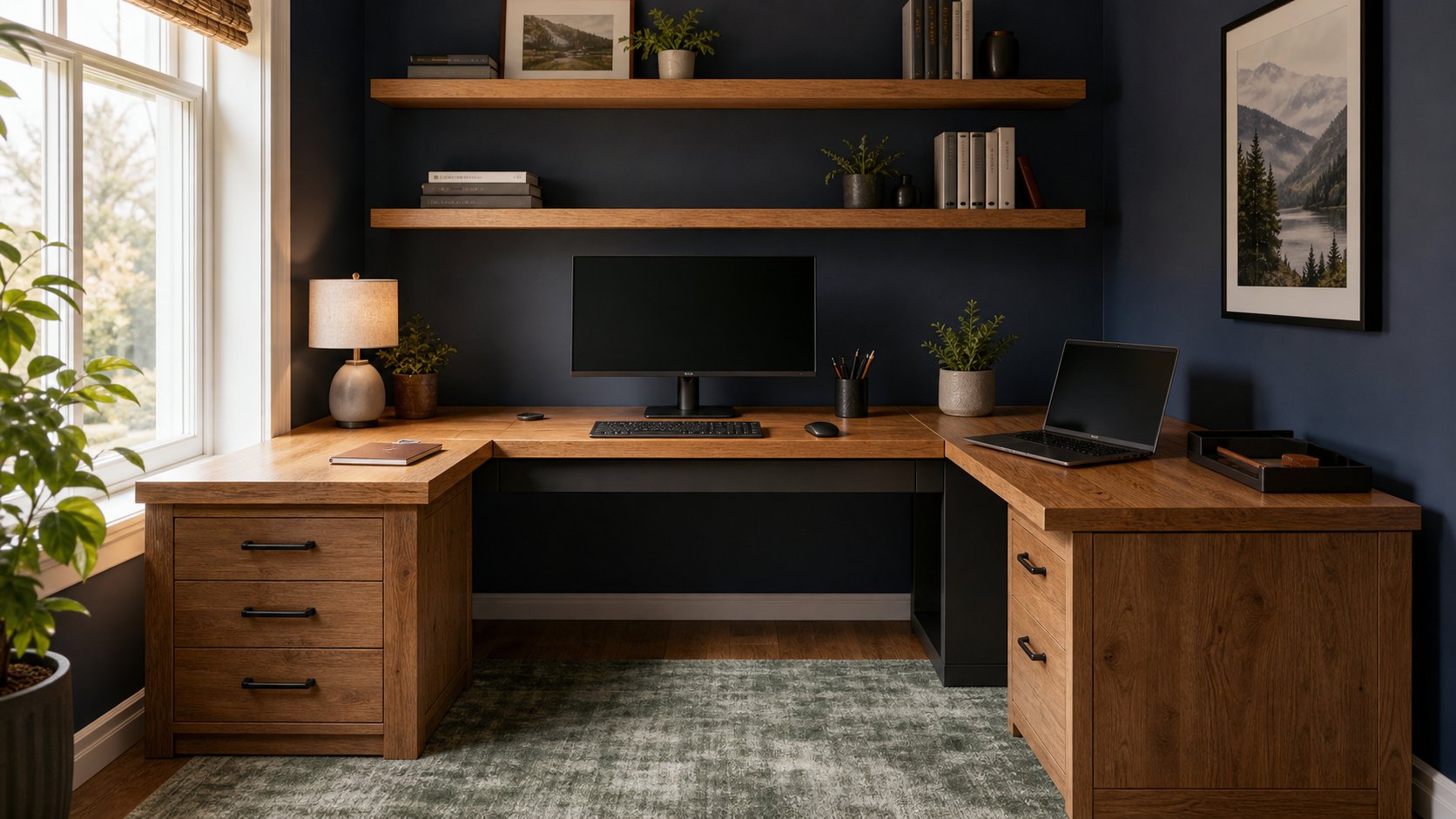
The best L-shaped desk is the one whose main surface can place your primary monitor directly in front of you while the return supports a genuinely different task. UPLIFT’s three-leg L-shaped standing desk offers the widest premium configuration range. FlexiSpot E7L is a simpler electric alternative, while a fixed commercial return desk or carefully specified IKEA modular combination can cost less and be easier to maintain.
Do not buy an L-desk from its overall width alone. Record both wall runs, desktop depth, return orientation, chair path, door swing and delivery route. RemoteNest has not performed structural or wobble testing on these products; this shortlist is based on current manufacturer specifications and distinct buying strategies.
Quick comparison
| Option | Best for | Height or format | Main constraint |
|---|---|---|---|
| UPLIFT L-Shaped Standing Desk | Premium electric configuration | Three-leg adjustable frame | High price and complex assembly |
| FlexiSpot E7L | Value electric L-desk | Published 25–50.8 in range | Size and capacity vary by package |
| Branch L-Desk | Fixed professional setup | Modular fixed-height return | No sit-stand adjustment |
| IKEA modular combination | Budget fixed workspace | Separate top, drawer and legs | Top support and load rules are exact |
| Used commercial return desk | Durability and value | Fixed pedestal or panel system | Heavy, hard to transport and orientation-specific |
1. UPLIFT L-Shaped Standing Desk: best premium adjustable option
The UPLIFT L-Shaped Standing Desk uses a three-leg electric frame with configurable main and return tops. Current product information lists 30-inch main depth, a 27.5-inch return depth and a broad height range on relevant frame versions.
Best for: multi-monitor work, shared rooms and users who need a large sit-stand range.
Strengths: many top sizes and materials, substantial published lift capacity, programmable controls and a long warranty on current configurations.
Trade-offs: cost, package weight, multi-piece assembly and a large cable bundle that must move through the full height range. The numerous choices make it easy to buy more surface than the room can support.
2. FlexiSpot E7L: best simpler electric alternative
The FlexiSpot E7L uses three powered legs and a reversible return. FlexiSpot publishes a 25- to 50.8-inch adjustable range and 330-pound maximum static load for the current US configuration.
Best for: an electric L-desk with fewer finish and size decisions than a fully custom premium system.
Strengths: reversible layout, memory presets and a three-leg frame designed for an L-shaped top.
Trade-offs: product pages and regional packages can pair the frame with different surfaces. Verify the exact top dimensions, moving capacity, static capacity and warranty for the selected SKU. Capacity does not eliminate wobble at high settings or permit sitting on the desk.
3. Branch L-Desk: best fixed professional layout
The Branch L-Desk pairs a conventional work surface with a fixed return and office-oriented cable management.
Best for: a dedicated room where seated height works and a clean commercial look matters more than electric movement.
Strengths: simpler mechanism, coordinated finishes and a defined professional workspace.
Trade-offs: fixed height requires the chair and input devices to adapt around the top. Confirm whether the return is reversible, how the joint is supported and whether drawers reduce knee space.
4. IKEA modular combination: best budget route
IKEA’s current LAGKAPTEN/ALEX combinations can be arranged as a straight desk plus a separate side surface, or purchased in approved corner combinations where available.
Best for: light office equipment and buyers who follow the exact component instructions.
Strengths: accessible replacement components, storage choices and a lower entry price.
Trade-offs: many tops use lightweight construction and have strict support and concentrated-load limits. Do not improvise a long unsupported bridge between drawer units or attach a monitor clamp unless the chosen top explicitly permits it.
For a detailed assessment, read the IKEA ALEX desk review.
5. Used commercial return desk: best durable value
Office liquidators often sell laminate desks from Steelcase, HON, Teknion and other contract-furniture systems as separate main desks and returns.
Best for: a permanent seated office where durability matters and local pickup is possible.
Strengths: robust hardware, replaceable components and deep professional work surfaces at a used price.
Trade-offs: extreme weight, missing fasteners, limited finish choice and left- versus right-return incompatibility. Some systems need a specific main desk or support pedestal; a return is not necessarily freestanding.
Inspect fastener holes, edge swelling, leveling feet and all support hardware. Obtain assembly documentation before dismantling the item.
Decide whether you need an L-shape
An L-desk is useful when the return has a stable purpose:
- Paper review or drawing
- Packing and shipping
- A secondary computer
- Client-facing seating
- Audio or creative controls
- Equipment that should stay outside the main input zone
It is less useful when the return becomes deep storage for items you rarely touch. A straight desk plus mobile cart may preserve more floor space and adapt more easily.
OSHA’s desk guidance notes that corner surfaces can provide useful depth, but the monitor and frequently used devices should remain in appropriate positions. More surface is not a reason to put the primary screen at a twisting angle.
Measure two wall runs
Sketch the room from above and record:
- Main wall length
- Return wall length
- Baseboard and radiator projection
- Window sill and curtain movement
- Door and closet swing
- Outlet and network positions
- Chair roll-back path
- Delivery path through doors and stairs
Product dimensions may describe the outer footprint, desktop dimensions or frame dimensions. Compare like with like.
Download the desk project planner to record both room and product measurements.
Choose the return side correctly
A left return and right return may be named from the seated position or from the front of the desk, depending on the seller. Never order by the label alone. Use the diagram.
Place the return on the side that:
- Avoids blocking the room entrance
- Leaves the dominant hand’s mouse zone clear
- Keeps file drawers accessible
- Allows the chair to move between work zones
- Preserves window and outlet access
A reversible desk is helpful, but moving the return can still require complete disassembly.
Center the primary work zone
An L-shaped desk tempts users to sit facing the inside corner. That can provide depth, but a seam, support leg or curved edge may prevent the keyboard from sitting close.
Test three positions with paper outlines:
Straight main surface
Best for a single primary monitor, keyboard and mouse. The return becomes secondary storage or project space.
Inside corner
Best when the corner has enough depth and a smooth front edge. Check that both forearms can remain supported without reaching.
Return surface
Useful only when its depth, support and orientation suit the primary work. Many returns are intentionally narrower.
Use the monitor-height guide after the seated position is chosen.
Fixed versus electric
Fixed L-desk
Fewer components, lower price and easier cable routing. Fit depends on chair height, foot support and keyboard position.
Electric L-desk
Supports posture changes and shared users, but adds motors, controls, moving cables and anti-collision limitations. A long L-shaped surface can amplify movement at standing height.
Check minimum height first. A desk that cannot go low enough may require a footrest even though it is marketed as ergonomic.
Verify load and monitor-arm compatibility
Count the weight of:
- Every desktop section
- Monitor and arm
- Computer
- Speakers
- Printer
- Drawer attachments
- Power equipment
- Items stored on the return
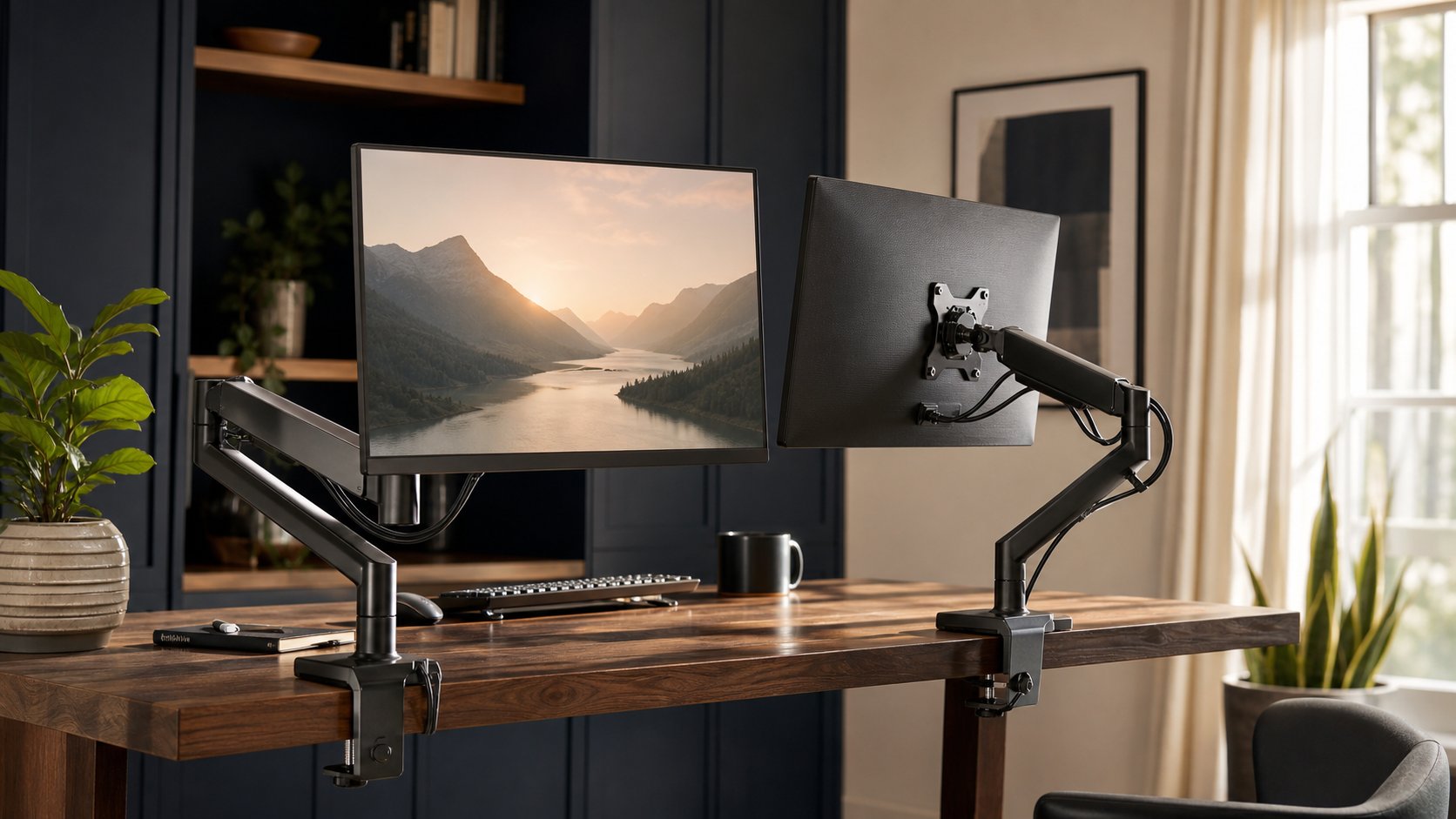
For powered frames, distinguish frame capacity from complete-desk lifting capacity. For fixed tops, check both distributed and concentrated loads. A monitor clamp applies force to a small area and may damage a hollow or unsupported top.
Use reinforcement only when approved by the desk and arm manufacturers. Reinforcement plates spread force; they do not make every desktop structurally suitable.
Plan moving cables
An electric L-desk needs one complete cable plan, not two separate bundles.
- Put the desk at maximum height.
- Place monitors and computers in final positions.
- Leave service loops at every device.
- Route cables toward a central tray.
- Keep cords clear of all three legs and frame joints.
- Secure the power strip to an approved stationary or moving location.
- Lower the desk while watching every connection.
Do not use extension cords as permanent substitutes for properly located outlets. Consult a qualified electrician where the room lacks safe power.
Assembly and delivery checks
L-shaped desks arrive in large, heavy packages. Before delivery:
- Compare carton dimensions with doors and stairs.
- Protect floors.
- Arrange two-person lifting.
- Build near the final position.
- Identify left and right components before tightening.
- Square the frame before installing the tops.
- Recheck fasteners after initial use according to instructions.
Never energize an adjustable desk until wiring and control connections match the manual.
Final recommendation
Choose UPLIFT for the widest premium sit-stand configuration, FlexiSpot E7L for a simpler adjustable alternative, Branch for a fixed professional layout, an approved IKEA combination for light budget use, or a complete used commercial system for durable value.
Measure both wall runs, define the return’s job and center the work you do most. The best L-shaped desk adds a second useful zone without pushing the main monitor, keyboard or chair into an awkward position.