IKEA ALEX Desk Review: What Works and What Does Not
Review the current IKEA ALEX and LAGKAPTEN desk approach, including dimensions, storage, support limits, monitor-arm cautions and better configurations.
What to know first
- Start with the work you do, not the look you want.
- Protect clearances before choosing furniture.
- Spend first on items you touch for hours each day.
The IKEA ALEX setup is still a practical budget home-office choice when purchased as an approved desk combination and used within its limits. The current 47¼ × 23⅝-inch LAGKAPTEN/ALEX desk offers useful shallow storage and enough depth for a conventional single-monitor setup. It is less suitable for heavy monitor arms, long unsupported custom tops or users who need adjustable height.
ALEX is a drawer unit, not a universal structural leg. Social-media setups often place an unrelated countertop across two units without checking span, attachment or concentrated load. This review separates IKEA’s documented combination from DIY variations.
Quick verdict
Best for: light office equipment, stationery storage and a fixed seated setup.
Skip it when: you need powered height adjustment, a heavy multi-monitor clamp, a very low keyboard surface or a desk that moves frequently.
Strong points: accessible components, finished storage, coordinated combinations and easy replacement of common parts.
Weak points: fixed height, reduced knee width with two drawer units, strict top-support rules and limited repair when lightweight tops are crushed or swollen.
Current dimensions and limits
IKEA lists the ALEX drawer unit at 14⅛ inches wide, 22⅞ inches deep and 27½ inches high. The five drawers have published individual load limits, and the complete unit has a stated maximum load.
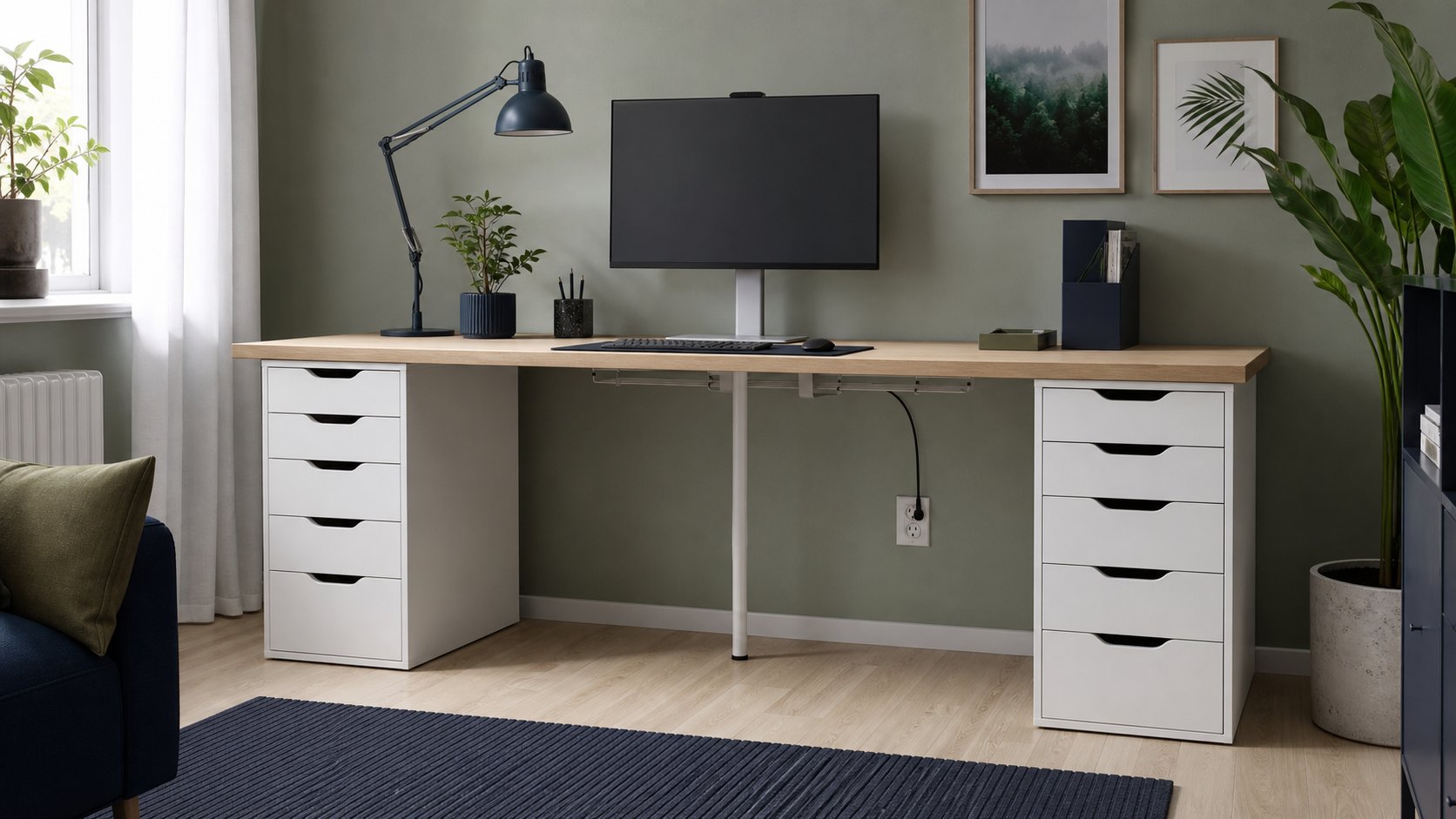
The current 47¼-inch LAGKAPTEN/ALEX desk is 23⅝ inches deep and 28¾ inches high with a published maximum distributed load of 110 pounds. Some current regional listings explicitly warn against concentrated loads over 33 pounds on a small area and say the top is not suitable for a screen stand.
Specifications differ by size, color, region and article number. Use the product page and assembly instructions for the exact combination, not a video made with an older LINNMON top.
What the ALEX unit does well
Shallow-item storage
The drawer stack suits paper, cables, stationery and small tools. It is less effective for tall binders or bulky equipment.
Clean exterior
The flat front and finished back work in rooms where the desk is visible on calls.
Modular replacement
A damaged leg, drawer unit or top can often be replaced separately if the exact product remains available.
Stable fixed support
When assembled correctly on a level floor, the unit provides broad support under an approved top. Adjustable feet or improvised risers should not be added unless IKEA specifies them for the combination.
Where the setup compromises
Fixed height
At 28¾ inches, the ready-made desk may be high for some users. Raising the chair can align elbows with the keyboard, but then the feet may need a footrest.
Narrower leg space
Two drawer units consume 28¼ inches before any side clearance. On a short top, the remaining knee area can become restrictive.
Heavy components
An ALEX unit weighs substantially more than simple legs. Moving a complete desk without disassembly risks twisting the top and connections.
Lightweight top construction
LAGKAPTEN uses an engineered lightweight construction rather than solid wood. It is efficient for distributed loads but a poor assumption for aggressive drilling, clamping or long unsupported spans.
One drawer unit versus two
One ALEX plus legs
This is the more practical ready-made configuration for most workers. It preserves legroom, costs less and reduces total weight.
Place the drawer on the side that does not interfere with the mouse, chair controls or room entrance.
Two ALEX units
This creates symmetrical storage and broad end support, but reduces leg clearance. A long top may still need center support; two end units do not automatically prevent sag.
Measure the clear width between units with your chair and armrests in place. Storage volume is not useful if the body cannot center on the monitor.
LAGKAPTEN versus a solid worktop
LAGKAPTEN
Advantages: light, affordable, pre-drilled in approved combinations and easy to carry.
Trade-offs: limited clamp suitability, vulnerable edges and less screw-holding material in some areas.
Solid wood or butcher block
Advantages: more repairable and potentially better for approved mounting.
Trade-offs: much heavier, needs finishing and still requires a designed support plan. It is not automatically compatible with ALEX.
Countertop
Kitchen countertops can be deep, heavy and designed for cabinets with continuous support. Do not assume two drawer units replicate kitchen cabinetry. Check manufacturer span requirements and add a structural frame or legs where specified.
Monitor-arm caution
IKEA’s warning on relevant LAGKAPTEN combinations is consequential: a monitor clamp applies concentrated force to a small area. A reinforcement plate can spread that force but cannot change the top’s internal construction or override the product instructions.
Safer options include:
- Use the monitor’s original stand within the distributed-load limit.
- Select a desk explicitly rated for an arm.
- Use a wall mount installed into suitable structure by a qualified person.
- Choose a solid top and support system designed for the clamp.
Never drill through an unknown top or use screws longer than the documented structure allows. Review the monitor-arm compatibility guide first.
Long-top support
The most copied ALEX setup uses a long top across two drawer units. The center can sag under its own weight and equipment.
Control span with:
- An approved center leg
- A structural underframe
- Correct support spacing from the top manufacturer
- Moderate distributed loads
Do not rely on an adhesive pad to prevent structural bending. A center leg should have a proper mounting location and preserve knee clearance.
Use the desk project planner before mixing components.
Cable management
The drawer unit leaves little open area at the side for a cable tray. Plan the route before assembly.
- Put the desk in its final position.
- Keep the power strip accessible and ventilated.
- Mount only with approved hardware.
- Leave loops at monitor and laptop connections.
- Keep cables out of drawer travel.
- Avoid trapping a cord between top and unit.
Do not screw blindly into a lightweight top. Adhesive accessories also need weight and surface compatibility.
Setup for better ergonomics
Keyboard
Keep it centered on the primary display, not centered between drawer units if that shifts the screen.
Mouse
Leave enough same-height space beside the keyboard. A wide ALEX unit on the dominant side can constrain chair approach.
Monitor
Use text scaling and monitor position to preserve a comfortable viewing distance. The 23⅝-inch depth is workable for many flat displays, but deep stands can crowd the keyboard.
Feet
If chair height is raised to match the fixed top, support the feet fully. Do not use an unstable box.
Use the complete ergonomic setup guide to adjust the full workstation.
Assembly and moving
Follow the exact IKEA manual and identify each fastener before tightening.
- Assemble on a clean protected floor.
- Square the drawer cabinet before fitting the back.
- Do not overtighten particleboard connections.
- Use all specified supports and anti-tip hardware.
- Level the desk before loading it.
- Empty drawers before moving.
- Separate the top and units for a room move.
Tall ALEX units have different wall-securing requirements from the five-drawer desk unit. Follow the manual for the exact article number.
Better alternatives
Choose a different setup when:
- Height is the main problem: use a desk with a suitable adjustable range.
- You need a heavy monitor arm: choose a structurally rated top and frame.
- Legroom is tight: use one mobile pedestal or drawers away from the desk.
- You move often: choose lighter legs and a repairable top.
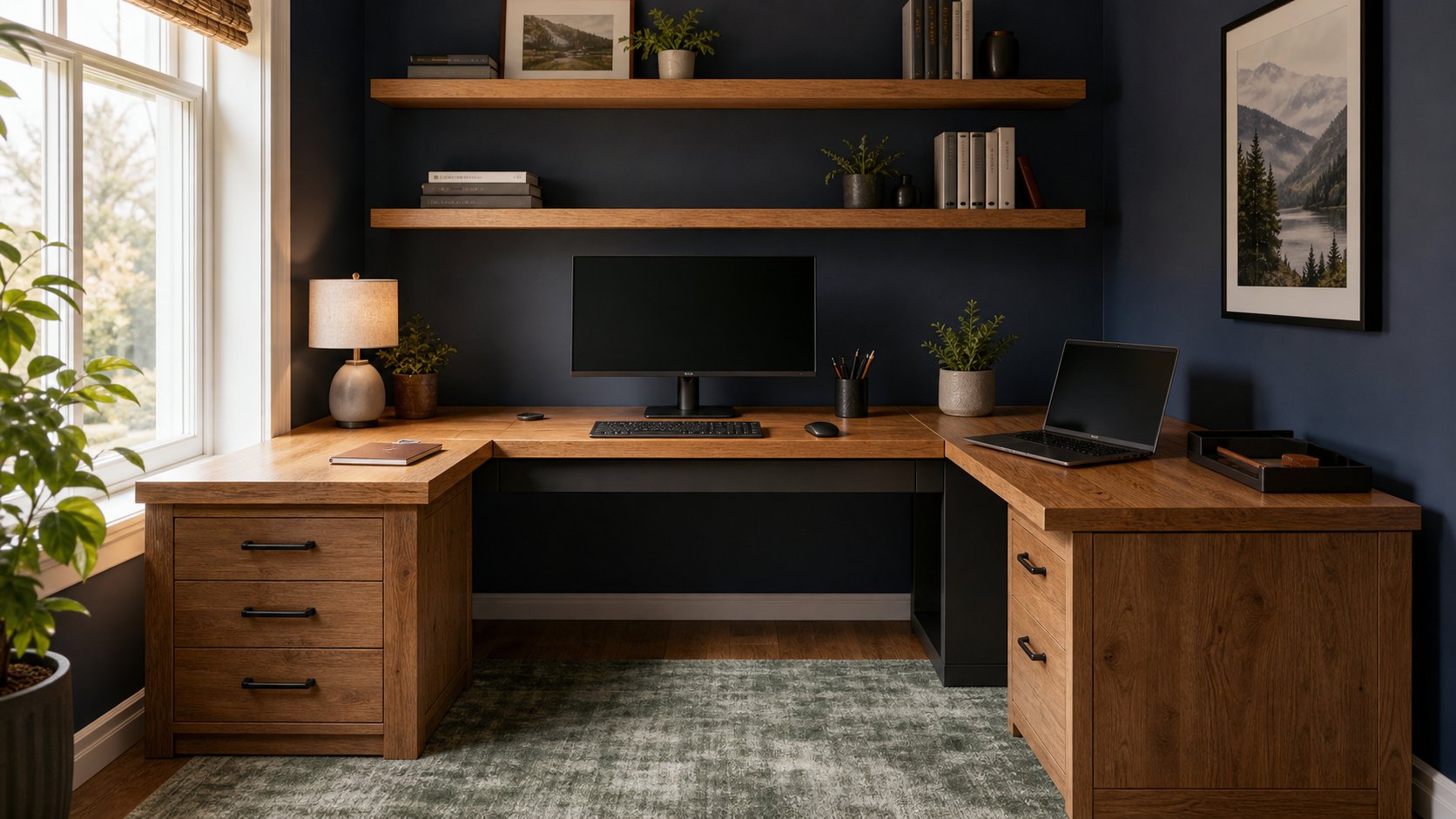
- You need an L-shape: compare complete L-shaped desk systems.
Used commercial desks often provide stronger structure and cable management for a similar total cost.
Final verdict
The approved LAGKAPTEN/ALEX combination remains a good light-duty desk for a laptop, one conventional monitor and everyday storage. One drawer unit plus legs usually gives a better balance of storage and legroom than a symmetrical two-unit build.
Do not treat ALEX as a universal support for any countertop. Match article numbers, respect distributed and concentrated load limits, add only documented support and avoid monitor clamps on tops that prohibit them. The setup is worthwhile when used as designed—not when an online photograph substitutes for structural planning.