Dark Aesthetic Desk Setup: 12 Moody Workspace Ideas
Build a dark desk setup that stays readable and professional with 12 layouts, warm lighting, controlled contrast and practical cable-management advice.
What to know first
- Start with the work you do, not the look you want.
- Protect clearances before choosing furniture.
- Spend first on items you touch for hours each day.
A dark aesthetic desk setup can reduce visual clutter, frame the monitor and make a home office feel focused. It can also become a black surface in a black room where keys, cables and paper are hard to find.
The strongest dark workspaces use contrast deliberately: matte surfaces, warm task light, a lighter working object and enough ambient illumination that the screen is not the only bright element. These 12 ideas work without neon strips or a gaming theme.
1. Charcoal desk with walnut accents
Pair a matte charcoal desktop with a walnut shelf, tray or monitor riser. The wood reveals edges and adds warmth while preserving the dark palette.
Use black equipment and one cream notebook to create a visible paper zone.
Best for: professional offices and living-room workspaces.
2. Black desk against a warm gray wall
A warm gray wall creates less contrast than white but keeps the outline of black furniture visible. Test wall samples under daylight and evening lamp light.
Avoid placing a black monitor against an equally black wall without background illumination; the room can feel flat on video calls.
Best for: renters using removable wall treatments or neutral paint.
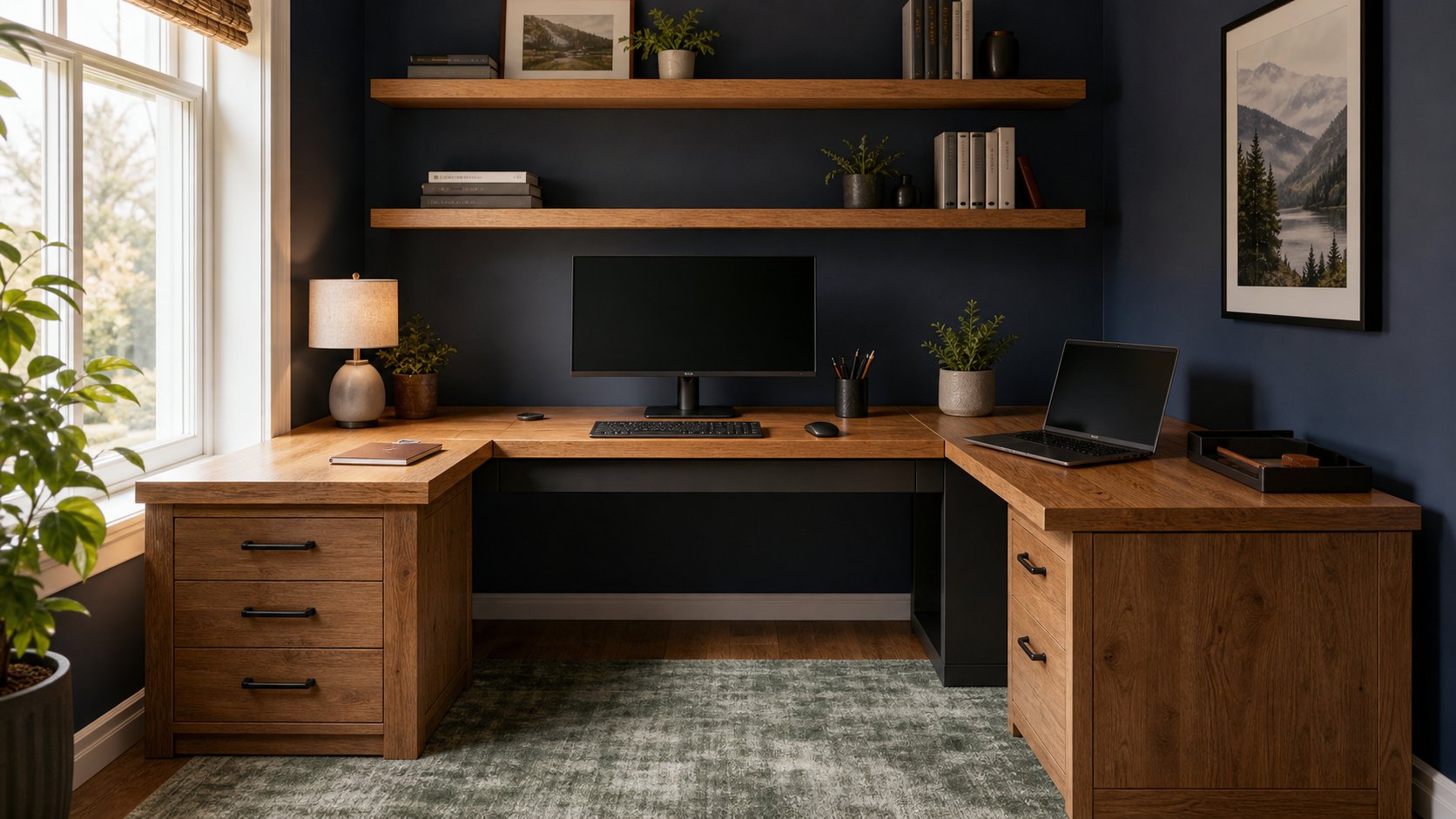
3. Navy wall and black equipment
Deep navy gives the appearance of a dark room while retaining more color than charcoal. Use a wood or light-gray desktop accessory to separate the keyboard zone.
A navy background also works well for calls when the face is lit from the front.
Best for: client-facing rooms and compact offices.
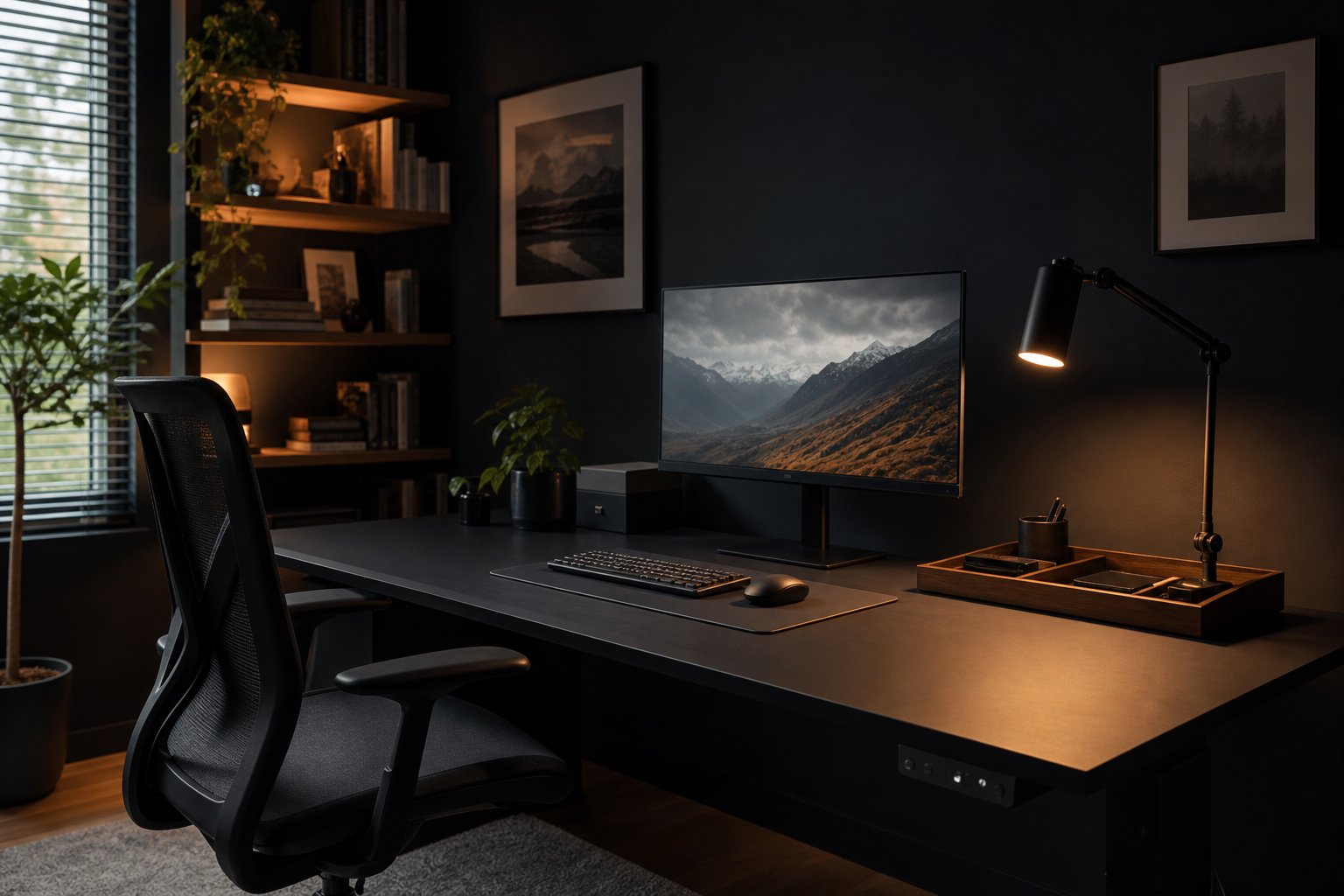
4. Dark desk with a warm architect lamp
Use an articulated lamp with a warm-neutral bulb to create one controlled pool of light. Place it opposite the writing hand and outside the monitor reflection.
Add low ambient light elsewhere in the room. A bright task lamp surrounded by darkness can create uncomfortable contrast.
Best for: paper work and evening focus.
5. Matte-black minimal setup
Keep one monitor, compact keyboard, mouse and task light visible. Use an under-desk tray for power and adapters.
Vary texture instead of color: powder-coated metal, woven desk mat and soft-touch keys. Glossy black accessories show fingerprints and reflections more readily.
Best for: small desks and visual simplicity.
6. Dark dual-monitor workstation
Mount matching displays on black arms and route cables along the arm channels. Align the screens before styling the surface.
Place a subtle bias light behind the monitors so their edges remain visible. Keep it neutral and dim rather than highly saturated.
Best for: coding, analytics and production work.
7. Dark desk with brass details
Use one metal finish for a lamp, pen cup or drawer pull. Brass or bronze warms the palette without requiring several accent colors.
Limit the finish to two or three objects. Too many reflective details can turn a restrained office into a decorative set.
Best for: classic rooms and residential styling.
8. Black standing desk with one vertical cable route
Mount the surge protector, dock and power bricks under the moving desktop. Use a black cable spine or sleeve near the rear leg.
Test the desk at full height before securing anything. Dark cables are visually forgiving but still need labels and safe slack.
Best for: adjustable workstations and visible room placement.
9. Dark setup with one large plant
One plant with broad leaves creates shape and color against a dark wall. Place it outside the primary work area and choose a species suited to the actual light.
Do not put watering above power strips or valuable devices.
Best for: rooms with adequate indirect daylight.
10. Dark creative workstation
Define a docking point for the pen tablet, camera or audio controller. Use drawer inserts in a lighter gray so small black adapters remain visible.
Color-sensitive work needs controlled neutral light. A dark room may feel cinematic while producing poor color judgment if the display is excessively bright.
Best for: photo, video and audio creators.
11. Dark small-space office
Use a narrow black desk with open legs, a clamp lamp and vertical shelf. Leave floor and wall areas visible to prevent the dark furniture from feeling heavy.
A medium-tone chair can separate from the desk and improve visual depth.
Best for: alcoves and bedrooms.
12. Dark desk with an analog shutdown tray
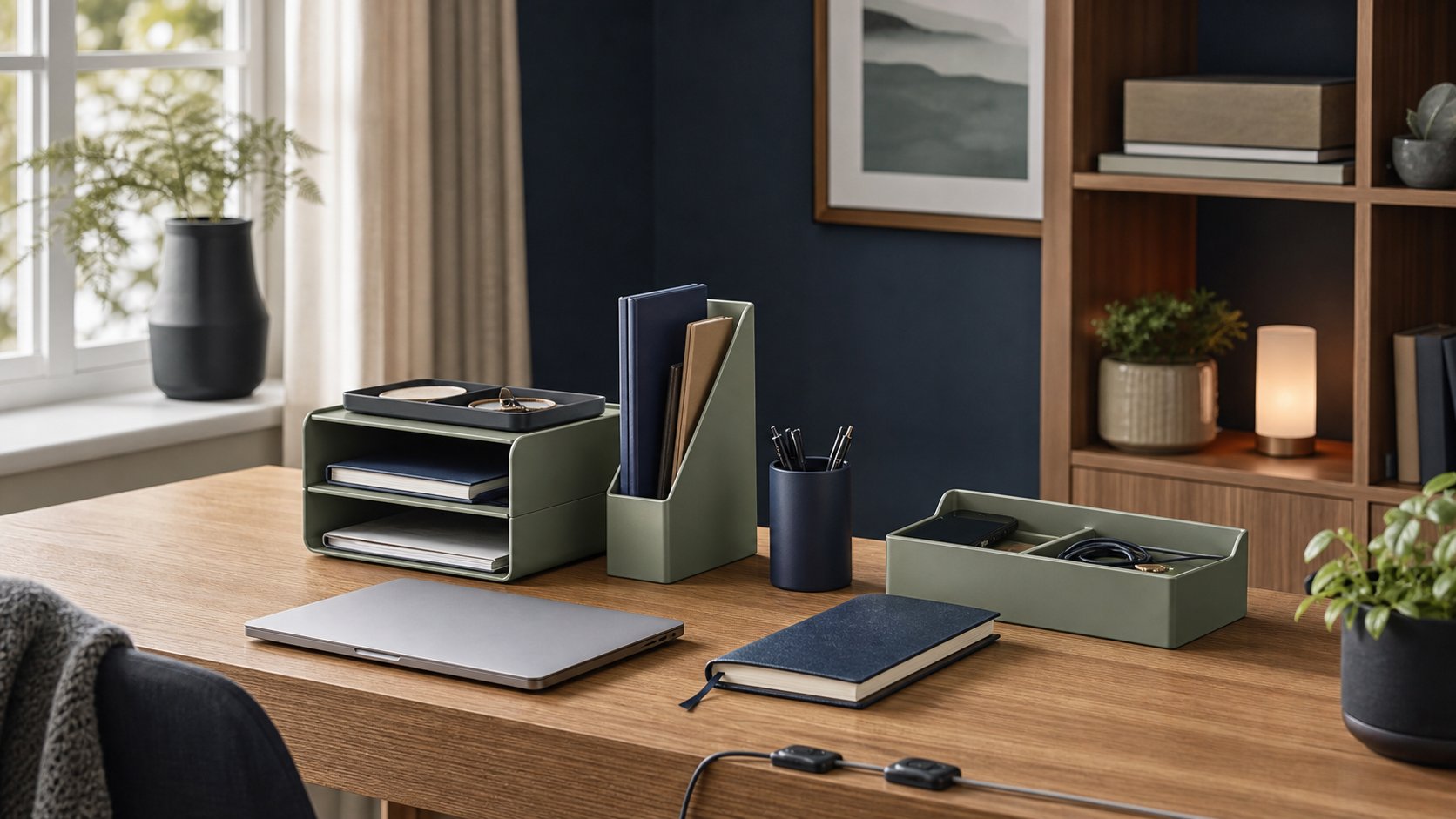
Place a walnut or felt tray near the rear corner. At the end of work, collect the pen, notebook, security key and earbuds.
The tray introduces texture and gives small dark objects a visible home.
Best for: shared rooms and people who reset nightly.
Choose the right dark surface
Matte laminate and powder-coated metal control reflections better than glass or piano-black finishes. A very soft rubberized coating can show oils and may deteriorate with harsh cleaners.
Check the manufacturer’s cleaning guidance. Test whether the finish reveals dust, fingerprints and scratches before choosing a large black desktop.
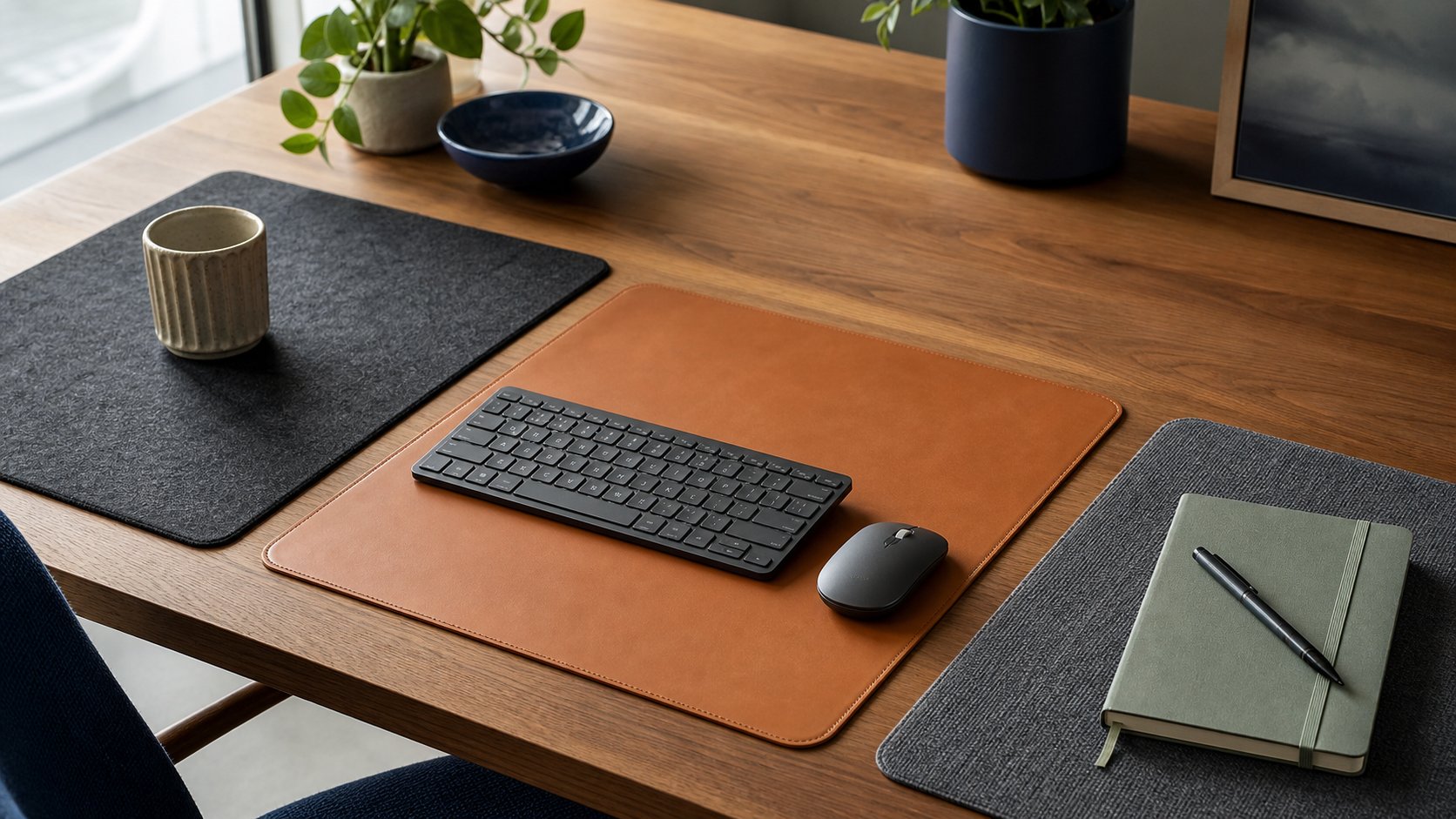
A desk mat can create a replaceable work zone, but it should not cover ventilation or interfere with an optical mouse.
Light a dark office in layers
Use three layers:
- Ambient light keeps the room visible and reduces the brightness difference around the monitor.
- Task light illuminates the keyboard, notebook or paper.
- Background light adds depth for video calls or separates the desk from a dark wall.
Warm light makes wood and skin tones feel comfortable. Neutral light is useful for detailed paper or color work. Match sources closely enough that the room does not split into blue and orange zones.
Use the desk lamp buying guide to choose the right beam and mount.
Monitor brightness in a dark room
Lower display brightness until white pages no longer look like a light fixture, but keep text crisp and readable. Increase room illumination before making the screen extremely dim.
Dark mode may reduce total output, though some people read dark text on a light background more clearly. Choose by clarity and comfort, not by aesthetic consistency.
Cable management for dark setups
Black cables blend visually, but invisibility can make troubleshooting harder. Label both ends with small wrap labels.
Route monitor cables along arms, keep power adapters ventilated in an under-desk tray and send one group down a rear leg. Use reusable ties before permanent clips.
The complete cable management guide includes standing-desk and rental-friendly options.
Add contrast where work happens
Use a medium-gray desk mat, light key legends, a cream notebook or wood tray. Contrast should help you locate tools, not create a new decorative collection.
For a fully black keyboard, add gentle task light from the side. Relying on bright keyboard backlighting can add glare and visual noise.
Dark setup video-call tips
A dark background can look professional when the face is clearly lit. Place a soft light near the camera, slightly above eye level. Keep a little distance from the wall.
Avoid a bright uncovered lamp in the frame. The camera may expose for the bulb and darken your face.
Use subtle background separation: one shaded lamp, a shelf light or a medium-tone object. Review the full ring light guide if calls dominate the day.
Common dark-desk mistakes
Making every surface black. Small objects and controls disappear.
Using the monitor as room lighting. Add ambient light.
Adding too much RGB. Saturated color can distract and distort the camera image.
Choosing glossy finishes. Reflections and fingerprints interrupt the clean look.
Hiding cables without labels. A black bundle is difficult to service.
Ignoring dust. Keep a suitable cleaning cloth and avoid products that damage coatings.
Prioritizing mood over visibility. The working surface still needs enough light for safe, accurate tasks.
A dark-office shopping order
- Choose a matte stable desk.
- Position the screen and chair.
- Add ambient room light.
- Add one adjustable task lamp.
- Route cables and power.
- Add wood, fabric or metal texture.
- Add background lighting only if it serves calls or orientation.
For full dimensions and layout planning, start with the ultimate home office setup guide.
A strong dark desk setup feels focused because equipment, light and texture have clear roles. Keep the screen from dominating the room, reveal the tools your hands need and let one warm material break the darkness.